
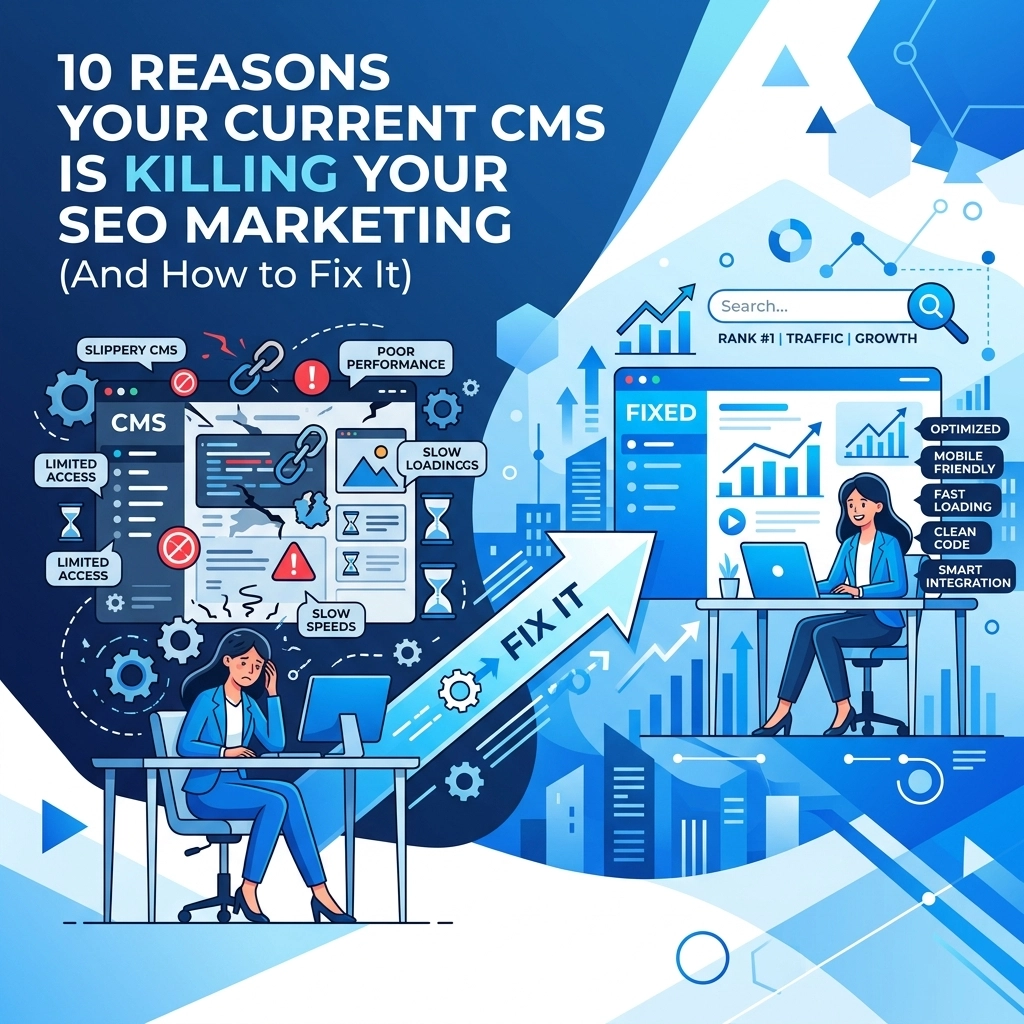

Your Content Management System (CMS) is the foundation of your digital presence. If that foundation is weak, your SEO marketing will fail regardless of how much high-quality content you produce. Many businesses use platforms that seem easy to manage but actually create technical hurdles for search engines. Google rewards sites that are fast, secure, and easy to crawl. If your CMS makes these tasks difficult, you are losing traffic and revenue to competitors
This guide identifies the core technical issues found in common CMS platforms and provides direct solutions to help you reclaim your rankings
1. Plugin Overload and Technical Debt
Many users try to fix CMS limitations by installing more plugins. Each plugin adds new lines of code, scripts, and CSS files to your site. This creates technical debt. When a browser tries to load your page, it has to process all this extra weight. This slows down your site and hurts your Core Web Vitals scores
How to fix it
Audit your plugin list every month. Delete any plugin that is not essential to your core business functions. If you need a specific feature, look for a custom solution that can be hard-coded into your site instead of relying on a third-party extension. Improving your web design by cleaning up the backend code is the most effective way to boost speed
2. Hidden Duplicate Content Issues
Some CMS platforms generate multiple URLs for the same piece of content. This happens through tag pages, category archives, or session IDs. When Google finds three different URLs with the same text, it does not know which one to rank. This dilutes your "link juice" and can lead to ranking penalties

How to fix it
Use canonical tags on every page. A canonical tag tells search engines which version of a URL is the master copy. You should also check your "noindex" settings for archive and tag pages. If those pages do not provide value to a search user, tell Google to ignore them
3. Restricted Access to Metadata
SEO marketing relies on your ability to control what search engines see. Some basic or "all-in-one" website builders do not give you full control over title tags, meta descriptions, and alt text for images. If your CMS auto-generates these based on your headlines, you are missing out on keyword optimization opportunities
How to fix it
Ensure your CMS allows for manual metadata entry on every single page and post. If you are using a platform that hides these fields, you may need a specialized SEO plugin or a custom marketing integration. Always write unique meta descriptions that encourage users to click your link
4. Poor Mobile Experience and Responsiveness
Google uses mobile-first indexing. This means it looks at the mobile version of your site to determine your rankings. Many older CMS themes are "mobile-friendly" in name only. They might pass a basic test but provide a frustrating experience for actual users. Slow mobile menus, overlapping text, and buttons that are too close together will drive users away
How to fix it
Test your site on multiple real devices, not just a desktop emulator. If your current theme is not performing well, it is time to move to a responsive framework. Professional web-mobile development ensures that your site functions perfectly on every screen size
5. Inefficient Image Management
Images are usually the largest files on a webpage. Many CMS platforms do not automatically compress images when you upload them. If you upload a 5MB photo from your phone, the CMS serves that 5MB file to every visitor. This kills your page load speed, especially on mobile networks

How to fix it
Use an image optimization tool before you upload anything to your site. Convert images to modern formats like WebP. Ensure your CMS supports "lazy loading," which prevents images from loading until the user scrolls down to them. This keeps the initial page load fast and snappy
6. Messy and Non-Descriptive URL Structures
A good URL should tell the user and the search engine exactly what the page is about. Some CMS platforms default to "plain" structures like yoursite.com/?p=123. This provides zero SEO value. Other systems create long, nested folders that make your site architecture look confusing to crawlers
How to fix it
Change your permalink settings to "Post Name" or a custom structure that uses your primary keywords. Keep URLs short and descriptive. If you change a URL, always set up a 301 redirect to ensure you do not lose existing traffic or authority
7. Slow Loading Times from Code Bloat
Beyond plugins, the CMS core itself can be bloated. Some platforms load unnecessary JavaScript and CSS on every single page, even if that page doesn't use those features. This "render-blocking" code prevents the page from showing content to the user quickly. This is a major factor in search engine optimization success

How to fix it
Switch to a lightweight theme or a headless CMS if your current setup is too heavy. Use a high-quality web hosting provider that offers server-side caching. Caching stores a version of your site so the server does not have to rebuild the page from scratch every time someone visits
8. Difficulty Implementing Redirects
Websites change over time. You delete old products or merge blog posts. When you do this, the old URL becomes a 404 error page. If your CMS makes it hard to create 301 redirects, you will eventually have a site full of "dead ends." This tells Google that your site is poorly maintained
How to fix it
Install a dedicated redirect manager or handle redirects at the server level. Never delete a page without pointing the old URL to a relevant new one. Regularly crawl your site to find 404 errors and fix them immediately
9. Lack of Schema Markup Support
Schema markup is a type of code that helps search engines understand the context of your content. It can help you get "rich snippets" in search results, like star ratings, prices, or FAQ dropdowns. Many standard CMS platforms do not include schema support out of the box

How to fix it
Add structured data to your site using JSON-LD. You can use tools to generate this code for your reviews, products, and articles. If your CMS makes it hard to add custom code to specific pages, look for an integration that handles Schema automatically. This is essential for modern SEO marketing
10. Security Risks and Outdated Core Files
An insecure site is an SEO disaster. If your CMS is hacked or flagged for malware, Google will remove you from search results entirely. CMS platforms that require frequent manual updates are often left vulnerable by busy business owners. Outdated software is the primary entry point for hackers
How to fix it
Enable automatic updates for security patches. Use strong, unique passwords and two-factor authentication. If you are struggling to keep your system secure, consider professional computer support to manage your updates and backups. A secure site is a trusted site
Summary of Action Items
Fixing your CMS is not a one-time task. It requires ongoing attention to technical details. Start with a site speed test to see where you stand. If your current platform is too restrictive or slow, it might be time to migrate to a custom solution that prioritizes performance
- Audit your plugins and remove the junk
- Set up canonical tags to prevent duplicate content
- Optimize every image before you hit upload
- Switch to a responsive design that favors mobile users
- Ensure your hosting is fast and secure
By taking these steps, you remove the barriers between your content and your audience. Your CMS should be a tool that helps you grow, not a cage that keeps your rankings down. If you focus on the technical health of your platform, your marketing efforts will finally see the results they deserve