
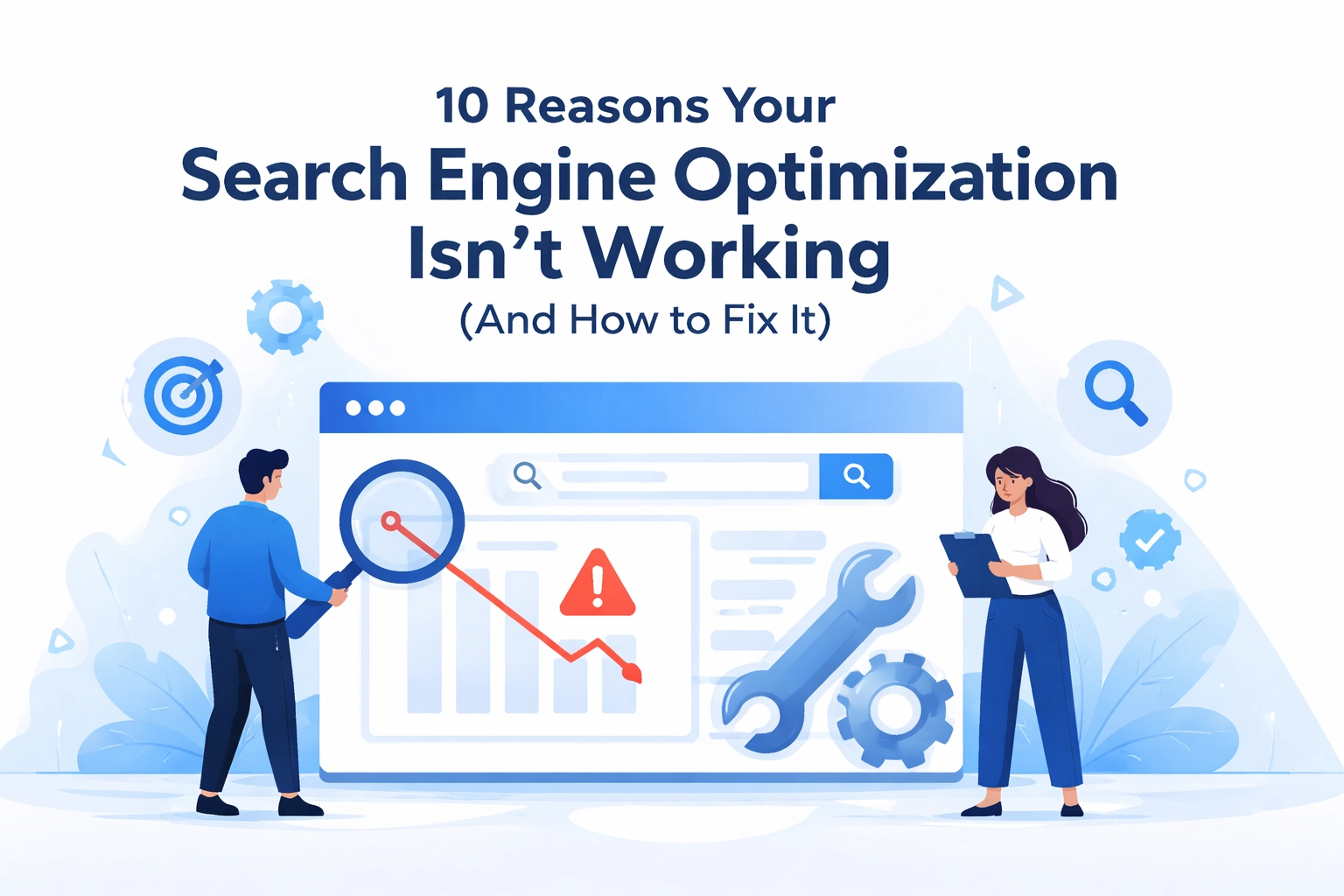

You've done the work. You picked your keywords. You published content. But your website still isn't showing up in search results
Sound familiar? You're not alone. SEO can feel like a black box sometimes. You put stuff in and hope something good comes out. But when it doesn't work, it's frustrating
The good news is that most SEO problems have simple fixes. Let's break down the 10 most common reasons your SEO strategy might be falling flat and what you can do about it
1. Your Site Is Too Slow
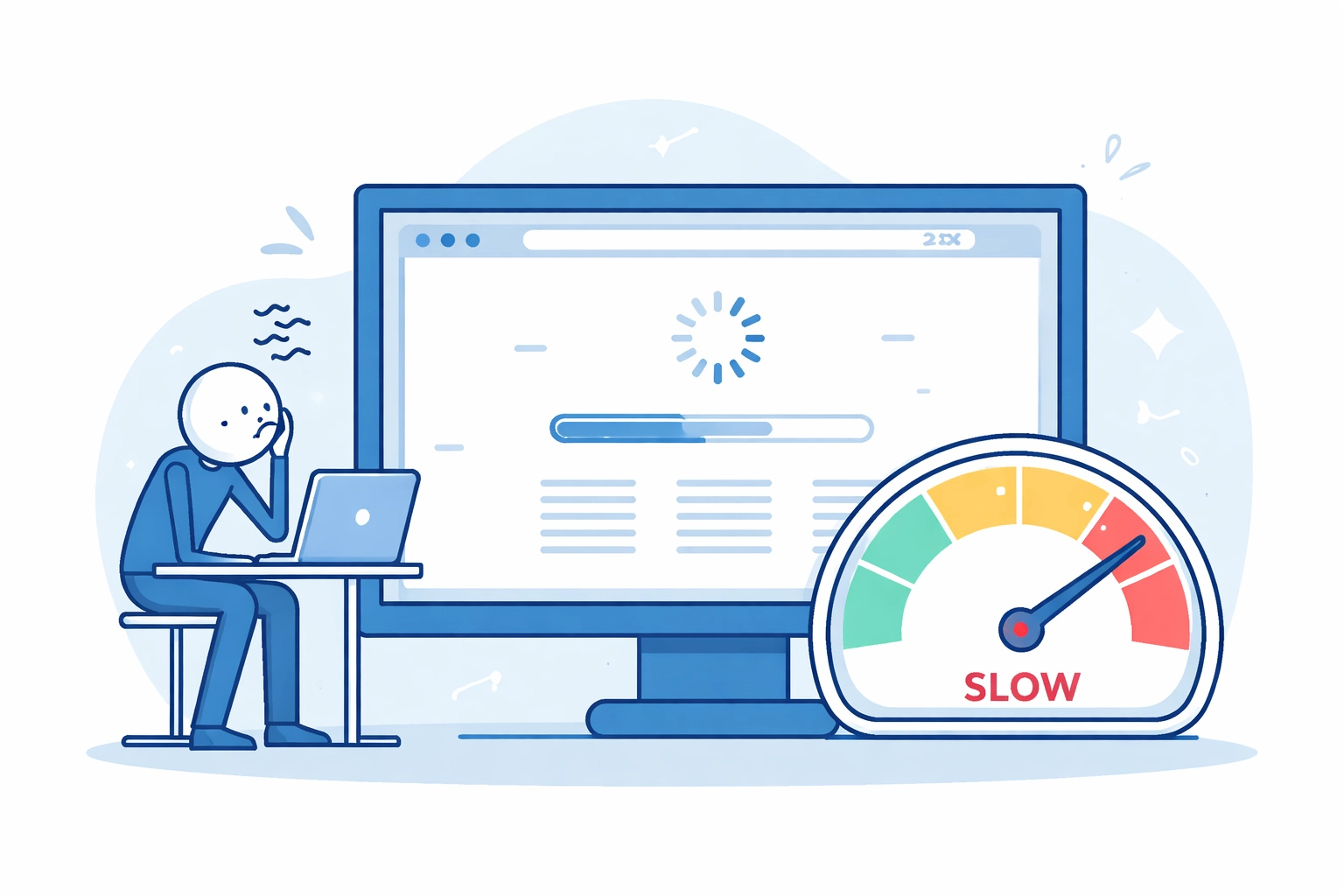
Page speed matters more than you think. If your website takes forever to load, visitors leave before they even see your content. And Google notices
Large images, too many plugins, and unnecessary redirects are usually the culprits. Every extra second of load time increases your bounce rate
The fix: Compress your images. Remove plugins you don't use. Cut down on redirects. If you've tried all that and things are still slow, it might be time to look at better hosting options
2. You Have Duplicate Content
When the same content appears on multiple pages, search engines get confused. They don't know which version to rank. So they might not rank any of them well
This happens more often than you'd think. Product descriptions, boilerplate text, and even URL variations can create duplicate content issues
The fix: Run a site audit to find duplicates. Add canonical tags to tell search engines which page is the original. You can also use 301 redirects or noindex tags to clean things up
3. You're Targeting the Wrong Keywords
Keywords aren't just about search volume. They're about intent. If someone searches "how to fix a leaky faucet" they want instructions, not a plumber's contact page
Targeting keywords without understanding what users actually want is a common mistake. Your content might be great, but if it doesn't match search intent, it won't rank
The fix: Look at the top results for your target keyword. What kind of content is ranking? Informational articles? Product pages? Match your content to what users are looking for. And give each page its own focus keyword instead of using the same one everywhere
4. You're Stuffing Keywords
We get it. Keywords are important. But cramming them into every sentence makes your content sound robotic. And Google's smart enough to penalize that
Keyword stuffing hurts readability and signals low quality. It's a shortcut that backfires
The fix: Write naturally. Use your target keyword where it makes sense, but also include related terms and synonyms. Read your content out loud. If it sounds weird, rewrite it

5. Your Content Is Thin or Outdated
Publishing content just to have something on your site doesn't work. Thin pages with little substance won't rank. Neither will blog posts from 2019 with outdated stats
Search engines favor fresh, comprehensive content. Old information makes your site look neglected
The fix: Audit your existing content. Update old posts with current statistics and examples. Set up a quarterly schedule to refresh your best-performing pages. Quality beats quantity every time
6. You're Ignoring Technical SEO
Technical SEO isn't glamorous, but it's essential. Indexing problems, broken links, crawl errors, and poor site structure can tank your rankings without you even knowing
Think of it like car maintenance. Ignore the small stuff long enough and you'll end up with a big problem
The fix: Use Google Search Console to monitor your site health. Run regular audits with tools like Screaming Frog. Fix broken links. Make sure your pages are being indexed properly. A quarterly technical checkup keeps things running smooth
If this sounds overwhelming, a professional SEO audit can identify issues you might miss on your own
7. Your On-Page Optimization Is Weak
Title tags, meta descriptions, headers, alt text. These small details add up. Weak on-page optimization means you're leaving rankings on the table
Your title tag is often the first thing people see in search results. A boring or vague one gets skipped over
The fix:
- Keep title tags under 60 characters and include your target keyword
- Write meta descriptions under 155 characters that make people want to click
- Use H1, H2, and H3 headers to organize your content
- Add descriptive alt text to all images
- Use internal links with clear anchor text

8. Your Site Isn't Mobile-Friendly
Google uses mobile-first indexing. That means they look at the mobile version of your site first when deciding rankings. If your site doesn't work well on phones, you're in trouble
More than half of all web traffic comes from mobile devices. A clunky mobile experience drives users away
The fix: Test your site on different devices. Use Google's Mobile-Friendly Test tool. Make sure your design is responsive so it adapts to any screen size. Buttons should be easy to tap. Text should be readable without zooming
Need help with responsive design? Check out our web design services
9. You're Not Building Links
Backlinks are still one of the strongest ranking factors. They signal to Google that other sites trust your content. No backlinks means no votes of confidence
Internal links matter too. They help search engines understand your site structure and guide users to related content
The fix: Create content worth linking to. Reach out to relevant sites in your industry. Guest post when it makes sense. And don't forget to link your own pages together using descriptive anchor text
10. Your Sitemap Is Outdated
As your website grows, your sitemap needs to keep up. An outdated sitemap means search engines might miss new pages entirely. Or worse, they might still be crawling pages that no longer exist
This leads to wasted crawl budget and broken backlinks
The fix: Update your sitemap whenever you add, change, or remove content. Most CMS platforms can generate sitemaps automatically, but it's worth double-checking. Submit your updated sitemap to Google Search Console so they know what's on your site
Putting It All Together
SEO isn't magic. It's a system. When something isn't working, there's usually a clear reason why
The tricky part is knowing where to look. These 10 issues cover the most common problems we see. Start by auditing your site for technical errors and content gaps. Then work through the list one item at a time
Here's a quick checklist:
- Test your page speed and fix slowdowns
- Check for duplicate content
- Verify your keywords match search intent
- Review your on-page elements
- Confirm mobile responsiveness
- Build quality backlinks
- Update your sitemap
You don't have to fix everything at once. Pick the biggest problem and start there. Small improvements add up over time
Need Some Help?
If you've been struggling with SEO and aren't sure where to start, we can help. At WorldWise, we offer digital marketing services including comprehensive SEO audits and ongoing optimization
We'll dig into your site, find what's holding you back, and build a plan to get things moving in the right direction
Ready to get started? Reach out to our team and let's talk about your goals