

SEO isn't rocket science but it's easy to get wrong. Even experienced marketers make mistakes that tank their rankings without realizing it
The good news? Most SEO problems have straightforward fixes. You just need to know what to look for
Here are seven of the most common SEO mistakes we see in 2026 and exactly how to fix them
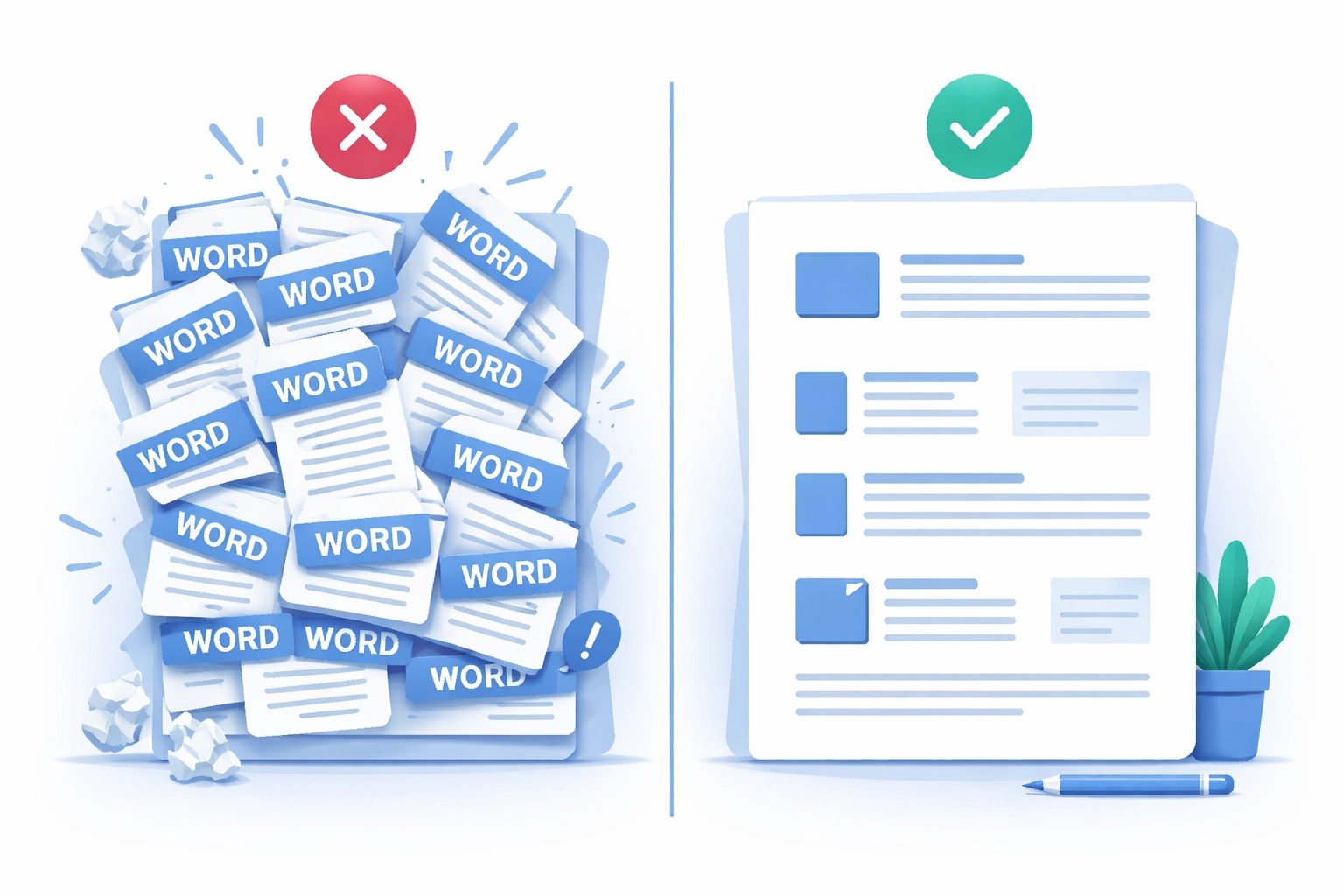
1. Keyword Stuffing
What's happening: You're cramming the same keyword into every sentence thinking it'll boost your rankings. It won't
Research shows that 39% of newly published web pages contain keyword densities that exceed natural language patterns. Google's spam detection catches these pages and demotes them automatically
Your content ends up reading like it was written by a robot and your rankings suffer
How to fix it: Write for humans first. Let keywords flow naturally within valuable content instead of forcing them in
Use semantic variations and related terms to build topical coverage. If you're writing about "web design services" you can also mention "website development," "site creation," and "custom design" without repeating the exact phrase twenty times
The goal is valuable content that happens to include your keywords: not keyword lists disguised as content
2. Ignoring Search Intent
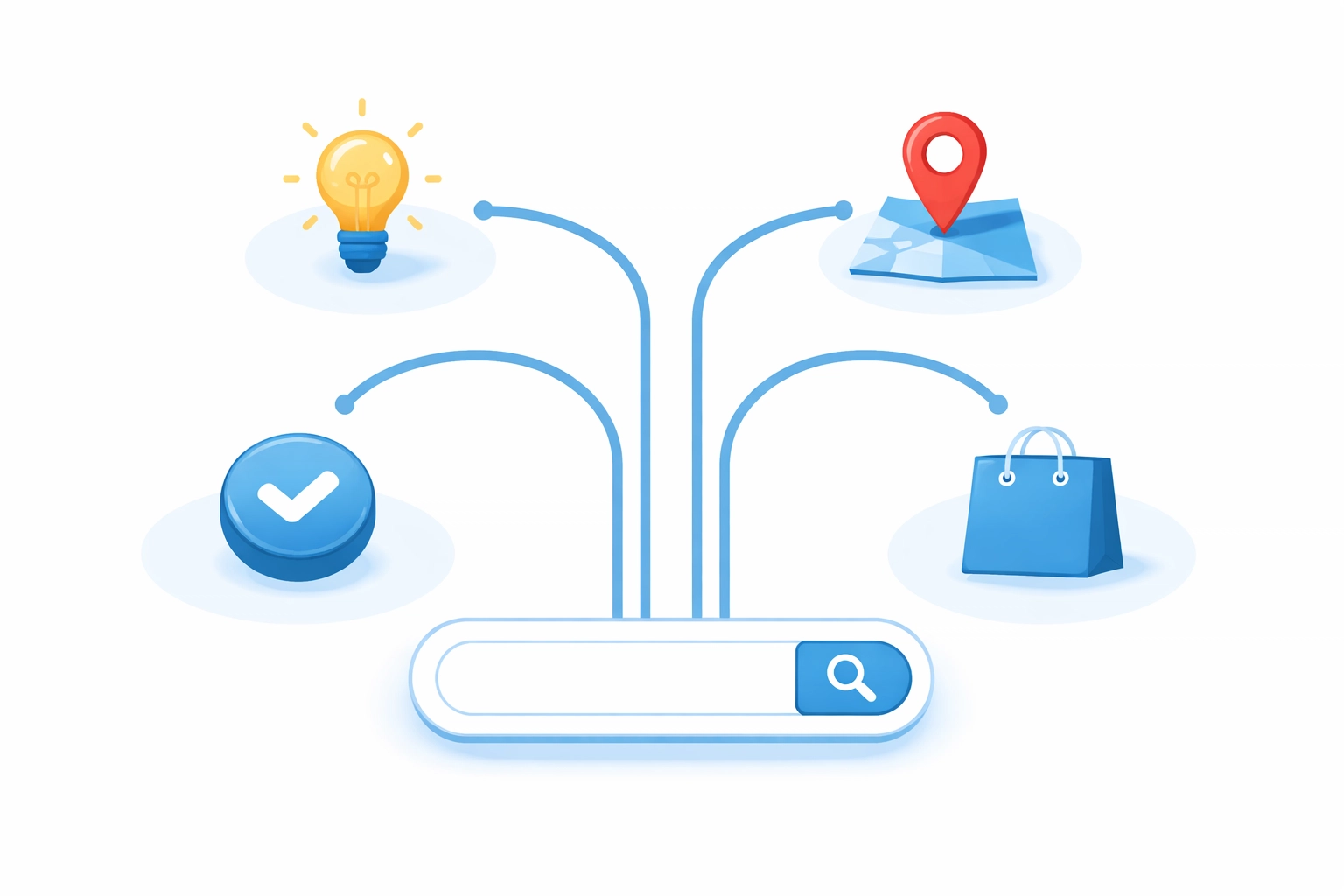
What's happening: You're targeting keywords without understanding what people actually want when they search for them
Northwestern University research shows that 67% of web pages fail to match the intent behind their target keywords. That's a lot of wasted effort
Search intent falls into four categories:
- Informational – Looking for answers or knowledge
- Navigational – Looking for a specific website
- Commercial – Researching products or services before buying
- Transactional – Ready to take action or make a purchase
How to fix it: Before creating content, search your target keyword and look at what's ranking. Are the top results how-to guides? Product pages? Comparison articles?
Match your content format and depth with what users actually seek. If everyone ranking for "best web design practices" has written comprehensive guides, a 300-word product pitch won't cut it
Your marketing strategy should always start with understanding what your audience is looking for
3. Duplicate Content
What's happening: Multiple pages on your site have identical or largely similar content. This confuses search engines about which page to rank and dilutes your authority across all of them
Sometimes it happens intentionally (copying product descriptions across pages) and sometimes by accident (CMS generating multiple URLs for the same content)
Either way it hurts your rankings
How to fix it: Run a site audit to identify duplicate content. Tools like Screaming Frog or Semrush can help
For pages with the same content across different locales, implement hreflang tags properly. For accidental duplicates, consolidate pages or use canonical tags to specify your preferred version
Every page on your site should serve a unique purpose. If two pages cover the same topic, combine them into one stronger piece
4. Poor URL Structure
What's happening: Your URLs look like /p=883 or /archives/883 instead of something descriptive
Non-descriptive URLs don't communicate anything to users or search engines. They hurt readability and miss easy keyword relevance opportunities
How to fix it: Create descriptive URLs that reflect your content hierarchy
Instead of: yoursite.com/?p=883
Use: yoursite.com/blog/seo-mistakes-to-avoid
Keep URLs:
- Simple and readable
- Organized in a logical hierarchy
- Including relevant keywords when appropriate
- Free of unnecessary parameters
Good URL structure is part of solid web design foundations. It helps users understand where they are on your site and helps search engines understand your content organization
5. Weak Internal Linking
What's happening: You're not linking your pages to each other strategically. This limits your topic authority and creates "orphan pages" that receive no internal links
Orphan pages are difficult for search engines to find and index. They also don't pass any link equity to other pages on your site
How to fix it: Create a logical internal linking architecture that helps both users and search engines understand your site structure
Some quick wins:
- Link related blog posts to each other
- Connect service pages to relevant case studies
- Add contextual links within your content (not just navigation menus)
- Ensure every page receives at least one internal link
Think of internal links as pathways. You want visitors (and search engine crawlers) to easily find their way from any page to related content
For example, if you're discussing website performance you might link to your web hosting services or web development capabilities

6. Over-Optimized Anchor Text
What's happening: Every time you link to your services page you use the exact same anchor text like "best web design services" over and over
This looks manipulative to search engines and can trigger penalties. It's a common overcorrection from people who learned that anchor text matters for SEO
How to fix it: Use varied, natural anchor text when linking internally
Mix it up with:
- Branded terms ("WorldWise services")
- Descriptive phrases ("learn more about our approach")
- Generic anchors ("click here" or "this page")
- Partial match keywords ("our design services")
Natural anchor text variation looks like how a real person would write. Nobody naturally uses "best affordable professional web design services" as anchor text every single time
7. Ignoring Image Optimization
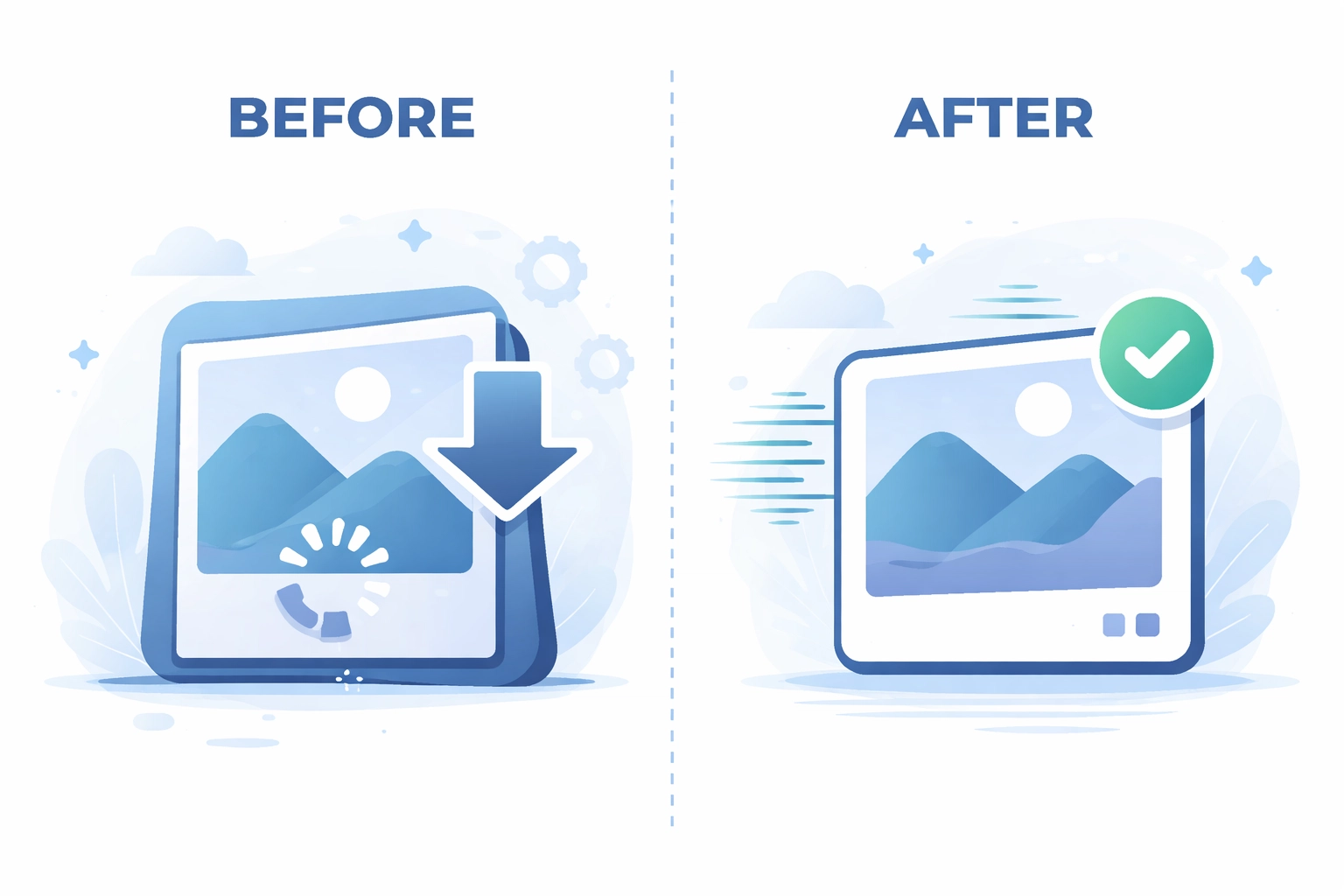
What's happening: You're uploading large, uncompressed images that slow down your page load times. Or your images are missing alt text entirely
Both problems hurt your SEO. Slow pages rank lower and missing alt text means search engines can't understand what your images show
How to fix it: Start with compression. Use modern formats like WebP or AVIF that maintain quality at smaller file sizes
For alt text:
- Describe what the image actually shows
- Keep it concise but specific
- Include relevant keywords naturally (don't stuff)
- Make it useful for screen readers
Good alt text example: "Team reviewing website analytics dashboard" Bad alt text example: "best SEO marketing digital services web design company"
Image optimization is often overlooked but it's one of the easiest wins for improving page speed and accessibility
Quick Audit Checklist
Before you publish your next piece of content, run through this checklist:
- Keywords appear naturally without forced repetition
- Content matches the search intent for target keywords
- No duplicate content issues with other pages
- URL is descriptive and includes relevant terms
- Internal links connect to related pages
- Anchor text varies naturally
- Images are compressed with descriptive alt text
The Bottom Line
SEO mistakes are common but they're also fixable. Most of these issues come from either trying too hard to optimize or not paying attention to the basics
Focus on creating valuable content for real people. Structure your site logically. Make sure search engines can understand and access everything
If you're not sure where your site stands, a professional audit can identify exactly what needs fixing. Our team at WorldWise can help you develop a strategy that addresses these issues and more
Ready to improve your search rankings? Get in touch and let's talk about what's holding your site back