
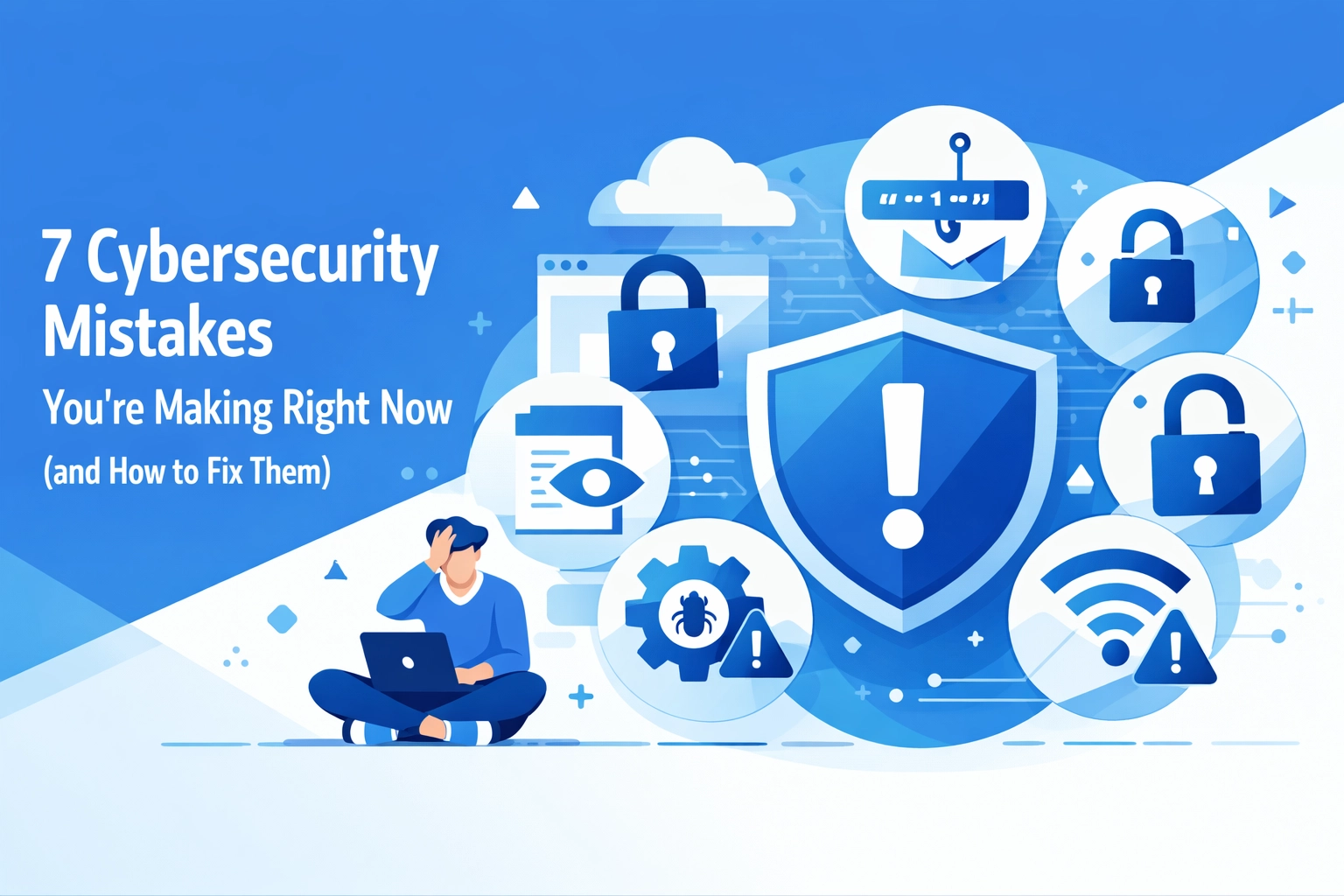

Let's be real, cybersecurity probably isn't the most exciting thing on your to-do list. But ignoring it is a mistake that could cost you everything. One data breach, one ransomware attack, and suddenly you're dealing with angry customers, legal headaches, and a damaged reputation.
The good news? Most cybersecurity disasters are completely preventable. You're probably making at least a few of these mistakes right now without even realizing it. Here's what to watch for and how to fix them before it's too late.
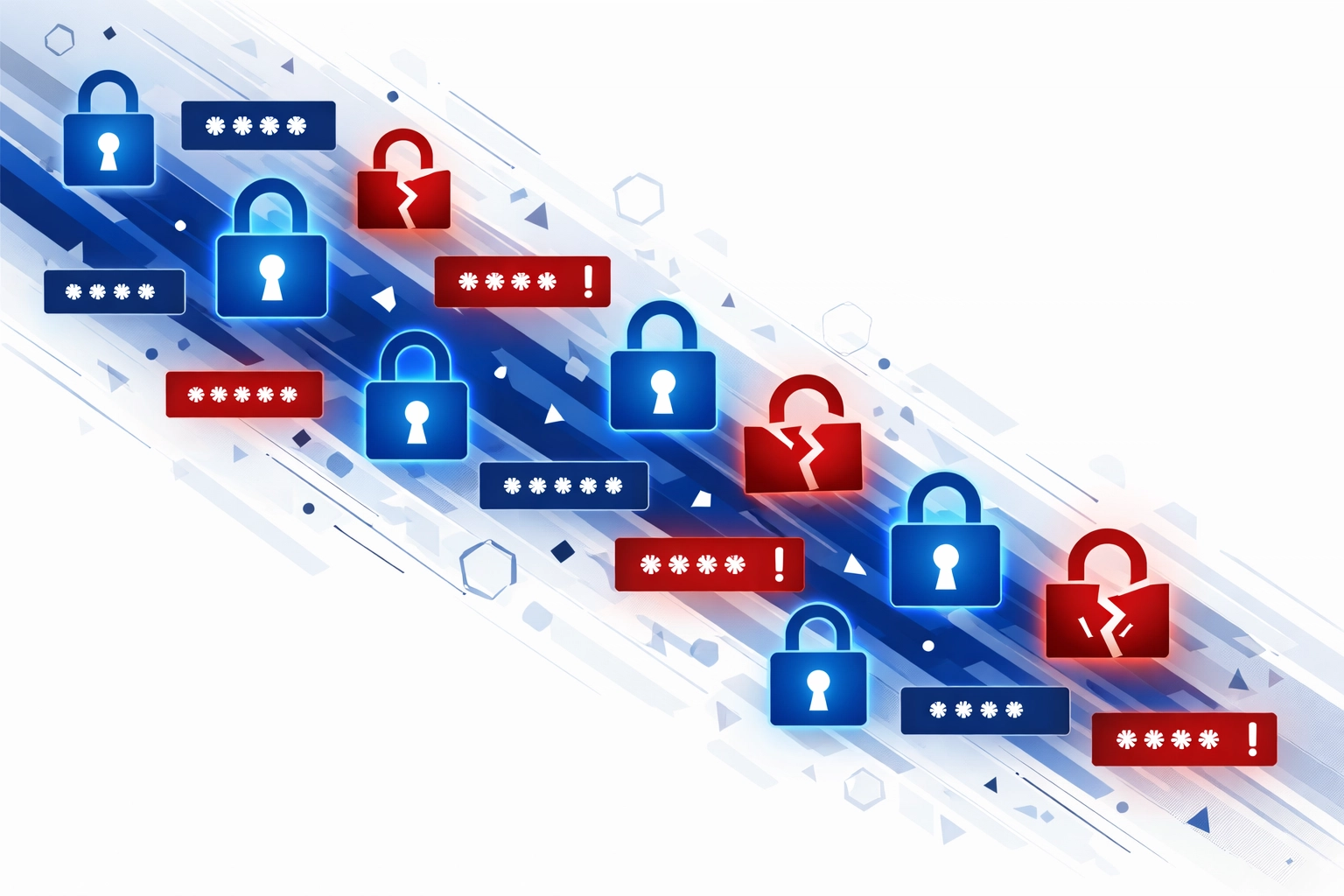
1. Using Weak or Reused Passwords
You know that password you use for like five different accounts? Yeah, that's a problem.
When you reuse passwords, hackers only need to crack one account to access them all. And if your password is something like "Password123" or your dog's name, you're basically leaving the front door wide open.
The fix: Use strong, unique passwords for every single account. We're talking uppercase, lowercase, numbers, and special characters: the whole nine yards. Don't trust yourself to remember them all? Get a password manager. It'll generate complex passwords and store them securely so you don't have to.
And while you're at it, turn on multi-factor authentication (MFA) everywhere you can. Even if someone gets your password, they won't get past that second verification step.
2. Skipping Software Updates
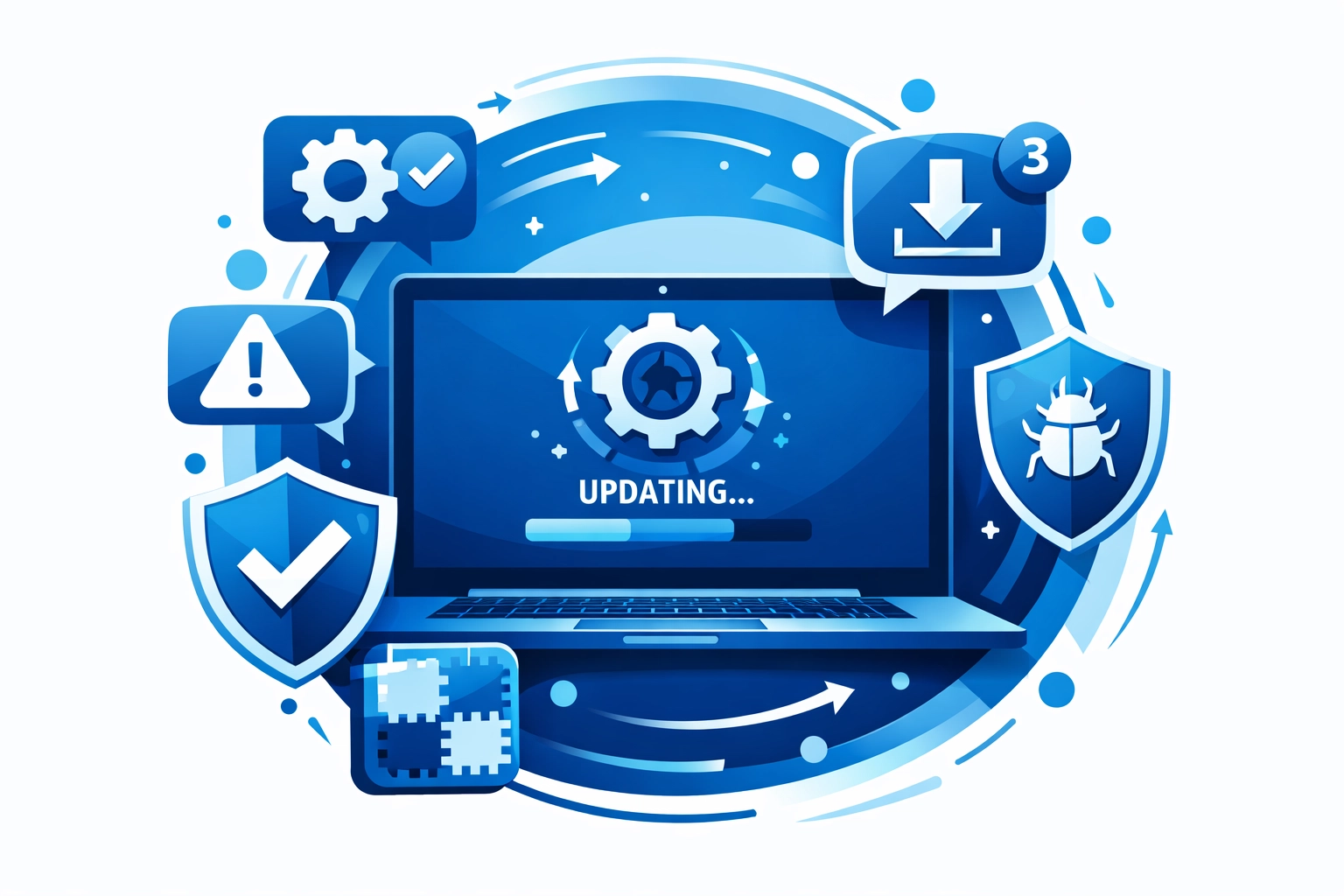
Those update notifications that keep popping up? They're not just annoying reminders: they're critical security patches.
Every time a software vulnerability gets discovered, developers scramble to fix it. But that fix only works if you actually install the update. Cybercriminals actively target known vulnerabilities in outdated software because they know plenty of people just hit "remind me later" indefinitely.
The fix: Enable automatic updates on everything: your operating system, applications, security tools, all of it. If automatic updates aren't available, set a weekly reminder to check for updates manually. It takes five minutes and could save you from a massive headache down the road.
3. Falling for Phishing Scams
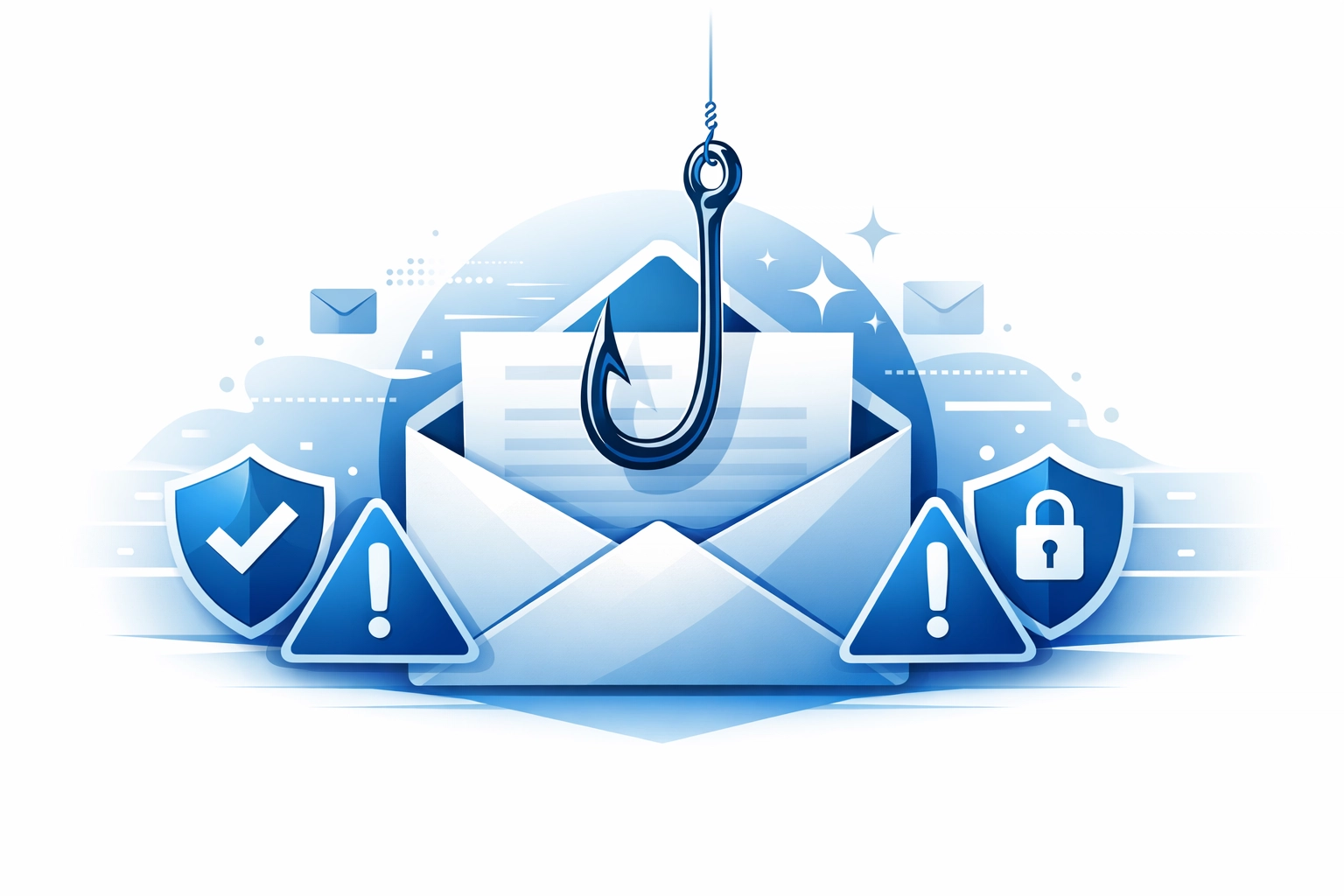
Phishing emails are getting scary good. They look legitimate, they sound urgent, and they're designed to make you click before you think.
Maybe it's an email that looks like it's from your bank asking you to verify your account. Or a message from "IT support" requesting your login credentials. These scams work because they prey on our trust and sense of urgency.
The fix: Slow down and look closer. Check the sender's email address carefully: not just the display name. Hover over links before clicking to see where they actually go. Be suspicious of any message asking for sensitive information or creating a sense of panic.
Train your team to recognize these red flags too. Regular cybersecurity awareness training isn't optional anymore: it's essential. And implement robust email filters to catch phishing attempts before they even reach your inbox.
Need help setting up better security protocols? Check out our cybersecurity services to see how we can help protect your business.
4. Ignoring Data Backups
Here's a nightmare scenario: ransomware locks up all your data, and the hackers want $50,000 to unlock it. Can you afford to pay? Can you afford not to?
If you're not backing up your data regularly, you're gambling with your entire business. Hardware fails, ransomware happens, and accidents occur. Without backups, you could lose everything in an instant.
The fix: Set up automatic backups that run daily or weekly, depending on how much data you generate. Use both on-site and cloud-based backups for redundancy: the 3-2-1 rule is your friend here (three copies of your data, two different storage types, one off-site).
And here's the part people forget: test your backups regularly. A backup you can't restore is useless. Schedule quarterly tests to make sure you can actually recover your data when you need it.
5. Neglecting Employee Training
Your employees aren't trying to create security risks. But without proper training, they don't know what they don't know.
Nearly 60% of data breaches involve some kind of human error. Someone clicks a bad link, uses a weak password, or accidentally shares sensitive information. These aren't malicious acts: they're honest mistakes made by people who haven't been taught better.
The fix: Make cybersecurity training a regular thing, not a one-time checkbox. Cover the basics like identifying phishing attempts, creating strong passwords, and handling sensitive data properly. But also keep the training current: cyber threats evolve constantly, and your team needs to stay informed.
Consider bringing in outside help for comprehensive training. Our managed IT support includes ongoing security education to keep your team sharp and your business protected.
6. Misconfiguring Your Systems
Default settings exist for convenience, not security. Using them is like moving into a new house and never changing the locks.
Configuration mistakes are surprisingly common. Maybe your cloud storage is accidentally set to public. Maybe you haven't changed the default admin password on your router. Maybe your firewall rules are too permissive. These oversights create vulnerabilities that hackers love to exploit.
The fix: Audit your systems regularly to catch configuration issues before they become problems. Change all default passwords immediately. Review your firewall settings, cloud storage permissions, and admin access controls.
If you're not sure where to start, document your current configurations and compare them against industry best practices. Better yet, work with professionals who can conduct thorough security assessments and help you implement proper configurations from the start.
7. Underestimating Insider Threats
Not all threats come from outside your organization. Sometimes the risk is sitting right in your office.
Insider threats aren't always malicious. Sure, occasionally you get a disgruntled employee stealing data. But more often, it's someone accidentally exposing sensitive information or falling victim to a social engineering attack. Either way, the damage is real.
The fix: Implement strict access controls. Not everyone needs access to everything: use the principle of least privilege to limit access to only what each person needs for their job. Set up monitoring to catch unusual access patterns or unauthorized attempts to view sensitive data.
Create clear policies about data handling, and make sure everyone understands them. Regular audits of who has access to what can help you spot potential issues before they become actual breaches.
Don't Wait for a Wake-Up Call
Here's the thing about cybersecurity: you won't think it matters until it's too late. Every business that's dealt with a breach thought it wouldn't happen to them: until it did.
You don't need to be a security expert to protect your business. You just need to take these threats seriously and implement basic protections. Fix these seven mistakes, and you'll be ahead of most small businesses out there.
Need help getting your cybersecurity in order? We get it: this stuff is overwhelming. That's what we're here for. Get in touch and let's talk about how to keep your business safe without the headache.