
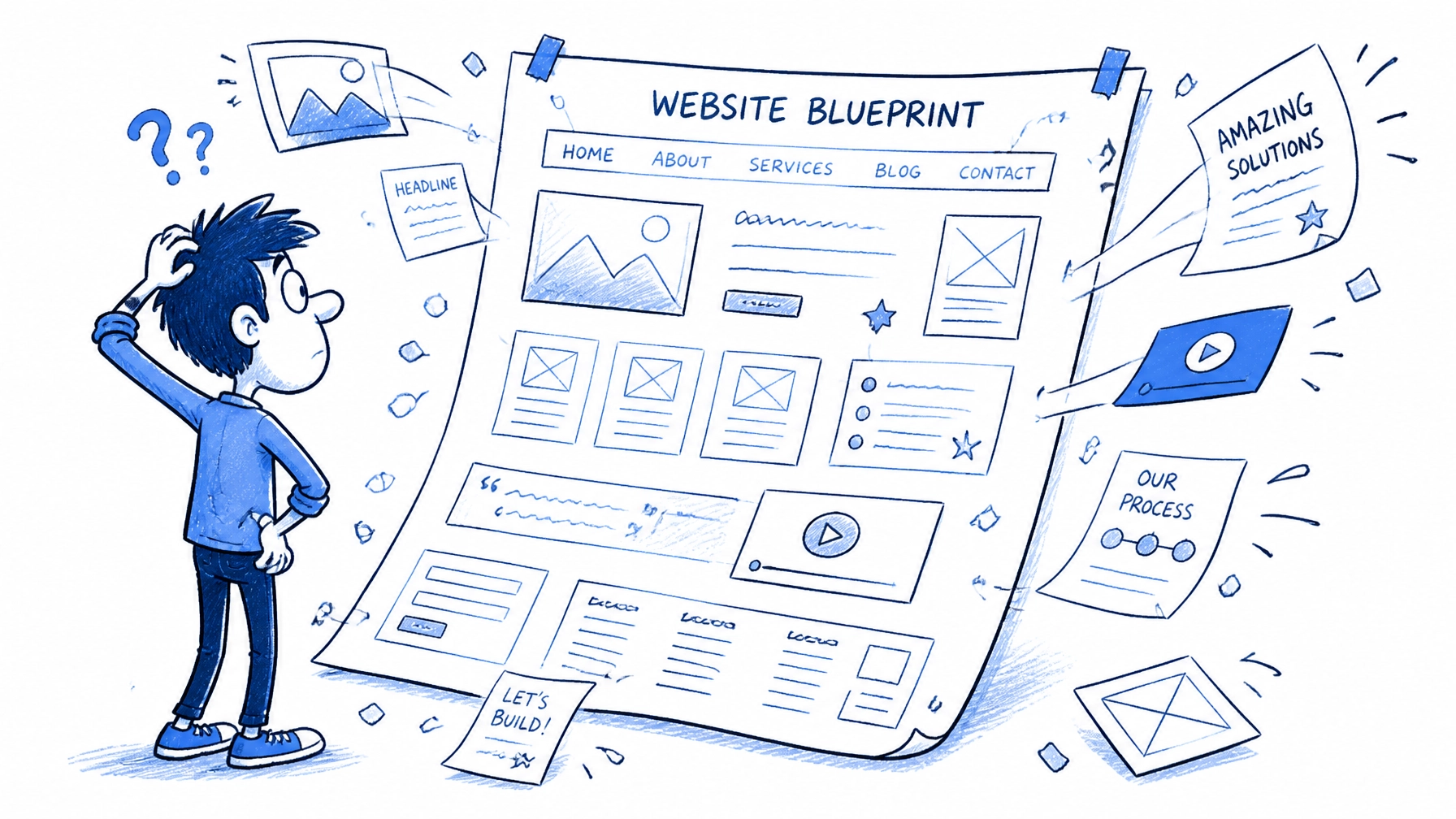

Getting a custom website should be an exciting upgrade for your business but many people make mistakes that hurt their results. You might have a beautiful site that looks great to you but doesn't actually help your customers. We see these issues often and they are easy to fix if you know what to look for
This guide explains the seven most common mistakes we see in custom website design and how you can fix them immediately
1. Designing for Yourself Instead of Your Customers
Many business owners choose colors and layouts based on their personal taste. This is a mistake because your website is a tool for your customers. If your audience is older and you use tiny fonts because you like the look they will leave your site quickly
You requested a site to grow your business so the design must focus on the user journey. We suggest starting with a clear digital strategy before you even look at colors or fonts
The Fix:
- Identify your target audience and what they need from you
- Create user personas to understand their technical skill level
- Choose design elements that solve their problems not just yours
- Look at your competitors to see what works for your shared audience
2. Treating Mobile Users Like an Afterthought

Most people will visit your site on a phone first. If your custom design was built for a large desktop screen it might look broken on mobile. Buttons that are easy to click with a mouse are often too small for a thumb to hit. This leads to frustration and high bounce rates
We found mobile-responsive design is no longer optional for modern businesses. You need web and mobile development that prioritizes the small screen experience
The Fix:
- Use a mobile-first design approach where the phone layout is built first
- Ensure every button is at least 44x44 pixels so it is easy to tap
- Test your site on multiple real devices and not just a browser emulator
- Keep your most important information at the top of the mobile screen
3. Creating a Maze of Navigation

Custom websites sometimes get too creative with their menus. If a visitor cannot find what they need within three seconds they will go back to Google. Hidden menus or "mystery meat" navigation where you have to hover to see names are bad for business
Simple navigation is almost always better than a complex or "clever" menu system
The Fix:
- Use standard labels like "About" and "Services" instead of creative jargon
- Limit your main menu to seven items or fewer
- Include a search bar if you have a lot of content
- Put your contact information in the top right corner where people expect it
4. Letting Large Files Slow You Down

High-quality images and videos make a custom website design look professional but they can also make it slow. A site that takes more than three seconds to load will lose half its visitors. We found speed is a major factor in whether a customer stays or leaves
The Fix:
- Compress every image before you upload it to your site
- Use modern file formats like WebP instead of heavy PNGs
- Limit the use of background videos that play automatically
- Consider using a Content Delivery Network (CDN) to serve files faster
5. Ignoring SEO Until After the Site is Launched
Designers often focus on how a site looks and forget about how Google sees it. If your custom design uses images for text or lacks proper heading structures you will struggle to show up in search results. SEO should be baked into the design process from day one
The Fix:
- Use one H1 tag per page that contains your primary keyword
- Ensure your site structure is logical and easy for search engines to crawl
- Add alt text to every image so search engines know what they are
- Link between your pages to help users and search bots find content
6. Hiding Your Calls to Action

A website without a clear goal is just a digital brochure. If you want people to call you or buy a product you must tell them exactly what to do. Many custom designs hide the "Contact Us" or "Buy Now" buttons in an attempt to look clean and minimal. This is a mistake that costs you money
The Fix:
- Place a primary call to action (CTA) above the fold on every page
- Use a contrasting color for your buttons so they stand out
- Keep the language on your buttons direct like "Get a Quote"
- Don't give users too many choices or they will choose nothing
7. Forgetting About Long-Term Support
A website is not a "set it and forget it" project. Custom designs often need updates to stay secure and functional. If you don't have a plan for managed IT support or regular maintenance your site will eventually break or get hacked
The Fix:
- Choose a platform that is easy to update
- Schedule monthly check-ups for plugins and security patches
- Back up your website files and database daily
- Keep a relationship with your web agency for future improvements
Summary of Next Steps
Your website should be your hardest working employee. If you avoid these seven mistakes you will have a site that looks great and performs even better
- Review your site on your phone today to see if buttons are easy to click
- Check your page speed using a free tool
- Make sure your phone number is easy to find on every page
If you need help fixing these issues or want a new site built the right way our team is ready to assist