
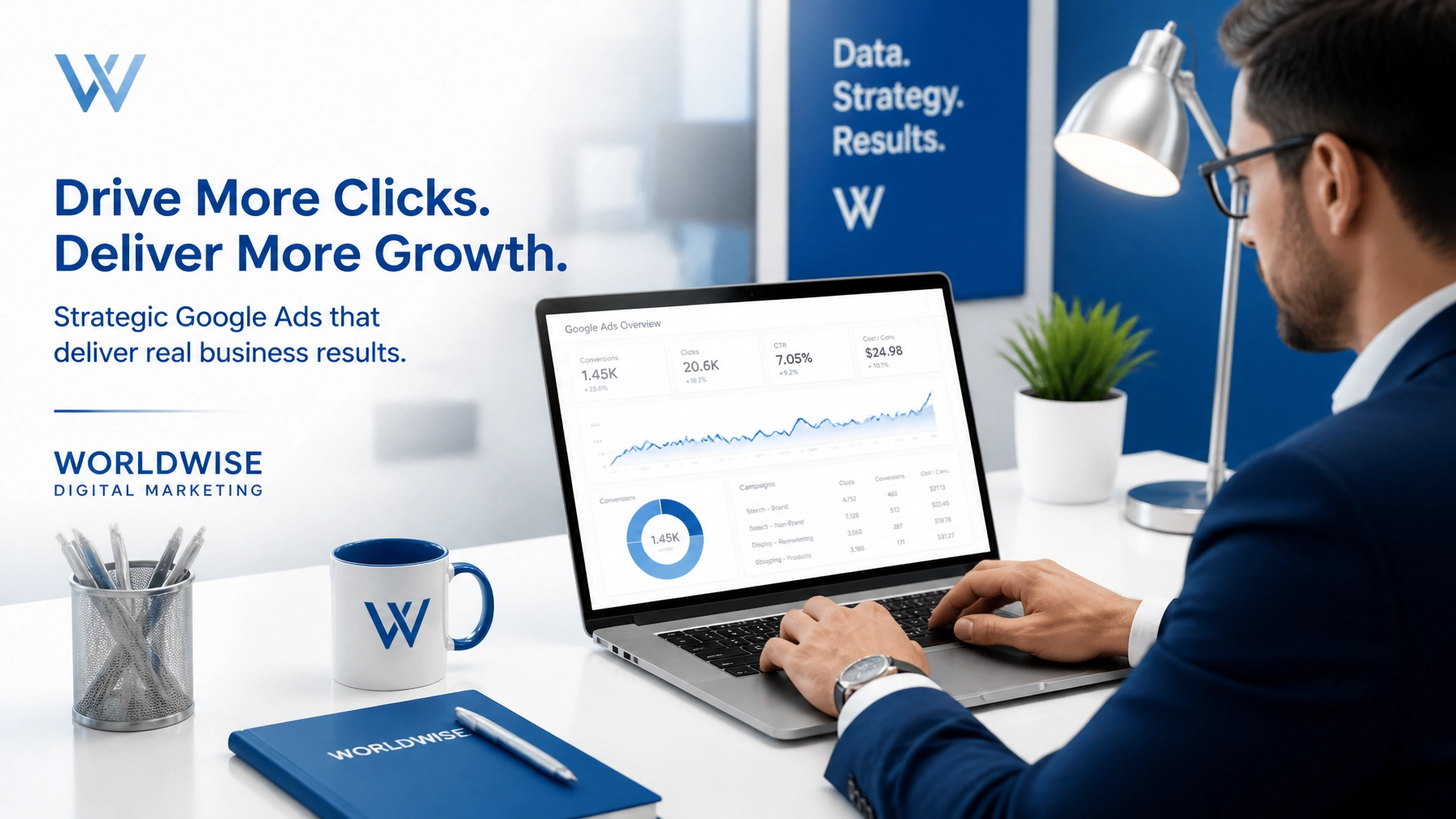

Google Performance Max has changed how we think about digital marketing by automating your ads across Search, YouTube, Display, and Discover. This tool uses machine learning to find customers where they are but it is not a "set it and forget it" solution. Many businesses lose money because they trust the algorithm too much without providing the right guardrails. If your campaigns are not delivering the results you expected you are likely making one of these common mistakes
1. Letting PMax Cannibalize Your Branded Traffic
One of the biggest issues with Performance Max is its tendency to bid on your own brand name. While this looks good on your reports because brand terms usually have high conversion rates it often steals traffic from your dedicated Search campaigns. This makes your search engine optimization efforts look less effective and inflates your PMax return on ad spend without actually finding new customers
How to fix it
You should use the Brand Exclusions feature in your campaign settings to prevent PMax from bidding on your brand name. This ensures your branded Search campaigns handle that high-intent traffic while PMax focuses on finding new prospects. You can also add your brand name to an account-level negative keyword list if you want to block it across all automated campaigns

2. Using Low-Quality or Incomplete Conversion Data
The algorithm is only as good as the data you feed it. If you are tracking "page views" or "time on site" as primary conversions the system will find more people who click around but never buy anything. This is a common pitfall in SEO marketing where businesses focus on traffic volume instead of lead quality
How to fix it
Audit your conversion actions and ensure only high-value activities like form submissions or purchases are set as "Primary." You should also implement enhanced conversions and server-side tracking to give Google more accurate data. If you have different goals for different campaigns use conversion action sets to tell PMax exactly what success looks like for that specific group of ads
3. Neglecting Your Creative Asset Variety
Many advertisers treat PMax like a standard Search campaign by only providing text headlines and descriptions. When you skip images and videos Google will auto-generate them for you. These auto-generated videos are often low-quality and can hurt your brand image. A lack of variety also prevents the system from testing different formats to see what works best for your audience
How to fix it
Provide a full set of high-quality assets for every asset group. This includes at least 15 headlines, 5 descriptions, and 20 images in various aspect ratios. You must also include at least one 15-second video. If you do not have a video use a tool to create a simple one from your existing images rather than letting Google do it for you. High-quality visuals are essential for a professional digital marketing presence

4. Skipping Audience Signals and First-Party Data
Performance Max can find customers on its own but it learns much faster when you provide a starting point. If you leave the "Audience Signals" section blank you are forcing the algorithm to start from scratch. This wastes your budget during the learning phase and often leads to irrelevant clicks
How to fix it
Upload your customer match lists to give the system a profile of your current buyers. You should also add custom segments based on search terms that have historically performed well in your search engine optimization strategy. These signals do not limit the campaign reach but they do help the AI understand who your ideal customer is much sooner
5. Leaving URL Expansion Unchecked
The URL Expansion feature allows Google to send traffic to any page on your website that it thinks is relevant. While this can find new opportunities it often sends people to your "Privacy Policy," "Careers," or old blog posts that are not optimized for conversions. This leads to high bounce rates and wasted spend
How to fix it
Check your landing page report to see where traffic is going. You should exclude non-converting pages like legal docs and blogs in the campaign settings. If you want total control over the user experience you can turn off URL Expansion entirely and only send traffic to specific landing pages you have built for your digital marketing campaigns

6. Over-Fragmenting Your Campaign Structure
It is tempting to create a different PMax campaign for every product or service you offer. However the algorithm needs a significant amount of data to optimize effectively. If you split your budget across too many campaigns none of them will reach the conversion volume needed to move out of the "Learning" phase
How to fix it
Consolidate your campaigns based on shared goals and target ROAS. Aim for at least 30 to 50 conversions per campaign each month. If you need to show different messages to different audiences use Asset Groups within a single campaign instead of creating entirely separate campaigns. This keeps your data in one place so the AI can learn faster
7. The Set and Forget Mentality
Automation does not mean you can stop managing your account. Markets change and competitors adjust their bids. If you do not check your placement reports and search themes regularly you will eventually see a decline in performance. Successful digital marketing requires ongoing adjustments based on real-world data
How to fix it
Review your Insights tab every week to see which search categories and audiences are driving growth. You should refresh your creative assets every few months to prevent ad fatigue. At WorldWise we recommend a monthly audit of your PMax placements to ensure your ads are not showing on low-quality websites or apps that do not align with your brand
Why Professional Management Matters
Mastering Performance Max requires a balance between trusting AI and maintaining manual control. If you find that your ads are not scaling or your cost per lead is too high it might be time for a professional review. Our team has been helping businesses navigate the complexities of digital marketing and search engine optimization since 1994. We provide the technical expertise to set up your tracking correctly and the creative talent to build assets that convert
If you want to see how we can improve your campaign performance you can view our portfolio or contact us today to get started on a custom strategy for your business