

Your website looks great. You spent good money on it. But your Google rankings? They're tanking
Here's the thing: a pretty website means nothing if it's built in a way that Google hates. And Google can be pretty picky
Let's break down the seven most common web design mistakes that quietly destroy your search rankings: and what you can do to fix them
1. Your Site Takes Forever to Load
If your website takes more than three seconds to load, you've got a problem. A big one
Page speed is a direct ranking factor for Google. Slow sites frustrate users. Frustrated users bounce. High bounce rates tell Google your site isn't worth showing to people
What's slowing you down?
- Uncompressed images
- Too many plugins
- Cheap hosting
- Bloated code
The fix: Compress your images, clean up your code, and invest in quality hosting. Tools like Google PageSpeed Insights can show you exactly what's dragging you down

2. Your Site Isn't Mobile-Friendly
Here's a stat that should get your attention: 90% of the global population uses mobile phones to access the internet
If your site doesn't work well on a phone, you're basically invisible to most of your potential customers. Google knows this. That's why they've been using mobile-first indexing for years
A non-responsive site means:
- Text that's too small to read
- Buttons that are impossible to tap
- Images that don't scale properly
- Layouts that look broken
The fix: Make sure your site uses responsive design. It should automatically adjust to any screen size. Test it on multiple devices. If it doesn't work smoothly, it's time for a redesign
At WorldWise, we build every site with mobile-first in mind. It's not optional anymore: it's essential
3. Your Navigation Is a Mess
If visitors can't find what they need in a few clicks, they're gone. Simple as that
Poor navigation doesn't just frustrate users. It also confuses search engines. When Google's crawlers can't easily move through your site, they can't properly index your pages. That means lower rankings
Signs your navigation needs work:
- Too many menu items
- Confusing labels
- Important pages buried deep
- No clear path to conversion
The fix: Keep your main navigation simple. Use clear, descriptive labels. Make sure every important page is accessible within two or three clicks from the homepage

4. You're Using Intrusive Popups
We get it. You want email signups. You want to promote that sale. Popups can work
But Google cracked down on intrusive interstitials back in 2017. If your popups block content, especially on mobile, your rankings will suffer
The worst offenders:
- Full-screen popups that appear immediately
- Popups that are hard to close
- Multiple popups on a single page
- Popups that cover the main content
The fix: If you use popups, time them well. Let users engage with your content first. Make them easy to dismiss. And never let them block the entire screen on mobile devices
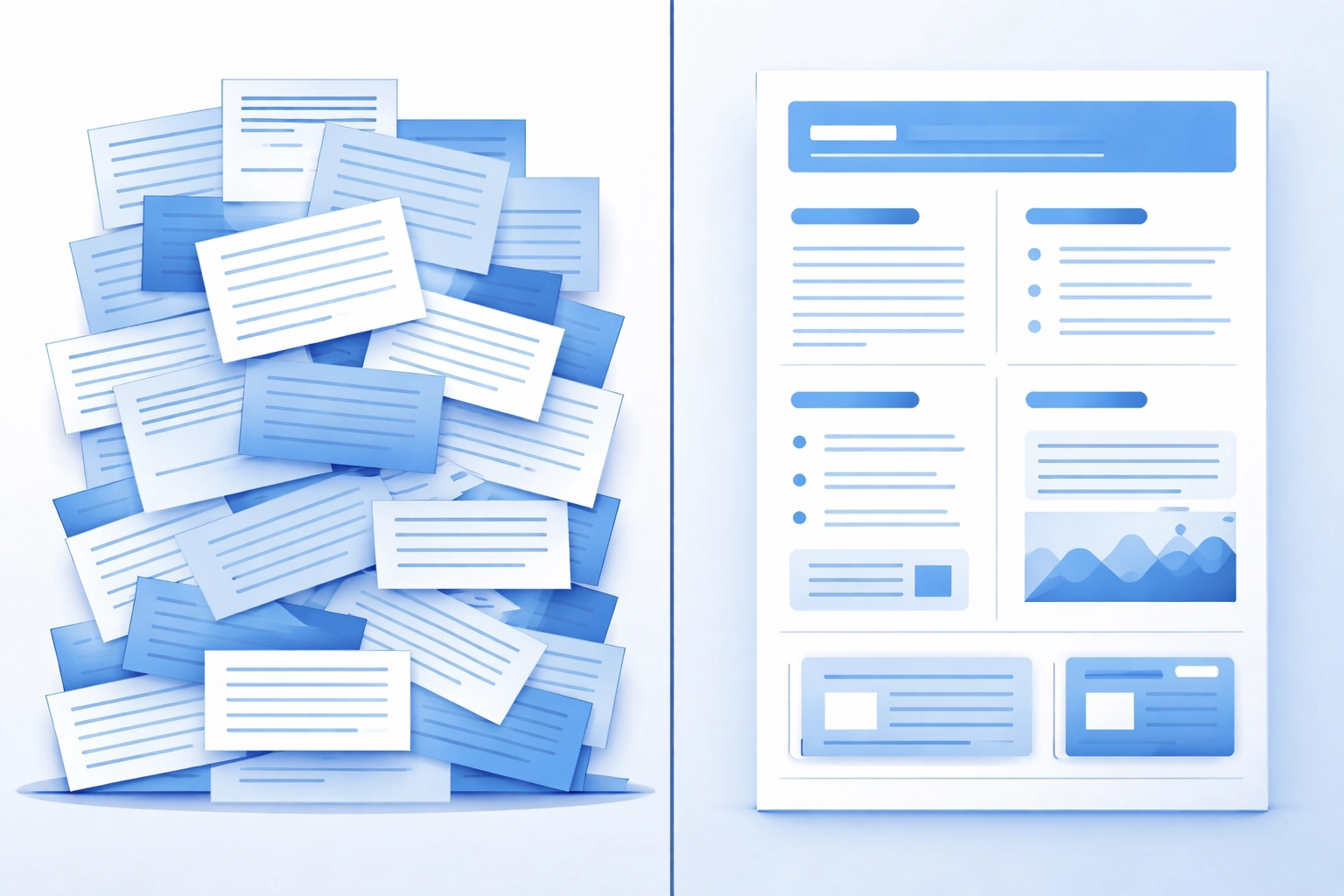
5. Your Content Has No Structure
Ever land on a page that's just a wall of text? You probably didn't stick around long
Neither do other visitors. And Google notices
Search engines favor content that's scannable and well-organized. When users can't quickly find the information they need, they leave. That sends negative signals to Google about your page quality
What good structure looks like:
- Clear headings and subheadings (H1, H2, H3)
- Short paragraphs
- Bullet points and numbered lists
- Bold text for key points
- Plenty of white space
The fix: Break up your content. Use headings to organize sections. Keep paragraphs to two or three sentences max. Make it easy for readers to scan and find what they need
6. You Changed Your Layout Without Thinking About SEO
This one catches a lot of people off guard
You update your website design. You don't change any content or URLs. But suddenly your rankings drop. What happened?
According to Google's own John Mueller, layout changes can absolutely impact rankings. Here's why:
- Internal linking structures change
- Title and heading placements shift
- Page structure affects how Google crawls content
- Important content might get pushed down the page
The fix: Before making any layout changes, think about how they'll affect your SEO. Keep your most important content near the top. Maintain consistent internal linking. And always monitor your rankings after a redesign
If you're planning a site refresh, it's worth working with a team that understands both web design and SEO strategy. The two go hand in hand
7. Your Technical Foundation Is Broken
Sometimes the problems aren't visible to visitors. They're hidden in the code
Technical issues can tank your rankings without you even knowing. These include:
Bad redirects: Using 302 (temporary) redirects instead of 301 (permanent) redirects confuses search engines and dilutes your link equity
Poor Core Web Vitals: Google measures specific performance metrics like Largest Contentful Paint, First Input Delay, and Cumulative Layout Shift. Bad scores here hurt rankings
Non-standard code: Bloated, messy, or outdated code makes it harder for search engines to crawl and understand your site
Missing meta tags: Without proper title tags and meta descriptions, Google has to guess what your pages are about
The fix: Run a technical SEO audit. Use tools like Google Search Console to identify issues. Fix redirect chains. Clean up your code. Make sure every page has proper meta information

The Bottom Line
Web design isn't just about looking good. It's about building a site that works for both users and search engines
These seven mistakes might seem small on their own. But together, they can absolutely destroy your Google rankings:
- Slow page speed
- Non-mobile-friendly design
- Poor navigation
- Intrusive popups
- Unstructured content
- Careless layout changes
- Technical issues
The good news? All of these are fixable
If your rankings have been slipping and you're not sure why, your web design might be the culprit. Take a hard look at your site. Test it on mobile. Check your page speed. Review your navigation
Or better yet, let someone who knows what they're doing take a look
At WorldWise, we build websites that look great and perform well in search. We combine smart design with solid digital marketing strategy to help businesses get found online
Ready to fix your site? Get in touch and let's talk about what's holding your rankings back