


Your website should work for you, not against you. Yet many business owners unknowingly sabotage their online success with simple mistakes that drive customers away and hurt their bottom line.
These errors cost you leads, sales, and credibility every single day. The good news? They're all fixable once you know what to look for.
Here are the seven most damaging website mistakes and exactly how to fix them.
1. Neglecting Mobile Responsiveness
Over 60% of website visits now come from mobile devices. If your site doesn't work properly on phones and tablets, you're turning away more than half your potential customers before they even see what you offer.
Non-responsive websites frustrate users immediately. Text becomes unreadable, buttons are too small to tap, and navigation becomes impossible. Google also penalizes mobile-unfriendly sites in search results, making this mistake doubly costly.
How to fix it: Implement mobile responsiveness with a design that automatically adapts to any screen size. Test your site on multiple devices and ensure buttons are large enough for easy tapping. Make navigation simple with clear, thumb-friendly menus.
Your mobile experience should be just as smooth as your desktop version. Users shouldn't have to pinch, zoom, or struggle to find basic information.

2. Poor Navigation and Cluttered Layout
Confusing navigation kills conversions faster than almost anything else. When visitors can't find what they're looking for within seconds, they leave for a competitor's site.
Cluttered layouts overwhelm users with too many choices, clashing colors, and chaotic design elements. Your website should guide visitors toward specific actions, not confuse them with endless options.
How to fix it: Keep navigation simple with clear, descriptive menu labels. Limit your main menu to seven items or fewer. Use white space effectively and organize content in logical sections.
Remove unnecessary elements that don't serve a specific purpose. Every item on your page should either inform visitors or move them closer to taking action. If it doesn't do either, delete it.
3. Slow Loading Speed
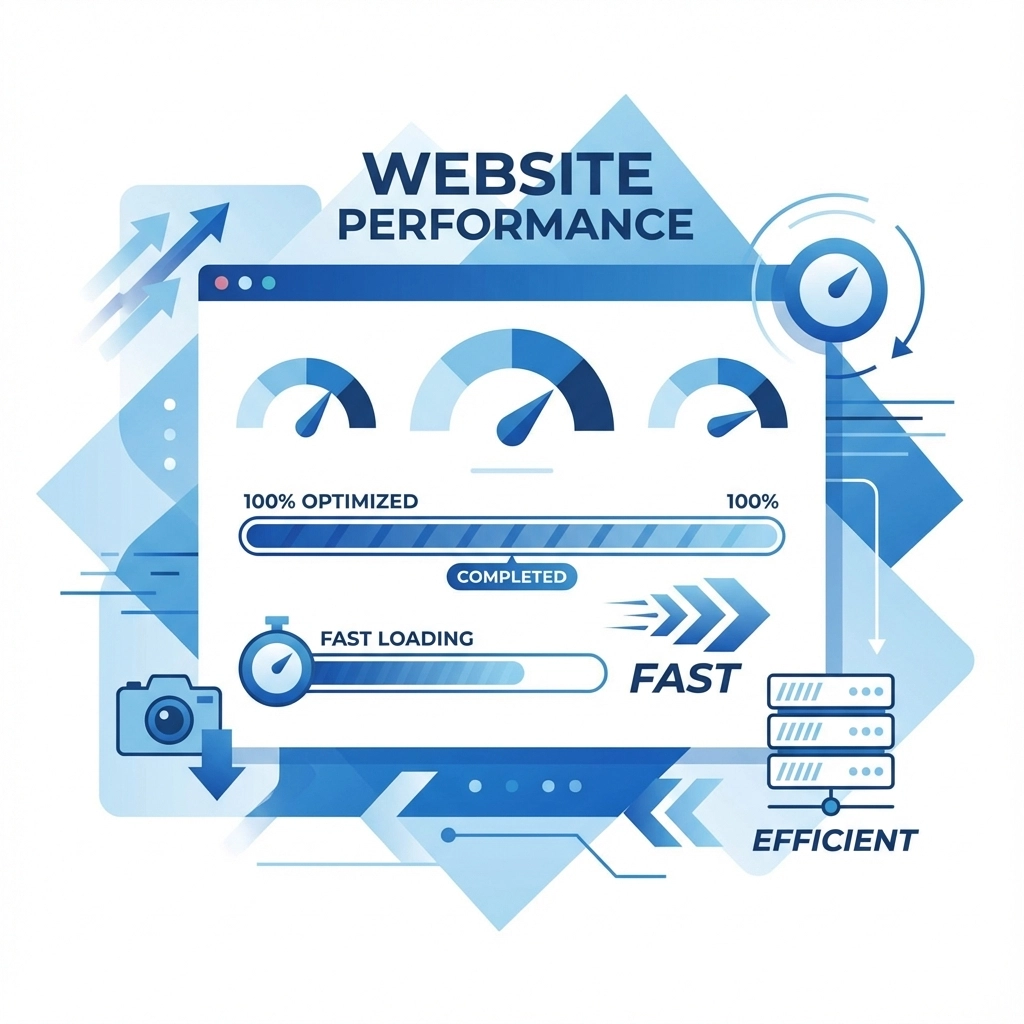
Users expect websites to load in under three seconds. Every additional second of delay increases bounce rates and destroys user experience. Amazon estimates that just one second of delay costs them over $1.6 billion annually.
Slow site speed happens because of large unoptimized images, excessive code, poor hosting, or outdated plugins. These technical issues create a frustrating experience that drives customers straight to your competitors.
How to fix it: Compress images before uploading them to your site. Remove unnecessary plugins and code. Choose reliable hosting with fast servers. Enable browser caching so returning visitors load pages faster.
Use tools like Google PageSpeed Insights to identify specific speed issues. Many site speed problems have simple solutions once you know where to look.
4. Unclear or Missing Call-to-Actions
Without clear direction, visitors browse aimlessly and leave without taking action. Weak or missing call-to-actions (CTAs) waste all the time and money you spent getting traffic to your site.
Vague phrases like "Learn More" or "Click Here" don't motivate action. Neither do CTAs that blend into the background or get buried in dense paragraphs of text.
How to fix it: Use specific, action-oriented language that tells visitors exactly what happens next. Instead of "Submit," try "Get My Free Quote." Replace "Learn More" with "Download the Guide" or "Schedule Your Consultation."
Make CTA buttons stand out with contrasting colors and prominent placement. Put your most important call-to-action above the fold where visitors see it immediately. Use urgency and value to motivate immediate action.

5. Low-Quality or Vague Content
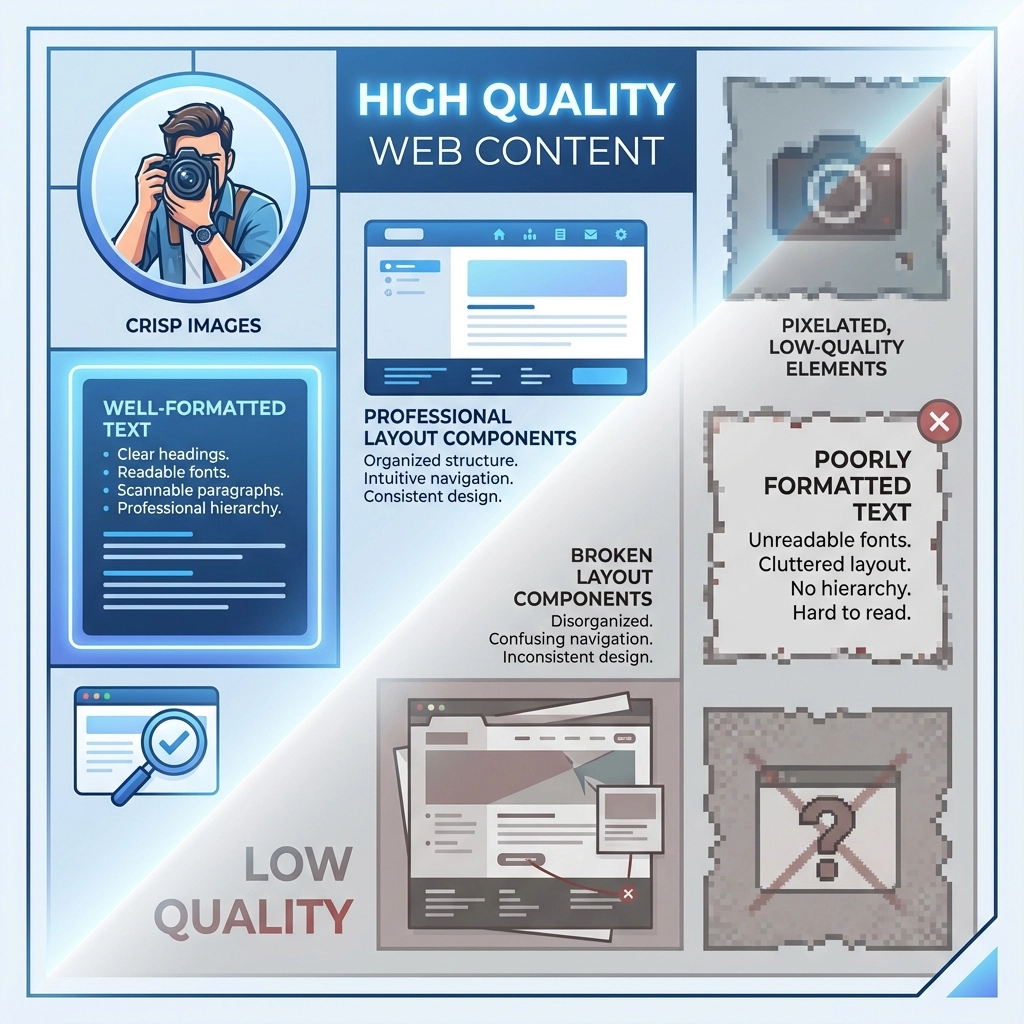
Pixelated images, irrelevant stock photos, and poorly written text make your business look unprofessional. Vague content that doesn't address specific customer needs fails to build trust or demonstrate expertise.
Generic phrases like "We provide innovative solutions" or "We're committed to excellence" say nothing meaningful about your actual services or benefits.
How to fix it: Use high-quality, relevant images that support your message. Write clear, specific copy that explains exactly what you do and how it benefits customers. Replace buzzwords with concrete examples and real results.
Answer the questions your customers actually ask. Show your expertise through detailed explanations and case studies. Use customer language instead of industry jargon that confuses potential clients.
6. Lack of Trust and Security
Missing trust & security signals make visitors question whether your business is legitimate and whether their information is safe. Without proper security measures, you risk both customer confidence and actual data breaches.
Trust issues include missing SSL certificates, no customer testimonials, lack of contact information, outdated copyright dates, and poor design quality. These problems make visitors hesitate before sharing personal information or making purchases.
How to fix it: Install an SSL certificate so your site displays "https" and the security lock icon. Add customer testimonials, reviews, and case studies throughout your site. Include clear contact information with multiple ways to reach you.
Display security badges, certifications, and professional affiliations. Keep your site updated with current copyright dates and fresh content. Show team member photos and credentials to add a human element to your business.
The Cost of Ignoring These Mistakes
These website mistakes don't just annoy visitors: they directly impact your revenue. Every frustrated user who leaves your site represents lost potential income. Poor mobile experience, slow loading, weak CTAs, and missing trust signals create a compound effect that severely limits your business growth.
The businesses that fix these issues consistently outperform competitors who ignore them. Professional, fast, secure websites with clear navigation and strong CTAs convert more visitors into customers.
Ready to Fix Your Website?
Don't let these common mistakes continue costing you customers and revenue. A professional web design that addresses each of these issues will improve your conversions, search rankings, and customer experience.
WorldWise specializes in creating websites that work correctly on all devices, load quickly, and convert visitors into customers. Our team handles the technical details while you focus on running your business.
Contact us today for a free website analysis. We'll identify exactly which mistakes are hurting your site and show you how to fix them for better results.