
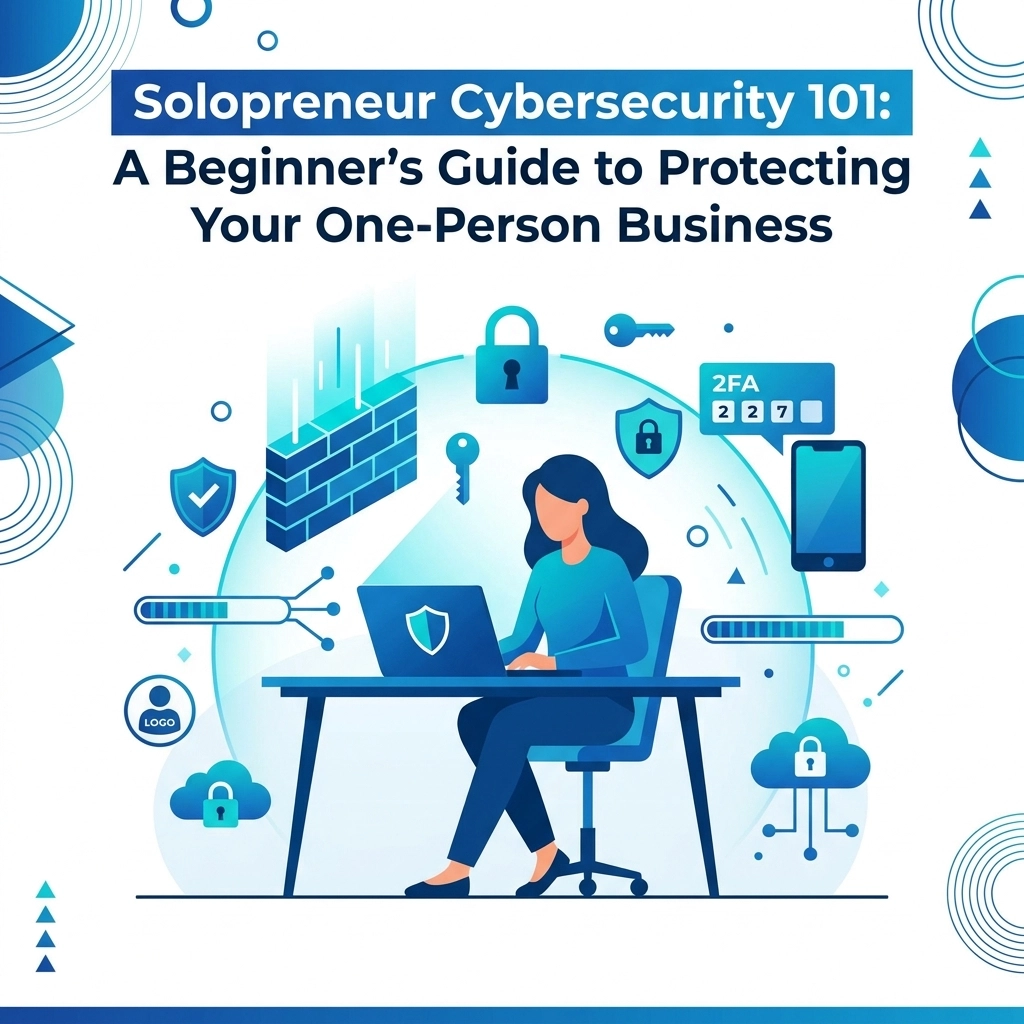

You are the CEO. You are the marketing director. You are the accountant. As a solopreneur, you wear every hat in the company. Unfortunately, that means you are also the Chief Information Security Officer. Many solo business owners think they are too small to be a target for hackers but that is a dangerous mistake
Cybercriminals often prefer small targets because they know one-person operations usually have weaker defenses than large corporations. Automated bots do not care if you have one employee or ten thousand. They look for open doors and unlocked windows in your digital presence. Protecting your business does not require a massive budget or a degree in computer science. It requires a few smart habits and the right tools
The Myth of Being Too Small to Hack
The most common phrase we hear is that a business is "under the radar." In reality, small businesses are the primary target for nearly half of all cyberattacks. Hackers use automated scripts to scan millions of IP addresses and websites every day looking for known vulnerabilities. If your site or device is the one with the hole, you become the target
For a solopreneur, a single breach can be devastating. It can lead to lost client data, stolen intellectual property, or frozen bank accounts. Recovering from these issues takes time you do not have and money you would rather spend on growth. Cybersecurity is not just an IT task: it is a form of business insurance

Secure Your Hardware First
Your laptop and smartphone are your office. If someone gains physical or remote access to these devices, they have the keys to your entire kingdom. Start with these basic steps to lock down your hardware
Enable Device Encryption
Most modern operating systems like Windows and macOS come with built-in encryption tools. On Windows, it is called BitLocker. On Mac, it is FileVault. If your laptop is stolen, encryption ensures that the thief cannot read your files without your password. It is a simple toggle in your settings that provides massive protection
Set Strong Local Passwords
Do not skip the login screen. Use a long password or a biometric lock like a fingerprint or face scan. If you step away from your computer in a coffee shop or a co-working space, always lock the screen. It only takes thirty seconds for someone to plug in a malicious USB drive or copy a sensitive file
Keep Your Gear Updated
Software updates are not just for new features. They are mostly security patches. When Apple or Microsoft sends a notification about an update, install it immediately. Hackers study these updates to see what vulnerabilities were fixed, then they target people who have not updated yet. You can learn more about keeping your systems running smoothly at https://www.worldwise.net/computer-support.php
The Golden Rule of Passwords
If you use the same password for your email, your bank, and your website, you are one data breach away from total failure. Using unique, complex passwords for every single account is the single most effective thing you can do for your security
Use a Password Manager
Humans are bad at remembering random strings of characters. Use a tool like 1Password, Bitwarden, or LastPass. These tools generate and store complex passwords for you. You only have to remember one master password. This keeps your credentials safe and makes your daily workflow much faster
Turn on Two-Factor Authentication (2FA)
2FA is your second line of defense. Even if a hacker gets your password, they cannot get into your account without a code from your phone or an app. Enable 2FA on your email, your domain registrar, and your hosting account. Email is the most important one because it is used to reset passwords for every other account you own

Safe Networking for Digital Nomads
Solopreneurs love the freedom of working from anywhere. But public Wi-Fi in airports and cafes is notoriously insecure. Other people on the same network can potentially intercept the data you are sending and receiving
Use a VPN
A Virtual Private Network (VPN) creates an encrypted tunnel for your data. When you use a VPN, anyone snooping on the network only sees scrambled gibberish. Use a reputable paid service rather than a "free" VPN, as free services often sell your data to third parties. This is a non-negotiable tool for remote work
Secure Your Home Office
Your home Wi-Fi should be encrypted with WPA3 or WPA2. Change the default password that came with your router. Hackers keep databases of default passwords for every major router brand. If you have not changed yours, they are already in. Also, keep your router firmware updated just like you do with your laptop
Protecting Your Business Website
Your website is often the first point of contact for your clients. If it gets hacked, your reputation takes a hit. A compromised website can spread malware to your visitors or redirect them to phishing sites. This is why we prioritize security in our web design strategy
Backups are Lifeboats
You must have a backup of your website that is stored in a different location than your web host. If your host has a server failure or a security breach, you need to be able to restore your site quickly. We recommend daily automated backups. Check out our web hosting services for secure options that include regular backups
Use SSL Always
The little padlock icon in the browser bar is essential. SSL (Secure Sockets Layer) encrypts the connection between your visitor and your server. It protects sensitive information like contact form submissions or credit card details. It also helps your SEO rankings because search engines favor secure sites

Email and Phishing Awareness
Most cyberattacks start with a simple email. Phishing is a technique where hackers pretend to be a trusted source: like your bank, a client, or a service provider: to trick you into giving up information or clicking a malicious link
Check the Sender Address
A phishing email might look like it is from "PayPal," but the actual email address might be "support@paypa1-security.com." Always hover over links before clicking to see where they actually lead. If an email creates a sense of extreme urgency or asks for your password, it is almost certainly a scam
Never Send Sensitive Data via Email
Standard email is not secure. Do not send passwords, social security numbers, or bank details in the body of an email. If you must share sensitive files with a client, use a secure file-sharing service or a password-protected link
Data Management and the 3-2-1 Rule
As a solopreneur, your data is your most valuable asset. If you lost all your client files today, could your business survive? Implementing a robust backup strategy is the only way to ensure continuity
The 3-2-1 Backup Strategy
This is the industry standard for data protection:
- Keep 3 copies of your data (the original and two backups)
- Use 2 different types of media (e.g., a cloud service and an external hard drive)
- Keep 1 copy off-site (the cloud satisfies this)
If a fire destroys your home office, your external drive is gone, but your cloud backup remains. If your cloud account is hacked, your local drive is safe. This redundancy is what keeps businesses alive during disasters

Creating a Simple Security Routine
Security is not a one-time setup. It is a set of habits. You do not need to spend hours a day on this. Instead, create a monthly checklist to keep things on track
- Update all device software and apps
- Review your bank and credit card statements for suspicious activity
- Run a malware scan on your computer
- Check that your website backups are running correctly
- Change any passwords that might have been involved in a recent data breach
If you need help setting up a secure workflow or building a website that is protected from the ground up, you can get started with us here. We handle the technical heavy lifting so you can focus on growing your business
Privacy as a Competitive Advantage
In 2026, clients are more aware of data privacy than ever before. When you can tell a potential client that you use encrypted communication and secure data storage, it builds trust. It shows that you are a professional who takes their information seriously. This is especially important for solopreneurs in fields like consulting, law, or healthcare where confidentiality is paramount
By following these simple steps, you move your business from being an easy target to a hard one. Most hackers will give up and move on to someone else if they encounter even basic resistance. You do not have to be perfect; you just have to be better protected than the average user
If you have questions about how to integrate security into your digital marketing or website, feel free to contact our team for guidance. We have been helping small businesses stay safe and visible online for years and we are ready to help you too