
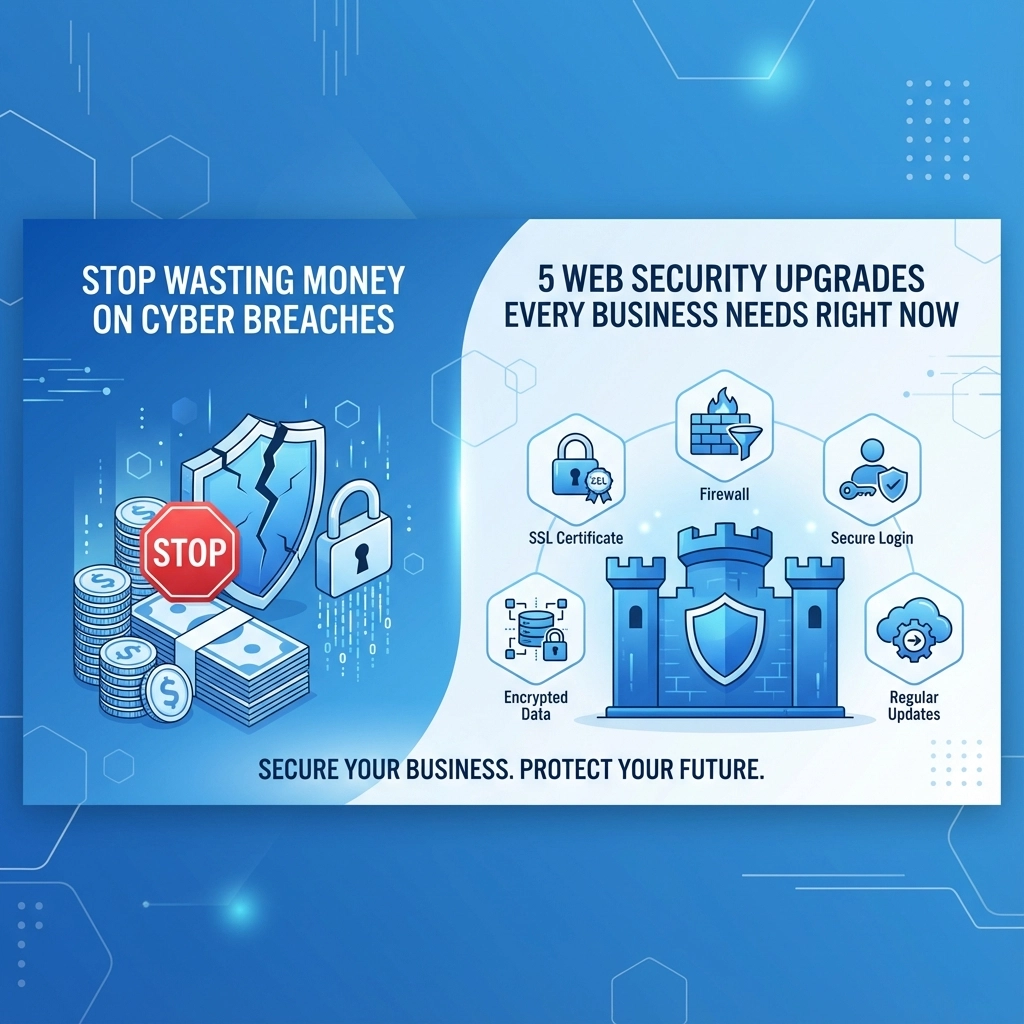

Cyber breaches aren't just tech problems anymore: they're business killers. The average cost of a data breach hit $4.45 million in 2023, and small businesses often don't survive major security incidents. But here's the thing: most breaches happen because of basic security gaps that are surprisingly cheap to fix.
Instead of gambling with your business and hoping attackers will target someone else, smart companies are investing in proven security upgrades that stop breaches before they start. The math is simple: spending a few thousand on security beats losing hundreds of thousands to ransomware payments, downtime, and reputation damage.
1. Multi-Factor Authentication (MFA): Your First Line of Defense
Password breaches happen every single day. Hackers buy stolen credentials in bulk on the dark web, then use automated tools to test them across thousands of websites. If your business relies on passwords alone, you're basically leaving your front door unlocked.
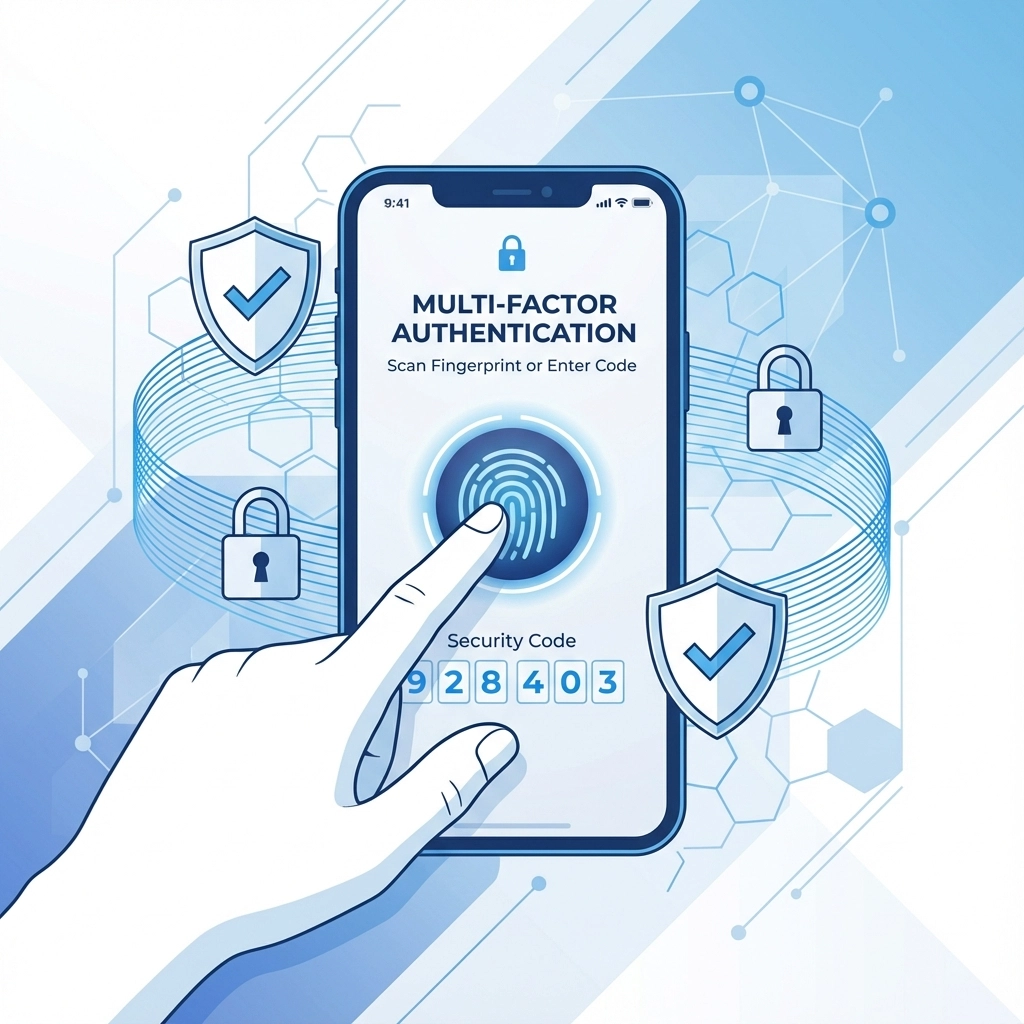
MFA stops this attack in its tracks by requiring a second verification step: like a code from your phone or a biometric scan. Even if attackers have your password, they can't get in without that second factor.
What to implement:
- App-based authenticators (like Microsoft Authenticator or Google Authenticator) instead of SMS codes
- Biometric options for mobile devices
- Hardware security keys for high-privilege accounts
- Conditional access policies that require MFA for remote access
The business case: MFA prevents over 99% of automated attacks. For most businesses, this single upgrade eliminates the majority of breach attempts for less than $10 per user per month.
2. Endpoint Detection and Response (EDR): Beyond Basic Antivirus
Traditional antivirus software is like having a security guard who only recognizes criminals from wanted posters. Modern threats use new tactics that signature-based systems completely miss.
EDR solutions use behavioral analysis and machine learning to spot suspicious activity: like when someone tries to access files they've never touched before, or when a program starts encrypting large amounts of data (a classic ransomware behavior).
Key features to look for:
- Real-time behavioral monitoring
- Automated threat response and isolation
- Timeline analysis to understand attack progression
- Integration with your other security tools
Why it matters: The average time to detect a breach is 207 days. EDR systems can spot and stop attacks in minutes, preventing small incidents from becoming company-ending disasters.
3. Zero-Trust Network Architecture: Trust Nothing, Verify Everything
Traditional security assumes that if someone is inside your network, they're probably supposed to be there. Zero-trust throws that assumption out the window. Every user and device must prove they belong, every single time they try to access something.
This approach is particularly important as remote work has blurred the lines between "inside" and "outside" your network. When employees work from coffee shops, home offices, and client sites, the old perimeter-based security model falls apart.
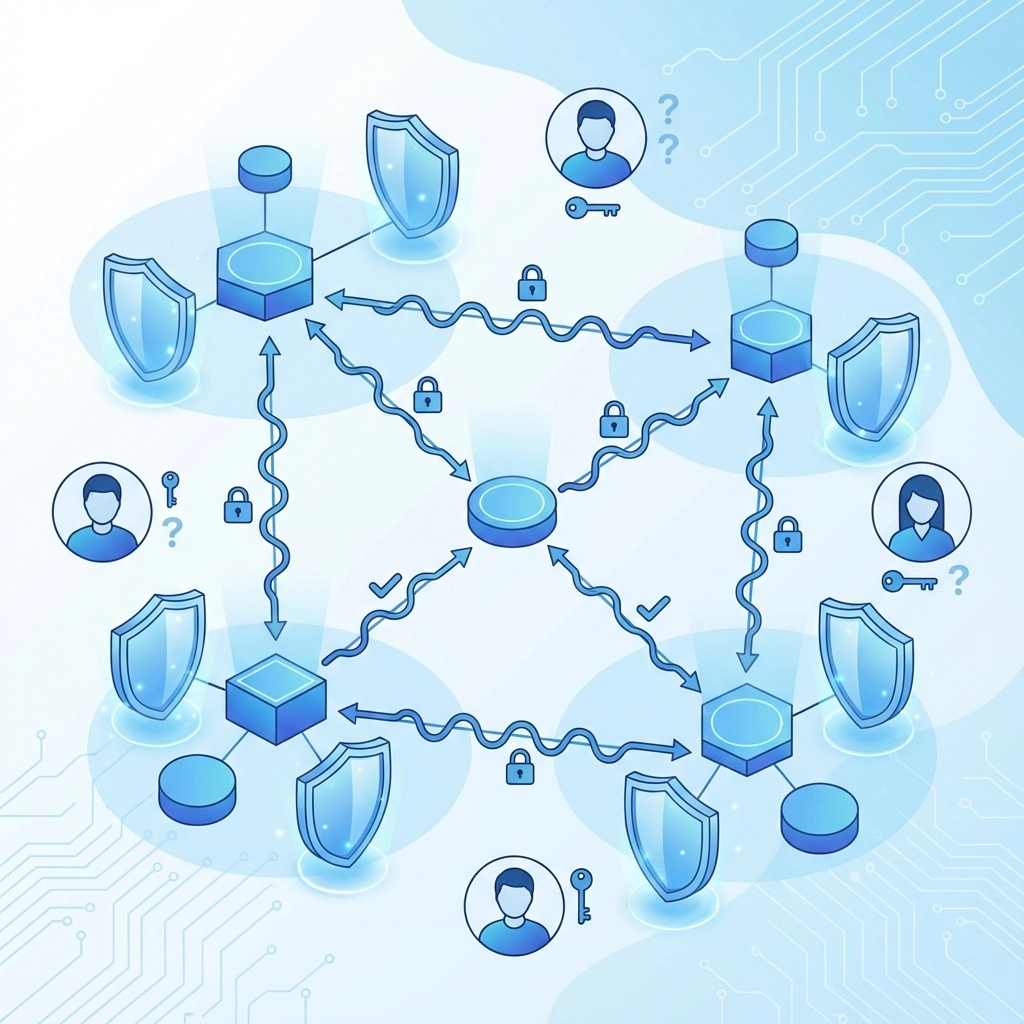
Core zero-trust principles:
- Verify user identity and device health before granting access
- Limit access to only what each user needs for their job
- Monitor all activity and log everything
- Encrypt all communications, even internal ones
Implementation steps:
- Start with your most sensitive data and applications
- Implement network segmentation to isolate critical systems
- Deploy identity and access management (IAM) solutions
- Use VPNs or zero-trust network access (ZTNA) tools for remote workers
4. Data Encryption and Isolated Backups: Your Safety Net
Modern ransomware attacks often involve two threats: encrypting your data and threatening to publish it online. Even if you have backups, attackers might have stolen sensitive customer information or business secrets.
Encryption protects data both in storage and during transmission. Even if attackers steal encrypted data, they can't use it without the encryption keys.
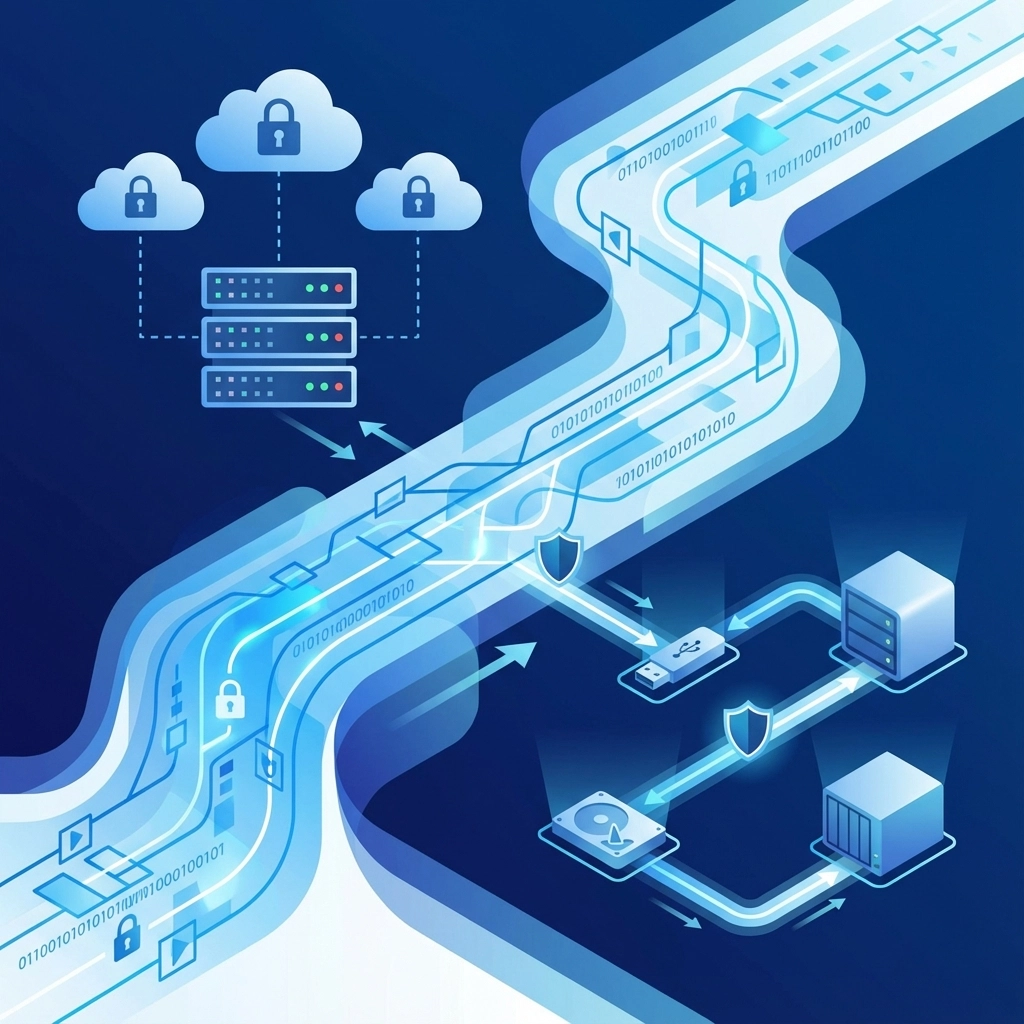
Isolated backups ensure you can recover from ransomware attacks without paying criminals. The key word is "isolated": if your backups are connected to your main network, ransomware can encrypt them too.
Backup strategy essentials:
- Follow the 3-2-1 rule: 3 copies of data, 2 different media types, 1 offsite
- Test recovery procedures quarterly: backups are useless if you can't restore from them
- Use immutable storage that can't be modified or deleted
- Implement air-gapped backups that are completely disconnected from your network
Encryption priorities:
- All laptops and mobile devices (in case they're lost or stolen)
- Database servers containing customer information
- File servers with sensitive business documents
- Email communications and cloud storage
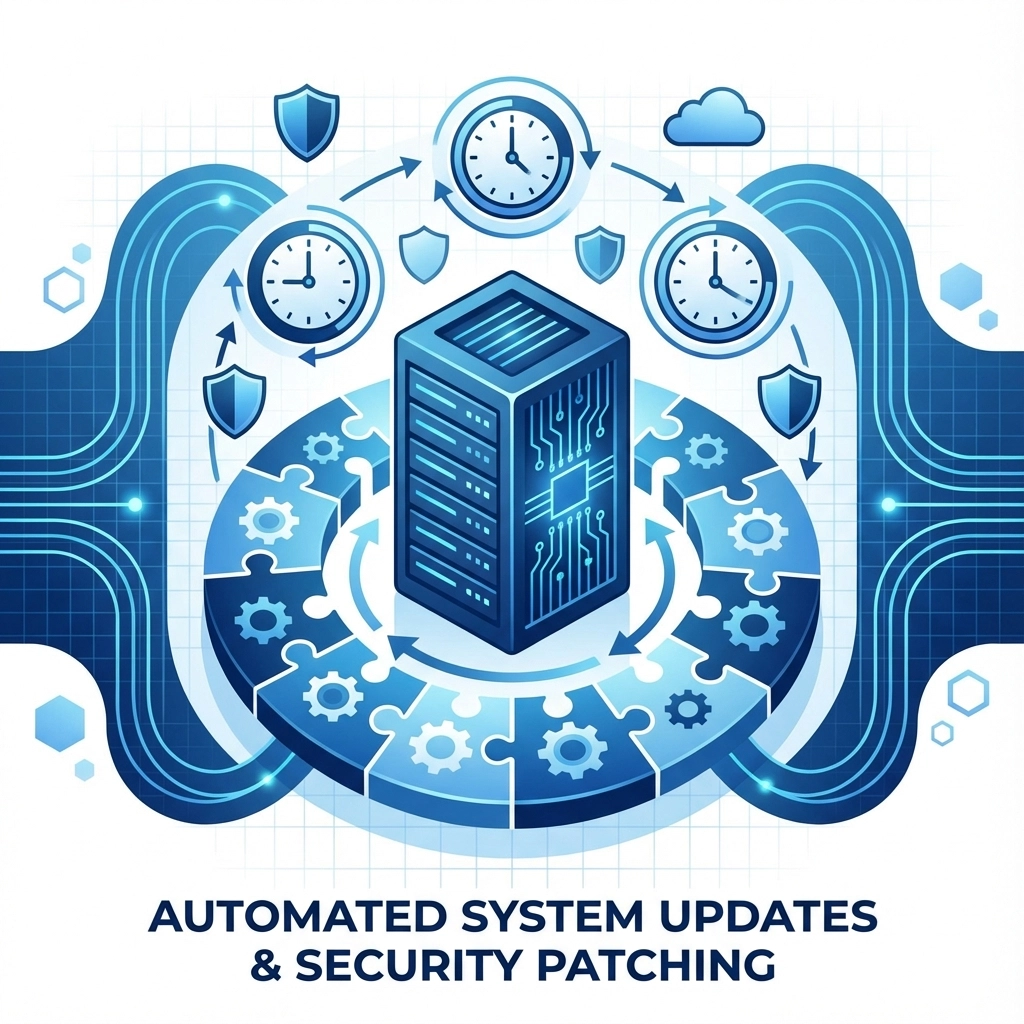
5. Automated Patch Management: Close the Security Gaps
Software vulnerabilities are discovered constantly. Major vendors release security patches monthly, and critical fixes sometimes come out weekly. Manually tracking and installing all these updates is impossible for busy business owners.
Attackers know this. They specifically target known vulnerabilities that companies haven't patched yet. Some attacks happen within hours of vulnerability disclosure.
Automated patch management benefits:
- Ensures critical security updates install automatically
- Tests patches in a safe environment before deployment
- Schedules updates during off-hours to minimize disruption
- Provides detailed reporting on patch status across all systems
Best practices:
- Prioritize patches for internet-facing systems and applications
- Maintain an inventory of all software and systems
- Create a rollback plan in case patches cause problems
- Include third-party software, not just operating system updates
Making the Investment Decision
These security upgrades require upfront investment, but the alternative is much more expensive. Consider these real costs of cyber breaches:
Direct financial impact:
- Ransomware payments average $250,000 (and growing)
- Business downtime costs $5,600 per minute for small businesses
- Data breach notifications can cost $50,000-$100,000
- Legal fees and regulatory fines often exceed $500,000
Indirect costs:
- Customer trust takes years to rebuild
- Competitive advantage lost to rivals
- Employee productivity lost to system rebuilds
- Insurance premiums increase significantly after breaches
Getting Started: Implementation Roadmap
Don't try to implement everything at once. Here's a practical rollout sequence:
Week 1-2: Deploy MFA for all admin accounts and remote access
Week 3-4: Install EDR solutions on critical servers and workstations
Month 2: Implement automated patch management
Month 3: Begin zero-trust network segmentation project
Month 4: Establish encrypted backups and test recovery procedures
Budget planning: Most small businesses can implement this entire security stack for $5,000-$15,000 in the first year, then $3,000-$8,000 annually. Compare that to the average breach cost of $200,000-$500,000 for small businesses.
Working with Security Professionals
While some security upgrades are DIY-friendly, others require expertise. Consider partnering with a managed security service provider (MSSP) or web development team that understands both security and business needs.
The right partner can help you:
- Assess your current security posture
- Prioritize upgrades based on your specific risk profile
- Implement solutions without disrupting business operations
- Provide ongoing monitoring and maintenance
Security isn't a one-time project: it's an ongoing process. But with the right foundation, you can focus on growing your business instead of worrying about the next cyber attack.
Ready to stop gambling with your business security? Start with MFA this week. Your future self will thank you.