

When you build your own business website, it looks like a bargain upfront. Drag-and-drop builders, free trials, and $10/month plans make DIY web design seem like a no-brainer. But under the surface, there’s a lot more you’re really paying for: and not all of it is about money spent.
Why DIY Web Design Looks Cheaper Than It Is
Most platforms show you a simple monthly fee. Maybe you think you’ll get by with the basics and avoid hiring a pro. Maybe you picture spending a weekend tweaking templates and being done for good.
What you don’t see are the extra expenses, hours lost, and issues that pop up later: the kind you probably wish someone warned you about.
The True Cost: Your Time
The average business owner spends at least 60-80 hours building their own site. That’s almost two full workweeks. And after your launch, you’ll spend 2-5 hours every month just handling updates, simple changes, or security monitoring.
If your own time is worth $75 an hour (which is pretty normal for business owners), that’s up to $9,000 spent on web design work that took you away from doing what actually brings in customers
And the time sink doesn’t end. Maintaining a website you built yourself could easily eat up another $5,000–$13,500 over three years. That’s not counting weekends you’d rather be spending elsewhere.

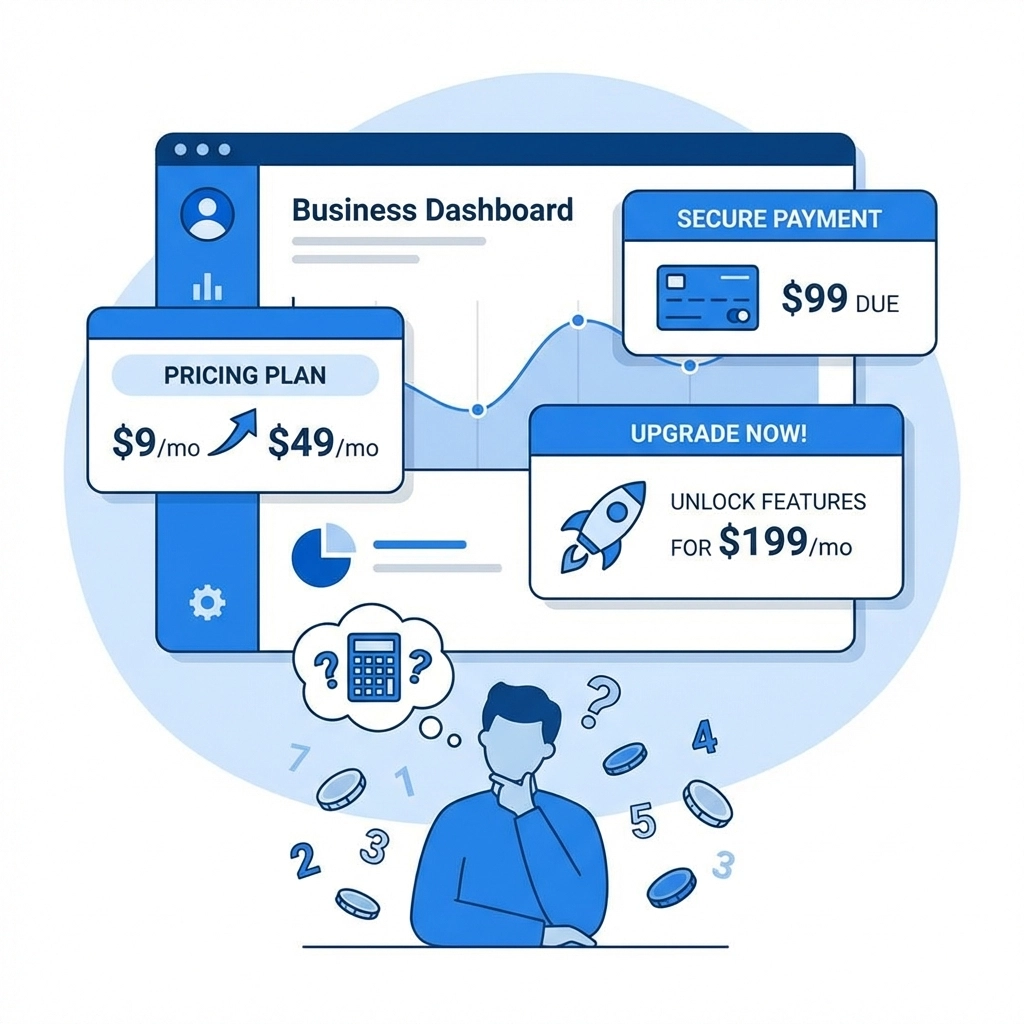
Ongoing Fees That Creep Up
You start with a super-low platform subscription. Then, you realize the site needs extras:
- Premium templates or themes: $150–$750 as a one-time spend
- Special features and plug-ins: $75–$300+ per month
- Each third-party integration (like forms, social feeds, or stores): $15–$75 each per month
- Stock photos: $300–$1,500 each year
- Email marketing and analytics tools: $150–$450 every month
- Hosting upgrades or extra support: $45–$150 monthly
Within a year or two, your “cheap” site could rack up more in subscriptions and upgrades than paying a professional up front would have cost.
Security Risks and Legal Headaches
DIY platforms aren’t built for deep security. Even with a platform’s protection, a single security breach can end up costing $37,500–$75,000 in emergency response: not counting lost business, legal bills, or damaged reputation
Rules for things like data privacy and accessibility (think GDPR, ADA, industry standards) keep getting stricter. DIY tools make it tough to stay compliant. Missing a regulation can lead to fines or bad press.
Cookie-Cutter Designs Can Hurt Trust
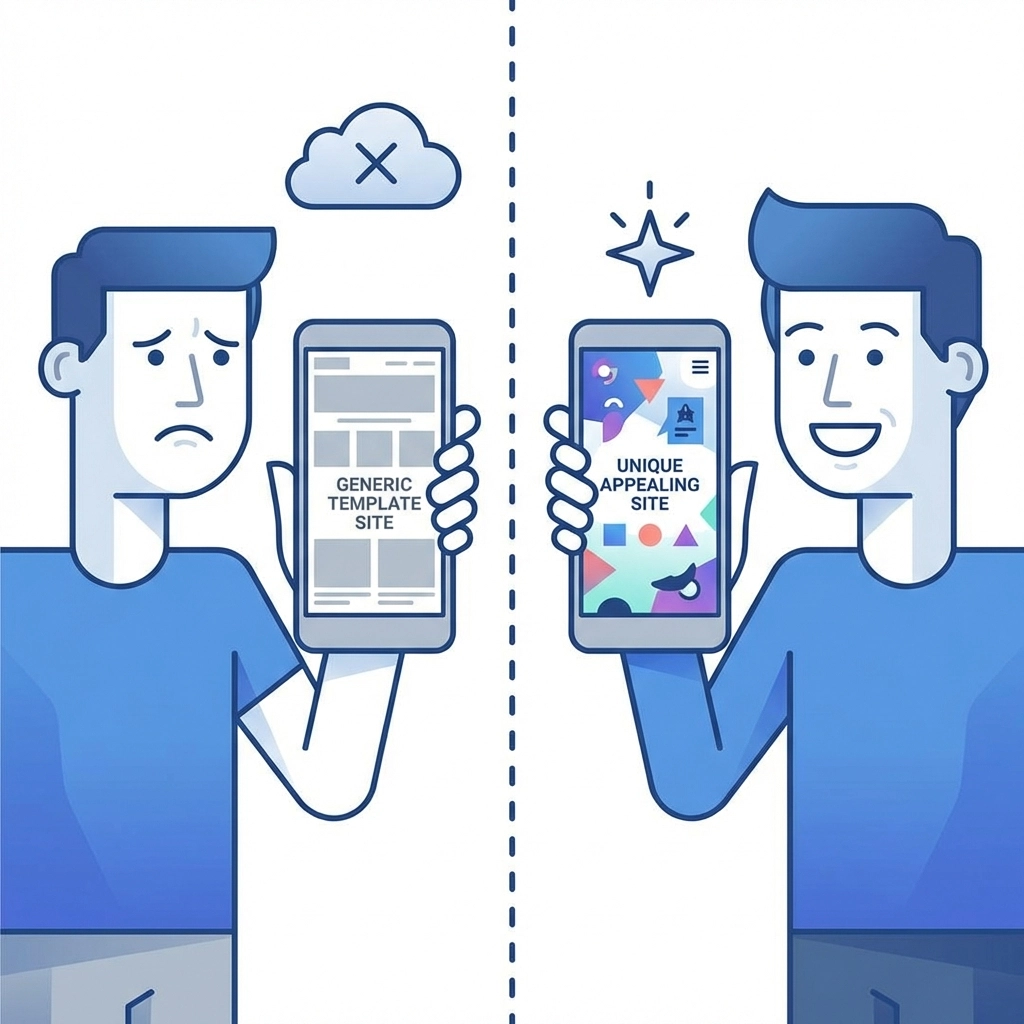
Most DIY websites use the same handful of templates. This means that even if your logo is unique, customers have probably seen your layout dozens of times before
Customers notice when a site looks generic: especially if your business relies on trust. You might lose sales to a competitor with a more polished, custom look
Bland sites often don’t work well on mobile or load fast, either. That means worse rankings in Google and frustrated users who never come back
Poor Performance = Lost Revenue
DIY websites often get loaded with heavy code, unnecessary widgets, and unoptimized images. That slows down your load times. Some platforms make it tough to really optimize for search (SEO) or to fix these issues yourself
A slow, clunky, or confusing site causes people to bounce quickly and can slash your conversions. Sometimes you won’t even know how much business you’re missing out on because your site makes a bad impression or isn’t showing up in searches at all
The Hidden Cost of Redesigns
Web design trends and user expectations change constantly. Updating or evolving a DIY website is tough: often, you have to start from scratch instead of just improving what’s there. Over time, you’ll spend more fixing, upgrading, and recreating the site than a professional build with room to grow would have cost

How To Avoid DIY Website Headaches
Here’s what to do if you want your website to help your business: not just be another endless task
1. Know What You’re Really Taking On
Put real numbers to your time. If you charge $75/hour and spend 80 hours on your site, budget that into your plan. Use an online calculator or spreadsheet to see if the “cheaper” approach lines up with what you’d actually bill for your time
2. Budget for All Features: Not Just the Basics
Before diving in, make a list of every feature, add-on, and tool your business will need. Don’t forget about images, forms, e-commerce, newsletters, security upgrades, and paid support. Add it all up. The number can be surprising, and most business owners find it rises each month
3. Prioritize Security and Compliance
If you’re sticking to DIY, don’t skip premium security add-ons or privacy compliance tools. Test your site for accessibility and review data privacy policies regularly. If you manage sensitive information, think twice about a DIY approach
4. Be Honest About Your Skill Set
Are you comfortable editing code, optimizing for SEO, configuring backups, or troubleshooting technical errors? If not, you may save more money (and stress) by leaving these things to a professional
5. Invest in Professional Web Design
For most businesses, a professionally built website pays for itself: it works the way you want, supports your business goals, and adapts as your business changes
Agencies like WorldWise bring together design, development, security, and marketing. You get solid planning up front, ongoing support when you need it, and a website that actually grows your business instead of getting in the way
When to Hire a Pro
If you check more than two of these boxes, it’s time to call in expert help:
- You want to spend your time growing your business, not troubleshooting plugins
- You need secure data handling or compliance with strict regulations
- Your site requires special features (custom shopping, forms, or integrations)
- You want to rank higher in search engines or compete in a tough online market
- You’re frustrated by endless “surprise” upgrade fees and technical issues
Contact a professional web design partner when those headaches start eating your lunch. You’ll almost always save time, money, and stress in the long run
Conclusion
DIY web design is rarely as cheap as it seems. By the time you add up lost hours, creeping costs, and the risk of lost business, going it alone doesn’t save much: or anything at all. Think ahead, know what to expect, and invest where it matters so your website can actually help your business win
Ready to talk websites? Check out the WorldWise web design team or drop us a message on our contact page for advice on your next move