
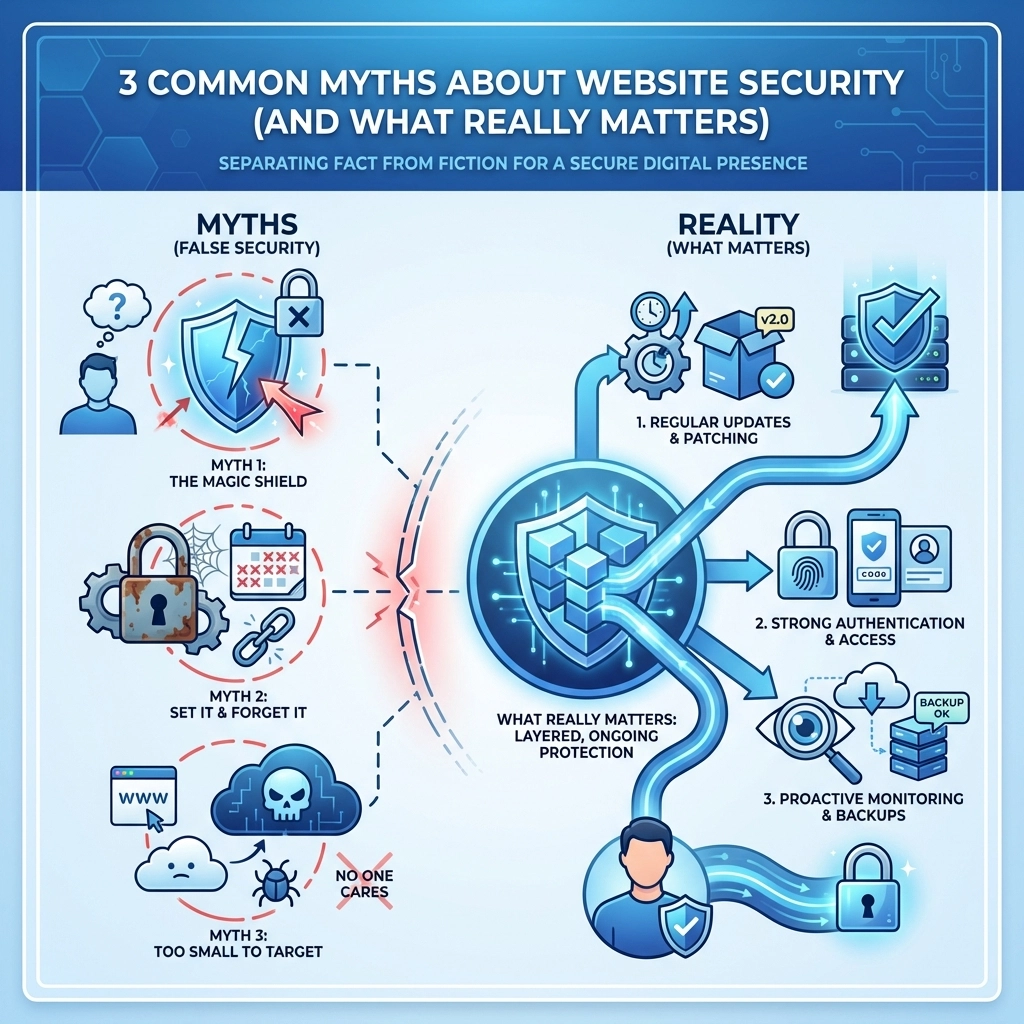

Website security feels like one of those topics where everyone has an opinion but nobody really knows the full picture. Business owners hear snippets of advice, pick up a few buzzwords, and think they've got it covered. Problem is, a lot of what passes for common knowledge is either outdated or flat-out wrong.
The real risks aren't always where you'd expect them. And the stuff you think is keeping you safe might be giving you a false sense of security.
Let's clear things up. Here are three myths that trip up business owners all the time, and what actually matters when it comes to protecting your website and your customers.
Myth 1: If My Site Has HTTPS, It's Secure
You've probably noticed that little padlock icon in your browser's address bar. Maybe someone told you that HTTPS means a website is safe. That's partially true, but it's not the whole story.
HTTPS means the connection between your browser and the website is encrypted. Data traveling back and forth can't be easily intercepted by someone snooping on the network. That's a good thing. But here's what HTTPS doesn't do: it doesn't verify that the website itself is legitimate or trustworthy.
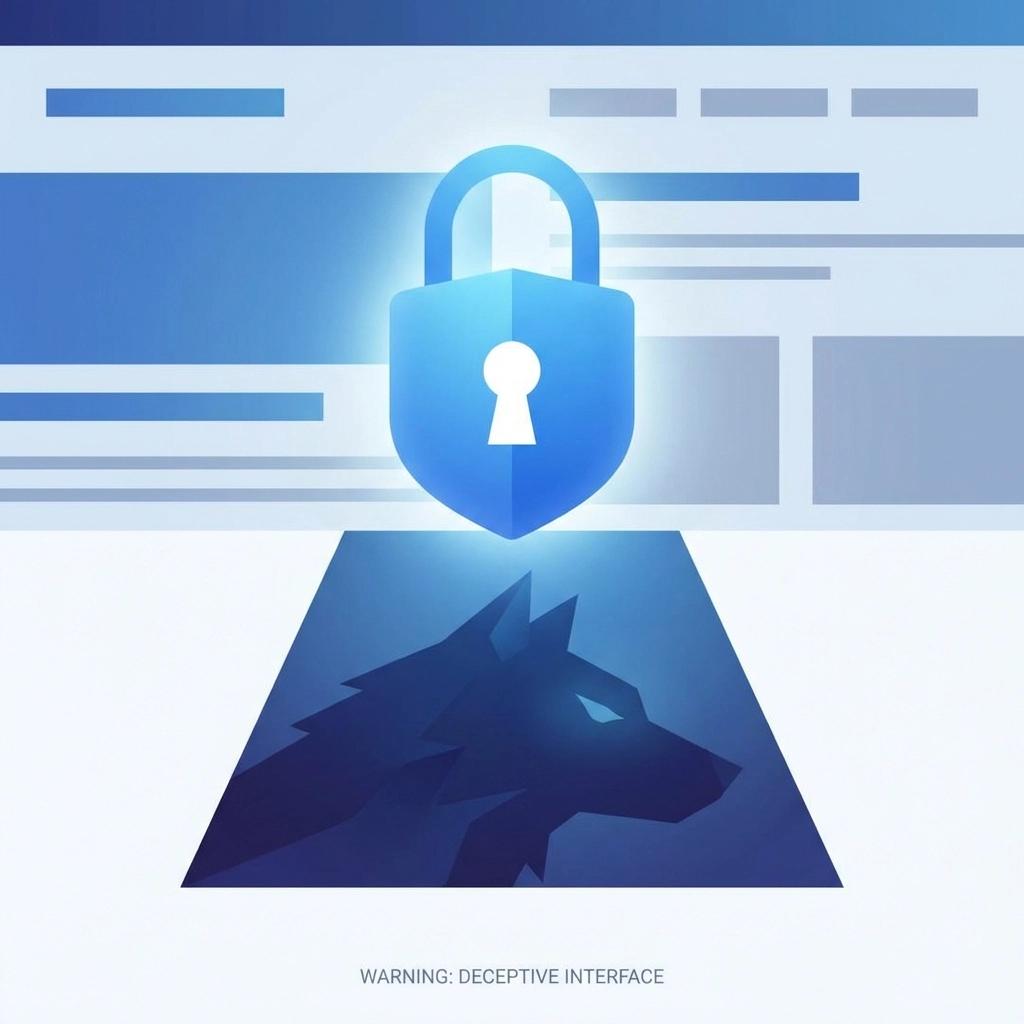
Cybercriminals figured this out a long time ago. They create fake websites that look exactly like real ones, complete with HTTPS encryption. When you enter your credit card number or login credentials, that data is indeed encrypted as it travels to the server. The problem? The server belongs to a scammer.
Think of HTTPS like a locked mailbox. Your letters are protected from random passersby. But if you're dropping mail into a thief's mailbox, that lock isn't doing you any favors.
What Actually Matters
HTTPS is table stakes. Every legitimate website should have it. But don't assume a padlock means you're dealing with a trustworthy business.
For your own website, make sure you have a valid SSL certificate installed and keep it updated. For websites you visit, verify the actual URL before entering sensitive information. Scammers often use addresses that look almost right, like "amaz0n.com" instead of "amazon.com", hoping you won't notice the difference.
Myth 2: A Strong Password Is All I Need
This one's been drilled into our heads for decades. Use a long password. Mix in numbers, symbols, uppercase letters. Don't use your dog's name or "password123."
All solid advice. But a strong password alone isn't enough anymore.
Here's why: passwords get stolen in ways that have nothing to do with how complex they are. Someone might fall for a phishing email and hand over their credentials voluntarily. A third-party service might suffer a data breach, exposing millions of passwords at once. Hackers use automated tools that can try thousands of password combinations per second.
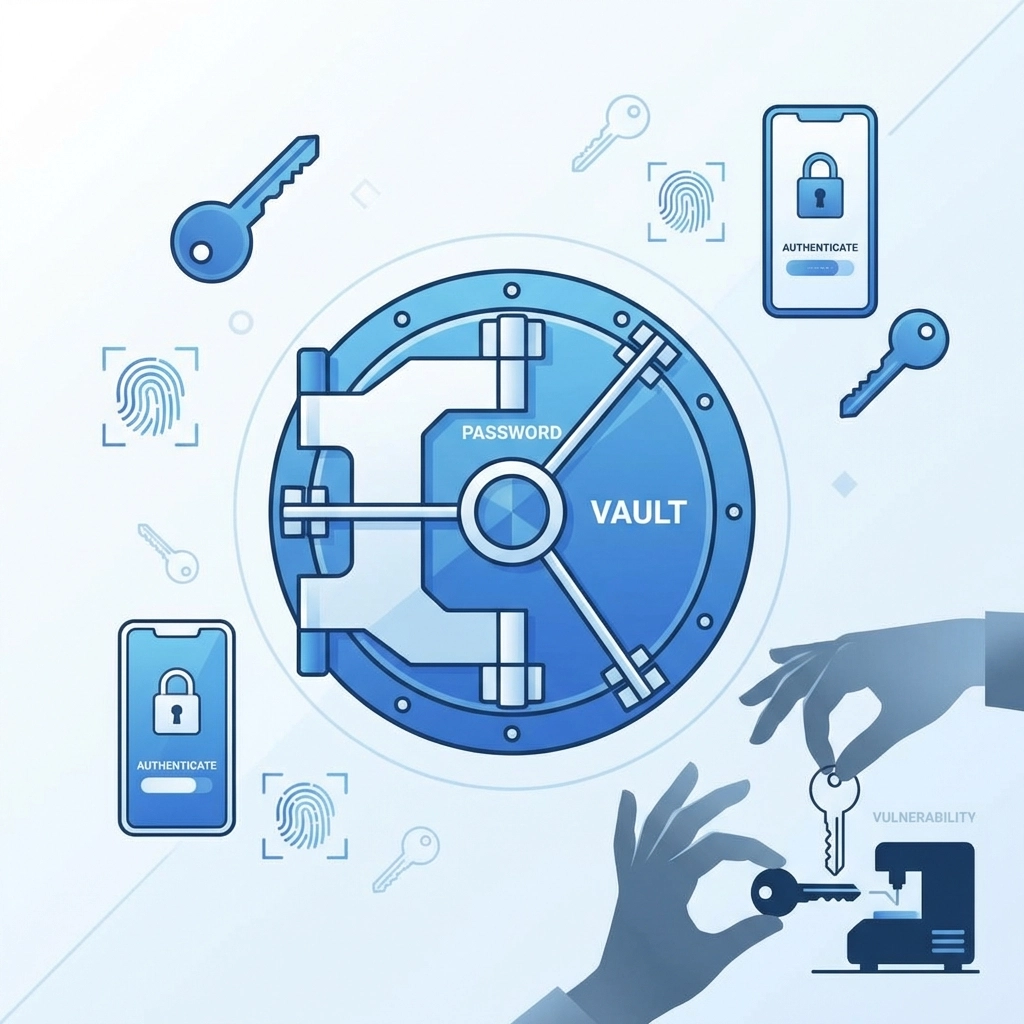
Even the strongest password becomes useless once it's in the wrong hands. And if you're like most people, you've probably reused that password on a few different accounts. One breach can cascade into a much bigger problem.
What Actually Matters
Yes, use strong passwords. Better yet, use a password manager to generate and store unique passwords for every account. But the real game-changer is multi-factor authentication (MFA).
MFA adds another layer of verification beyond your password. Usually it's a code sent to your phone, or a prompt in an authenticator app. Even if someone steals your password, they still can't get in without that second factor.
Enable MFA everywhere you can: especially for:
- Your website's admin panel
- Email accounts
- Hosting and domain registrar accounts
- Payment processors
- Social media business pages
It takes an extra few seconds to log in. That's a small price for a huge boost in security.
Myth 3: Phishing Scams Are Easy to Spot
Remember those old scam emails? The ones with broken English, weird fonts, and stories about Nigerian princes? Those were easy to ignore. Delete and move on.
Modern phishing attacks are nothing like that.
Today's scammers use artificial intelligence to craft convincing messages. Grammar and spelling are perfect. The emails look exactly like real communications from banks, vendors, or coworkers. They might reference actual projects you're working on or transactions you recently made.
Some phishing attempts come through text messages, phone calls, or even social media DMs. The sophistication has gone way up. Even tech-savvy people fall for these scams regularly.
It's not about being smart enough to spot them. It's about the scammers getting better at their jobs.
What Actually Matters
Assume any unsolicited request for sensitive information could be a scam: no matter how legitimate it looks.
A few practical habits that help:
- Don't click links in emails. If your bank says there's a problem with your account, open a new browser window and go directly to their website
- Verify requests through a separate channel. If a "vendor" emails asking you to update payment information, call them using the number you have on file: not the one in the email
- Train your team. If you have employees who access your website or business accounts, make sure they know what to watch for. Regular security awareness training makes a real difference
- Check the sender's actual email address. Not just the display name. Scammers often use addresses like "support@paypa1.com" (with a number one instead of the letter L)
Skepticism is your friend here. When in doubt, verify before you act.
What Actually Keeps Your Website Secure
Myths aside, let's talk about what really matters for protecting your business website.
Keep Everything Updated
Outdated software is one of the biggest vulnerabilities. WordPress plugins, CMS platforms, server software: all of it needs regular updates. Hackers actively scan for sites running old versions with known security holes.
Set a reminder to check for updates at least once a week. Better yet, enable automatic updates where possible.
Use a Web Application Firewall
A firewall monitors traffic to your site and blocks suspicious activity. It can stop common attacks like SQL injection, cross-site scripting, and brute-force login attempts before they cause damage.
Many web hosting providers include firewall protection as part of their packages. If yours doesn't, consider adding one.
Back Up Your Site Regularly
If something does go wrong: whether it's a hack, a server failure, or an accidental deletion: backups let you restore your site quickly. Store backups in a separate location from your main hosting environment.
Test your backups occasionally to make sure they actually work when you need them.
Limit Access
Not everyone needs admin access to your website. Give team members only the permissions they need for their specific tasks. The fewer people with full control, the smaller your attack surface.
Review user accounts periodically and remove any that aren't active anymore.
Monitor for Problems
Set up alerts so you know immediately if something goes wrong. Many security plugins and hosting services can notify you about:
- Failed login attempts
- File changes
- Malware detection
- Downtime
The faster you catch a problem, the less damage it can do.
The Bottom Line
Website security isn't about checking a few boxes and calling it done. It's an ongoing process that requires attention and the right habits.
HTTPS is important but doesn't guarantee safety. Strong passwords help but aren't bulletproof. Phishing scams have gotten sophisticated enough to fool anyone.
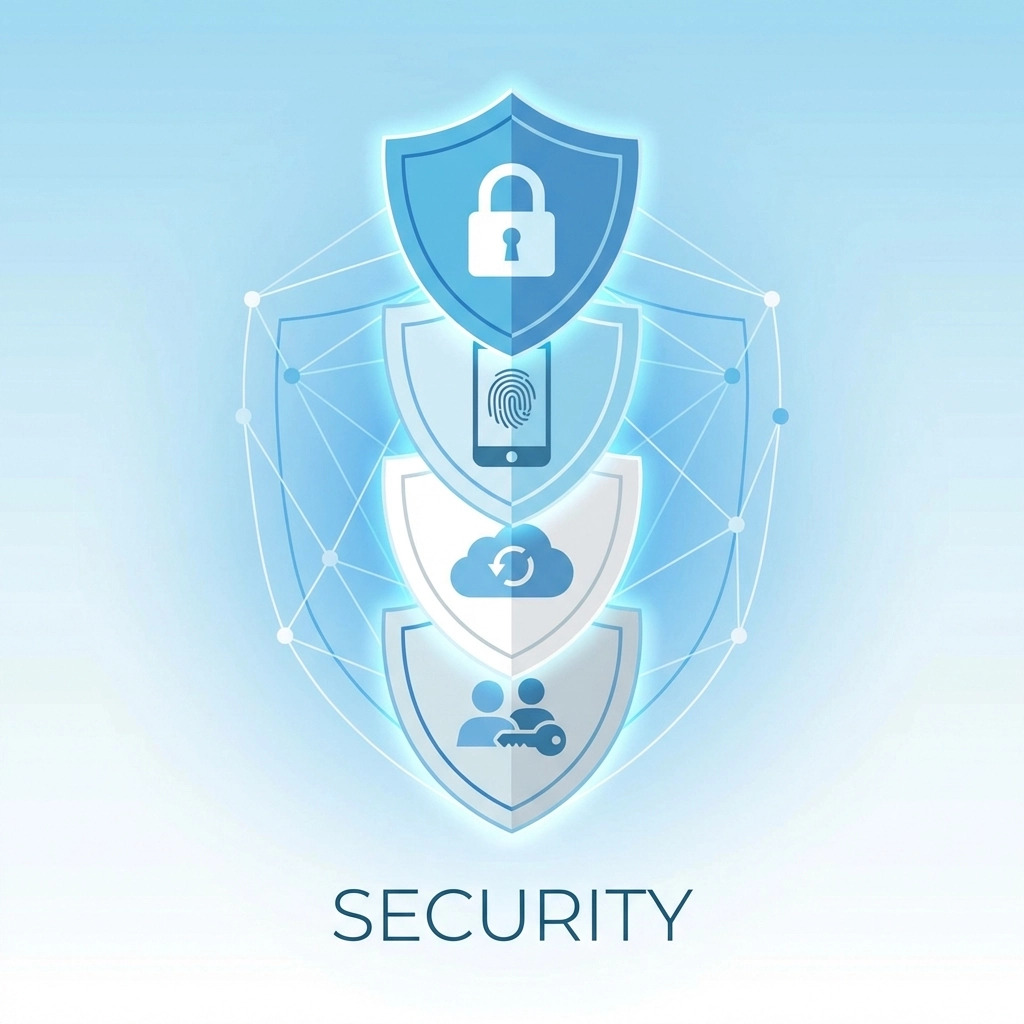
What actually protects you is a layered approach: encryption plus multi-factor authentication plus updated software plus trained employees plus healthy skepticism.
If you're not sure where your website stands security-wise, or you need help tightening things up, reach out to our team. We help businesses build websites that aren't just functional and good-looking( they're built to stay secure)