
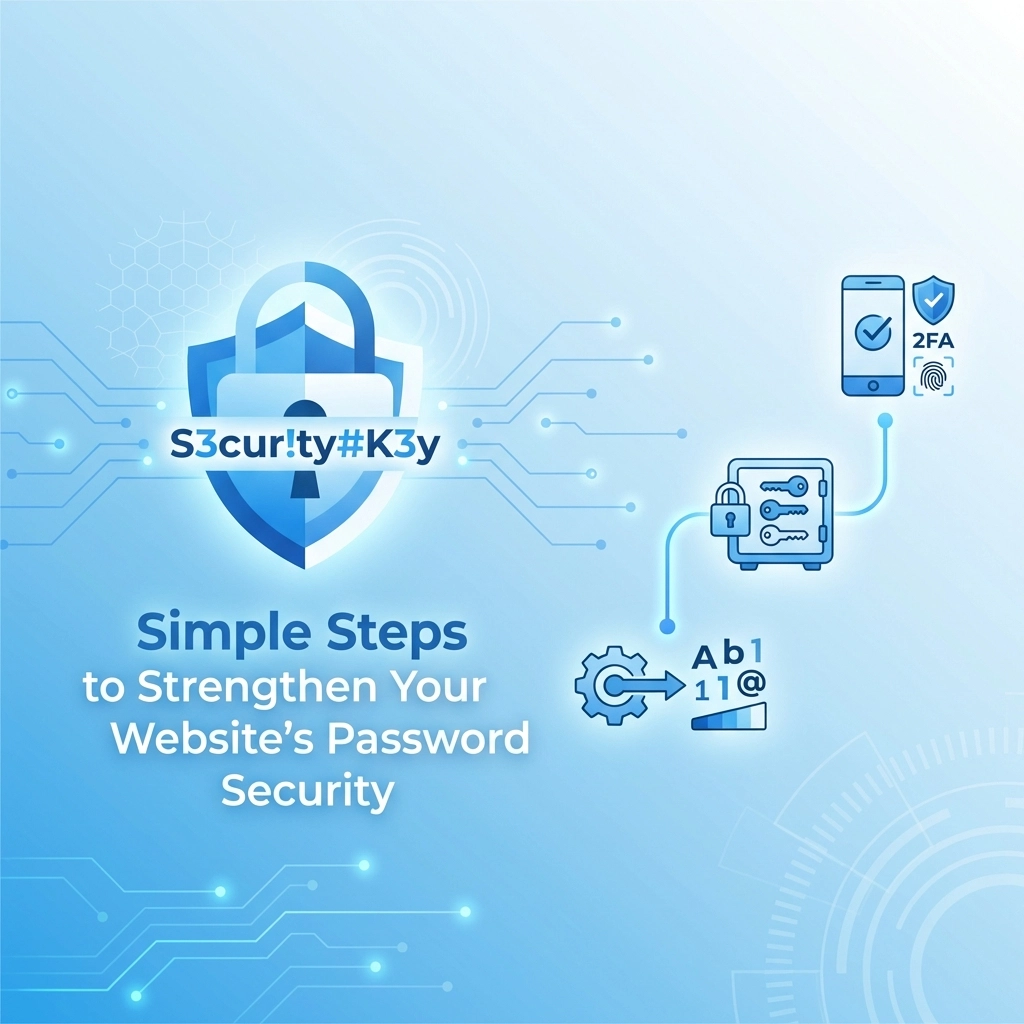

Your website is only as secure as its weakest password. That's not an exaggeration: it's the reality of how most data breaches happen in 2026
Hackers don't need sophisticated tools when "password123" still gets the job done. They rely on stolen credentials, default logins, and lazy password habits to break into websites every single day
The good news? Fixing this doesn't require a computer science degree or a massive budget. A few straightforward changes can dramatically reduce your risk of a security breach
Let's walk through the essential steps to lock down your website's password security
Why Password Security Should Be a Priority
Before diving into solutions, here's why this matters for your business
When someone gains unauthorized access to your website, they can steal customer data, inject malware, redirect your traffic to malicious sites, or hold your entire operation hostage with ransomware. The average cost of a data breach continues to climb year after year, and small businesses often take the hardest hits because they lack the resources to recover quickly
Beyond the financial impact, there's the trust factor. Customers expect you to protect their information. One breach can destroy years of reputation building
The takeaway: password security isn't just an IT concern: it's a business survival issue
Priority Action #1: Enforce Strong, Unique Passphrases
Forget everything you learned about passwords in the early 2000s. The old rules about requiring uppercase letters, numbers, and special characters? They're outdated
Modern security guidance from organizations like NIST (National Institute of Standards and Technology) now prioritizes length over complexity. A longer password or passphrase is significantly harder to crack than a short, complex one
Here's what to implement:
- Require at least 12-16 characters minimum (NIST allows up to 64 characters including spaces)
- Allow passphrases like "correct horse battery staple" which are easier to remember and harder to crack
- Permit spaces and all special characters to give users flexibility
- Require unique passwords for every account : no reusing the same password across multiple services
Why does uniqueness matter so much? Attackers routinely test stolen credentials from one breach against other platforms. If your admin uses the same password for your website that they used on a breached social media site, your entire business is at risk
Quick Implementation Tips
- Update your password policy documentation
- Configure your CMS or hosting platform to enforce minimum length requirements
- Use a password strength meter on registration and login pages to guide users toward better choices
Priority Action #2: Enable Multi-Factor Authentication
If you only implement one thing from this entire post, make it this one
Multi-Factor Authentication (MFA) adds a second verification step beyond the password. Even if someone steals a password, they still can't access the account without that second factor
Common MFA methods include:
- One-time codes sent via text message or email
- Authenticator apps like Google Authenticator or Microsoft Authenticator
- Hardware security keys that plug into your device
- Biometric verification like fingerprint or face recognition
Make MFA mandatory for all admin accounts, content editors, and anyone with backend access to your website. This single step blocks the vast majority of unauthorized access attempts
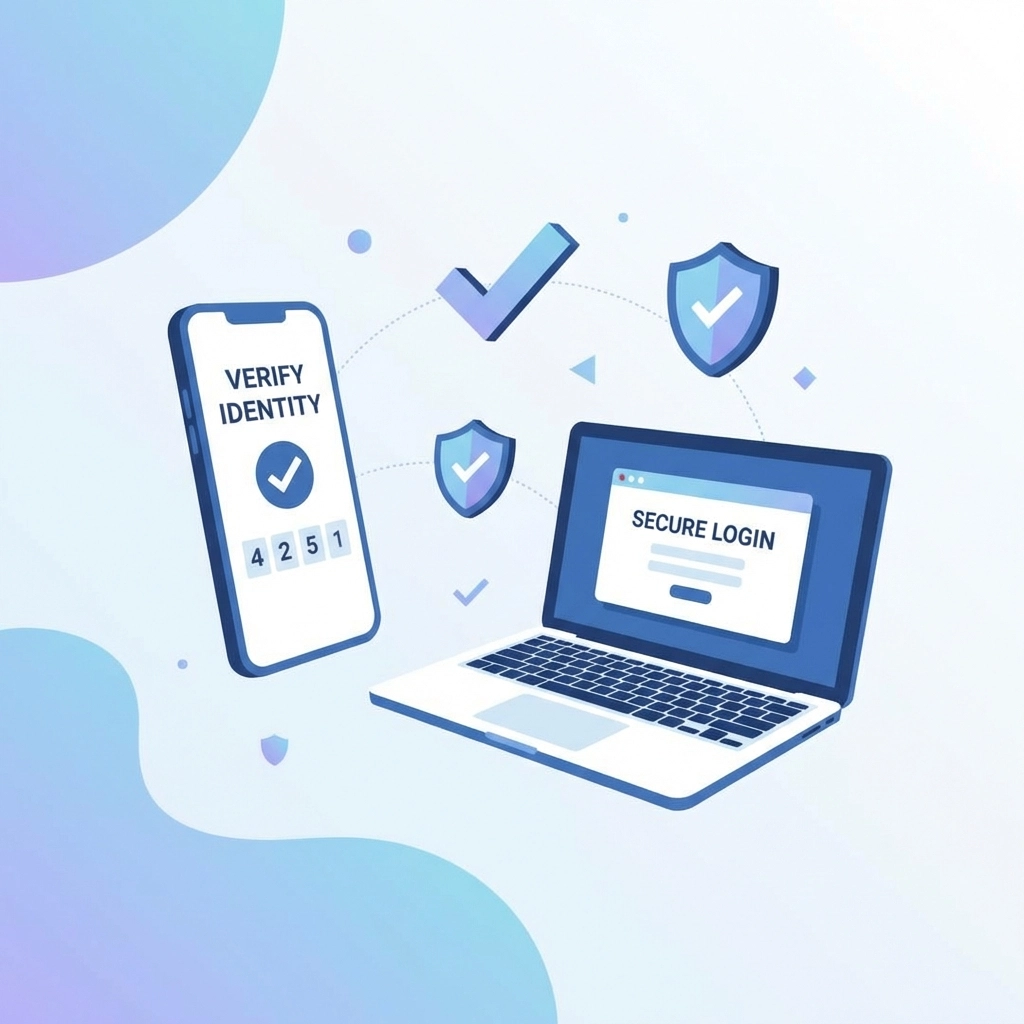
The Future: Passkeys and FIDO2
The security industry is moving toward phishing-resistant MFA using FIDO2 passkeys. These use cryptographic keys tied to specific devices and websites, making it impossible for attackers to steal credentials through fake login pages
If your platform supports passkeys, consider transitioning to them. They're more secure and often more convenient than traditional passwords
Priority Action #3: Change Default Passwords Immediately
This one sounds obvious, but you'd be surprised how often it gets overlooked
Default passwords like "admin," "password," or "1234" ship with countless devices, routers, plugins, and software platforms. Attackers know these defaults by heart and actively scan for systems still using them
During setup of any new tool, device, or software:
- Change the default password immediately
- Use a strong, unique passphrase (see Priority Action #1)
- Document the new credentials securely
This applies to everything: your hosting control panel, WordPress admin, database access, FTP accounts, router settings, email server configurations: all of it
Supporting Measure: Secure Password Storage and Transmission
How passwords are stored and transmitted matters just as much as the passwords themselves
For transmission:
- Ensure all login forms use HTTPS encryption
- Never transmit passwords in plain text
- Verify your SSL certificate is current and properly configured
For storage:
- Never store passwords in plain text (not in databases, spreadsheets, or text files)
- Use secure hashing algorithms with salting
- If you're not sure how your website stores passwords, ask your web development team to audit it
Supporting Measure: Use Password Managers
Nobody can remember dozens of unique, complex passwords. That's where password managers come in
These tools generate, store, and autofill strong passwords for every account. Popular options include 1Password, Bitwarden, LastPass, and Dashlane
Benefits of password managers:
- Generate truly random, strong passwords
- Eliminate the temptation to reuse passwords
- Autofill credentials to prevent phishing (they won't fill passwords on fake sites)
- Secure sharing of credentials with team members when needed
For businesses with multiple employees accessing various systems, consider implementing a Privileged Access Management (PAM) solution. These enterprise-grade tools enforce strong passwords while controlling access levels and automatically rotating credentials after use
Supporting Measure: Restrict Password Access
Not everyone needs the keys to the kingdom
Apply the principle of least privilege: give each user only the access they need to do their job
- Limit admin access to essential personnel only
- Create role-based access levels (admin, editor, viewer, etc.)
- Review and audit access permissions regularly
- Remove access immediately when employees leave or change roles
Enterprise password managers can even enable remote access to systems without disclosing actual passwords to users: the credentials get entered automatically, then rotated after the session ends
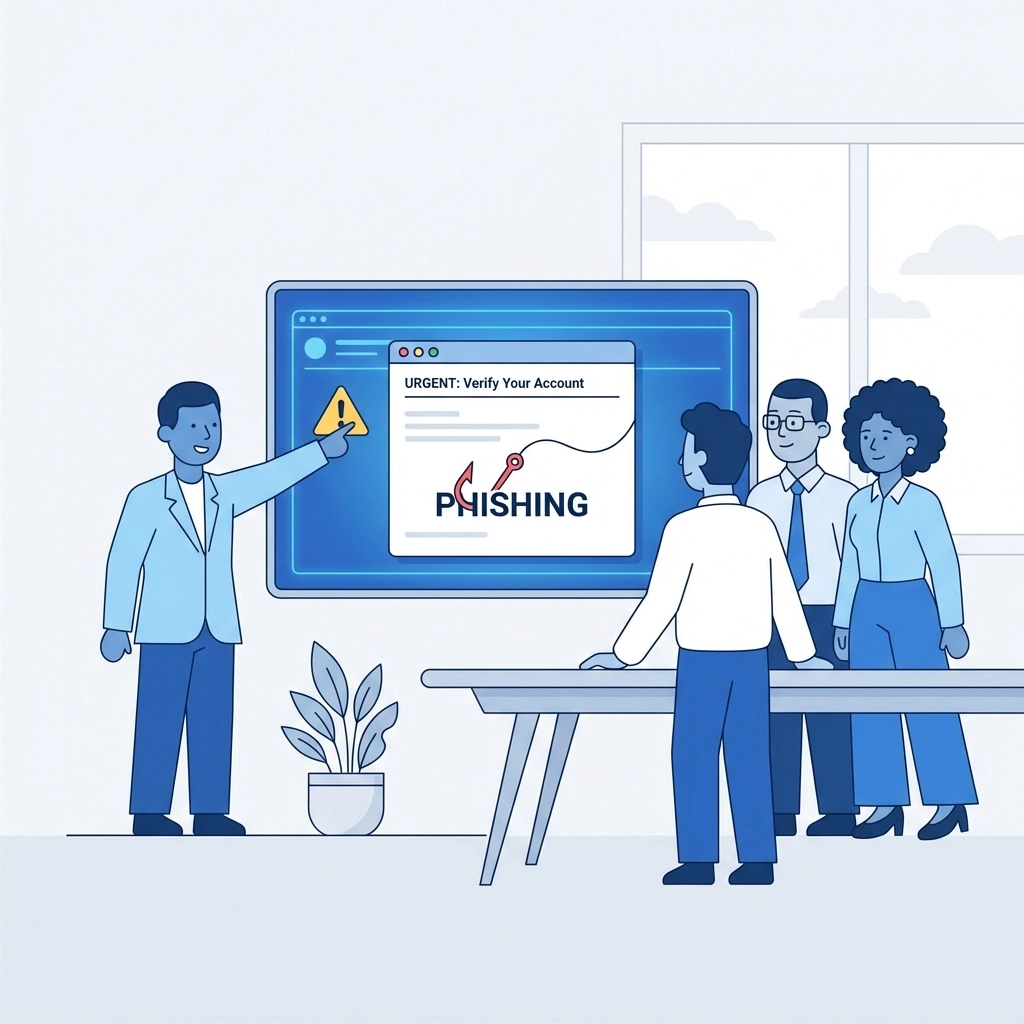
Supporting Measure: Educate Your Team About Phishing
Here's a hard truth: phishing remains the most cost-effective attack method for stealing passwords
No amount of technical security can protect you if someone on your team hands over their credentials to a fake login page. Training is essential
Key points to cover with your team:
- Never enter passwords after clicking links in emails or text messages
- Always navigate directly to websites by typing the URL or using bookmarks
- Verify the sender's email address carefully (attackers often use lookalike domains)
- When in doubt, contact IT or the supposed sender through a different channel to verify
- Report suspicious emails immediately
Regular training refreshers keep security awareness top of mind. Consider running simulated phishing tests to identify who needs additional coaching
Creating a Password Security Policy
Put all of this in writing. A formal password security policy gives your team clear guidelines and establishes accountability
Your policy should cover:
- Minimum password length and composition requirements
- MFA requirements for different access levels
- Rules against password reuse and sharing
- Password manager recommendations or requirements
- Procedures for reporting suspected compromises
- Regular review and update schedule for the policy itself
Take Action Today
Password security doesn't have to be overwhelming. Start with the three priority actions:
- Enforce strong, unique passphrases
- Enable multi-factor authentication everywhere possible
- Change all default passwords
Then layer in the supporting measures as time and resources allow
If you're unsure about your current security posture or need help implementing these changes, reach out to our team. We help businesses build secure, reliable websites that protect both company data and customer trust
Don't wait for a breach to take password security seriously. The best time to strengthen your defenses is right now