

Small businesses are prime targets for cyberattacks. Why? Because hackers know most small operations don't have dedicated IT security teams or enterprise-level protection
The good news is you don't need a massive budget to protect your business. You just need to get the basics right
Here are five cybersecurity essentials that every small business should have in place right now
1. Strong Password Policies
Weak passwords are basically an open door for hackers. Yet most people still use passwords like "password123" or their pet's name followed by their birth year
Here's what a solid password policy looks like:
- Minimum 15 characters - longer is always better
- Mix it up - use uppercase, lowercase, numbers, and symbols
- No reusing passwords - every account gets a unique password
- Change them quarterly - set calendar reminders if you have to
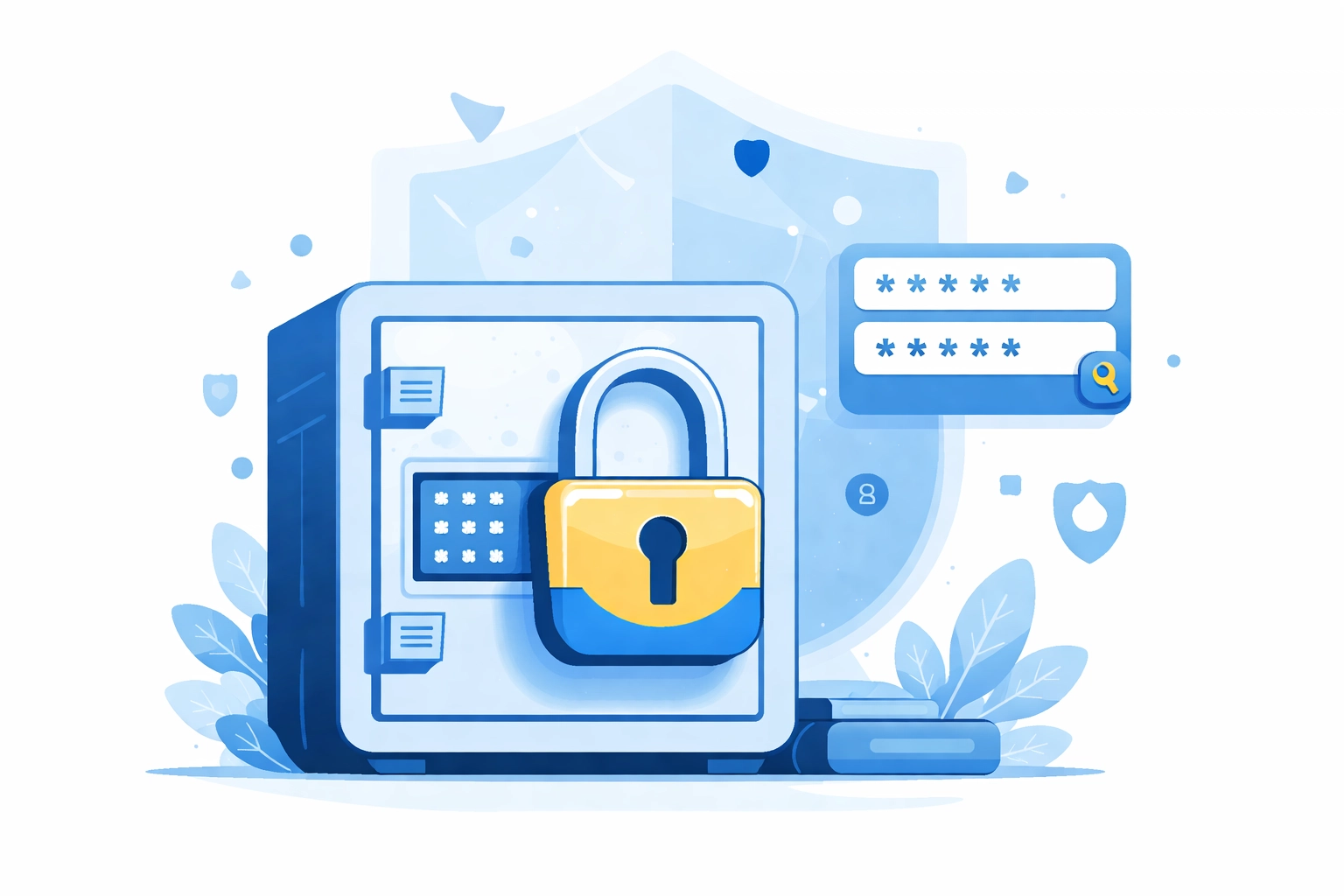
The reality is nobody can remember dozens of complex passwords. That's where password managers come in. Tools like LastPass, 1Password, or Bitwarden generate and store strong passwords for you. Your team only needs to remember one master password
Roll out a password manager company-wide. It's one of the simplest security upgrades you can make
2. Multi-Factor Authentication (MFA)
MFA blocks 99.9% of automated cyberattacks. That's not a typo - ninety-nine point nine percent
Yet smaller businesses adopt it at much lower rates than larger companies. Don't be one of them
MFA adds a second verification step beyond your password. Usually that's a code from an authenticator app, a push notification to your phone, or a physical security key
Where should you enable MFA? Start with these:
- Business email accounts
- Cloud storage and services
- VPN and remote access
- Banking and financial platforms
- Social media accounts
- Any admin or management portals
Quick tip: authenticator apps like Google Authenticator or Microsoft Authenticator are more secure than SMS codes. SIM swapping attacks can intercept text messages, but they can't touch your authenticator app
If you only implement one thing from this list, make it MFA. The protection-to-effort ratio is unbeatable
3. Regular Data Backups
Ransomware attacks hit small businesses hard. Over half of small businesses that fall victim to ransomware end up paying the ransom. And even then, there's no guarantee you'll get your data back
Regular backups are your insurance policy. If your systems get locked up, you can wipe everything and restore from backup instead of paying criminals
Follow the 3-2-1 backup rule:
- 3 copies of your data
- 2 different media types (like cloud storage and an external drive)
- 1 copy stored offsite (physically separate from your main location)
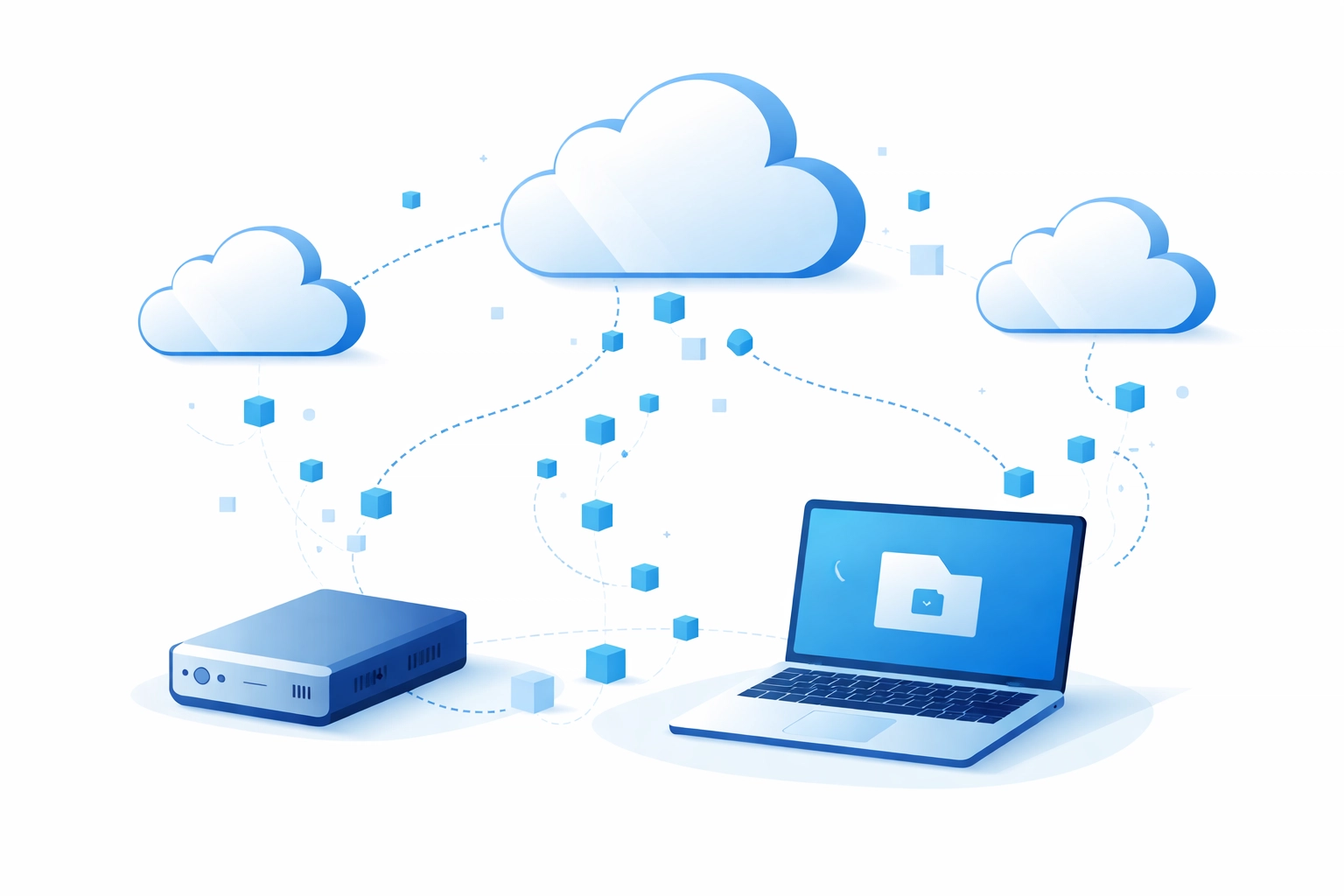
Critical point: your backups need to be isolated from your main network. If ransomware can reach your backups, they're useless. Air-gapped or offline backups are your best defense
Also test your backups regularly. A backup you can't restore from isn't really a backup at all. Schedule quarterly recovery tests to make sure everything works when you need it
4. Employee Security Training
Here's a stat that might surprise you: 74% of all data breaches involve human error
Your employees aren't the problem - lack of training is. Most people genuinely want to do the right thing. They just don't know what the right thing looks like
Effective security training should cover:
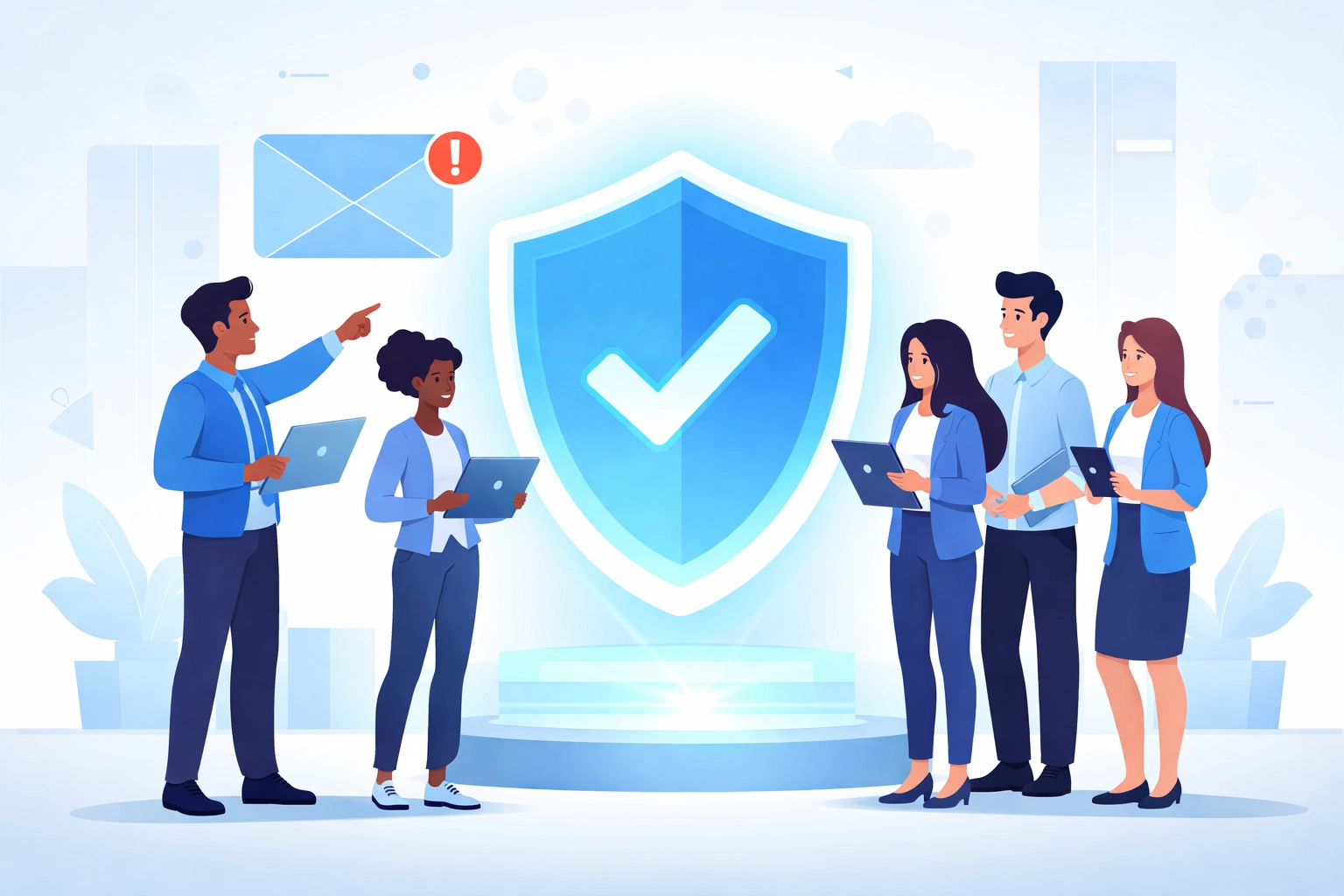
- Recognizing phishing emails - the red flags, the urgency tactics, the suspicious links
- Verification protocols - especially for financial requests or password resets
- Safe browsing habits - what to click and what to avoid
- Device security - locking screens, securing mobile devices, public WiFi risks
- Reporting procedures - who to contact when something seems off
One-time training sessions don't cut it. Security awareness needs to be ongoing. Monthly tips, quarterly refreshers, and simulated phishing tests keep security top of mind
Simulated phishing is particularly valuable. Send fake phishing emails to your team and track who clicks. It identifies vulnerable employees and creates teachable moments without real consequences
When someone fails a simulated phish, don't shame them. Use it as a learning opportunity. The goal is building good habits, not punishing mistakes
5. Regular Software Updates and Network Audits
Outdated software is vulnerable software. When vendors discover security holes, they release patches to fix them. If you're not updating, you're leaving those holes wide open
Here's what needs regular updates:
- Operating systems (Windows, macOS, Linux)
- Web browsers
- Antivirus and security software
- Business applications
- Router firmware
- Any plugins or extensions
Enable automatic updates wherever possible. For systems that can't auto-update, schedule monthly manual checks
But updates alone aren't enough. You also need to know what's actually happening on your network
That's where network audits come in
A network audit examines your entire IT infrastructure - devices, connections, access points, user permissions, security configurations. It finds vulnerabilities before hackers do
What a good network audit reveals:
- Unauthorized devices on your network
- Outdated or unpatched systems
- Weak access controls
- Unnecessary open ports
- Configuration errors
- Compliance gaps
Most small businesses don't have the internal expertise for thorough network audits. That's where professional IT support becomes valuable. At WorldWise, we offer comprehensive network audits and ongoing cybersecurity support tailored for small businesses
Putting It All Together
These five essentials work together as layers of protection:
| Essential | What It Protects Against |
|---|---|
| Strong Passwords | Brute force attacks, credential stuffing |
| MFA | Account takeovers, stolen credentials |
| Data Backups | Ransomware, data loss, hardware failure |
| Employee Training | Phishing, social engineering, human error |
| Updates & Audits | Known vulnerabilities, configuration weaknesses |
No single measure is bulletproof. But combined, they dramatically reduce your risk
Start with the easiest wins - enable MFA on your critical accounts today. Then work through the list systematically. You don't have to do everything at once
Need Help Getting Started?
Cybersecurity can feel overwhelming, especially when you're trying to run a business at the same time
If you want expert guidance without the enterprise price tag, reach out to our team. We help small businesses implement practical security measures that actually work
Your business data is too valuable to leave unprotected. Take the first step today