

Cybersecurity sounds complicated. And honestly, it can be. But here's the thing, most data breaches don't happen because of some genius hacker in a dark room typing furiously. They happen because of simple mistakes. Weak passwords. Outdated software. An employee clicking a sketchy link in an email
The good news? You don't need a massive IT budget to protect your business. You just need to get the basics right. Here are five straightforward cybersecurity tips that any business can implement starting today
1. Train Your Employees
Your team is your first line of defense. They're also your biggest vulnerability
That's not an insult, it's just reality. The leading cause of small business data breaches comes down to human error. Someone opens a phishing email. Someone downloads a file they shouldn't. Someone uses "password123" because it's easy to remember
The fix? Training. And not just a one-time seminar that everyone forgets by lunch
What to cover in cybersecurity training
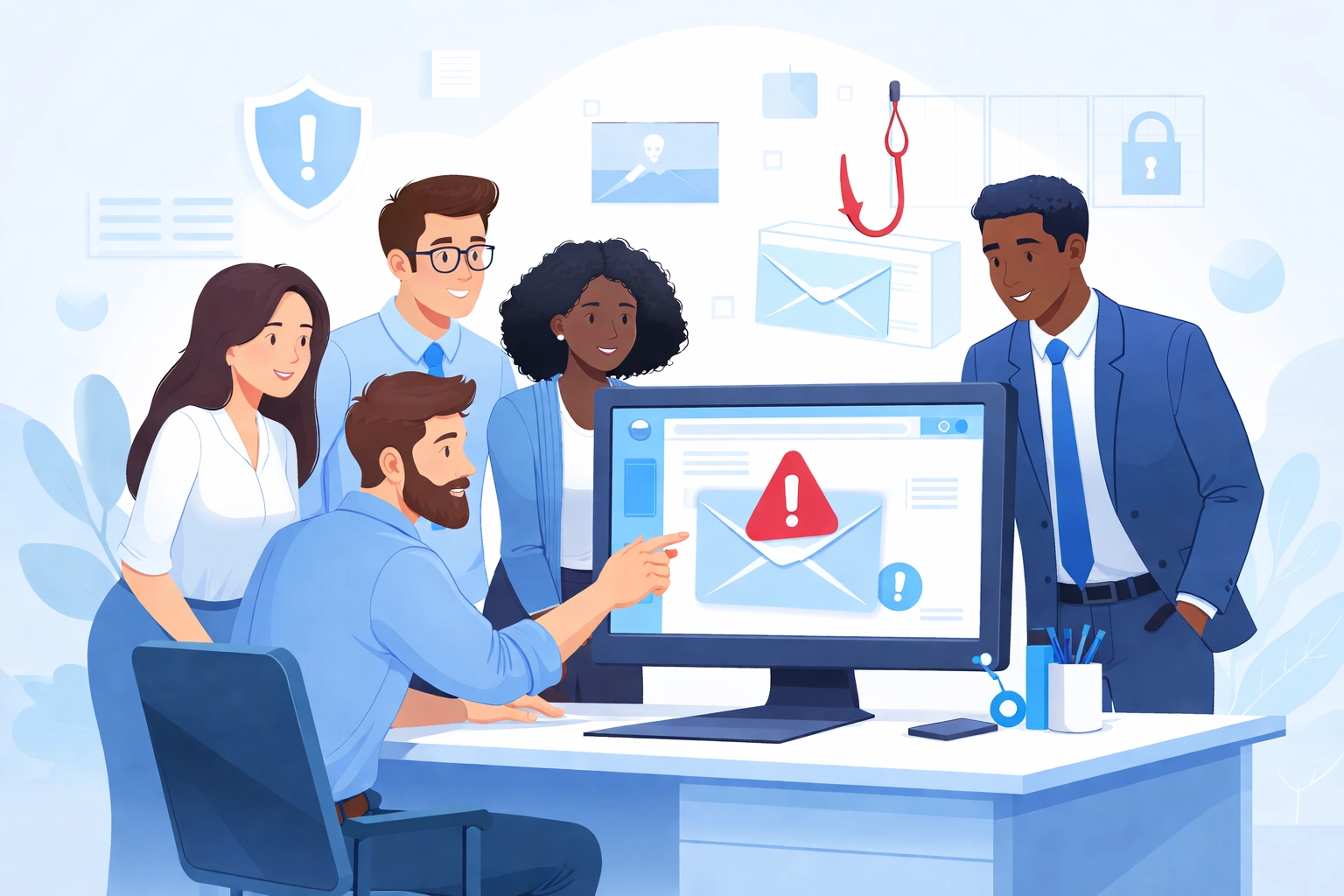
- Phishing awareness – Teach your team what suspicious emails look like. Fake invoices, urgent requests from "the CEO," links that don't quite match the company they claim to be from. Show real examples
- Safe browsing habits – No downloading random software. No clicking pop-ups that promise free stuff. If something looks too good to be true, it is
- Password hygiene – We'll get into this more below, but your employees need to understand why strong passwords matter
- Reporting procedures – Make it easy (and judgment-free) for employees to report when they think they've made a mistake. The faster you know about a potential breach, the faster you can respond
This doesn't have to be complicated. A 30-minute session every quarter keeps security top of mind without overwhelming anyone
2. Keep All Software Updated
Here's a stat that might surprise you: more than 80% of hacks are indirectly caused by outdated software
When software companies release updates, they're not just adding new features. They're patching security holes. Every time you hit "remind me later" on that update notification, you're leaving a door open for attackers
What needs updating
- Operating systems (Windows, macOS, etc.)
- Web browsers
- Antivirus software
- Any applications your business uses daily
- Router firmware (more on this later)
The easiest solution? Turn on automatic updates wherever possible. That way you don't have to think about it. The updates happen in the background, and your systems stay protected
If automatic updates aren't an option for certain software, set a calendar reminder to check for updates weekly. It takes five minutes and could save you from a massive headache down the road
3. Install Antivirus Software
This one seems obvious, but you'd be surprised how many businesses skip it or let their subscriptions lapse
Antivirus software protects against viruses, spyware, ransomware, and phishing attempts. It's not a silver bullet, no single tool is, but it's a critical layer of protection that every business computer should have
What to look for in antivirus software
- Real-time protection – The software should actively monitor your system, not just scan when you tell it to
- Automatic updates – New threats emerge constantly. Your antivirus needs to keep up
- Ransomware protection – Ransomware attacks have exploded in recent years. Make sure your software specifically guards against them
- Cleanup capabilities – If something does get through, your software should be able to quarantine and remove it
Deploy antivirus on every device that connects to your business network. Laptops, desktops, even mobile devices if they access company data. One unprotected machine is all it takes
If managing all this sounds like a lot, that's where managed IT support comes in handy. Having experts handle your security means nothing falls through the cracks
4. Require Strong Passwords and Multi-Factor Authentication
Weak passwords are embarrassingly common. "123456" and "password" still top the list of most-used passwords every single year. If any of your employees are using passwords like these, your business is at risk
What makes a strong password
- At least 15 characters long
- Mix of uppercase and lowercase letters
- Numbers and symbols included
- Not based on personal information (birthdays, pet names, etc.)
- Unique for every account, no reusing passwords across sites
Yes, that's a lot to remember. That's why password managers exist. Tools like 1Password, Bitwarden, or LastPass generate and store complex passwords so your team doesn't have to memorize them
Multi-factor authentication is non-negotiable
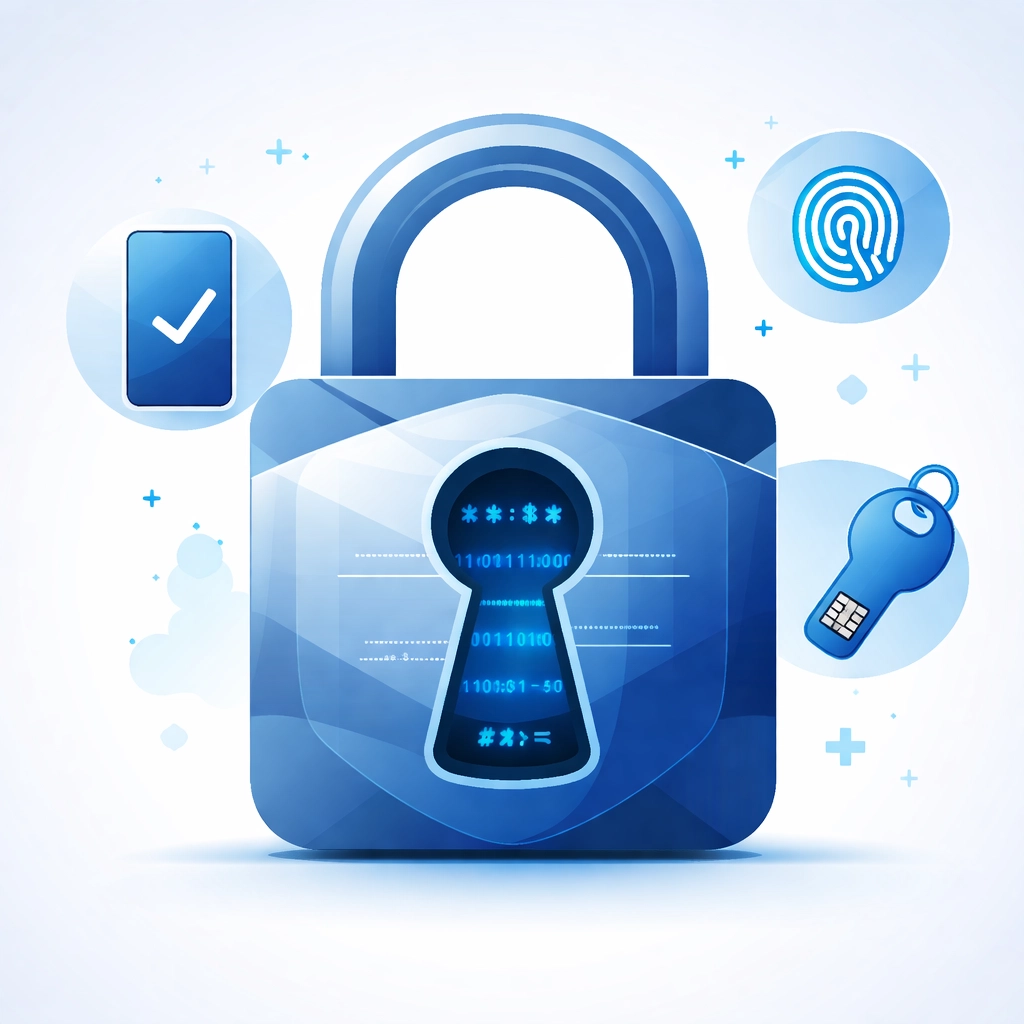
Even the strongest password can be compromised. That's why multi-factor authentication (MFA) matters
MFA requires a second verification step beyond just the password. Usually this means entering a code sent to your phone or generated by an authenticator app. Even if someone steals a password, they can't get in without that second factor
Enable MFA on every system that supports it. Email, cloud storage, accounting software, project management tools: all of it. This single step blocks the vast majority of unauthorized access attempts
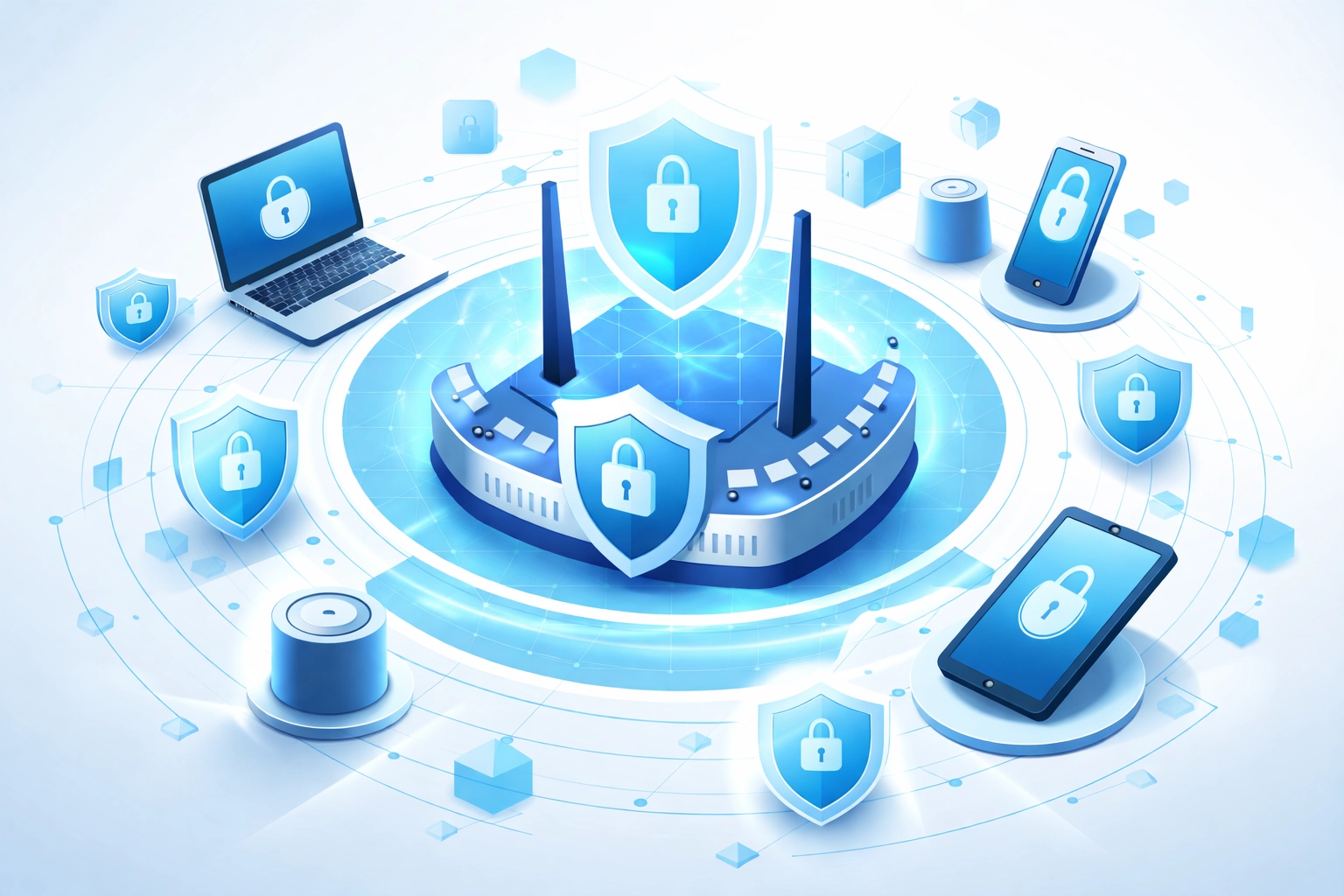
5. Secure Your Network and Router
Your router is the gateway to your entire network. If it's not properly secured, everything connected to it is vulnerable
Most routers come with default usernames and passwords. These defaults are publicly known and easy for attackers to exploit. Changing them should be the first thing you do
Router security checklist
- Change the default login credentials – Pick a strong, unique password for your router's admin panel
- Use WPA3 encryption – If your router supports WPA3, use it. If not, WPA2 is the minimum acceptable standard. Never use WEP: it's outdated and easily cracked
- Turn off remote management – Unless you specifically need to access your router from outside your network, disable this feature
- Keep firmware updated – Routers need updates just like any other software. Check your manufacturer's website periodically or enable automatic updates if available
- Create a guest network – If clients or visitors need WiFi access, set up a separate guest network. This keeps them off your main business network
Consider network monitoring
For businesses handling sensitive data, basic router security might not be enough. Network monitoring tools can detect unusual activity: like someone trying to access your systems at 3 AM from an unfamiliar location
This is another area where professional IT support pays for itself. Experts can set up monitoring, respond to threats in real-time, and make sure your network stays locked down
Start With the Basics
Cybersecurity doesn't have to be overwhelming. You don't need to implement everything at once. Start with these five fundamentals:
- Train your employees to recognize threats
- Keep all software updated
- Install and maintain antivirus protection
- Enforce strong passwords and MFA
- Secure your network and router
Each step you take reduces your risk. And in a world where cyberattacks target businesses of all sizes, that risk reduction matters
Need help getting your security in order? Our team at WorldWise offers computer and IT support to help businesses protect their digital assets. Get in touch and let's make sure your business is covered