

Your website is often the first impression potential customers get of your business. And first impressions matter
If your site looks like it was built in 2015, visitors will assume your business operates the same way. Outdated. Stale. Out of touch
The problem is most business owners don't realize their website has aged poorly. You see it every day, so the flaws become invisible. Meanwhile, competitors with modern sites are quietly stealing your customers
Let's fix that. Here are five clear signs your website needs an update, and what to do about each one
1. Your Site Takes Forever to Load
This is the big one. If your website takes more than three seconds to load, you're losing over half your visitors before they even see your content
Think about your own browsing habits. When a page loads slowly, do you wait around? Or do you hit the back button and try the next result? Your customers do the same thing
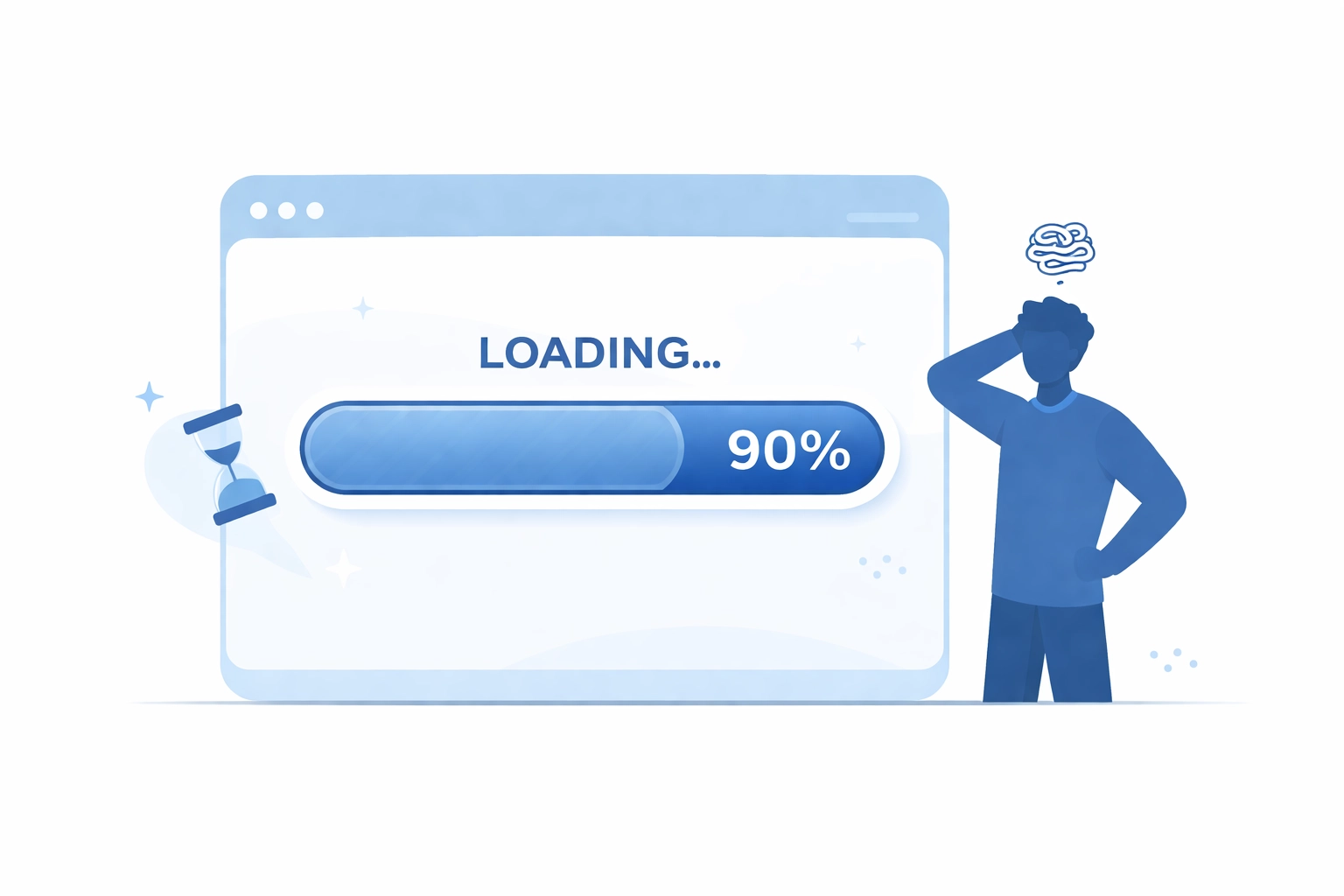
Slow load times hurt you twice. First, you lose impatient visitors. Second, search engines like Google rank slow sites lower in results. So fewer people find you, and those who do often leave before your page finishes loading
How to fix it:
- Compress your images. Large image files are usually the biggest culprit
- Upgrade your hosting. Cheap hosting often means slow servers
- Use a content delivery network (CDN) to serve files faster
- Remove unnecessary plugins and scripts that bog things down
Not sure where to start? A web hosting upgrade can make a significant difference with minimal effort
2. Your Design Looks Dated
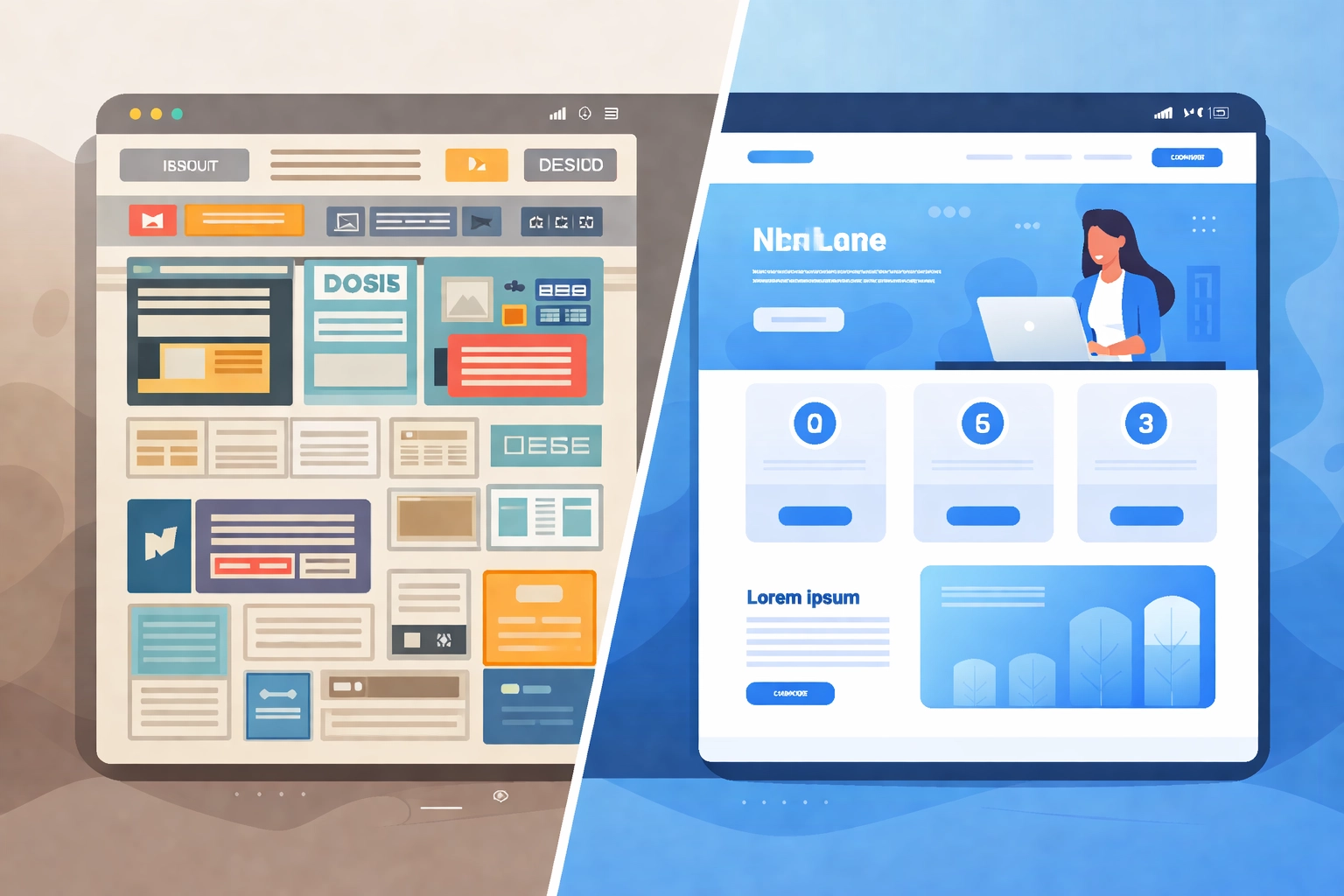
Design trends change fast. What looked modern five years ago now screams "we haven't touched this site since the last election"
Signs your design is outdated:
- Tiny fonts that are hard to read
- Crowded layouts with too much happening on every page
- Generic stock photos that look like every other business site
- Color schemes that feel like early 2010s internet
- Clunky navigation that requires too many clicks
Visitors make snap judgments. Studies show people form opinions about websites in about 50 milliseconds. If your site looks old, they assume your business is old too
How to fix it:
You don't always need a complete rebuild. Sometimes a visual refresh does the trick
- Update to clean, minimal layouts with plenty of white space
- Use larger, more readable typography
- Choose a contemporary color palette that reflects your brand
- Replace generic stock photos with authentic imagery
- Simplify navigation so visitors find what they need quickly
A professional web design update can transform how customers perceive your business overnight
3. Your Site Doesn't Work Well on Mobile
Here's a reality check: more than half of all web traffic comes from mobile devices. If your site isn't optimized for phones and tablets, you're ignoring the majority of your audience
Non-responsive design means:
- Text too small to read without zooming
- Buttons too tiny to tap accurately
- Horizontal scrolling required to see full content
- Images that don't scale properly
- Forms that are impossible to fill out on a phone
Google uses mobile-first indexing now. That means they primarily look at your mobile site when determining search rankings. A desktop-only approach actively hurts your visibility
How to fix it:
- Implement responsive design that adapts to any screen size
- Make buttons and links large enough for finger taps
- Ensure text is readable without zooming
- Test your site on multiple devices regularly
- Consider mobile users first when making design decisions
Need help making your site work on every device? Check out mobile development options that ensure your site looks great everywhere
4. Your Content Hasn't Been Updated in Ages
When was your last blog post published? When did you last update your service pages? If the answer is "I don't remember," that's a problem
Stale content signals stagnation. If your most recent news is from two years ago, visitors wonder if you're still in business. Search engines notice too, they favor sites with fresh, regularly updated content

Beyond perception, outdated content creates practical problems:
- Old pricing or service information frustrates customers
- Broken links and missing images look unprofessional
- Outdated team photos and bios feel dishonest
- References to past events or trends seem out of touch
How to fix it:
- Audit your existing content and update anything outdated
- Create a realistic content schedule you can maintain
- Refresh service pages with current information and pricing
- Add new blog posts that address current customer questions
- Remove or archive content that's no longer relevant
Consistency matters more than volume. One quality blog post per month beats a burst of activity followed by months of silence
5. Your Site Isn't Optimized for Modern Search
Search has changed dramatically. In 2026, people use voice assistants, AI tools, and natural language queries to find businesses. "Hey Siri, find me a web designer" is now as common as typing into Google
If your site isn't structured for these technologies, you're invisible to a growing segment of searchers
Signs your SEO is outdated:
- No clear heading structure (H1, H2, H3 tags)
- Missing schema markup that helps search engines understand your content
- Content that doesn't answer specific questions customers ask
- No optimization for voice search and conversational queries
- Slow load times that hurt AI search rankings
How to fix it:
- Structure content with clear, logical headings
- Add schema markup to help search engines categorize your pages
- Create content that directly answers customer questions
- Write in natural language that matches how people actually speak
- Ensure fast load times: AI tools prioritize speed
A solid digital marketing strategy includes modern SEO practices that keep you visible as search technology evolves
Bonus: Your Site Lacks Basic Security
This one is non-negotiable. If your URL shows "http://" instead of "https://," browsers warn visitors your site isn't secure. That warning destroys trust instantly

Modern browsers display scary messages about unsecured sites. Many visitors will leave immediately rather than risk their information
How to fix it:
Install an SSL certificate. Most hosting providers offer them for free or low cost. This encrypts visitor data, builds trust, and satisfies search engines that prioritize secure sites
The Bottom Line
Websites older than three years should be evaluated for updates. The digital landscape changes fast, and what worked in 2023 may actively hurt you in 2026
Companies with outdated websites lose 10-30% of potential customers to competitors with better online presence. That's real money walking out the door
The good news? You don't always need a complete rebuild. Sometimes targeted updates: faster hosting, a design refresh, mobile optimization, fresh content: make all the difference
Not sure where your site stands? Take an honest look at these five signs. Better yet, ask someone who hasn't seen your site in a while for their first impression
Ready to modernize? Get in touch and let's talk about bringing your website into 2026