

You probably put a lot of thought into your website. The colors, the layout, the messaging. But here's a question most business owners never ask themselves: can everyone actually use it?
ADA compliance for websites isn't just a checkbox for big corporations or government agencies. It's something every business with a public-facing website needs to think about. And if you're not thinking about it, you might be opening yourself up to legal trouble without even knowing it.
Let's break down what ADA website compliance actually means, who it applies to, and what you can do about it today.
What Is ADA Website Compliance?
The Americans with Disabilities Act was signed into law back in 1990. Its original focus was physical accessibility: think wheelchair ramps, accessible restrooms, and braille signage. But as the internet became central to how we do business, the ADA's reach expanded to include digital spaces.
ADA website compliance means making your site accessible to people with disabilities. This includes people who are blind or have low vision, those who are deaf or hard of hearing, people with motor impairments, and those with cognitive disabilities.
The standard most courts and regulators point to is WCAG 2.1 or 2.2 Level AA. WCAG stands for Web Content Accessibility Guidelines, and it's maintained by the World Wide Web Consortium (W3C). These guidelines outline specific technical requirements your website needs to meet.

Who Needs to Comply?
Here's where a lot of business owners get it wrong. There's a common belief that only large companies or government entities need to worry about ADA compliance. That's not true.
All organizations with public-facing websites must comply, regardless of size or revenue. This includes:
- Private businesses and nonprofits (covered under Title III of the ADA)
- State and local government entities (covered under Title II)
- SaaS applications accessed via browser
- Mobile apps
- PDFs, documents, and multimedia content
- Third-party widgets and embedded components on your site
The misconception about a 15-employee threshold? That only applies to employment law: not website accessibility. If you have a website that the public can access, you're expected to make it accessible.
What Does WCAG Level AA Require?
WCAG is organized into three levels: A, AA, and AAA. Level AA is the standard that courts and settlement agreements typically require. Here's what that includes:
Level A (Baseline Requirements)
- Alt text for images so screen readers can describe them
- Keyboard accessibility so users don't need a mouse
- Avoiding content that could trigger seizures (like rapidly flashing elements)
Level AA (Additional Requirements)
- Sufficient color contrast between text and background
- Text that can be resized up to 200% without losing functionality
- Consistent navigation across all pages
- Clear error identification and suggestions in forms
Here's the tricky part: automated tools can only catch about 30% of accessibility issues. The other 70% require manual testing, often by someone using assistive technology like a screen reader.
The Legal Reality of Non-Compliance
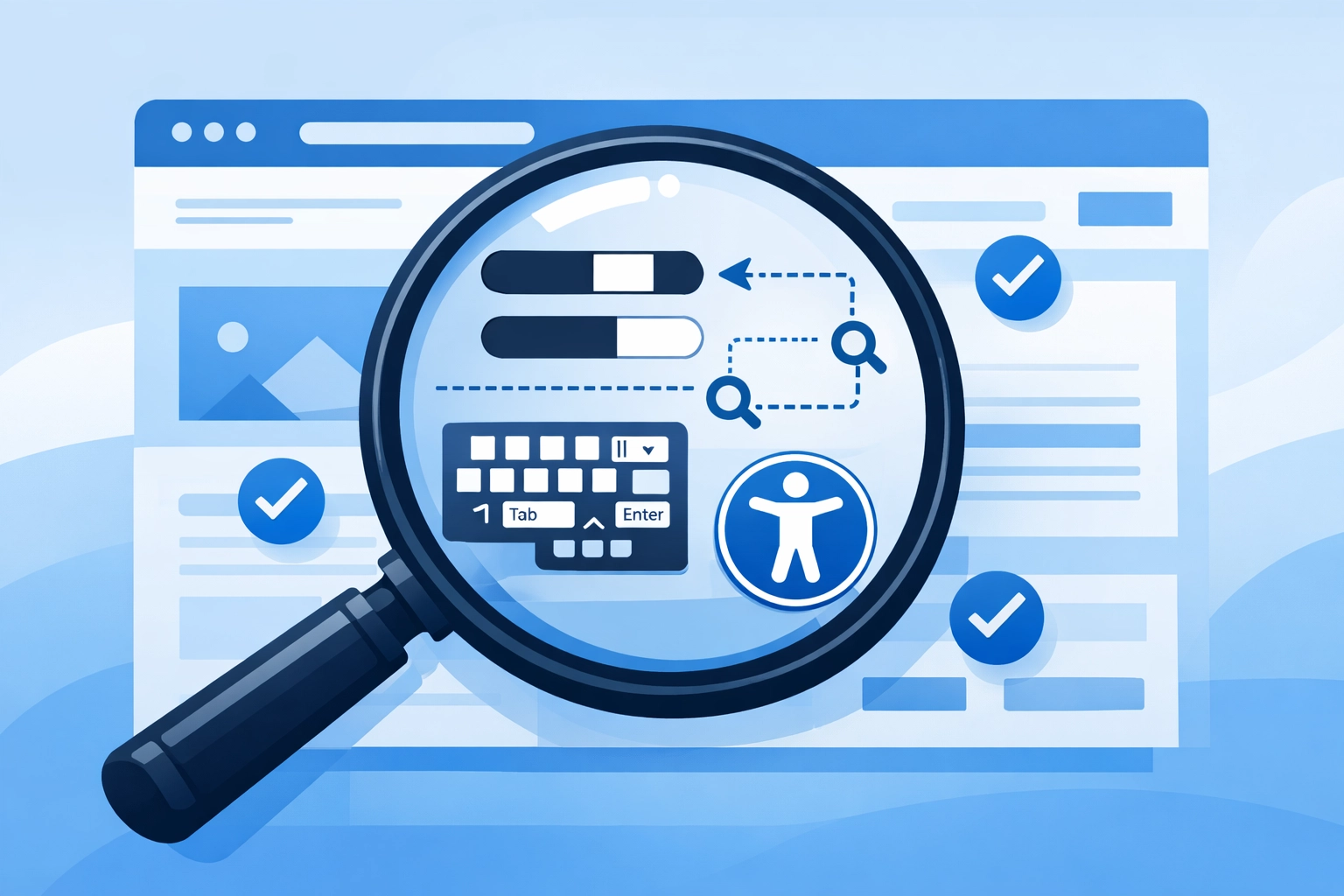
This isn't just about doing the right thing (though that matters too). There are real legal and financial consequences for businesses that ignore accessibility.
Private Lawsuits
Plaintiffs' attorneys actively file lawsuits against businesses with inaccessible websites. There's no firm deadline or warning: enforcement is ongoing. If your site has barriers, you could get a demand letter or lawsuit at any time.
Statutory Damages
Some states have laws that add teeth to ADA violations. California's Unruh Civil Rights Act and New York's accessibility laws can result in statutory damages per violation. These add up fast.
Settlement Costs
When businesses settle these lawsuits, the agreements typically require:
- Full WCAG 2.1 or 2.2 AA conformance
- Third-party accessibility audits
- Ongoing monitoring for 2-3 years
- Staff training
- A published accessibility statement on the website
Government Enforcement
For state and local government entities, the DOJ has set firm compliance deadlines:
- April 24, 2026 for entities serving 50,000+ people
- April 26, 2027 for entities serving under 50,000 people
This is the first time the DOJ has adopted a mandatory technical standard for digital content. It signals that enforcement is only going to get stricter.
Why Accessibility Is Good for Business
Legal risk aside, making your website accessible is just smart business. Here's why:
You Reach More Customers
About 1 in 4 adults in the U.S. has some type of disability. If your website isn't accessible, you're potentially turning away a significant portion of your audience.
It Improves SEO
Many accessibility best practices overlap with SEO best practices. Alt text helps search engines understand your images. Clear heading structures make your content easier to crawl. Keyboard accessibility often improves overall site usability.
It Builds Trust
When you prioritize accessibility, you're showing that your business cares about all its customers. That kind of inclusivity builds loyalty and trust.
How to Check Your Website's Accessibility
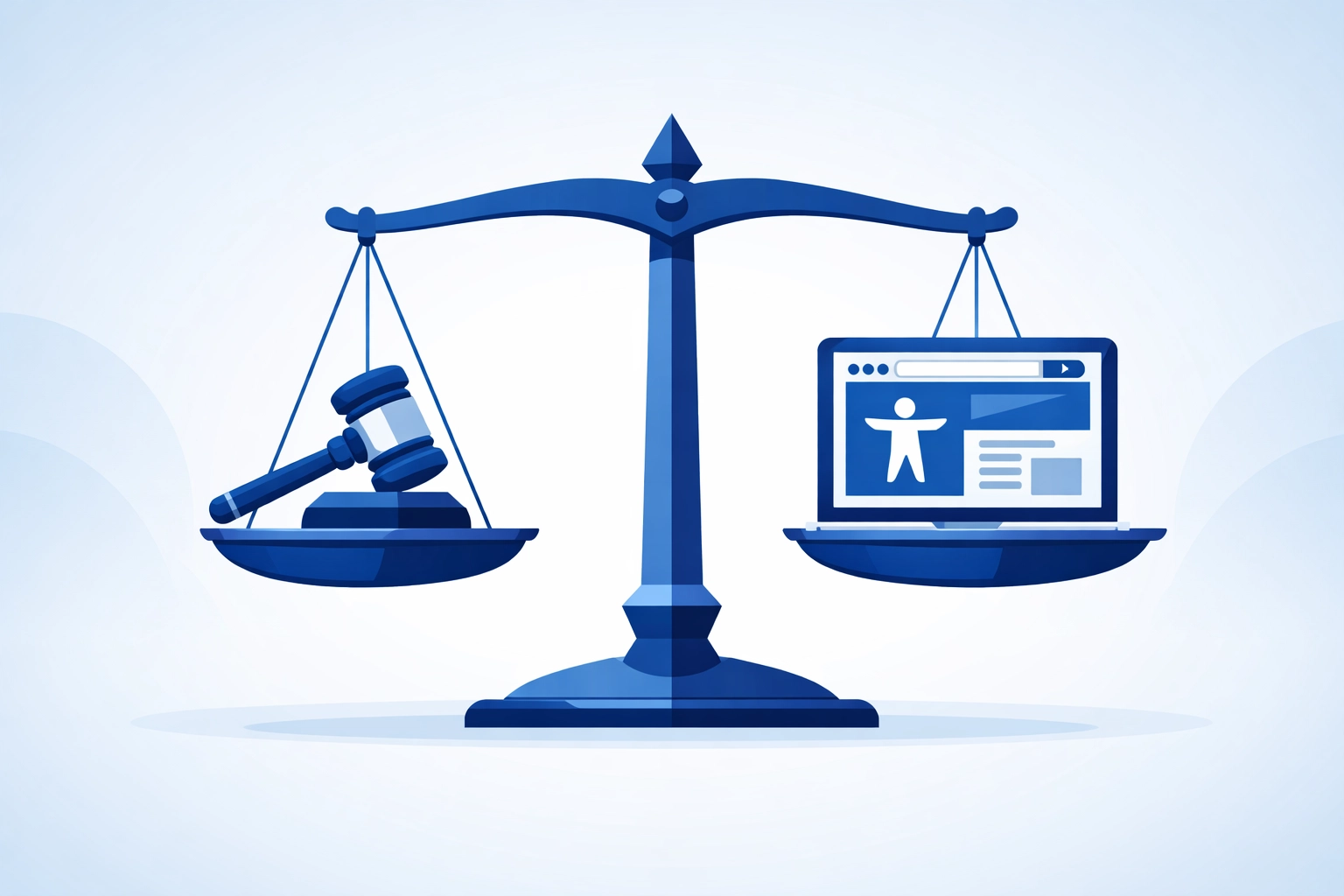
If you're not sure where your site stands, here are a few ways to start:
Automated Tools
Tools like WAVE, axe, and Lighthouse can scan your site and flag obvious issues. They're a good starting point, but remember: they only catch about 30% of problems.
Manual Testing
Try navigating your site using only a keyboard. Can you access every page, button, and form field? Try using a screen reader to see how your content is announced. These tests reveal issues automated tools miss.
Professional Audit
For a complete picture, you'll want a professional accessibility audit. This involves a qualified expert reviewing your site against WCAG standards and providing a detailed remediation plan.
At WorldWise, we focus on building professional web presences that work for everyone. Accessibility isn't an afterthought: it's part of delivering a website that truly serves your business.
What to Do If You're Not Compliant
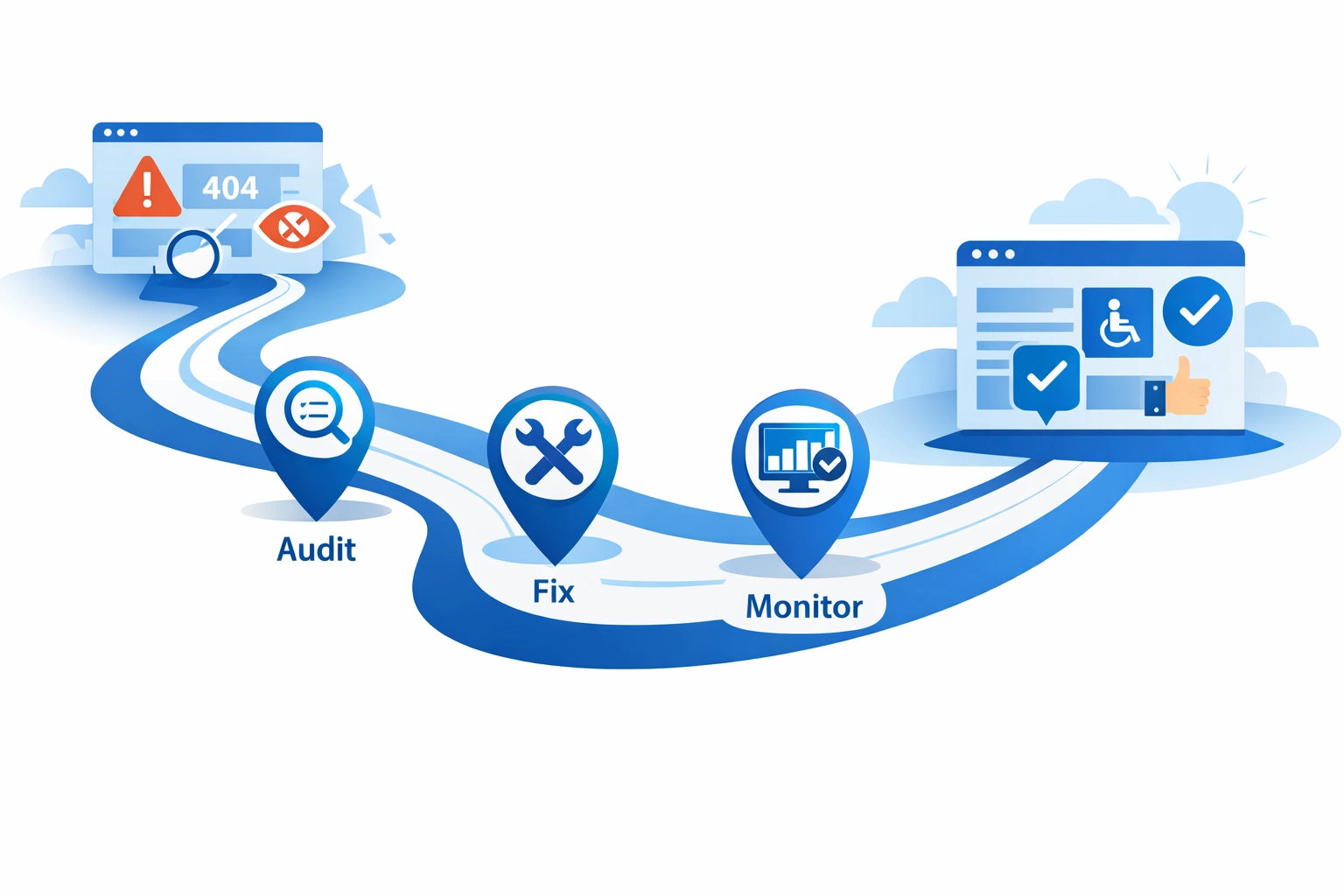
Don't panic. Here's a practical path forward:
- Run an initial scan using an automated tool to identify major issues
- Prioritize high-impact fixes like alt text, color contrast, and keyboard navigation
- Schedule a professional audit to catch the issues automated tools miss
- Create a remediation plan with clear timelines and responsibilities
- Publish an accessibility statement on your website describing your commitment and how users can report barriers
- Set up ongoing monitoring because content changes can introduce new issues
Accessibility isn't a one-and-done project. It requires ongoing attention, especially if you're regularly updating your site with new content, features, or third-party integrations.
The Bottom Line
ADA website compliance isn't optional. It applies to businesses of all sizes, and enforcement is real. But beyond the legal requirements, accessibility is about making sure everyone can engage with your business online.
If you're not sure where your website stands, now's the time to find out. A quick audit can reveal issues you didn't know existed: and give you a clear path to fixing them.
Need help building or updating a website that's accessible, professional, and built to perform? Get in touch with WorldWise to start the conversation