

Here's the deal: cybersecurity isn't just an IT problem anymore. It's a business survival issue. And if you're running a small business, you're actually more vulnerable than you think.
Big companies have entire security teams. You probably don't. That makes you an easier target. The good news? You don't need a massive budget or a computer science degree to get the basics right. Starting with core protections will cut your risk significantly.
Let's break down what actually matters in 2026.
Why Small Businesses Are Prime Targets
Attackers go after small businesses because they know you likely don't have enterprise-level security. You've got valuable data: customer information, financial records, intellectual property: but often without the same protections that larger companies have in place.
One successful breach can shut you down. We're talking lost revenue, damaged reputation, potential lawsuits, and compliance penalties. The average cost of a data breach for small businesses can be devastating, and many don't recover.
The solution isn't complicated. It's about building a solid foundation and being intentional about what you protect.
Start With Authentication
Passwords alone don't cut it anymore. Weak, reused, or shared credentials are one of the easiest ways attackers get into your systems.
What to do:
- Require strong, unique passwords across all accounts
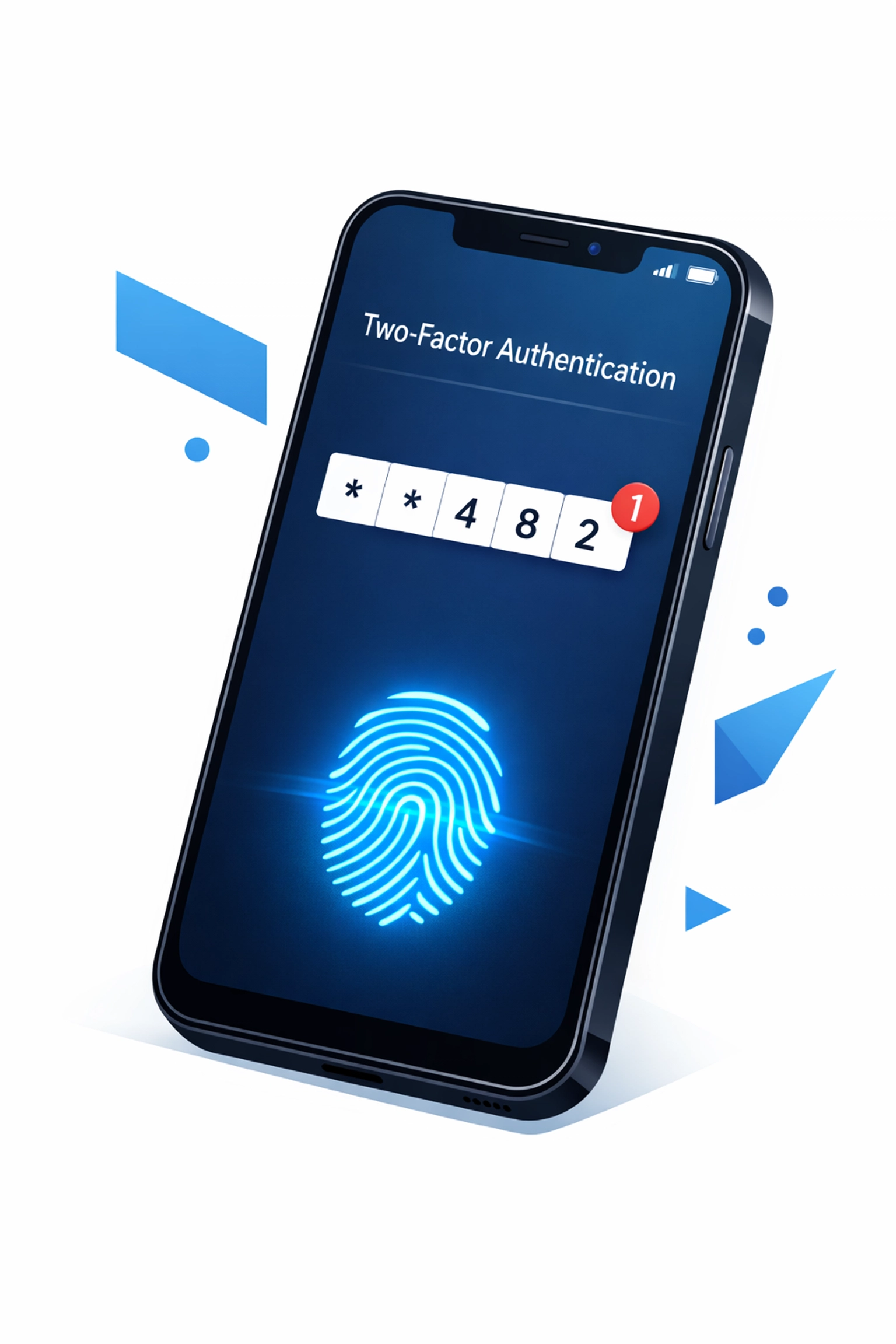
- Enable multi-factor authentication (MFA) everywhere you can
- Identify any accounts still using outdated or weak passwords and update them immediately
MFA adds a second verification step: usually a code sent to your phone or generated by an app. Even if someone steals your password, they still can't get in without that second factor. It's simple and incredibly effective.
Don't skip this step. MFA stops the majority of account takeover attempts before they start.
Train Your Team
Your employees are either your strongest defense or your weakest link. Most breaches happen because someone clicked a malicious link or fell for a phishing email.
Training doesn't need to be complicated. Make sure your staff understands:
- How to spot phishing emails
- Why they shouldn't use work credentials on personal sites
- What to do if they suspect something's wrong
- The consequences of poor security practices
Run quick training sessions a few times a year. Send out simulated phishing tests to keep people alert. Make cybersecurity part of your company culture, not just a one-time checkbox.
When everyone on your team knows what to look for, you've multiplied your defenses.
Get Your Backups Right
Having backups isn't enough. You need to test them regularly to make sure you can actually restore your data when something goes wrong.
Backup best practices:
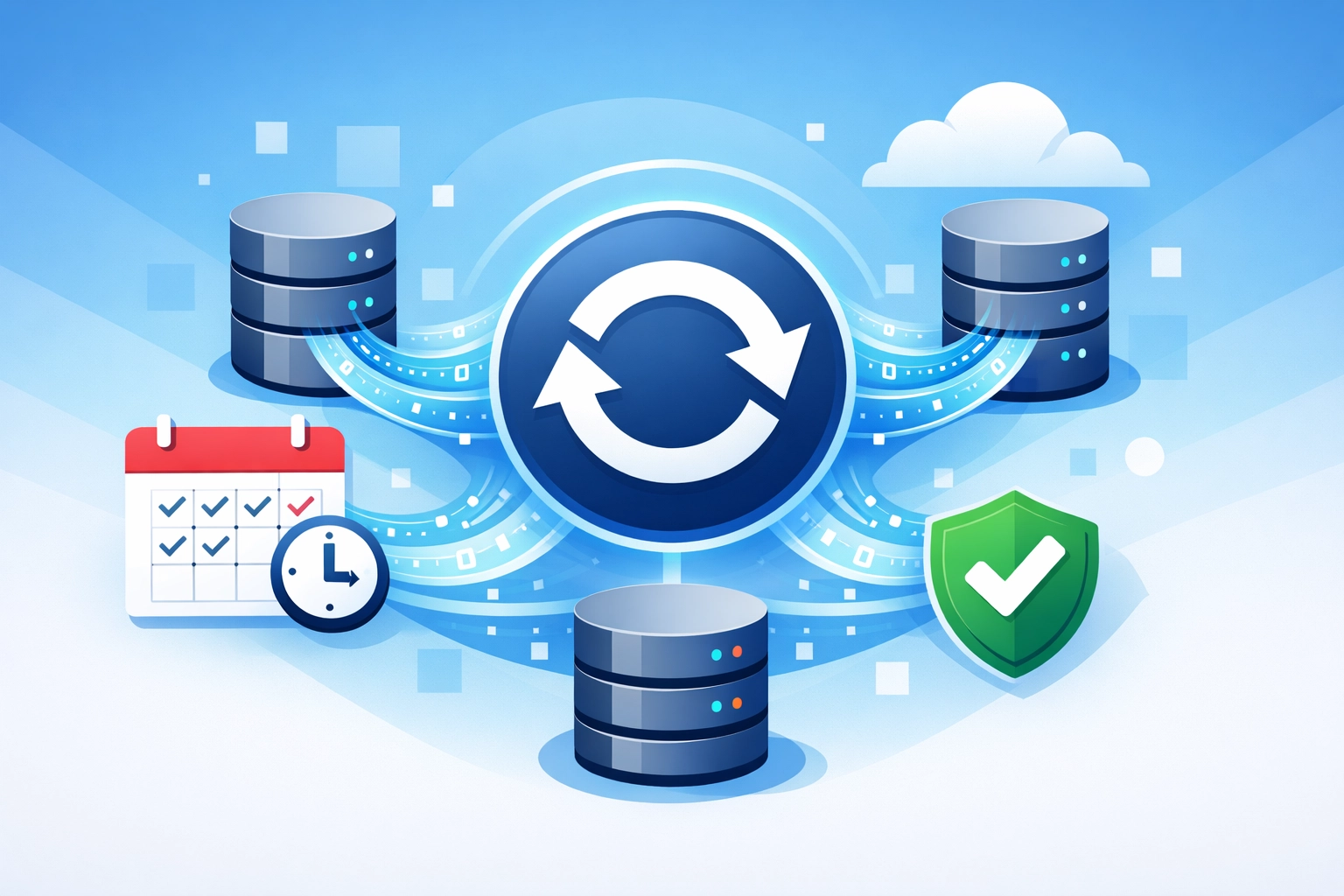
- Back up critical data daily
- Store backups in multiple locations (including offsite or cloud)
- Test your restore process at least quarterly
- Keep backups isolated from your main network to prevent ransomware from encrypting them too
Ransomware attacks are still rampant in 2026. When attackers encrypt your files and demand payment, reliable backups are often your only way out. If you can restore everything from yesterday's backup, you don't need to pay the ransom.
Testing is the critical part most businesses skip. Don't just assume your backups work: confirm it.
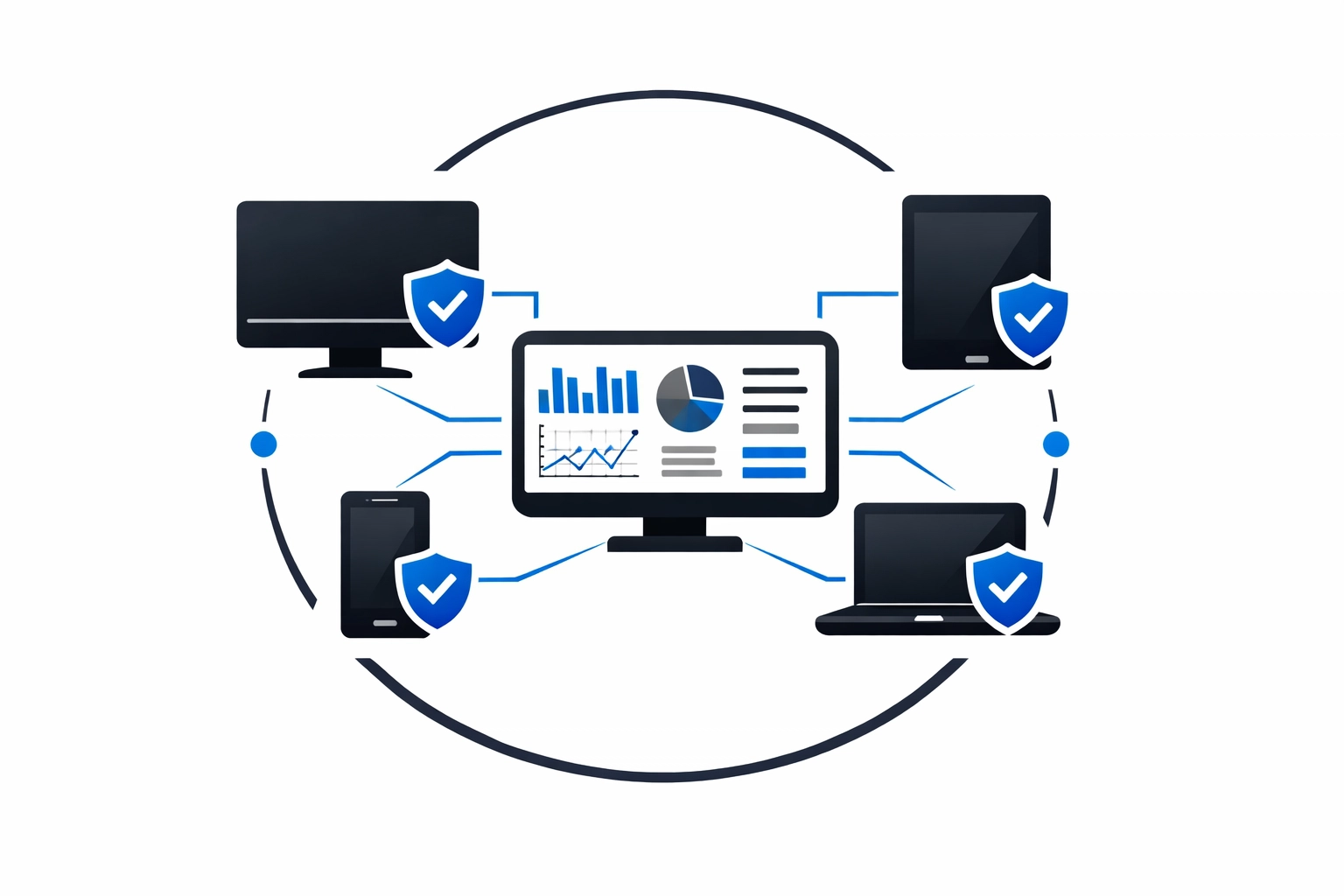
Protect Every Device
Every laptop, desktop, phone, and tablet connected to your network is a potential entry point for attackers. Remote work has made this even more complicated.
Make sure all devices have:
- Current antivirus and anti-malware software
- Endpoint detection and response (EDR) tools that actively monitor for threats
- Automatic updates enabled
- Full-disk encryption in case a device gets lost or stolen
Don't forget about employee personal devices if they access work email or systems. Create a policy and make sure those devices meet minimum security standards.
If you're using managed IT support, they can monitor all endpoints from a central dashboard and catch issues before they become breaches.
Lock Down Email and Watch for Phishing
Email is the top attack vector. Period. Phishing emails trick people into giving up credentials or downloading malware. Ransomware often arrives via email attachment.
Email security checklist:
- Set up email authentication (SPF, DKIM, DMARC) to prevent spoofing
- Use advanced spam and phishing filters
- Block executable file attachments (.exe, .zip, .scr)
- Enable link scanning to check URLs before users click them
- Consider email encryption for sensitive communications
Train your team to pause before clicking. If an email looks even slightly suspicious: weird sender address, urgent language, unexpected attachment: they should verify it before taking action.
One click can compromise your entire network. Make sure everyone understands that.
Keep Everything Updated
Software updates aren't just about new features. They patch security vulnerabilities that attackers actively exploit.
Every outdated system is a known weakness. Attackers have public lists of vulnerabilities and automated tools to find businesses that haven't patched yet.
Update everything:
- Operating systems
- Applications and software
- Firmware on routers and network devices
- Plugins and extensions
- Mobile apps
Enable automatic updates wherever possible. For critical systems that need manual updates, schedule regular maintenance windows and stick to them.
This is one of the simplest and most effective protections you can implement.
Manage Access Intelligently
Not everyone needs access to everything. The principle of least privilege means giving people only the access they need to do their jobs: nothing more.
Access management basics:
- Audit who has access to what
- Remove access immediately when employees leave
- Use role-based permissions
- Require separate admin accounts for IT tasks
- Review access permissions quarterly
Also audit your vendors and partners. Third-party access is a common breach point. Remove access that's no longer needed and confirm that active vendors follow appropriate security practices.
The fewer people who can access sensitive systems, the smaller your attack surface.
Know Your Compliance Requirements
Depending on your industry, you might need to comply with specific regulations. Ignoring these can result in fines, lawsuits, and lost business.
Common frameworks include:
- FTC Safeguards Rule for financial services
- HIPAA for healthcare
- PCI DSS for payment card processing
- CMMC 2.0 for defense contractors
- GDPR or CCPA for customer data privacy
Review recent updates to any regulations that apply to your business. Compliance requirements change, and what was acceptable last year might not be sufficient now.
Addressing compliance proactively prevents disruptions during audits and reduces legal exposure. If you're not sure what applies to your business, consult with a cybersecurity professional who can review your specific situation.
Moving Beyond Checklists
Everything above gives you a solid foundation. But cybersecurity isn't a one-and-done project. It requires ongoing attention.
What comes next:
- Continuous monitoring of your network for suspicious activity
- Incident response planning so you know what to do if something happens
- Regular security assessments to identify new vulnerabilities
- Staying informed about emerging threats in your industry
Consider working with a managed security provider who can monitor your systems 24/7 and respond to threats in real-time. For many small businesses, this is more cost-effective than trying to build internal expertise.
Security readiness reviews can validate your current protections and help you prioritize next steps based on your specific risks and budget.
The Bottom Line
Cybersecurity doesn't have to be overwhelming. Start with the basics: strong authentication, employee training, reliable backups, endpoint protection, email security, regular updates, smart access management, and compliance awareness.
Each of these steps significantly reduces your risk. Together, they create a defense-in-depth strategy that makes you a much harder target.
The attackers are looking for easy wins. Don't be one. Take action on these fundamentals and you'll be ahead of most small businesses out there.
Need help getting started? Reach out and we'll walk you through what makes sense for your specific situation.