

Here's something that keeps business owners up at night: losing everything because of a data backup failure. And it happens more often than you'd think.
Most businesses assume their data is safe because they're "doing backups." But here's the reality: over 50% of backups fail when you actually need them. That's not a typo. Half of all backup attempts don't work when it's time to recover your data.
So let's talk about the seven biggest mistakes businesses make with data backup, and more importantly, how to fix them before disaster strikes.
1. You're Not Testing Your Backups (This Is the Big One)
You know what's worse than not having backups? Having backups that don't work and finding out when you desperately need them.
Only 28% of businesses test their disaster recovery weekly or monthly. Another 20% never test at all. That means most companies are running blind, hoping their backup system works but never actually checking.

What to do instead: Set up a regular testing schedule. Monthly is good, weekly is better. Actually restore files from your backup and make sure they work. It takes 30 minutes that could save your entire business.
2. No Real Backup Strategy Exists
A lot of small businesses treat backups like an afterthought. Someone sets it up once, maybe IT does something automated, and that's it. No plan, no documentation, no clear idea of what happens when things go wrong.
Here are questions you should have answers to right now:
- How fast do you need to be back up and running?
- Which systems absolutely cannot go down?
- How much data can you afford to lose?
- Who's responsible for what during recovery?
What to do instead: Document your backup and disaster recovery strategy. Write down the answers to those questions. Identify your critical systems. Create step-by-step recovery procedures. Make sure more than one person knows how everything works.
3. Everything's Stored in One Place
Keeping all your backups in one location is like keeping all your money under your mattress. One fire, one flood, one ransomware attack, and it's all gone: both your data and your backups.
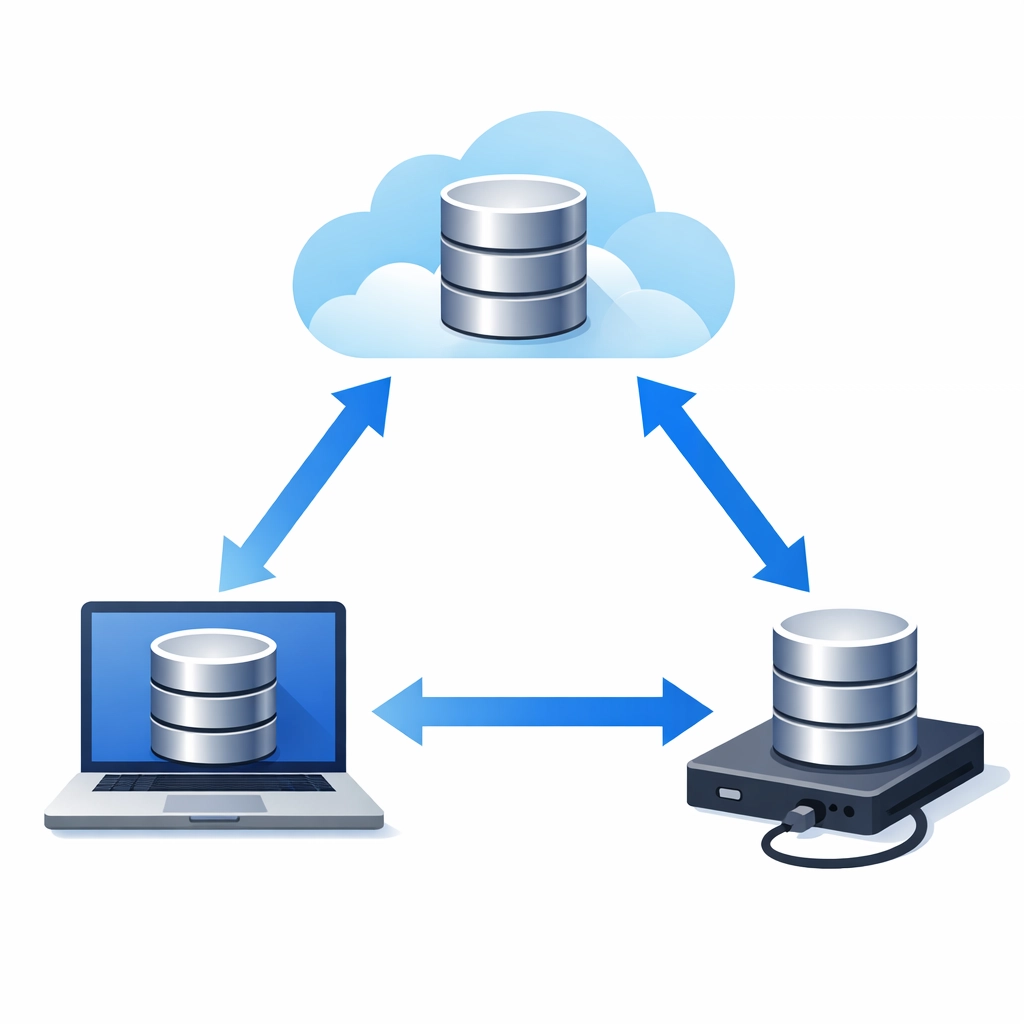
The 3-2-1 rule exists for a reason: three copies of your data, on two different types of media, with one copy stored offsite (or in the cloud with immutable storage).
What to do instead: Diversify your backup locations. Use a combination of local backups for quick recovery and cloud backups for disaster scenarios. Consider managed IT support that implements proper backup architecture so you don't have to think about it.
4. Your Backups Aren't Encrypted
If you're backing up customer information, financial records, or any sensitive business data without encryption, you're creating a security risk. Unencrypted backups are a goldmine for anyone who gets their hands on them.
What to do instead: Use end-to-end encryption for all backup data. This protects information during transmission and while it's stored. Modern backup solutions include this by default, but verify it's actually enabled.
5. Only "Important Stuff" Gets Backed Up
Many businesses back up their customer database and financial records, then call it a day. But what about:
- System configurations
- Application settings
- Employee files and documents
- Email archives
- Website files and databases

You won't know what's critical until you need it. That random configuration file you ignored? It might be the thing preventing your restored system from working.
What to do instead: Back up everything. Storage is cheap compared to the cost of lost data and downtime. A comprehensive backup includes your entire system, not just selected folders.
6. You're Using Outdated Backup Methods
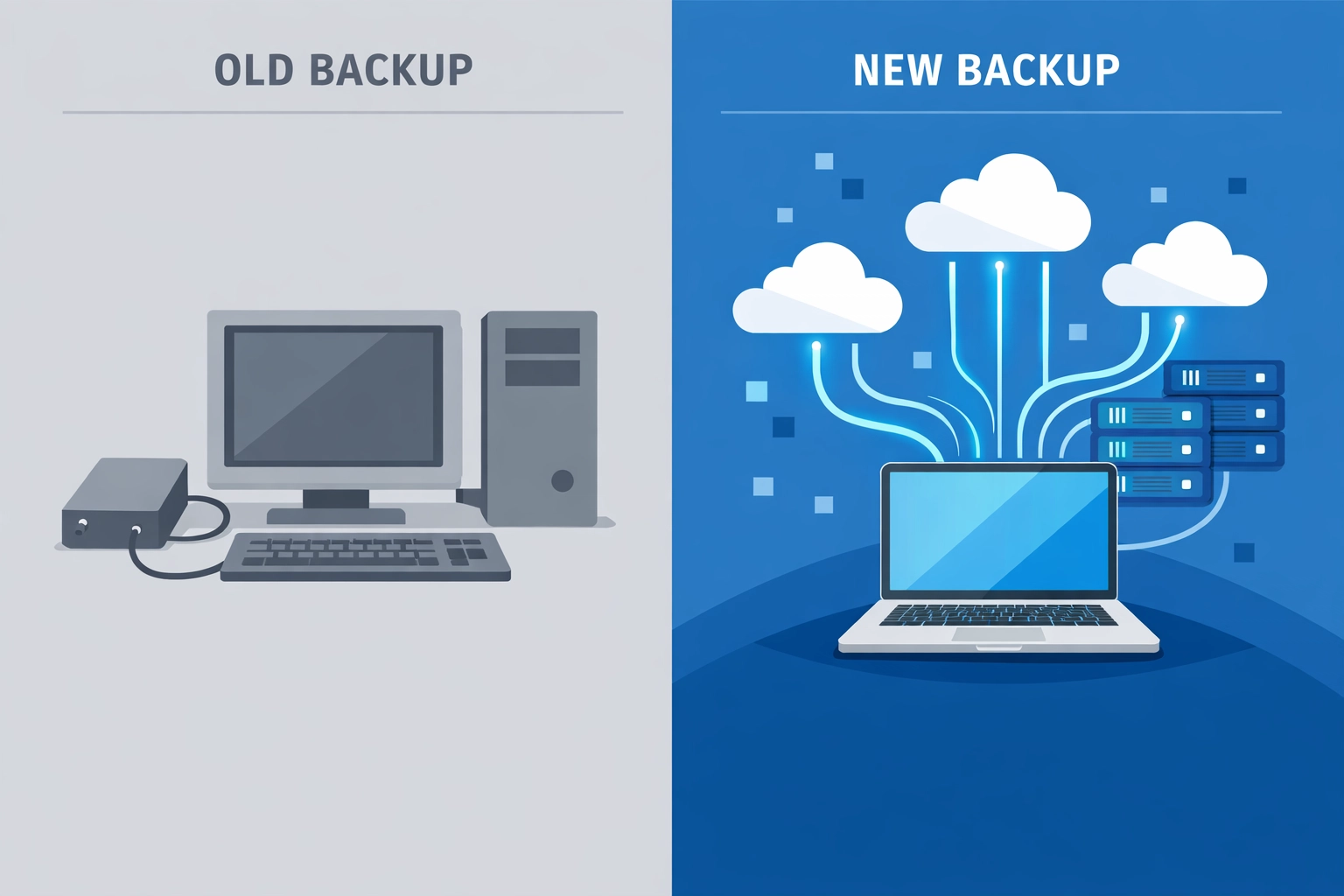
Manual backups to an external hard drive once a week isn't a backup strategy: it's a hope and a prayer. Outdated backup software might not work with newer operating systems, can't handle current data volumes, and lacks the security features you need.
Plus, manual processes fail. People forget. People leave the company. Drives fail.
What to do instead: Automate everything. Modern backup solutions run automatically, verify data integrity, and alert you if something goes wrong. They also include version control so you can restore from multiple points in time, not just the most recent backup.
7. You Can't Restore to Different Hardware Quickly
Your server dies. You get a replacement with different specs. Now what?
If your backup software can't restore directly to new hardware and create a bootable system, you're looking at manually reinstalling the operating system, reconfiguring everything, then restoring data separately. That turns a few-hour recovery into a multi-day nightmare.

What to do instead: Use backup solutions that support bare-metal recovery to dissimilar hardware. This lets you restore your entire system to whatever replacement hardware you can get your hands on, getting you back online fast.
What This Actually Costs You
Let's put some numbers on this. The average cost of downtime for small to medium businesses ranges from $10,000 to $100,000 per hour, depending on your industry. If you're down for a full day because of backup failures, you're looking at six figures in lost revenue, not counting the cost of recovery efforts and potential data loss.
And that's assuming you can recover at all. About 60% of small businesses that lose their data shut down within six months.
Getting Your Backup Strategy Right
Here's the thing: you don't need to become a backup expert. You just need to work with people who already are.
A proper data backup strategy includes:
- Automated daily backups
- Regular testing and verification
- Multiple backup locations (local and cloud)
- Encryption for all stored data
- Quick recovery to any hardware
- Clear documentation and procedures
- 24/7 monitoring and alerts
At WorldWise, we build cyber security and data protection into everything we do. Whether you're running a small business website or managing complex IT infrastructure, your data needs to be safe and recoverable.
Bottom Line
Your business data probably isn't as safe as you think it is. But fixing that doesn't have to be complicated or expensive. It just needs to be done right.
Start by testing your current backups today. Actually restore something and make sure it works. Then look at where you're storing those backups and whether you have a real recovery strategy.
If you're not sure where to start or want someone to handle this properly, let's talk. We'll review your current setup, identify the gaps, and implement a backup strategy that actually works when you need it.
Because finding out your backups don't work shouldn't happen during an emergency.