
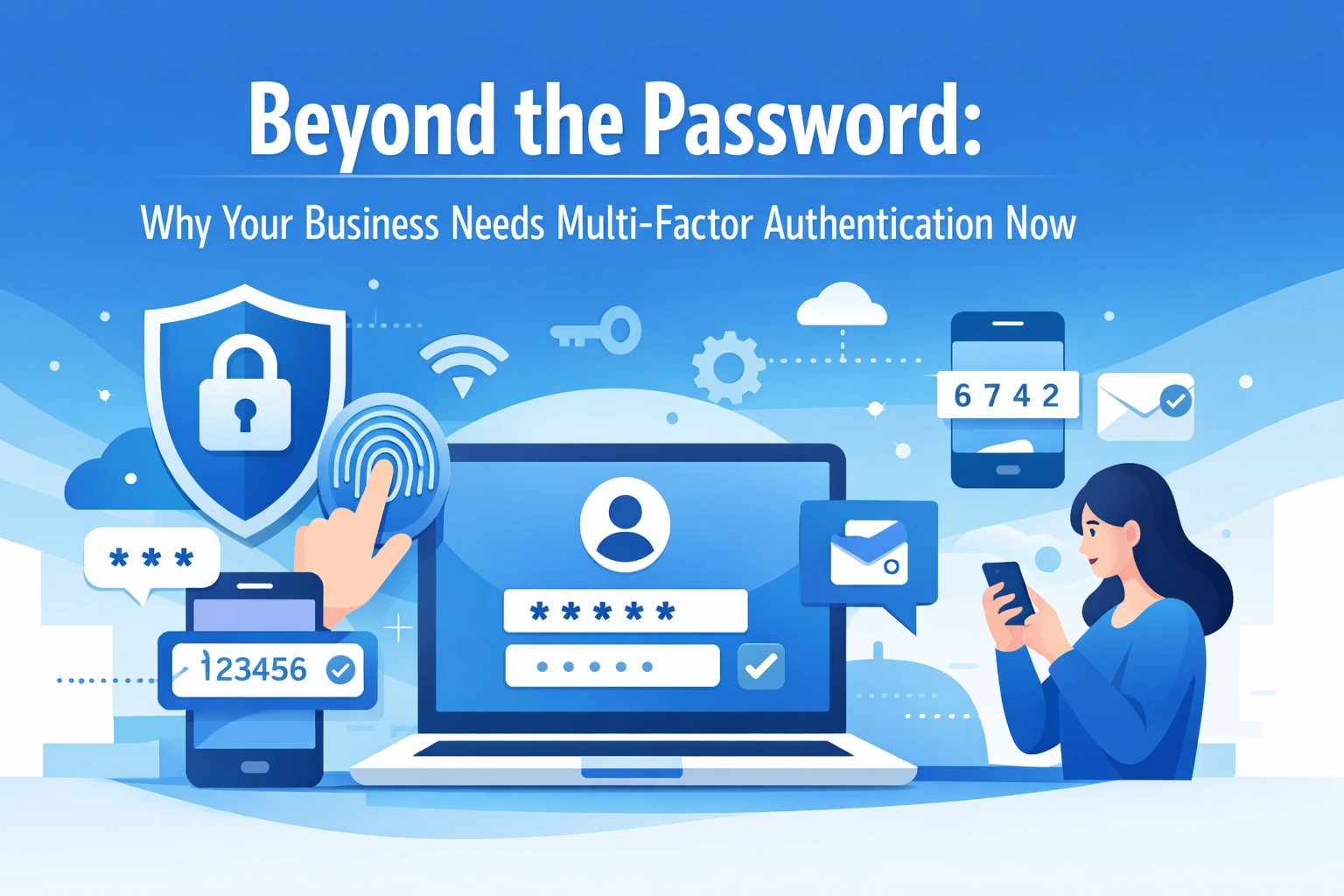

Passwords have been the backbone of digital security for decades. But here's the uncomfortable truth: they're no longer enough to protect your business.
Cybercriminals have gotten smarter. They use sophisticated phishing schemes, credential-stuffing attacks, and brute force tools that can crack weak passwords in seconds. A single compromised password can give an attacker full access to your systems, customer data, and financial information.
That's where Multi-Factor Authentication (MFA) comes in. It's not a nice-to-have anymore: it's a critical security measure that every business should implement immediately.
The Password Problem
Over 80% of hacking-related breaches involve stolen or weak passwords. Think about that for a second. Four out of five successful cyberattacks start with a compromised credential.
Passwords are vulnerable in multiple ways:
- Phishing attacks trick employees into handing over their login credentials
- Data breaches at third-party services expose password lists that attackers test across multiple platforms
- Weak passwords like "Password123" or "Company2026" are easy targets for automated cracking tools
- Password reuse means one breach can compromise multiple accounts
Even if your employees use complex passwords and change them regularly, that's still just one layer of protection. And when that layer fails, attackers walk right in.
What MFA Actually Does
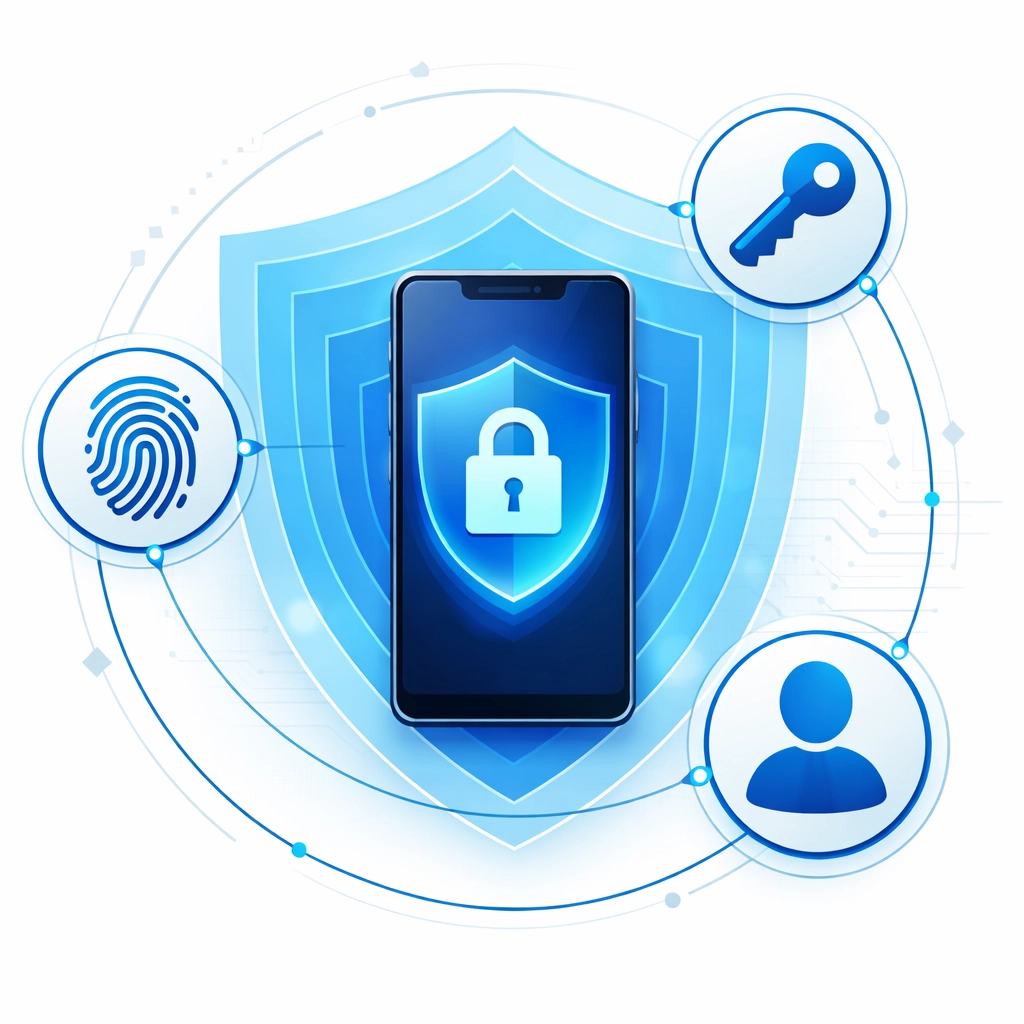
Multi-Factor Authentication requires users to provide two or more verification factors to access an account or system. It's based on three categories:
Something you know - Your password or PIN
Something you have - A phone, security key, or authentication app
Something you are - Biometric data like fingerprints or facial recognition
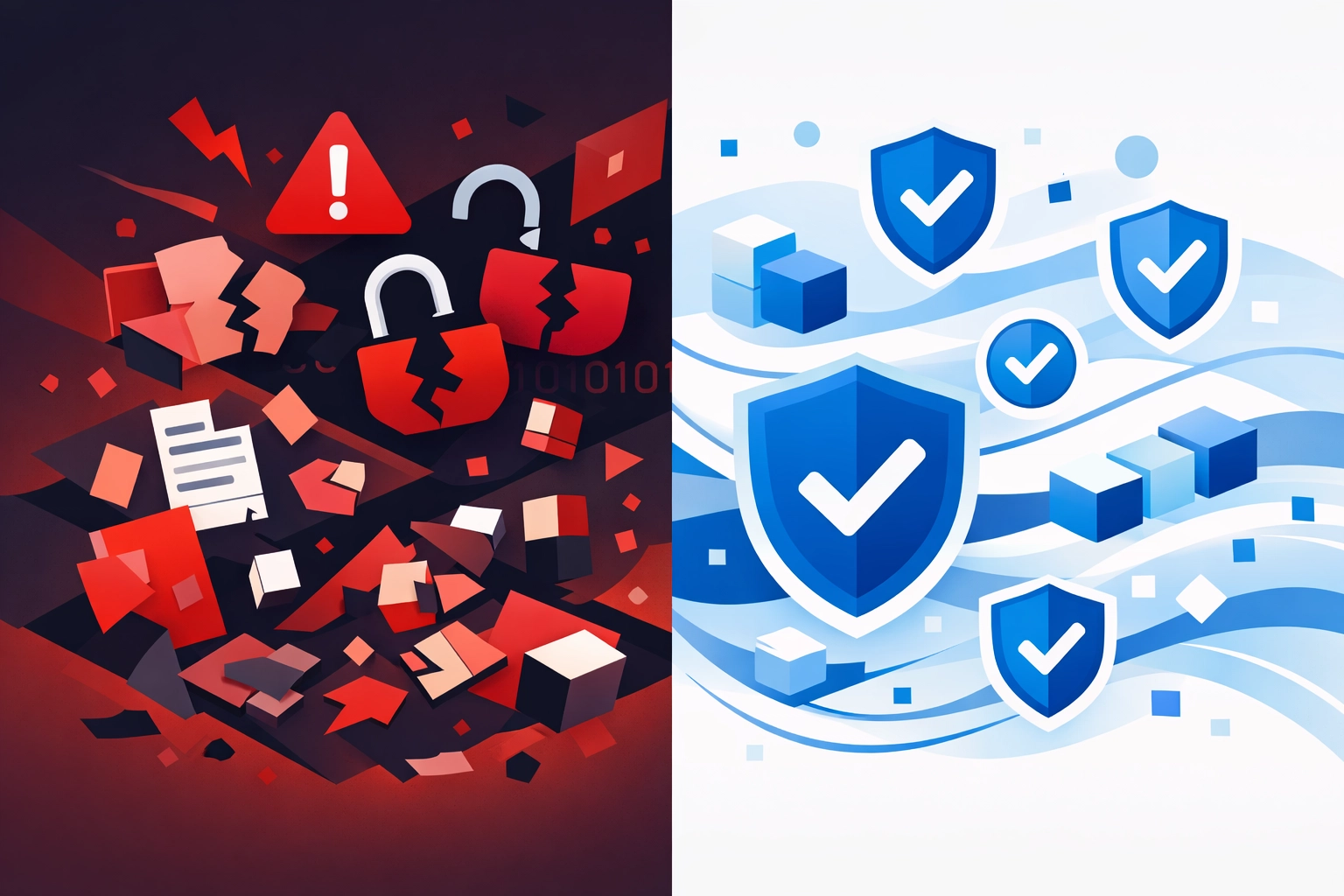
Even if an attacker steals your password through a phishing email, they can't access your account without the second factor. They'd need physical access to your phone or authentication device: which makes unauthorized access exponentially harder.
Microsoft research shows that MFA prevents 99.2% of account compromise attacks. That's not a typo. Enabling MFA essentially eliminates the vast majority of password-based threats.
The Real Business Impact
The statistics around data breaches should make every business owner uncomfortable. According to the Verizon 2023 Data Breach Investigations Report, 74% of breaches involve the human element: stolen credentials, social engineering, or simple mistakes.
Credential theft accounts for 49% of all data breaches. That's nearly half of all security incidents traced back to compromised login information.
The financial impact is severe. The average cost of a data breach continues to climb year after year. But beyond the immediate financial damage, there's the reputational cost, customer trust erosion, and potential regulatory penalties.
MFA Protects Against Multiple Threats
Phishing attacks: Even when employees fall for sophisticated phishing emails and enter their credentials on fake login pages, MFA stops the attack. The attacker gets a password but can't complete the authentication process.
Credential stuffing: Attackers use stolen password lists from previous breaches and test them across thousands of websites. MFA makes these automated attacks useless since the second factor isn't in the stolen database.
Insider threats: A disgruntled employee with access to password lists still can't compromise accounts without the additional authentication factors. This adds an important layer of internal security.
Brute force attacks: Automated tools that try thousands of password combinations become ineffective when there's a second authentication requirement.
Compliance and Trust
Many industries now mandate MFA as part of their security requirements. GDPR, HIPAA, and various financial regulations include multi-factor authentication in their compliance frameworks.
But beyond checking compliance boxes, implementing MFA sends a clear message to customers and partners: you take security seriously. In an era where data breaches make headlines regularly, demonstrating strong security practices builds trust and can be a competitive advantage.
Modern MFA Is User-Friendly
A common concern about MFA is that it creates friction for users. Won't employees complain about the extra steps? Won't it slow down productivity?
Modern MFA solutions have addressed these concerns. Adaptive authentication evaluates contextual risk factors: like whether someone is logging in from a recognized device or unusual location. For routine access from trusted devices, the additional authentication might be a simple push notification approval. For sensitive data access or unusual login patterns, stronger verification kicks in.
Biometric authentication options like fingerprint readers and facial recognition make the second factor nearly invisible. Single sign-on integration means employees authenticate once and gain access to multiple systems without repeated logins.
The reality is that a few extra seconds for authentication is a small price to pay compared to the hours or days of downtime following a security breach.
Implementation Options
MFA solutions come in various forms:
SMS-based codes: A verification code sent via text message. Easy to implement but less secure than other options.
Authentication apps: Apps like Microsoft Authenticator or Google Authenticator generate time-based codes. More secure than SMS and work without cell service.
Hardware tokens: Physical security keys that plug into USB ports or use NFC. The most secure option for high-risk accounts.
Biometric verification: Fingerprint or facial recognition built into devices. Convenient and secure.
Push notifications: Approve login attempts directly from a mobile app with a single tap.
The right solution depends on your business needs, technical infrastructure, and user preferences. Many organizations use a combination of methods, allowing users to choose their preferred second factor.
Getting Started
Implementing MFA doesn't have to be overwhelming. Start with your most critical systems: email accounts, administrative access, financial systems, and customer databases.
Roll out MFA in phases. Begin with IT staff and leadership to work out any issues before company-wide deployment. Provide clear instructions and support during the transition period.
Most business software platforms now include built-in MFA options. Microsoft 365, Google Workspace, and major CRM systems all offer native multi-factor authentication. If you're using legacy systems, third-party MFA solutions can add protection to older applications.
The key is to start now rather than waiting until after an incident. Every day without MFA is a day your business remains unnecessarily vulnerable.
The Bottom Line
Passwords alone no longer provide adequate protection for business systems and data. The threat landscape has evolved, and security practices need to evolve with it.
Multi-Factor Authentication isn't perfect: no security measure is: but it dramatically reduces your risk of unauthorized access and data breaches. The implementation effort is minimal compared to the potential consequences of a security incident.
If you're not sure where to start with implementing MFA or need help securing your business systems, cybersecurity professionals can assess your current setup and recommend appropriate solutions.
The question isn't whether your business needs MFA. It's how quickly you can get it deployed.