
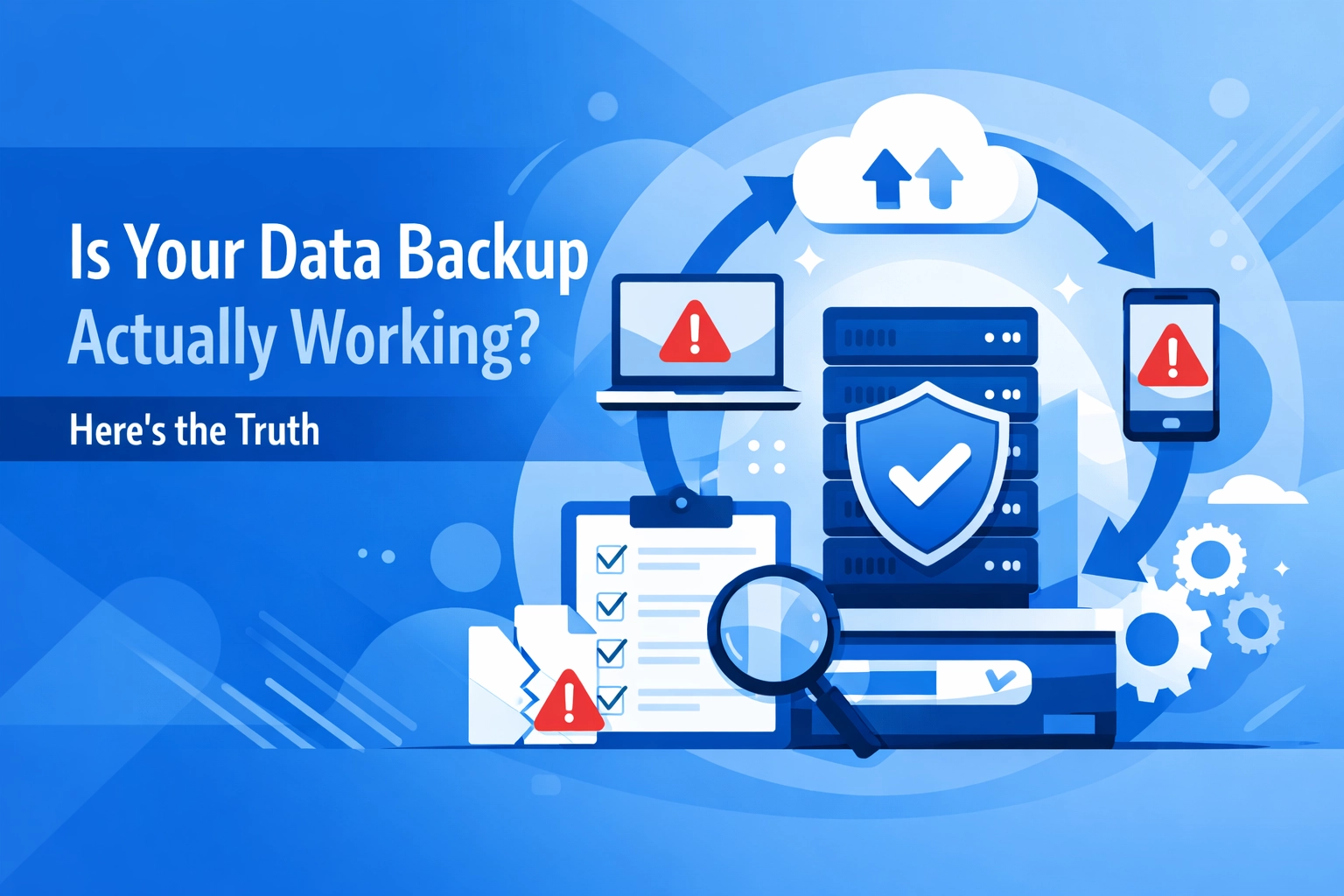

You're backing up your data. That's good. But here's the uncomfortable question most businesses avoid: when was the last time you actually tested if those backups work?
Having a data backup strategy isn't the same as having a working data backup strategy. The difference between the two could mean the difference between a minor inconvenience and a business-ending disaster.
The Backup Illusion
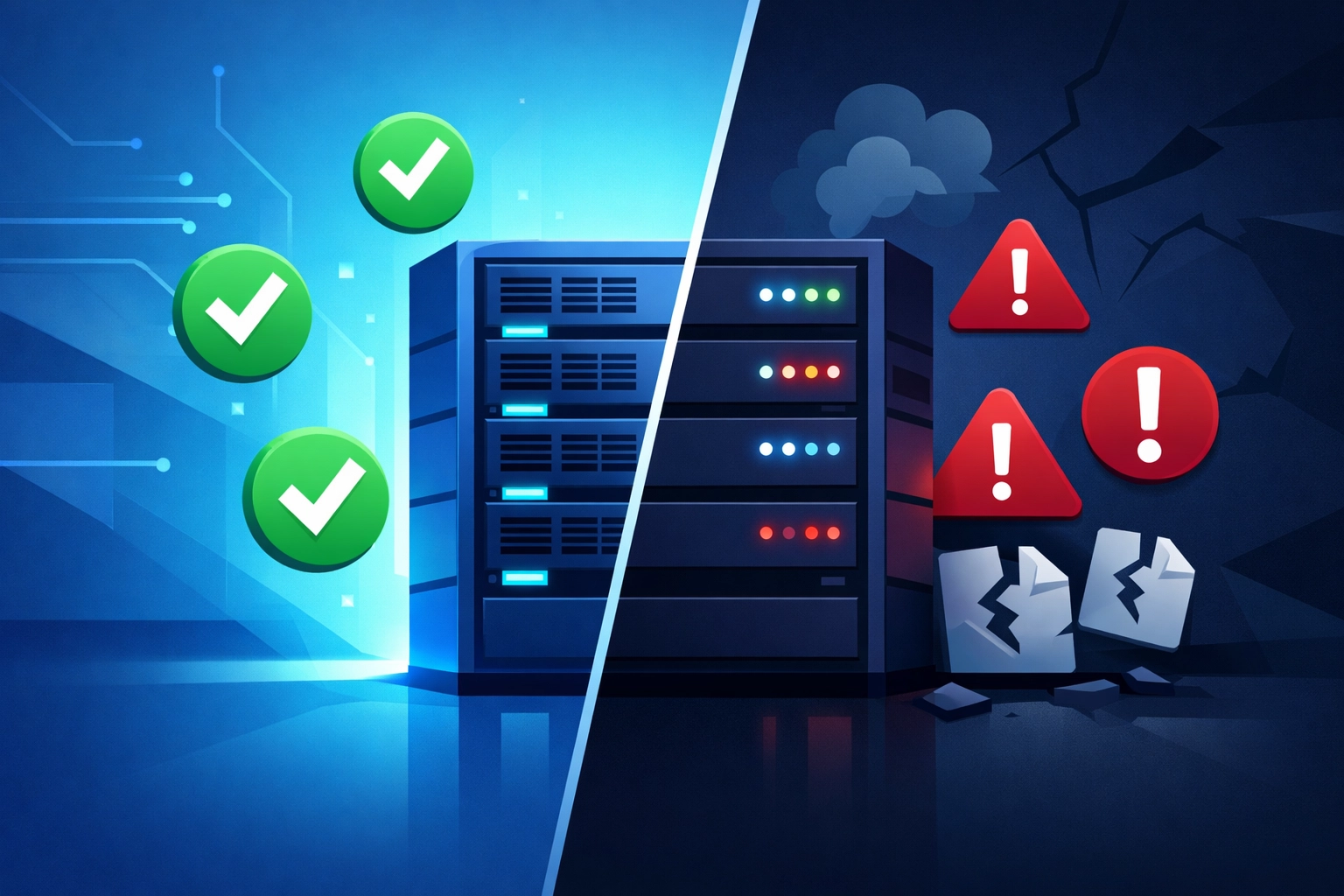
Most companies assume their backups are working because the backup software shows green checkmarks. The system says it completed successfully. Everything looks fine in the logs.
But those green checkmarks only tell you that files were copied somewhere. They don't tell you if those files can actually be restored. They don't confirm the data is usable. And they certainly don't prove you can recover from a real disaster.
Think about it like this: you wouldn't assume your fire extinguisher works just because it's hanging on the wall. You'd test it. Your data backup deserves the same scrutiny.

Why Backups Fail When You Need Them Most
Backup failures happen more often than you'd think. Here are the common culprits:
Corrupted files - Data can corrupt during the backup process itself. Without verification, you won't know until it's too late.
Incomplete backups - Maybe the backup job times out. Maybe it skips files in use. Maybe it misses critical databases. The backup completes, but not fully.
Configuration errors - Someone changed a setting. A server moved. A password updated. The backup keeps running but isn't capturing what it should.
Hardware failures - The backup drive is failing. The cloud connection is unreliable. The tape is degrading. Your backup exists, but it's unreadable.
Software incompatibilities - You can back up the data but can't restore it to a different system or newer software version.
All of these issues share one thing in common: you won't discover them until you actually try to restore. And by then, it's already an emergency.
How to Actually Test Your Backups
Testing isn't complicated, but it does require intention. Here's what you need to do.
Start With Restore Tests
Pick a random file or folder from your backup. Restore it. Open it. Make sure it works exactly as expected. This simple test catches most backup failures.
Do this monthly at minimum. Weekly is better. Make it part of someone's regular responsibilities - not something that happens "when we have time."
Validate Data Integrity
Technical term alert: checksums. These are digital fingerprints that verify your backup data matches your original data exactly.
Most backup software can generate MD5 or SHA-256 checksums. Enable this feature. It automatically compares the backed-up files against the originals to confirm nothing corrupted during the backup process.
If your backup solution doesn't offer this, consider upgrading to one that does.
Test Different Scenarios
Don't just restore a single file. Your business needs different types of recovery:
File-level recovery - Can you restore individual files or folders that got accidentally deleted?
Application-level recovery - Can you restore an entire application with its database and settings?
Full system restore - Can you rebuild a complete server from backup?
Disaster recovery - Can you restore your entire operation to new hardware or a different location?
Test each scenario at least once per quarter. Mission-critical systems should be tested monthly.
Measure Your Recovery Time
Knowing you can restore data is good. Knowing how long it takes is essential.
Your business has a tolerance for downtime. Maybe you can survive four hours offline. Maybe it's four minutes. Either way, you need to know if your backup solution can meet that requirement.
Time your restore tests. Document the results. If your recovery takes longer than your business can tolerate, you need a better cybersecurity and backup strategy.

Setting Up a Testing Strategy
Here's a practical framework you can implement this week.
Classify Your Data by Importance
Not all data is equally critical. Break your data into three tiers:
Mission-critical - Systems that must be recovered immediately. Customer databases, e-commerce platforms, core business applications.
Important - Systems that are needed but not immediately critical. Email, file servers, internal tools.
Non-critical - Everything else. Nice to have but the business continues without it.
Test mission-critical systems weekly or bi-weekly. Important systems monthly. Non-critical systems quarterly.
Use Test Environments
Never test restores in your production environment. Create an isolated sandbox where you can restore data and validate it without any risk to your live systems.
Cloud-based testing is particularly useful here. You can spin up test environments quickly, run your restoration tests, and shut them down when finished.
Automate What You Can
Manual testing takes time. Automate the basics so your team can focus on the complex scenarios.
Schedule automated restore jobs that run overnight. Set up validation scripts that check data integrity. Configure alerts for any failures.
The more you automate, the more consistently you'll test.

Document Everything
Create a testing log that tracks:
- What was tested and when
- Whether the test passed or failed
- How long the restore took
- Any issues encountered
- What actions were taken
This documentation serves multiple purposes. It proves compliance for audits. It helps identify patterns in failures. It provides a roadmap when you're in actual crisis mode.
Monthly reports should show success rates, average recovery times by data tier, and test coverage percentage.
When Tests Fail
Failed restore tests aren't disasters. They're opportunities to fix problems before they become disasters.
When a test fails, document exactly what went wrong. Was it a configuration issue? A software bug? A hardware problem? Insufficient bandwidth?
Fix the root cause. Update your backup configuration. Adjust your schedules. Upgrade your infrastructure if needed.
Then test again to confirm the fix worked.
Beyond Basic Backups
Data backup is just one component of a comprehensive business continuity plan. You also need to consider managed IT support that can respond quickly when issues arise.
Think about your recovery point objective (RPO) - how much data can you afford to lose? If your last backup was 24 hours ago and disaster strikes now, you've lost a day of work. Is that acceptable?
Consider your recovery time objective (RTO) - how quickly must you be back online? Your backup strategy needs to support this timeline.
For many businesses, traditional backup methods aren't sufficient. You might need continuous data replication, high-availability systems, or hybrid cloud solutions.
The Bottom Line
Your data backup is only as good as your last successful restore test.
If you can't remember the last time you tested a restore, do it this week. Right now. Don't wait for disaster to discover your backups don't work.
Set up a regular testing schedule. Document your results. Fix issues before they become emergencies. Make backup testing as routine as any other IT maintenance task.
Your future self - the one dealing with a data loss incident - will thank you.
Need help evaluating your backup strategy? Get in touch with our team to discuss a comprehensive approach to data protection and business continuity.