

Your email server went down at 3 PM on a Tuesday. Your employees can't access critical files. Your phone is ringing off the hook. And your part-time IT person is on vacation for another week.
Sound familiar?
This is why businesses are turning to managed IT support. Instead of scrambling when things break, you get a team of experts monitoring your systems around the clock and fixing problems before they turn into disasters.
Let's break down what managed IT support actually is and how it can transform the way your business handles technology.
What Is Managed IT Support Anyway?
Managed IT support means outsourcing your technology management to an external provider called a Managed Service Provider (MSP). You pay a fixed monthly fee and they handle everything from routine maintenance to emergency troubleshooting.
Think of it like having an entire IT department on retainer without the overhead of hiring full-time employees, paying benefits, or worrying about turnover.
The key difference from traditional IT support? MSPs work proactively instead of reactively. They're not just showing up when something breaks: they're actively preventing things from breaking in the first place.

What's Included in Managed IT Services?
Most MSPs offer a comprehensive package that covers your essential technology needs. Here's what you typically get:
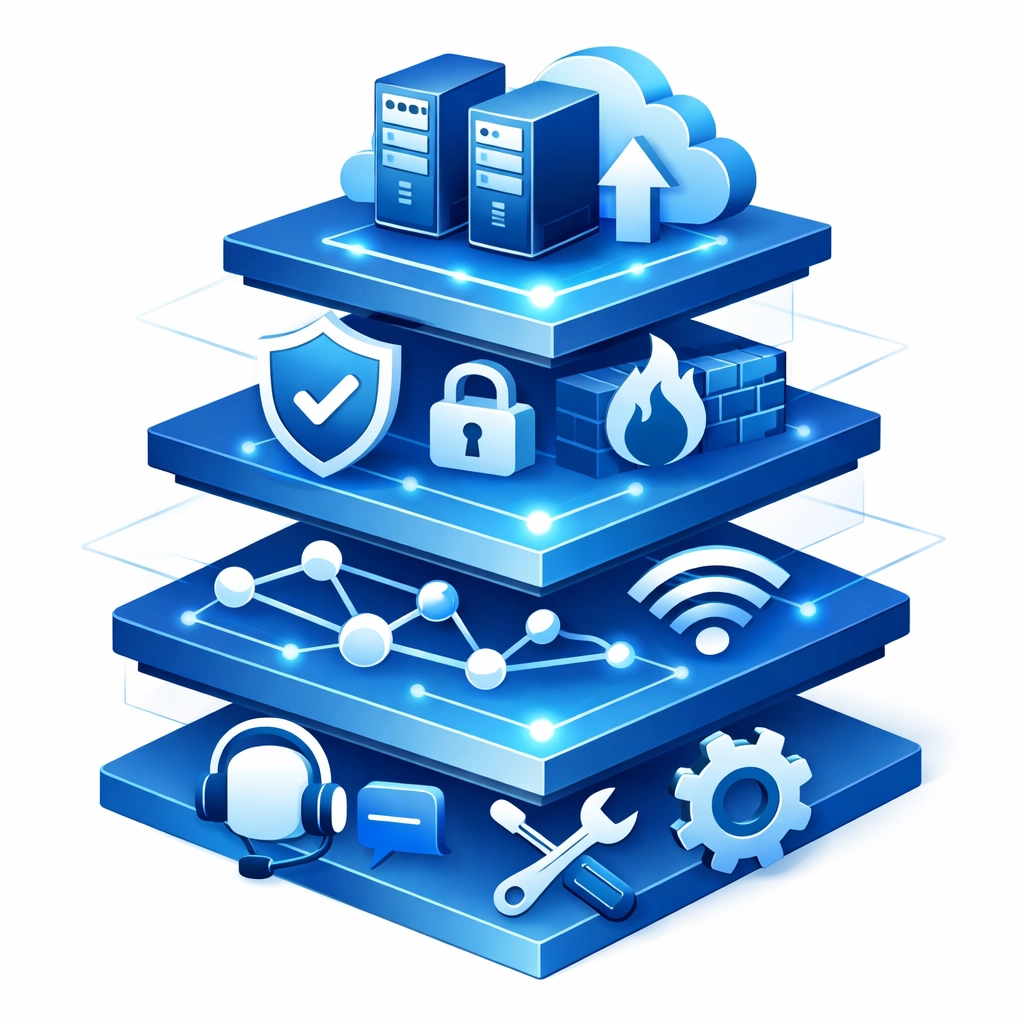
Helpdesk Support gives you a direct line to IT professionals who can troubleshoot issues remotely. Employee locked out of their account? Software acting weird? Your helpdesk team handles it.
24/7 Remote Monitoring means someone is always watching your systems. The MSP uses specialized tools to track your network health, server performance, and security status. If something looks off at 2 AM, they're on it before you even wake up.
Cybersecurity Solutions protect your business from increasingly sophisticated threats. This includes firewalls, antivirus software, email filtering to catch phishing attempts, threat monitoring, and employee security training. With cyberattacks targeting businesses of all sizes, strong cybersecurity isn't optional anymore.
Network Design and Maintenance ensures your infrastructure is built right and stays running smoothly. Your MSP designs network architecture that supports your business operations and maintains it to prevent slowdowns and outages.
Cloud Services and Virtualization give you flexible, scalable infrastructure that grows with your business. Need more storage or computing power? Your MSP can provision it quickly without major hardware investments.
Hardware and Software Management takes the headache out of procurement, licensing, updates, and maintenance. Your MSP tracks what you have, when it needs updating, and what you'll need in the future.
Business Continuity and Disaster Recovery planning ensures you're not scrambling if something catastrophic happens. Regular backups, tested recovery procedures, and documented plans keep your business running even during disruptions.
Onsite Support handles situations that require in-person attention. While most issues can be resolved remotely, sometimes you need hands-on help with hardware installation or complex troubleshooting.
Different Support Models to Consider
Not every business needs the same level of IT management. Here are the two main approaches:
Fully Managed IT Services work best if you don't have internal IT staff or want to completely outsource your technology management. The MSP becomes your entire IT department. They know your systems inside and out, understand your business goals, and proactively plan for your technology needs.
This model nearly eliminates downtime through regular maintenance and strategic planning. You get comprehensive support without hiring, training, or managing IT employees.
Co-Managed IT Support pairs your existing internal IT team with MSP expertise. This fills capability gaps and handles overflow when your team is stretched thin. It's perfect for mid-sized businesses that have some IT resources but need additional support for specialized tasks like cybersecurity or disaster recovery planning.
Your internal team handles day-to-day issues they know well while the MSP provides expertise in areas where you need reinforcement.
Why Businesses Choose Managed IT Support
The benefits go way beyond just having someone to call when your computer crashes.
Predictable Costs replace the chaos of unexpected IT expenses. Instead of surprise bills when your server dies or you get hit with ransomware, you pay a fixed monthly fee. This makes budgeting straightforward and eliminates those painful capital expenditures for emergency replacements.
Scalability means your technology grows smoothly alongside your business. Hiring ten new employees? Your MSP provisions accounts, equipment, and access without you needing to hire additional IT staff. Shrinking your workforce? You scale back just as easily.
Proactive Problem Prevention catches issues before they become crises. Regular system assessments, security audits, and preventive maintenance reduce costly downtime. Your MSP identifies aging hardware, security vulnerabilities, and performance bottlenecks before they impact your business.
Strategic Technology Planning gives you an expert partner for technology decisions. MSPs don't just keep the lights on: they help you plan technology roadmaps, recommend efficiency improvements, and optimize systems to support your business strategy.
Round-the-Clock Availability provides peace of mind. Whether it's 3 PM on Tuesday or 3 AM on Sunday, technical issues get immediate attention. No more waiting until Monday morning for critical problems to get resolved.

How to Choose the Right MSP
Not all managed service providers are created equal. Here's what to evaluate:
Industry Experience matters because different businesses have different technology needs. An MSP that understands your industry can anticipate challenges and recommend solutions that actually work for your type of business.
Service Level Agreements should clearly define response times and resolution expectations. How quickly will they respond to critical issues? What about routine requests? Get specific commitments in writing.
Cybersecurity Certifications prove the MSP takes security seriously. Look for certifications and ask about their approach to protecting client data. With cyber threats evolving constantly, your MSP needs current expertise.
Client References give you real-world insight into what it's like working with the provider. Talk to businesses similar to yours and ask about responsiveness, problem-solving ability, and overall satisfaction.
Don't hesitate to ask tough questions about their services, onboarding process, and how they'll customize solutions for your specific needs. A good MSP welcomes these conversations and provides detailed, confident answers.
What to Expect During Implementation
Partnering with an MSP shouldn't disrupt your daily operations. Here's the typical process:
The MSP starts with a needs analysis to understand your business, current technology setup, pain points, and goals. They ask questions about your operations, growth plans, and technology challenges.
Next comes an IT asset inventory where they document everything you currently have: hardware, software, licenses, network configuration, and security measures. This creates a baseline for improvement.
Based on their findings, they provide strategic recommendations for addressing immediate issues and planning long-term improvements. This might include security upgrades, hardware replacements, or process improvements.
Implementation happens in phases to minimize disruption. Critical fixes and security updates come first, followed by infrastructure improvements and long-term initiatives.
Your team receives training on new systems, security practices, and how to work with your MSP. Good providers make sure everyone understands new tools and procedures.
Finally, you get ongoing support with routine check-ins, performance reviews, and continuous optimization. Your MSP monitors systems 24/7 and proactively manages your technology environment.
Ready to Master Your Business Technology?
Managed IT support transforms technology from a constant headache into a strategic business asset. You get expert support, proactive maintenance, robust security, and predictable costs: all without building an internal IT department from scratch.
If you're tired of technology problems disrupting your business, it might be time to explore your options. WorldWise offers comprehensive managed IT services designed to keep your technology running smoothly so you can focus on what you do best.
Want to learn more about how managed IT support can work for your business? Get started with a conversation about your technology needs and goals.