

Small businesses are prime targets for cyberattacks. Hackers know you probably don't have a massive IT department or unlimited security budget. They're counting on it.
The good news? You don't need enterprise-level resources to protect your data. You just need to get the basics right.
Here are five straightforward steps that'll dramatically improve your cybersecurity without breaking the bank.
1. Encrypt Everything That Matters
Encryption sounds complicated but it's really just scrambling your data so only authorized people can read it. Think of it as putting your sensitive information in a locked safe instead of leaving it on your desk.
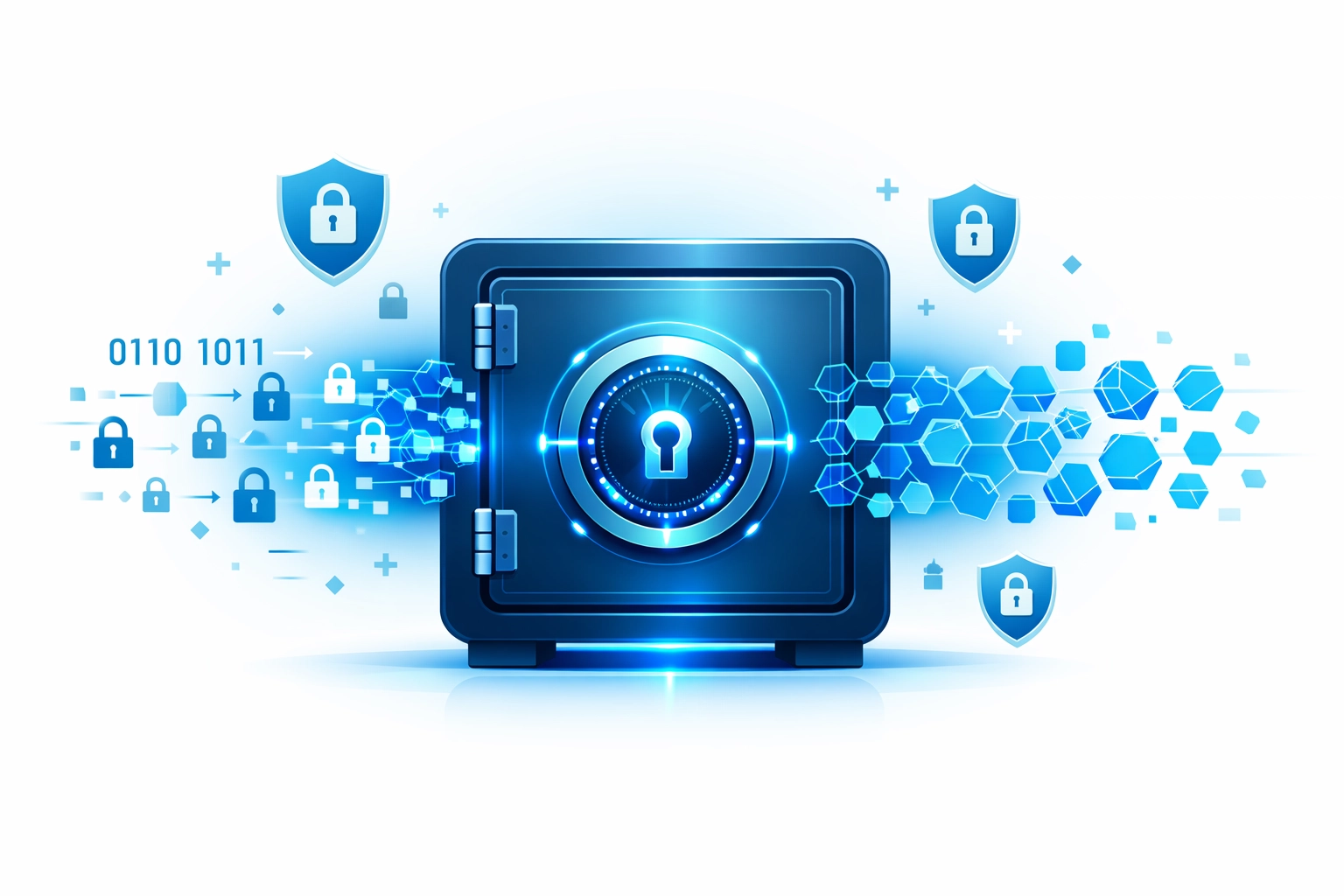
You need encryption in two places:
- Data at rest: Files sitting on your servers, computers, and backup drives
- Data in transit: Information moving across your network or the internet
Most modern operating systems have built-in encryption tools. Windows has BitLocker. Macs have FileVault. Use them. Enable HTTPS on your website. Use encrypted email for sensitive communications.
Pair your encryption with Data Loss Prevention (DLP) tools if you're handling customer data regularly. These track where your critical information goes and block unauthorized attempts to send it outside your network. It's like having a security guard that watches what goes in and out of your building.
For small businesses handling sensitive customer information, cybersecurity isn't optional anymore. It's a fundamental business requirement.
2. Train Your Team (They're Your Biggest Vulnerability)
Here's an uncomfortable truth: your employees are probably your weakest security link. Not because they're careless, but because they're human.
Phishing emails look more legitimate every year. One clicked link or downloaded attachment can give attackers access to your entire network. It happens thousands of times a day to businesses just like yours.
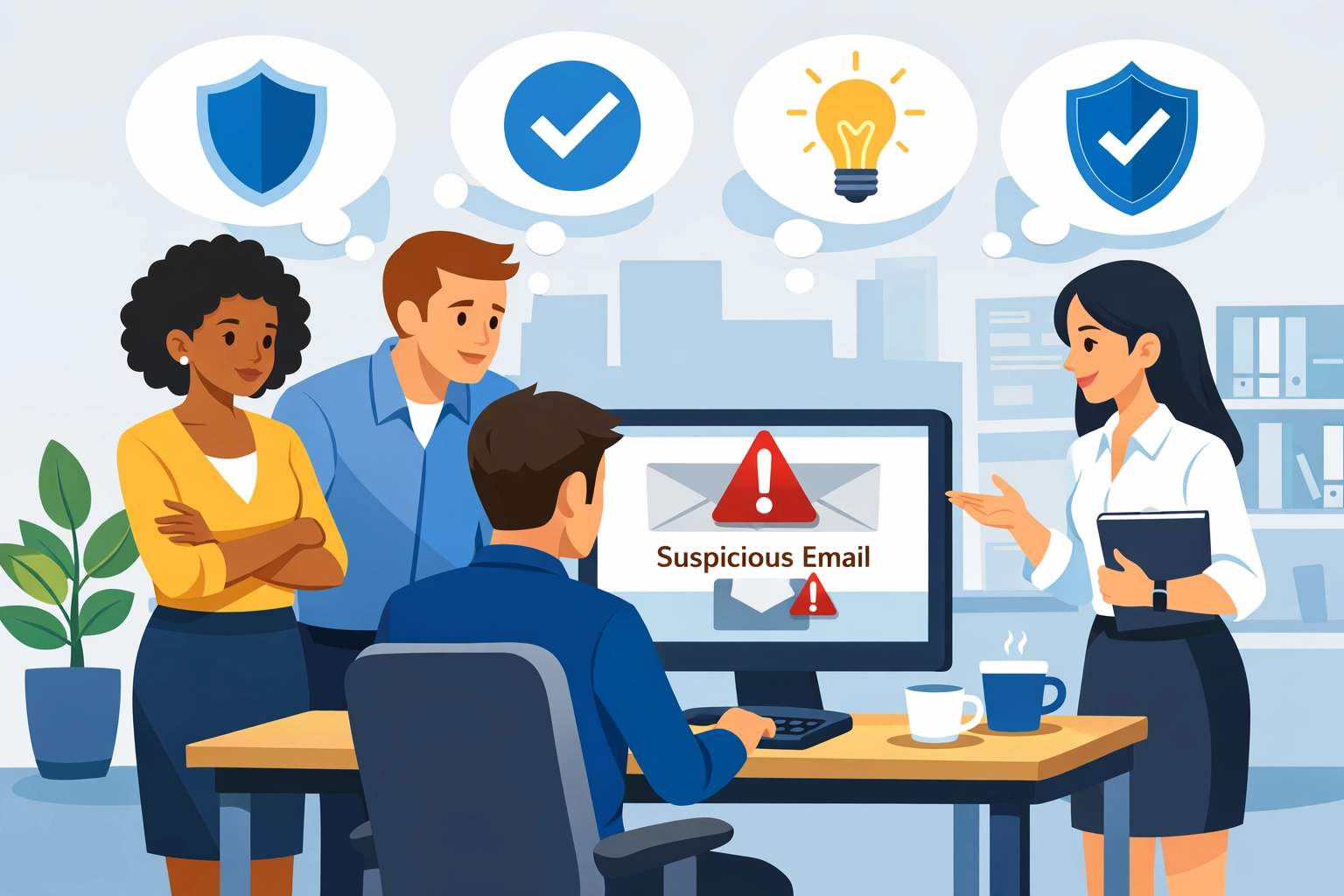
Your team needs regular training on:
- Spotting phishing emails and suspicious links
- Creating strong passwords (and actually using them)
- Safe internet browsing at work
- What to do if they think they've been compromised
- Why security matters for protecting customer and vendor data
Make training ongoing, not a one-time thing. Run fake phishing tests quarterly. Share real examples of current scams. Keep security top of mind.
The goal isn't to scare people. It's to build a culture where everyone understands they play a role in keeping the business safe. When your receptionist can spot a fake invoice email, you've done something right.
3. Require Multi-Factor Authentication Everywhere
Passwords alone don't cut it anymore. They get stolen, guessed, or purchased on the dark web for pennies.
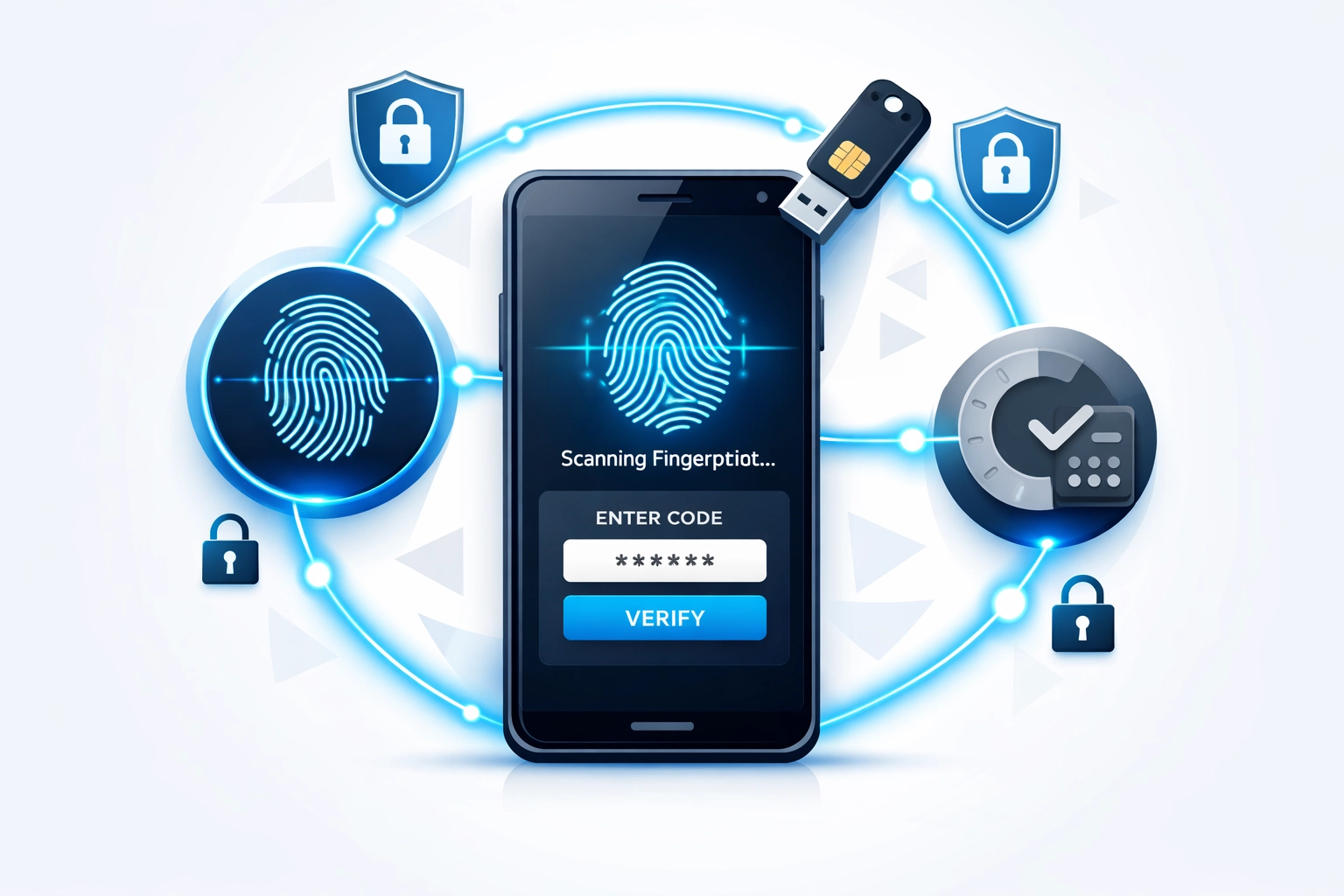
Multi-factor authentication (MFA) adds a second verification step. Even if someone steals your password, they can't get in without that second factor.
Common MFA options include:
- Authenticator apps like Google Authenticator or Microsoft Authenticator
- Text message codes
- Hardware security keys
- Biometric verification (fingerprint or face recognition)
Require MFA for:
- Email accounts
- Cloud storage and file sharing
- Financial systems and banking
- Your website admin panel
- Any system with customer data
- Remote access to your network
Yes, it adds an extra step when logging in. Your team will complain for about a week. Then they'll forget it was ever different. And you'll sleep better knowing a stolen password won't sink your business.
If you're not sure how to implement MFA across your systems, managed IT support can handle the technical setup and make sure it's done right.
4. Keep Everything Updated (Yes, Everything)
Software updates aren't just about new features. They patch security vulnerabilities that hackers actively exploit.
When you ignore that "update available" notification, you're leaving doors unlocked. Cybercriminals scan the internet looking for outdated software with known vulnerabilities. It's low-hanging fruit for them.
Set everything to auto-update:
- Operating systems on all computers and servers
- Antivirus and security software
- Business applications
- Plugins and extensions
- Router and firewall firmware
- Mobile devices
For critical systems that can't auto-update, schedule monthly maintenance windows. Mark it on the calendar. Actually do it.
Deploy antivirus software across every device that touches your network. Modern antivirus goes beyond traditional viruses to catch ransomware, spyware, and phishing attempts. Keep it running and updated.
Audit your software at least once a year. Make a list of everything running on your network. Check that it's all current. Remove software you're not using anymore. Each unused application is a potential vulnerability.
5. Back Up Your Data Religiously
Backups are your insurance policy. When (not if) something goes wrong, backups determine whether you're back up in hours or out of business.
Ransomware attacks are increasingly common. Attackers encrypt your files and demand payment to unlock them. Without backups, you're facing a terrible choice: pay criminals or lose everything.
Follow the 3-2-1 backup rule:
- 3 copies of your data
- 2 different storage types
- 1 copy offsite
Automate your data backup schedule. Daily backups for critical data. Weekly for everything else. Test your backups monthly to make sure they actually work. A backup you can't restore is worthless.
Cloud backups are convenient and relatively cheap. Local backups are faster to restore. You want both.
Document your backup and recovery procedures. When disaster strikes, you don't want to be figuring this out on the fly. Know exactly how to restore your systems and how long it'll take.
The Bottom Line
Cybersecurity for small businesses doesn't require a massive budget or dedicated IT staff. It requires discipline and consistency with the basics.
Encrypt your sensitive data. Train your team. Require multi-factor authentication. Keep your software updated. Back up everything.
Do these five things right and you're ahead of 90% of small businesses. You're not an easy target anymore.
Most data breaches happen because businesses skip the fundamentals. Don't be that business.
Need help implementing these security measures? Get in touch and we'll help you build a security strategy that actually fits your business and budget.