
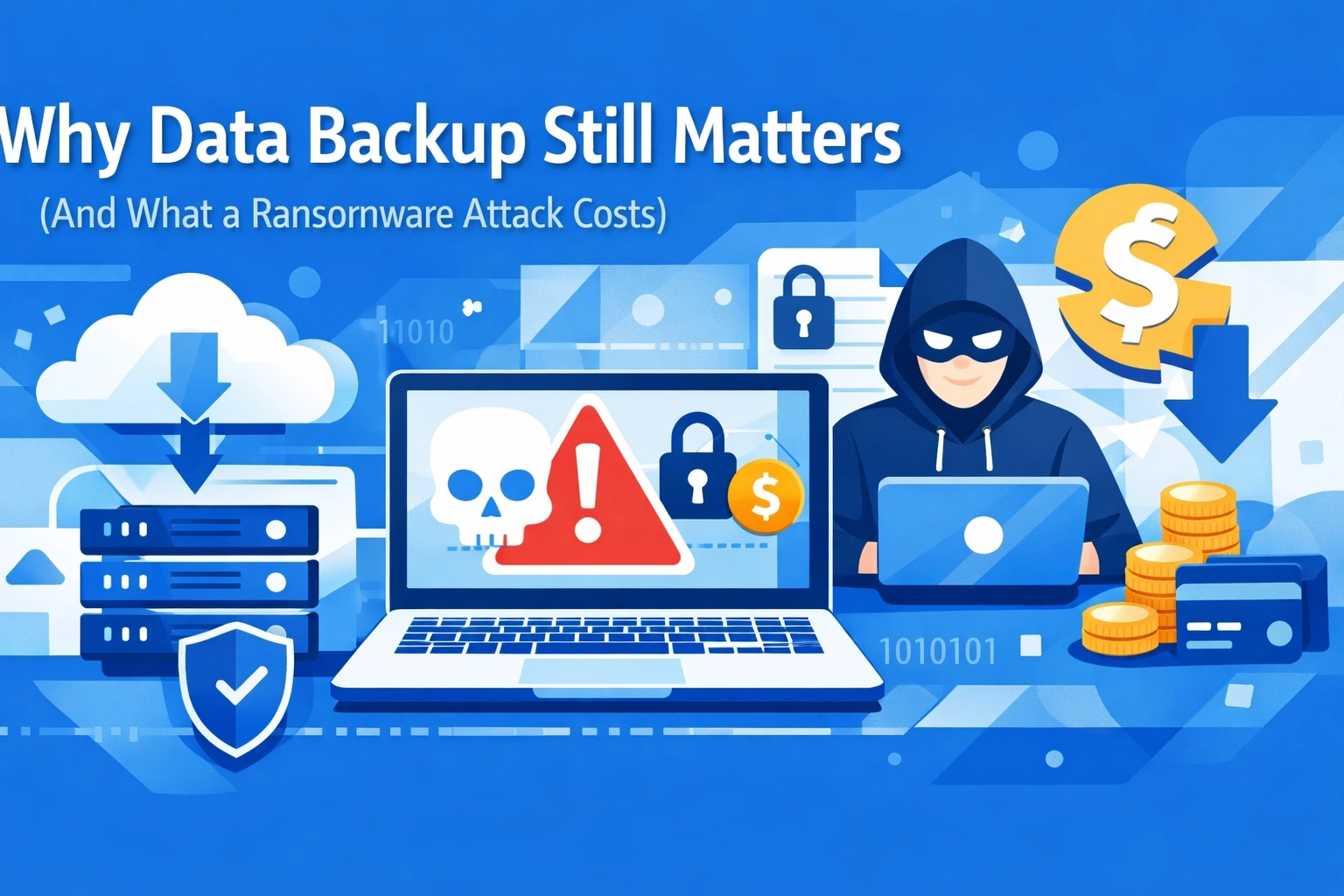

Let's be real : nobody thinks about data backup until it's too late. You're running your business, juggling a million things, and backing up files feels like something you'll get to "eventually."
Then ransomware hits. Or a hard drive fails. Or someone accidentally deletes that critical database.
Suddenly, data backup becomes the only thing you can think about.
The Numbers Don't Lie
The average cost of a data breach in 2025? Over $4 million. That's not a typo. And for small to mid-sized businesses, downtime costs around $427 per minute. Do the math on a few hours of being completely offline and you'll see why this matters.
Here's the kicker: 81% of small businesses experienced some kind of security breach or data loss incident in the past year. You're not in some exclusive safe zone just because you're not a Fortune 500 company. Hackers don't care about your revenue : they care about finding the path of least resistance.
What Actually Happens During a Ransomware Attack
Ransomware works like this: malicious software encrypts all your files, locking you out of your own data. Then you get a message demanding payment : usually in cryptocurrency : to get the decryption key.
Maybe you pay. Maybe you don't. Either way, you're looking at:
- Lost productivity while systems are down
- Recovery costs to rebuild from scratch
- Reputation damage when customers find out
- Potential lawsuits if client data was compromised
- Regulatory fines for non-compliance with data protection rules
And here's what most people don't realize: paying the ransom doesn't guarantee you'll get your data back. You're literally trusting criminals to hold up their end of the deal.
Why "It Won't Happen to Me" Is a Bad Strategy
Most business owners think they're too small to be targeted. Wrong. Cybercriminals use automated tools that scan for vulnerabilities. They're not personally choosing you : they're running scripts that find weak spots and exploit them.
Your business might get hit because:
- Someone clicked a phishing email
- An employee used a weak password
- Software wasn't updated with security patches
- A contractor's laptop got compromised
- You're using outdated systems
The threat isn't going away. It's getting worse. Ransomware attacks have become more sophisticated, and the bad guys are making serious money doing this.
The Real Cost of Losing Your Data
Forget the ransom payment for a second. Think about what your actual data is worth.
Customer records. Financial documents. Project files. Contracts. Emails. Employee information. Years of accumulated business intelligence that can't be recreated overnight.
Some businesses never recover. A study found that 60% of small companies go out of business within six months of a major data loss incident. That's not just about the money : it's about the operational chaos, the broken trust, and the inability to function without that information.
For industries dealing with sensitive information, the stakes are even higher. Healthcare providers lose patient records. Law firms lose case files. Manufacturers lose design specifications. The impact ripples through every part of your operation.
What Good Data Backup Actually Looks Like
Here's where we get practical. Effective backup isn't just copying files to an external hard drive once a month.
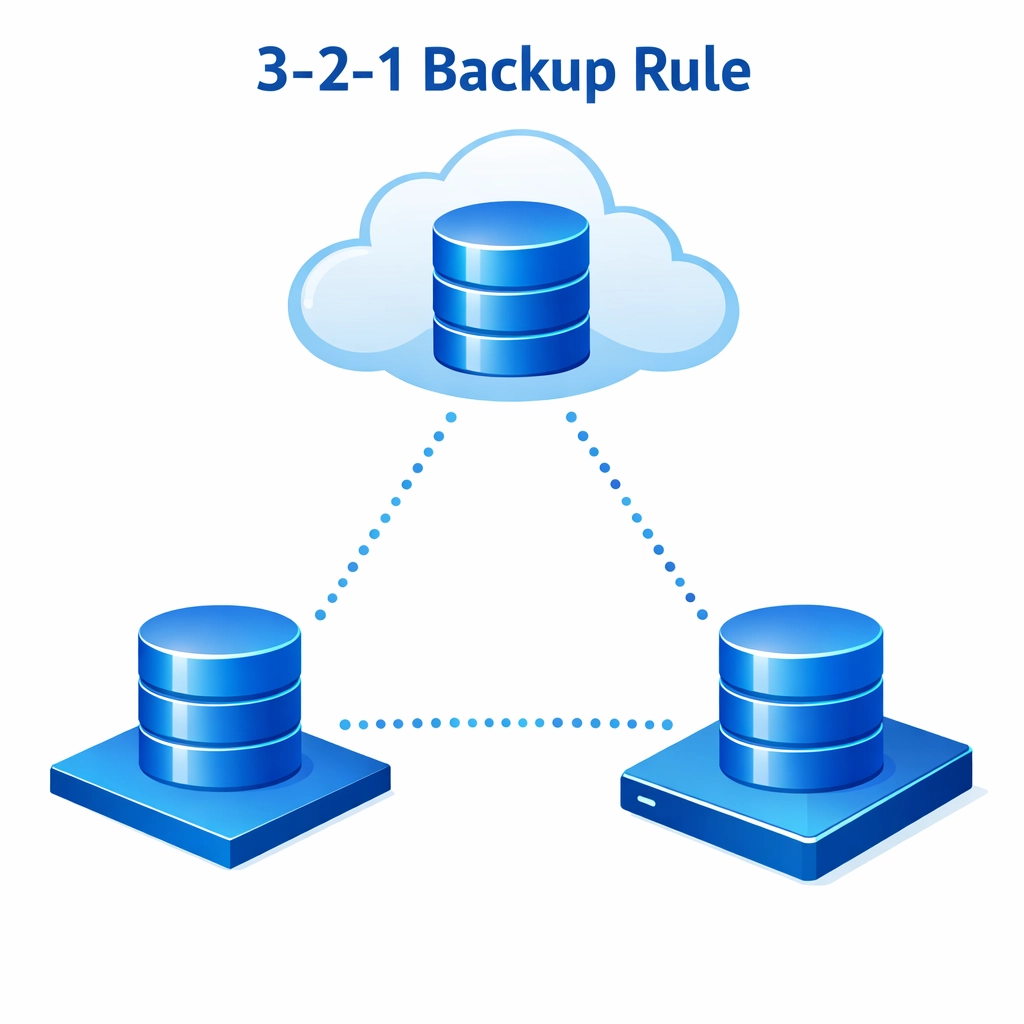
The 3-2-1 Rule is your friend:
- Keep 3 copies of your data
- Store them on 2 different types of media
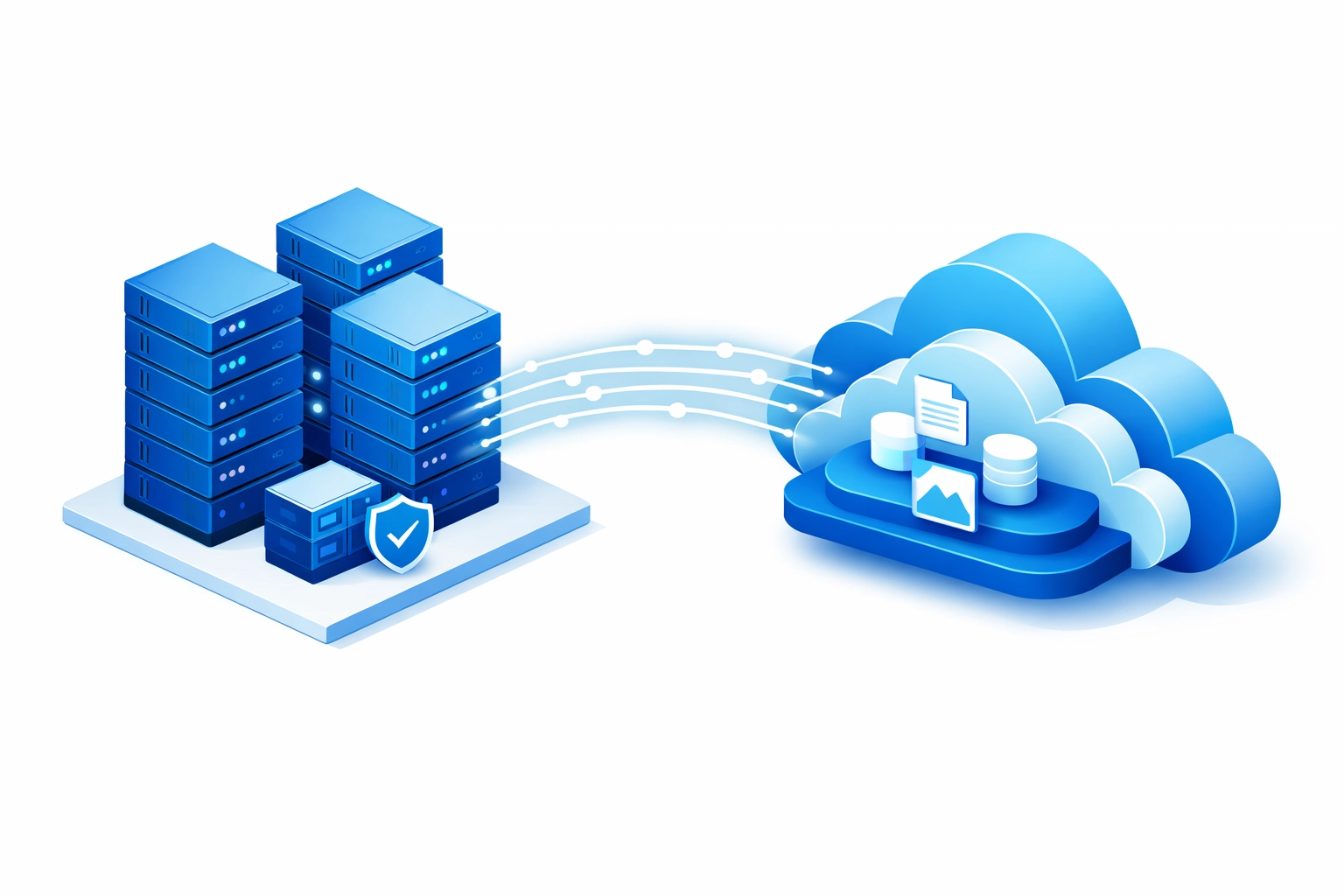
- Keep 1 copy offsite (or in the cloud)
This protects you against multiple failure scenarios. If ransomware encrypts your local files, you've got the cloud backup. If a fire destroys your office, you've got copies elsewhere. If one storage device fails, you've got redundancy.
Modern backup solutions automate this entire process. You set it up once, and it runs continuously in the background. Incremental backups capture changes throughout the day, so you're not losing hours or days of work if something goes wrong.
Cloud vs Local: Why Not Both?
The debate about cloud backup versus local storage misses the point. Use both.
Local backups give you fast recovery. If you need to restore a single file or get a server back online quickly, pulling from a local backup is faster than downloading from the cloud.
Cloud backups give you disaster protection. If your building floods or catches fire, your cloud data is safe. Plus, reputable cloud providers have redundancy built in : they're storing your backups across multiple data centers.
The combination gives you speed when you need it and safety when disaster strikes. It's not about choosing one or the other.
Testing Your Backups (Because Untested Backups Are Just Wishful Thinking)
Here's something most businesses get wrong: they set up backups and assume everything's fine.
You need to actually test your restoration process. Schedule regular tests where you attempt to restore files and make sure they work. An untested backup is basically the same as having no backup at all.
Testing reveals problems like:
- Corrupted backup files that won't restore
- Missing data that wasn't included in the backup
- Slow recovery processes that would leave you offline for days
- Configuration issues that would prevent successful restoration
Don't wait for an emergency to discover your backups don't work. Test them now while the stakes are low.
Beyond Backup: Building a Complete Data Protection Strategy
Data backup is critical, but it's just one piece of a bigger puzzle. You also need:
Strong cybersecurity to prevent attacks in the first place. Managed IT support can help monitor for threats and keep your systems updated with the latest security patches.
Employee training so your team knows how to spot phishing attempts and follow security best practices. Most breaches start with human error, not technical failures.
Incident response planning so everyone knows what to do if an attack happens. Who do you call? How do you isolate infected systems? What's your communication plan for customers?
Regular security audits to identify vulnerabilities before attackers do. Cybersecurity services can assess your current setup and recommend improvements.
The Bottom Line
Data backup isn't exciting. It doesn't directly generate revenue. It's easy to deprioritize when you're focused on growth.
But losing your data can destroy your business overnight. The cost of prevention is a fraction of the cost of recovery : and that's assuming recovery is even possible.
You don't need a perfect system on day one. Start with something basic and improve over time. Set up automated backups to the cloud. Test them quarterly. Keep copies offsite. Document your process.
The best time to set up data backup was yesterday. The second-best time is right now.

Get Your Data Protected
If you're not confident in your current backup setup, get in touch with us. We'll assess your current situation and help you build a backup strategy that actually works.
Because the question isn't if you'll face data loss : it's when. And when that day comes, you'll be really glad you planned ahead.