
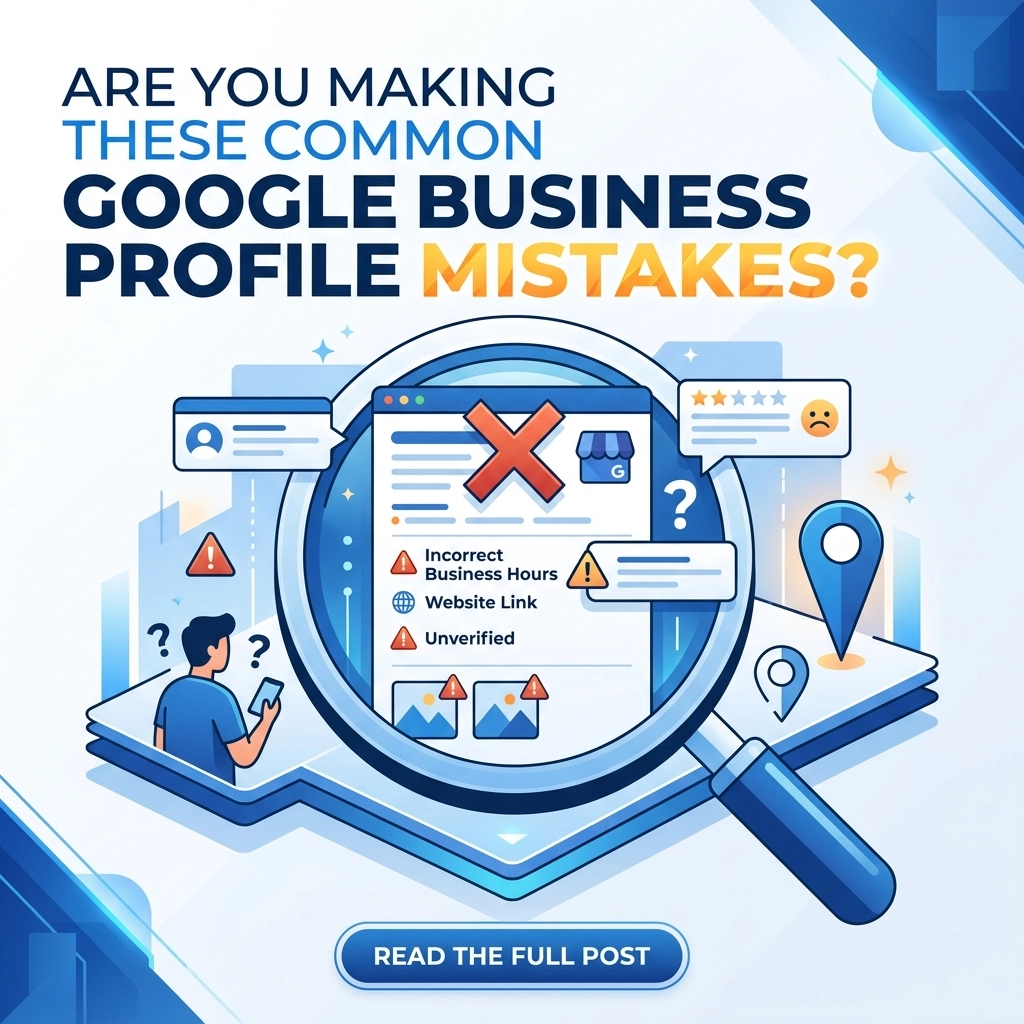

Local search is the most powerful tool for small and medium businesses today. Your Google Business Profile is the first thing people see when they search for services you provide. If it looks messy or contains wrong information you lose customers before they even visit your website. Most businesses set up their profile once and forget it. This is a mistake that costs money every day
We see the same errors repeated across almost every industry. These are not just small typos. They are structural issues that tell Google your business is not trustworthy. When Google loses trust in your data they stop showing your listing to potential customers. You can fix most of these issues in a single afternoon
The Name Address and Phone Number Problem
Consistency is the most important factor for local SEO. Digital marketers call this NAP consistency. Your business name address and phone number must be identical everywhere they appear online. If your profile says Street and your website says St Google gets confused. This confusion leads to lower rankings
The problem we found is simple. Business owners often use different phone numbers for tracking or have old addresses floating around on random directory sites. Google cross-references your profile with the rest of the internet. If the data does not match they assume your business might be closed or relocated
How to fix it
Audit your presence across the web. Start by looking at your own website and then check major directories. Ensure every single letter matches your official Google Business Profile. If you have moved recently spend the time to update every old listing you can find. This builds the foundation of trust that Google requires to rank you higher

Choosing the Wrong Business Category
Google offers thousands of categories for businesses. Many owners pick a broad category because they think it will cast a wider net. They choose Marketing Agency instead of Web Design Company. This is a mistake because broad categories face higher competition and less relevance
The primary category you choose carries the most weight in search results. If you are a specialized contractor you should not just list yourself as a General Contractor. You need to be specific to attract the right leads. Broad categories often lead to phone calls for services you do not even offer which wastes your time
How to fix it
Review your primary category today. Look at what your top three competitors are using. If they are outranking you they likely have a more specific category selected. You can add secondary categories to cover your other services but keep the primary one focused on your core revenue driver. You can find more tips on this at WorldWise Strategy
Leaving Your Profile Incomplete
A half-finished profile looks unprofessional to customers and incomplete to algorithms. Google provides fields for business descriptions service areas hours and attributes for a reason. They want to provide the most helpful answer to a user search. If your profile is missing a description or list of services Google cannot be sure you are the right fit
We found that businesses with a 100% complete profile get significantly more clicks than those with missing data. Many owners skip the "Attributes" section where you can list things like "Identifies as veteran-owned" or "Wheelchair accessible." These small details matter to specific groups of people
How to fix it
Log into your dashboard and click through every single menu item. If there is an empty box fill it. Write a compelling business description that uses relevant keywords naturally. Do not just list your name. Explain what you do and who you serve. If you need help with the technical side check out our Support page
Ignoring Customer Reviews and Questions
Reviews are the social proof of the digital age. Most owners know they need reviews but many fail to respond to them. Ignoring a review tells the customer and Google that you do not care about feedback. This is especially damaging for negative reviews. A polite and professional response to a bad review can actually win more customers than a perfect five-star rating with no replies
There is also a "Questions and Answers" section on your profile that most people ignore. Anyone can ask a question and unfortunately anyone can answer it. If you are not monitoring this section customers might be getting wrong information from random strangers
How to fix it
Set up notifications so you know the moment a new review or question is posted. Respond to every review within 24 hours. For the Q&A section you should actually post your own frequently asked questions and answer them yourself. This ensures the information is accurate and helpful. This level of engagement is a core part of effective Marketing

The Visual Void
People eat with their eyes first and they shop the same way. A profile with no photos or only low-quality blurry shots will not convert. Customers want to see the front of your building the people they will be talking to and the work you have completed. If your only photo is a generic Google Street View shot of your parking lot you are losing business
Google's data shows that profiles with photos receive 42% more requests for directions and 35% more click-throughs to their websites. High-quality visuals build immediate trust. They prove that you are a real business doing real work
How to fix it
Take ten high-resolution photos this week. Include your team your office interior and examples of your latest projects. If you are a service-based business show your branded trucks or equipment. Upload new photos at least once a month to keep the profile looking fresh. Quality design matters even on your Google profile and you can see examples of great visual work in our Portfolio
Keyword Stuffing Your Business Name
There is a common myth that adding keywords to your business name will help you rank. For example a business named "Smith and Sons" might change their profile name to "Smith and Sons Best Plumbers Near Me." This is a direct violation of Google’s terms of service
While it might give you a temporary boost it almost always leads to a profile suspension. Getting a suspended profile reinstated is a long and difficult process that can take weeks. During that time your business completely disappears from search results. The risk is never worth the reward
How to fix it
Use your legal business name and nothing else. If your legal name is "Global Tech" then that is what should be on your profile. Do not add locations or service descriptions to the title field. Save the keywords for your business description and services list where they belong

Not Using Google Posts
Google Posts are like mini-social media updates that appear directly in your search listing. Many businesses ignore this feature entirely. Posts allow you to share news offers events and product updates. They show potential customers that your business is active and relevant right now
Posts only stay prominent for a limited time so you need to update them regularly. They are a great way to highlight a seasonal promotion or a new blog post from your website. They also give you more "real estate" on the search results page which pushes competitors further down
How to fix it
Treat Google Posts like a simplified version of your social media strategy. Post at least once a week. Include a clear call to action like "Call Now" or "Book Online." If you have a specific promotion link it directly to your Get Started page
The Duplicate Listing Disaster
Sometimes businesses end up with two or three profiles for the same location. This usually happens when an owner forgets their login and creates a new one or when Google automatically generates a listing from old data. Duplicate listings split your reviews and your ranking power
Google gets confused when it sees two listings for the same business. Usually it will penalize both or hide the one with more reviews because it thinks it is an error. You want all your "SEO juice" flowing into a single authoritative profile
How to fix it
Search for your business name on Google Maps. If you find multiple listings you need to merge them or report the duplicates as "Permanent Closures" or "Duplicates of another place." This cleans up your digital footprint and ensures all your reviews are in one place

Neglecting the Services and Products Section
Many business owners think the description is enough. However Google has specific sections for Services and Products. These sections are indexed heavily by the search algorithm. If you offer "Custom Web Design" but it isn't listed in your services Google might not show you for that specific search term
The problem we found is that these sections require manual entry and often get overlooked during the initial setup. Each service can have its own description and price which helps qualify leads before they even call you
How to fix it
Go to the "Edit Services" tab and list every single thing you do. Use the descriptions to explain the value of each service. If you sell physical items use the "Products" tab to showcase them with photos and prices. This turns your Google profile into a mini-storefront. For businesses looking to expand their digital reach check out our Web Design services
Missing the Holiday and Special Hours
Nothing makes a customer angrier than driving to a business that says it is "Open" on Google only to find a locked door. Google will often send you emails asking to confirm your hours for upcoming holidays. If you ignore these your profile might display a warning saying "Hours may differ"
This warning creates uncertainty. A customer who is uncertain will simply click on the next business in the list. Keeping your hours accurate is the simplest form of customer service you can provide online
How to fix it
Update your holiday hours for the entire year in advance. If you have a staff meeting or an early closing day update it on Google immediately. It takes thirty seconds and saves your reputation with local customers

Summary of Action Items
Your Google Business Profile is a living asset. It requires regular maintenance to stay at the top of the search results. If you have been making these mistakes do not panic. Most of them are easy to correct once you know what to look for
- Match your NAP data everywhere
- Choose a specific primary category
- Fill out every field in the profile
- Respond to every review and seed your Q&A
- Upload high-quality photos weekly
- Use only your legal business name
- Post updates at least once a week
- Merge any duplicate listings
- Detail your services and products
- Keep your hours 100% accurate
Managing a digital presence is a full-time job. If you would rather focus on running your business while we handle the technical details contact us at WorldWise today. We can help you build a strategy that works for the long term