
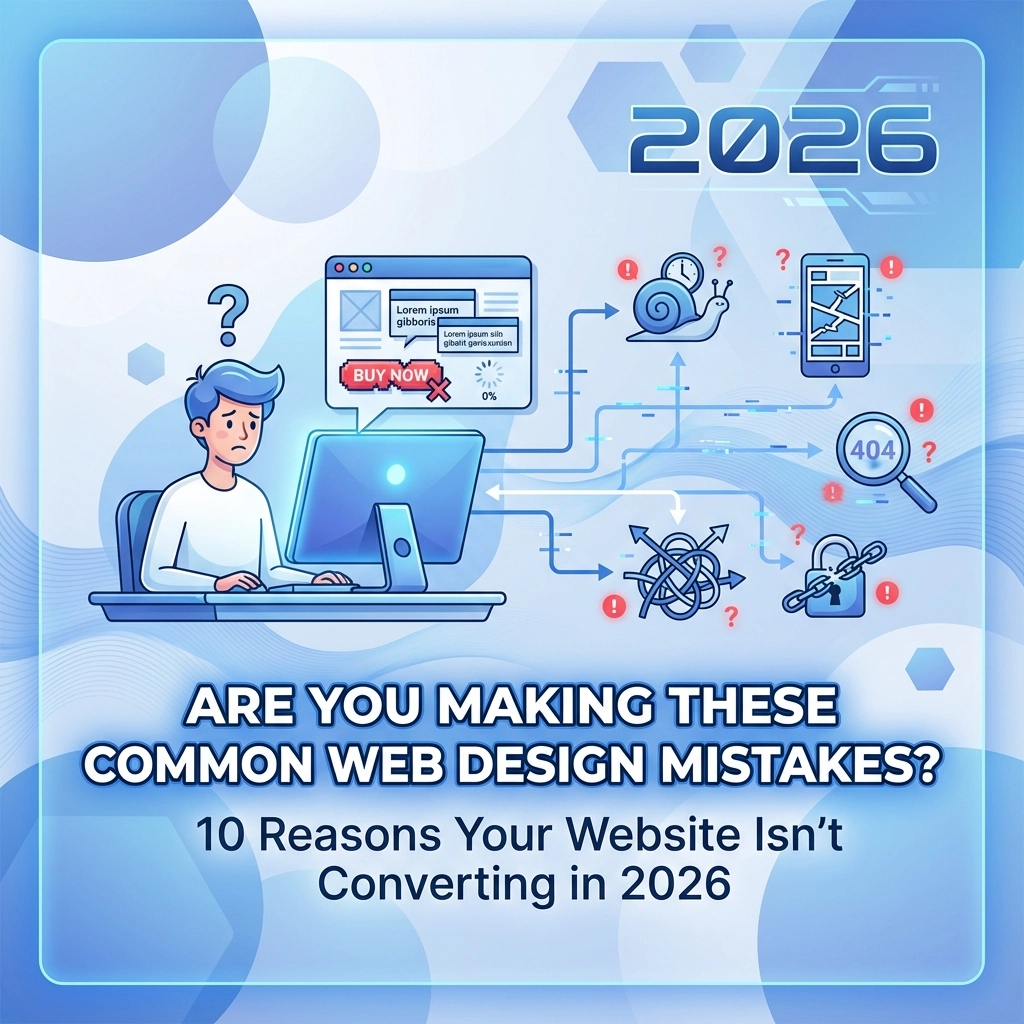

Your website should be your best salesperson, working 24/7 to turn visitors into customers. But if it's not converting, you're probably making one (or several) of these common design mistakes that send potential customers running to your competitors.
The good news? These issues are fixable. Here are the 10 most damaging web design mistakes that kill conversions and how to fix them.
1. Your Site Isn't Mobile-Friendly
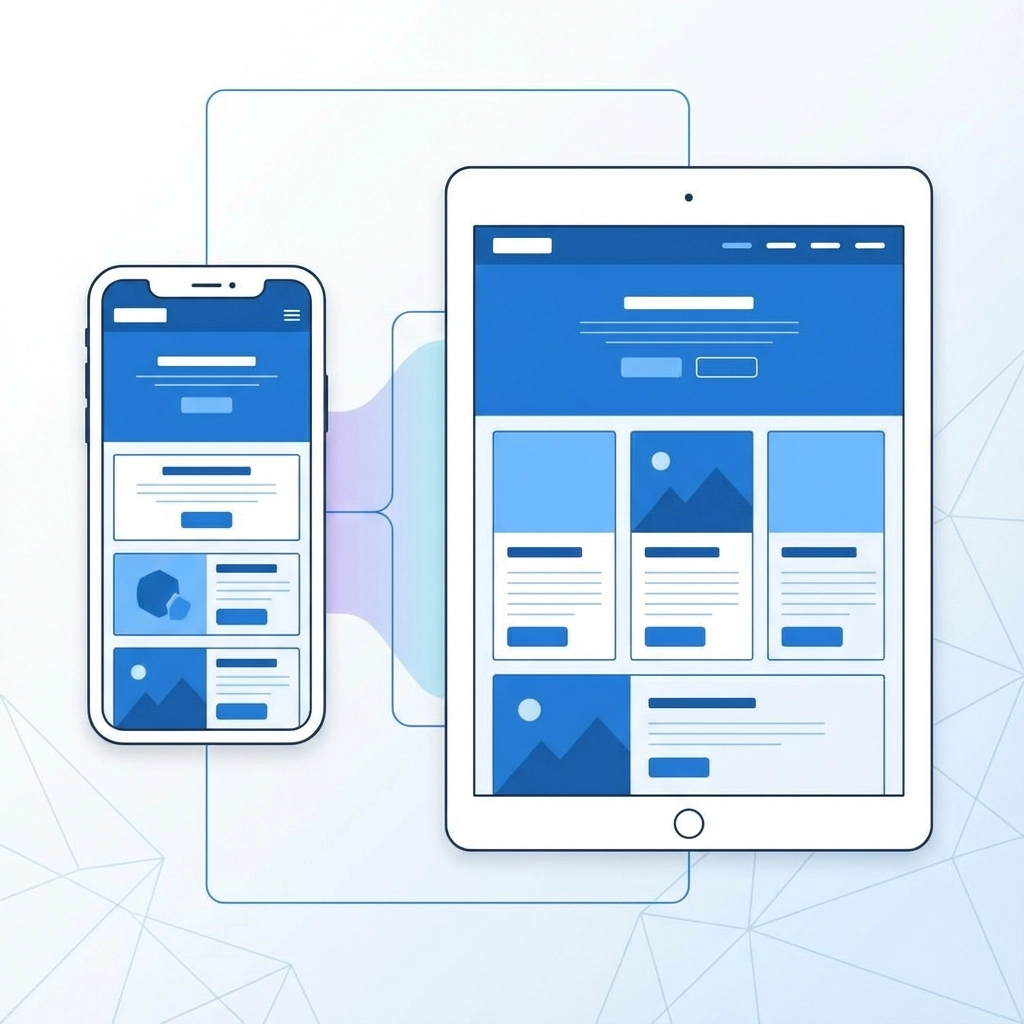
More than 60% of web traffic comes from mobile devices, yet countless businesses still treat mobile as an afterthought. If your site doesn't work properly on phones and tablets, you're losing more than half your potential customers before they even see what you offer.
Mobile-unfriendly sites have tiny buttons that are impossible to tap, text that requires zooming to read, and layouts that break completely on smaller screens. Google also penalizes non-mobile sites in search results, making this mistake doubly expensive.
The fix: Implement responsive design that adapts to any screen size. Test your site on multiple devices and ensure buttons are large enough to tap easily. Forms should be simple to fill out on mobile, and your most important information should be visible without scrolling.
2. Navigation Is Confusing or Overly Complex
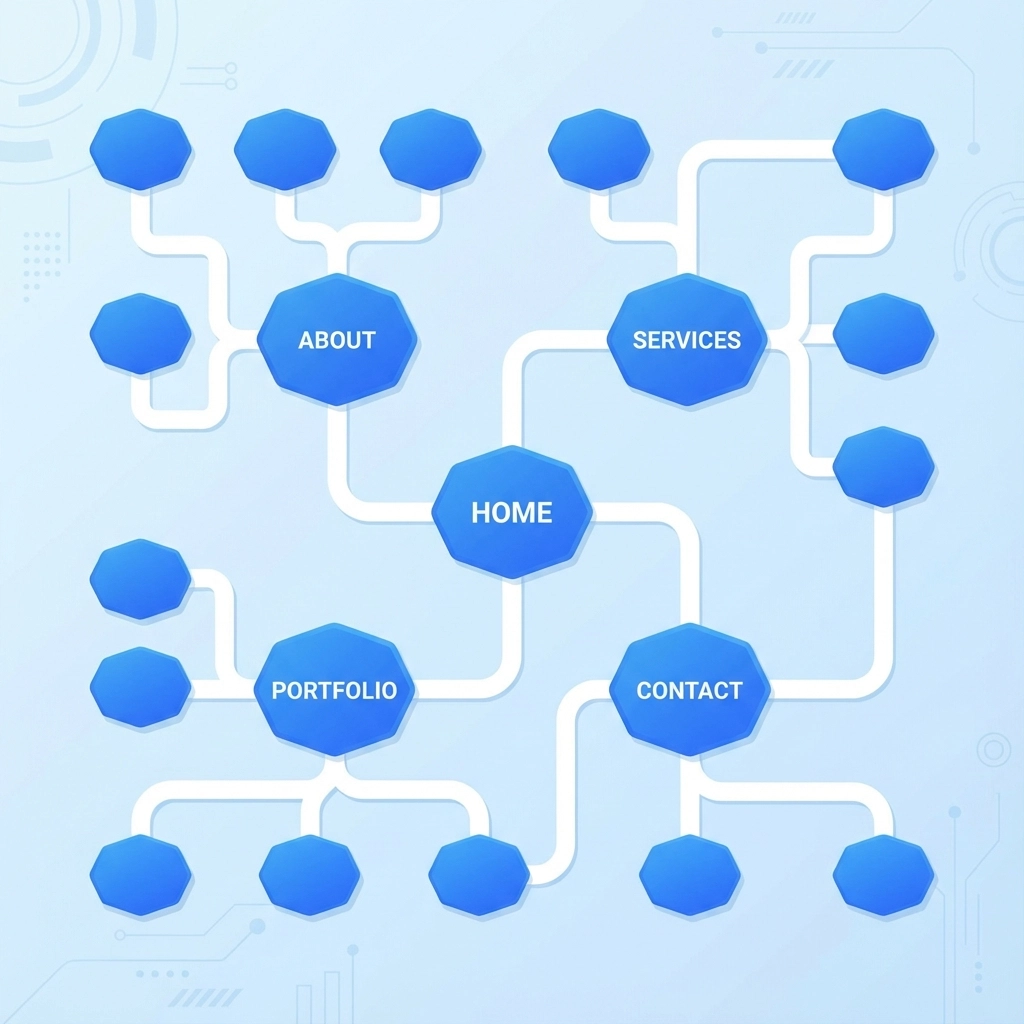
When visitors can't find what they're looking for within seconds, they leave. Poor navigation is one of the fastest ways to kill conversions because it frustrates users and makes your business look disorganized.
Common navigation mistakes include too many menu items, unclear labels, buried contact information, and inconsistent menu structures across pages. If users have to think about where to click next, your navigation needs work.
The fix: Keep your main navigation to 5-7 items maximum. Use clear, descriptive labels instead of creative terms. Make your contact information and key pages accessible within two clicks from any page. Test your navigation with real users to identify confusion points.
3. Your Website Loads Too Slowly
Every second of load time costs you customers. Studies show that 40% of users abandon websites that take more than 3 seconds to load. Slow sites also rank lower in search results, reducing your visibility when potential customers are looking for your services.
The fix: Optimize images by compressing them without losing quality. Choose reliable hosting that can handle your traffic. Minimize plugins and remove unnecessary code. Use tools like Google PageSpeed Insights to identify specific performance issues and track improvements.
4. Too Many Pop-ups and Distracting Elements
Auto-playing videos, multiple pop-ups, flashing banners, and excessive animations create sensory overload. These elements might grab attention initially, but they usually annoy visitors more than they help conversions.
The fix: Use pop-ups sparingly and make them easy to dismiss. If you must use animations, keep them subtle and purposeful. Focus on one main call-to-action per page instead of competing elements that confuse visitors about what action to take.
5. Poor Visual Hierarchy and Cluttered Design
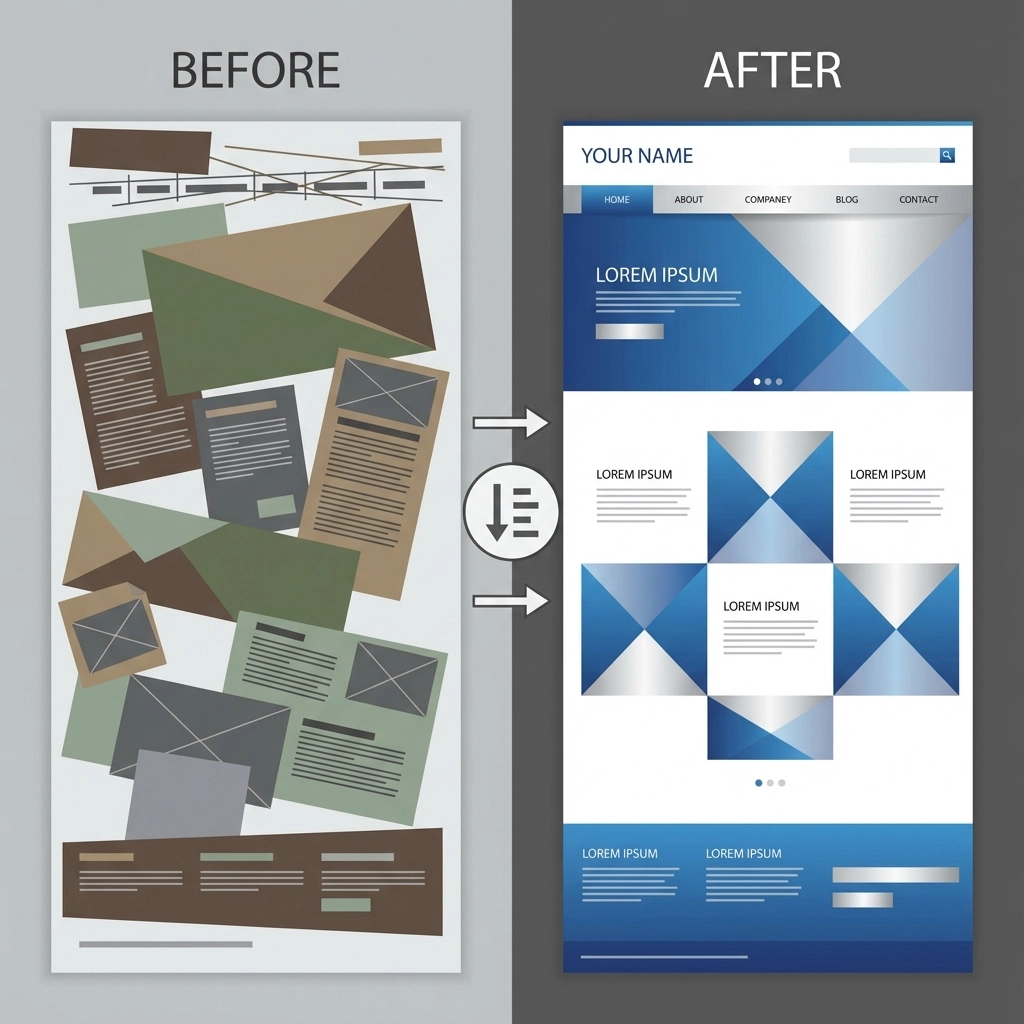
When everything on your page competes for attention, nothing gets noticed. Sites with too many fonts, clashing colors, and no clear focal points look unprofessional and make it hard for visitors to understand your message.
Visual clutter also makes it difficult for users to find important information like pricing, contact details, or product features. If your page looks like a carnival, potential customers will move on to cleaner, more professional competitors.
The fix: Stick to 2-3 fonts maximum and a consistent color scheme throughout your site. Use plenty of white space to let content breathe. Create clear visual hierarchy with larger headings for important information and strategic use of color to highlight key elements.
6. Weak or Missing Calls-to-Action
Your call-to-action (CTA) tells visitors exactly what you want them to do next. Without clear, compelling CTAs, even interested visitors will leave without converting because they don't know what step to take.
Many sites bury their CTAs in paragraphs of text, use weak language like "Submit" or "Learn More," or place them where they're easy to miss. Others have multiple competing CTAs that confuse visitors about the desired action.
The fix: Make your CTAs visually prominent with contrasting colors and clear, action-oriented language. Use specific phrases like "Get Your Free Quote" or "Schedule Your Consultation" instead of generic terms. Place CTAs strategically throughout your content, not just at the bottom of pages.

7. Hard-to-Read Text and Poor Typography
If visitors can't easily read your content, they won't stick around to learn about your services. Common readability issues include fonts that are too small, poor color contrast, dense paragraphs without breaks, and decorative fonts that sacrifice clarity for style.
The fix: Use 16-18px minimum for body text and ensure strong contrast between text and background colors. Break content into short paragraphs with descriptive subheadings. Choose readable fonts over decorative ones for body text. Add bullet points and numbered lists to make information easier to scan.
8. Low-Quality or Irrelevant Content
Great design can only carry you so far if your content doesn't deliver value. Outdated information, obvious errors, generic stock content, and irrelevant details all signal to visitors that your business isn't professional or trustworthy.
The fix: Regularly update your content to reflect current services and pricing. Write specifically for your target audience instead of using generic industry jargon. Include real examples, case studies, and specific benefits rather than vague promises. Proofread everything before publishing.
9. No Trust Signals or Social Proof
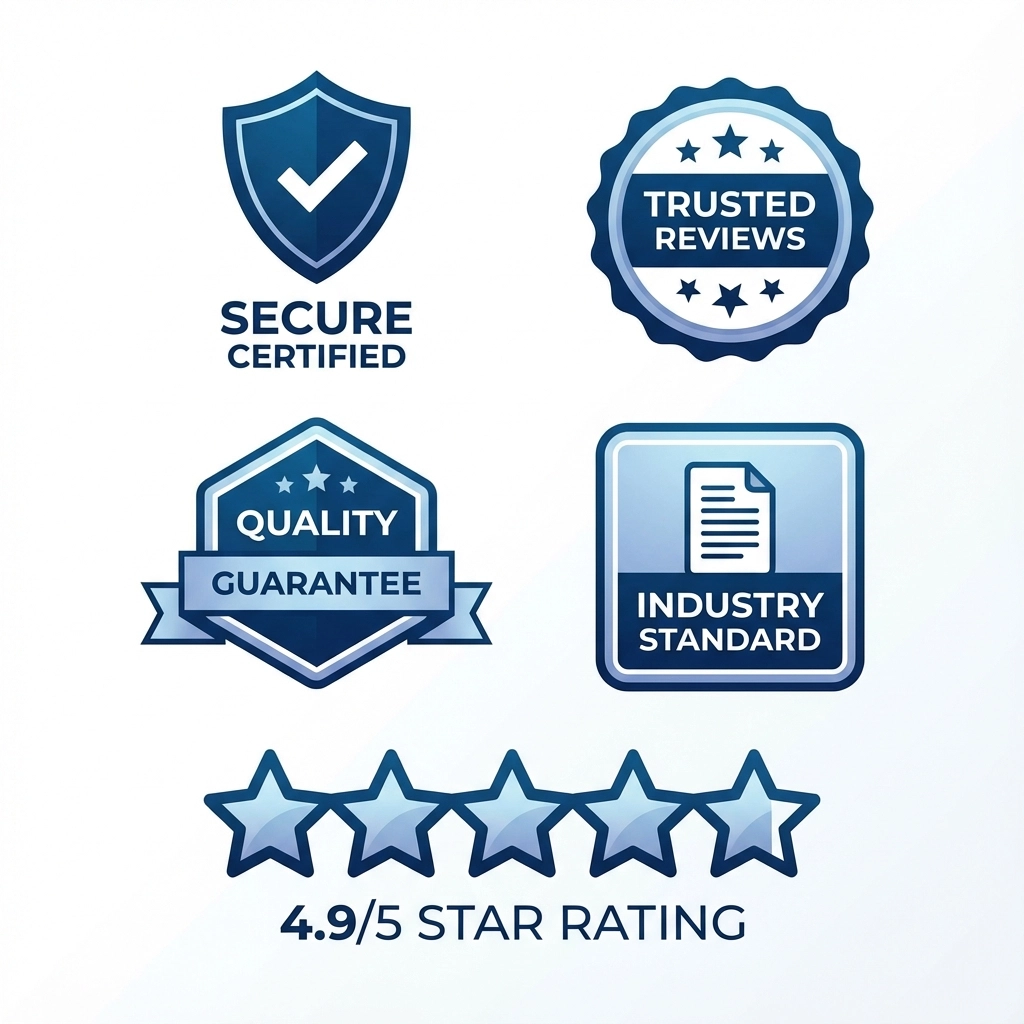
Modern consumers research businesses online before buying. If your site doesn't include trust signals like customer reviews, testimonials, certifications, or security badges, visitors may question your legitimacy and choose competitors instead.
The fix: Display genuine customer testimonials prominently on your homepage and service pages. Include any relevant certifications, awards, or professional affiliations. Add security badges for payment processing and use an SSL certificate to show the secure connection lock in browsers.
10. Technical Issues and Broken Elements
Broken links, error pages, missing images, and malfunctioning forms create terrible user experiences and suggest your business is unreliable. These technical problems are often invisible to business owners but immediately obvious to visitors.
The fix: Regularly test all links, forms, and interactive elements on your site. Set up monitoring to catch broken pages quickly. Keep software and plugins updated to prevent security issues and compatibility problems. Test your site on different browsers and devices monthly.
The Real Cost of Design Mistakes
Each of these mistakes doesn't just hurt user experience - it directly impacts your bottom line. Poor web design can reduce conversions by 70% or more, meaning you're losing qualified leads every day your site has these issues.
The businesses that convert best online have websites that load quickly, look professional, and make it easy for visitors to take action. They understand that web design isn't about looking pretty - it's about driving results and growing revenue.
Getting Professional Help
If your website suffers from multiple issues on this list, consider working with experienced web design professionals who understand conversion optimization. The investment in professional web design pays for itself through increased conversions and better search engine rankings.
Start Fixing These Issues Today
You don't have to tackle every problem at once. Start with the issues that affect the most visitors - mobile optimization and page speed are good places to begin. Then work through navigation, content clarity, and calls-to-action.
Remember that your website should make it easy for potential customers to understand what you offer and how to work with you. Every element should support that goal, from the first impression visitors get to the final click that turns them into customers.
Ready to transform your website into a conversion machine? Contact our team to discuss how we can help fix these issues and create a site that actually grows your business.