
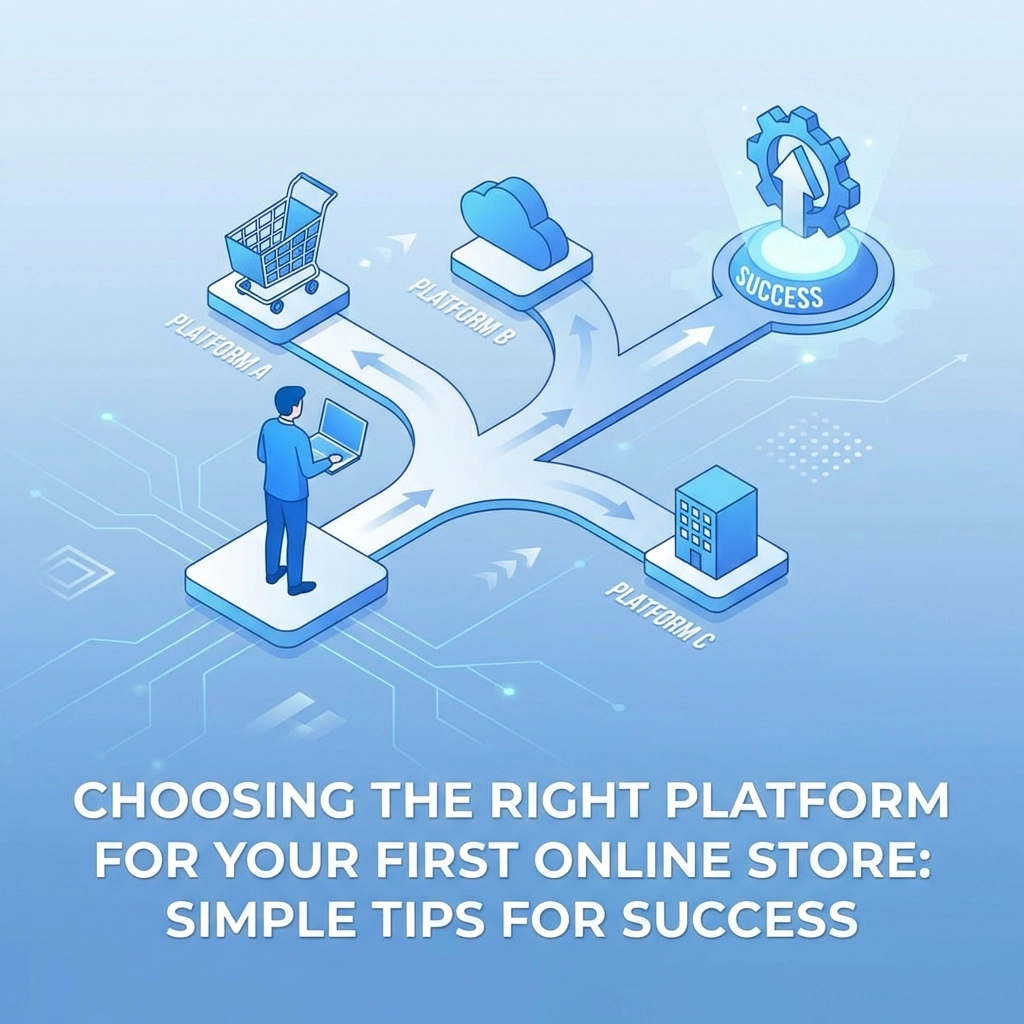

Starting an online store is exciting. But before you can start selling, you need to pick the platform that will power your entire operation. This decision can feel overwhelming when you're staring at dozens of options, each promising to be "the best"
Here's the truth: there's no single best platform for everyone. The right choice depends on your comfort level with technology, your budget, and where you want your business to go. Let's break it down so you can make a confident decision and get selling faster
Why Your Platform Choice Actually Matters
Think of your e-commerce platform as the foundation of your online store. It determines how your store looks, how customers navigate and buy, what payment methods you can accept, and how easily you can manage inventory and orders
Pick the wrong platform and you might find yourself fighting with clunky interfaces, paying for features you don't need, or worse, discovering your platform can't handle your growth six months down the road. Pick the right one and running your store becomes almost second nature
The good news? Most platforms offer free trials or low-cost entry points, so you can test before you commit

Key Factors to Consider Before You Choose
Before diving into specific platforms, get clear on what matters most for your situation. Here are the factors that should drive your decision:
Ease of Use
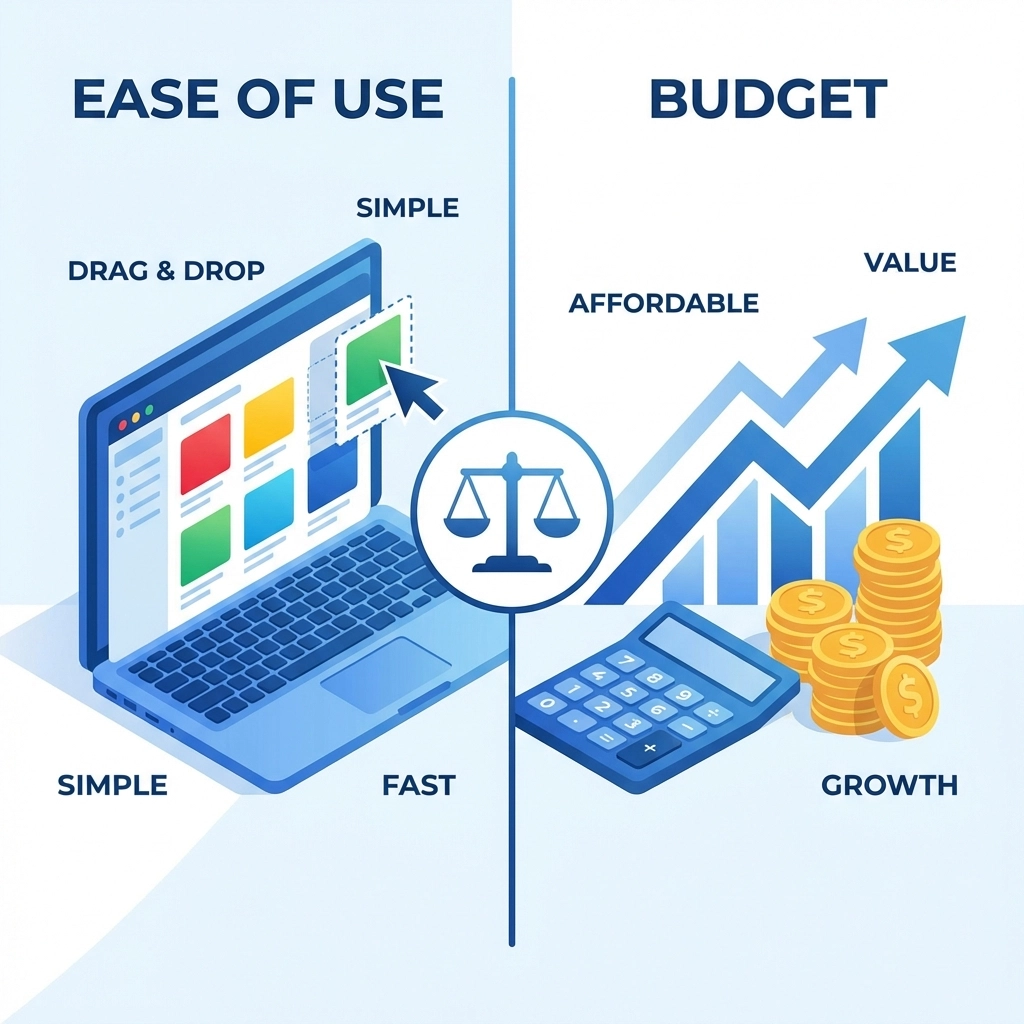
If you're not particularly tech-savvy, this should be near the top of your list. Look for platforms with drag-and-drop builders and guided setup wizards. The best beginner-friendly platforms can get your store online in hours, not days
Ask yourself: Can I realistically set this up myself, or will I need to hire someone?
Budget
Platform costs vary wildly. Some marketplaces like Etsy let you start for free with small listing fees. Full-featured platforms like Shopify start around $29 per month. And open-source options like WooCommerce can run as low as $10 per month for hosting, but require more technical know-how
Don't forget to factor in transaction fees, payment processing fees, and costs for any premium themes or apps you might need
Design Flexibility
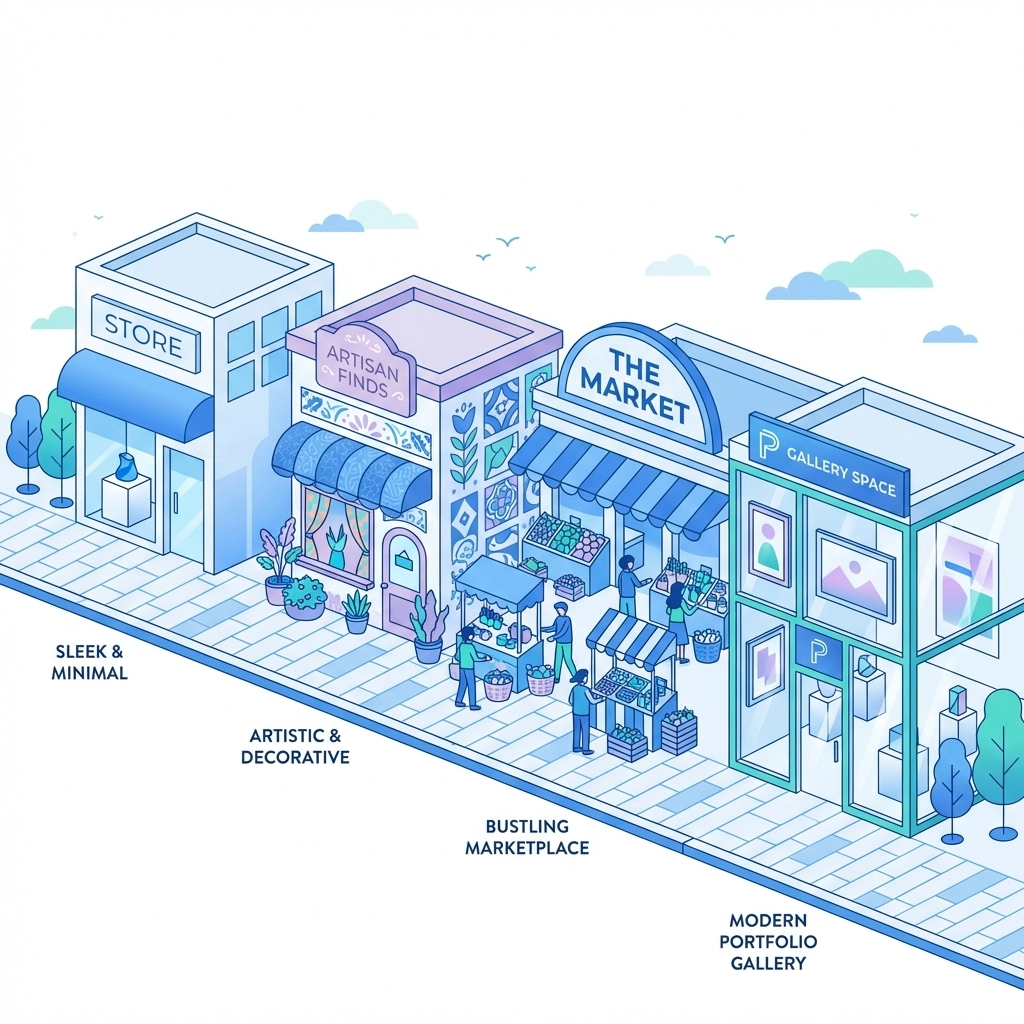
How important is it that your store looks unique? Some platforms offer hundreds of customizable templates. Others give you more limited options but make the setup process simpler
If your brand relies heavily on visual appeal, prioritize platforms known for beautiful, flexible designs
Growth Potential
Where do you see your business in two years? Five years? Choose a platform that can scale with you. Migrating to a new platform later is possible but it's a hassle you'd rather avoid
Integrations
Planning to use print-on-demand services? Dropshipping? Specific shipping carriers or accounting software? Make sure your platform plays nice with the tools you need
Top Platforms for Different Needs
Let's look at the most popular options and who they work best for
Shopify: Best All-Around for Beginners
Shopify consistently ranks as the top choice for new store owners who want a balance of simplicity and powerful features. The interface is intuitive, setup is straightforward, and you get built-in tools that competitors often charge extra for, like abandoned cart recovery, discount codes, and fraud analysis
Plans start at $29 per month, though Shopify frequently offers introductory pricing as low as $1 per month for the first few months. This lets you test everything without a major upfront investment
Best for: Business owners who want a professional store without learning to code, and who value reliable customer support
Wix: Best for Design Control
Wix shines when it comes to visual customization. The drag-and-drop editor is genuinely intuitive, most people feel comfortable using it within minutes. With over 500 e-commerce templates available, you can create a store that looks exactly how you envision it
Another plus: Wix is commission-free on every plan. You keep more of what you sell
Best for: Creative business owners who want maximum control over their store's look and feel
Etsy: Best for Fast Launch Without Building a Website
If you want to start selling immediately without building a standalone website, Etsy is hard to beat. There's no setup fee, and the platform has built-in traffic from millions of shoppers already browsing
Most beginners get their first sales faster on Etsy than any other platform simply because customers are already there looking for products. Connect a print-on-demand service, upload your designs, and you're in business
Best for: Artisans, crafters, and anyone selling unique or handmade items who wants to test the waters quickly
Squarespace: Best for Beautiful Portfolios
Squarespace is known for stunning, modern templates that make any store look polished and professional. If your brand aesthetic is a major selling point, Squarespace delivers
E-commerce plans start at $27 per month and integrate smoothly with print-on-demand services
Best for: Creatives, artists, and businesses where visual presentation is paramount
WooCommerce: Best for Budget-Conscious Tech Users
WooCommerce is a free plugin that turns any WordPress website into an online store. Hosting costs around $10 per month, making it the cheapest option on this list
The catch? You need to be comfortable with WordPress. Setup takes longer, and you're responsible for more of the technical maintenance. But if you're already running a WordPress site or have some technical chops, WooCommerce offers unmatched flexibility
Best for: Business owners who already use WordPress or have technical skills and want to minimize monthly costs
Simple Tips for E-Commerce Success
Choosing a platform is just the first step. Here's how to set yourself up for success from day one
Start With What Fits Now
It's tempting to choose the most powerful platform because you might need those features someday. Resist that urge. Start with what fits your current needs and budget. You can always upgrade or migrate as you grow
Use Free Trials
Almost every platform offers a free trial or low-cost introductory period. Take advantage of this. Actually build a test store. Upload some products. Go through the checkout process yourself. You'll learn more in an hour of hands-on testing than from reading reviews all day
Don't Overthink Themes
Yes, your store should look professional. But don't spend weeks agonizing over the perfect theme. Pick something clean and functional, get your products listed, and start selling. You can always refine the design later
Plan for Mobile
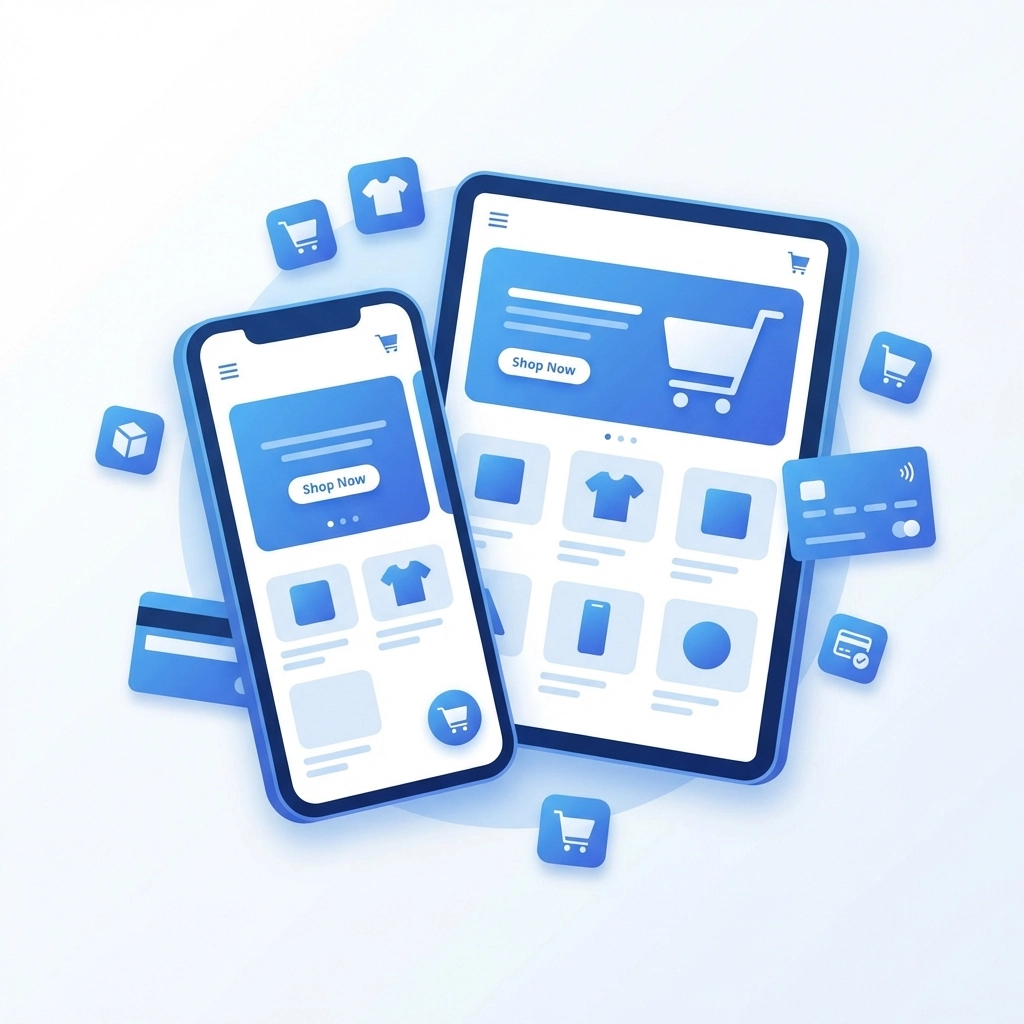
More than half of online shopping happens on phones. Whatever platform you choose, make sure your store looks great and functions smoothly on mobile devices. Most modern platforms handle this automatically, but always double-check
Get Your Payment Processing Right
Nothing kills a sale faster than a clunky checkout. Make sure your platform integrates with popular payment methods and that the checkout process is as simple as possible. The fewer clicks between "Add to Cart" and "Order Complete," the better
When to Get Professional Help
Some business owners thrive setting up their own stores. Others find the process frustrating and time-consuming. There's no shame in either approach
If you're spending more time wrestling with technical issues than actually running your business, it might be time to bring in experts. A professional web development team can handle the technical setup while you focus on products, marketing, and customers
Similarly, if your store is up and running but you're struggling to drive traffic, a solid digital marketing strategy can make all the difference
Making Your Final Decision
Here's a quick framework for making your choice:
- Want the easiest path to a professional store? Go with Shopify
- Need maximum design flexibility? Choose Wix
- Want to sell fast without building a website? Start on Etsy
- Prioritize visual aesthetics above all? Squarespace is your platform
- Comfortable with tech and want the lowest cost? WooCommerce is waiting
Whatever you choose, remember that no platform is permanent. The most important thing is to start. Get your store live, learn what works, and adjust as you go
Your first online store is a learning experience. Pick a platform, launch, and iterate. The perfect store doesn't exist on day one: it's built over time through testing, feedback, and continuous improvement
Ready to get started? The best time to launch was yesterday. The second best time is today