

Cyberattacks aren't just a big-business problem anymore. Small and mid-sized businesses are targets too. Often easier ones
The good news? Most breaches are preventable. You don't need a massive IT budget or a team of security experts. You need good habits
Let's break down the simple, practical steps you can take to protect your business data starting today
Your Employees Are Your First Line of Defense
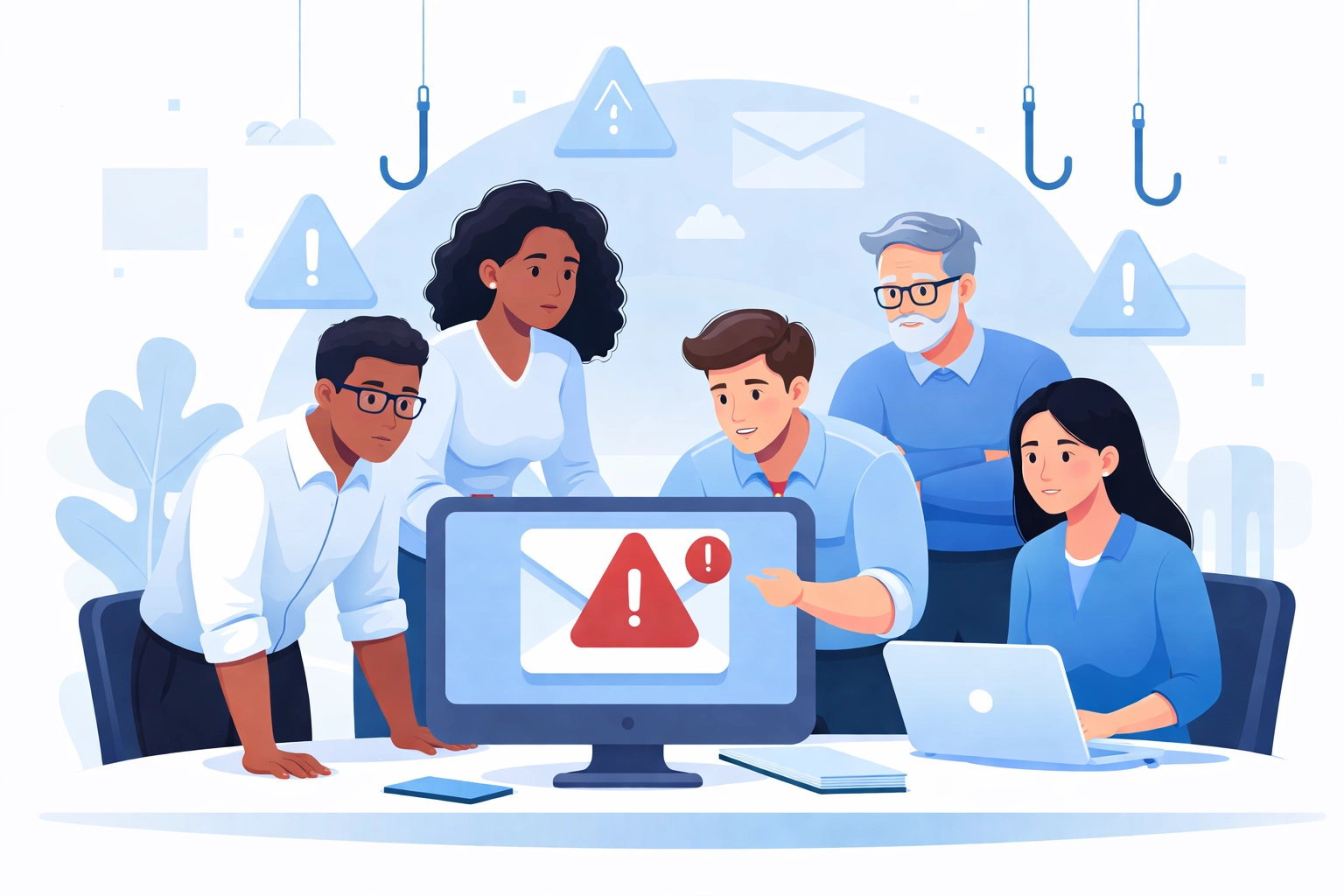
Here's a stat that might surprise you: employees and work-related communications are the leading cause of small business data breaches. Not some mysterious hacker in a hoodie. Your own team
That's not meant to scare you. It's meant to show you where to focus
Train your people. Make sure everyone knows how to:
- Spot phishing emails (the ones that look legit but aren't)
- Avoid clicking suspicious links or downloading unknown attachments
- Handle sensitive customer and vendor information properly
- Report anything that looks off
You don't need a fancy training program. A simple monthly reminder or quick team huddle works. Just keep security top of mind
Passwords Matter More Than You Think
Weak passwords are an open door. And reusing passwords across accounts? That's like giving out copies of your house key
Here's what strong passwords look like:
- At least 15 characters
- A mix of upper and lowercase letters
- Numbers and symbols thrown in
- Nothing obvious like "Password123" or your company name
Better yet, use a password manager. It generates and stores complex passwords so your team doesn't have to remember them all
Change passwords regularly. Set a policy: every 60 to 90 days is a good benchmark. And never share login credentials between employees. Everyone gets their own account
Lock Down Your Network
Your Wi-Fi is a gateway into your business. If it's not secured, anyone nearby can potentially access your systems
A few quick fixes:
- Encrypt your Wi-Fi network
- Hide your network name so it doesn't broadcast publicly
- Password-protect your router (and change the default password)
- Set up a firewall to block unauthorized access
If your team works remotely: even occasionally: require them to use a Virtual Private Network (VPN). It creates a secure tunnel for their connection, even on public Wi-Fi
Keep Everything Updated
Software updates can feel annoying. But those little notifications exist for a reason
Vendors release patches to fix security vulnerabilities. When you skip updates, you leave those holes wide open for attackers
What to keep updated:
- Operating systems (Windows, macOS, etc.)
- Web browsers
- Antivirus software
- Any apps or tools your business uses
Set updates to run automatically whenever possible. That way you don't have to think about it
Speaking of antivirus: make sure it's installed on every computer in your business. Not just the main ones. Every device that touches your network needs protection
Back Up Your Data (Seriously)
Imagine waking up tomorrow and all your business data is gone. Customer records. Financial information. Years of work
Ransomware attacks make this a real possibility. Hackers lock you out of your own files and demand payment to get them back
The solution? Regular backups
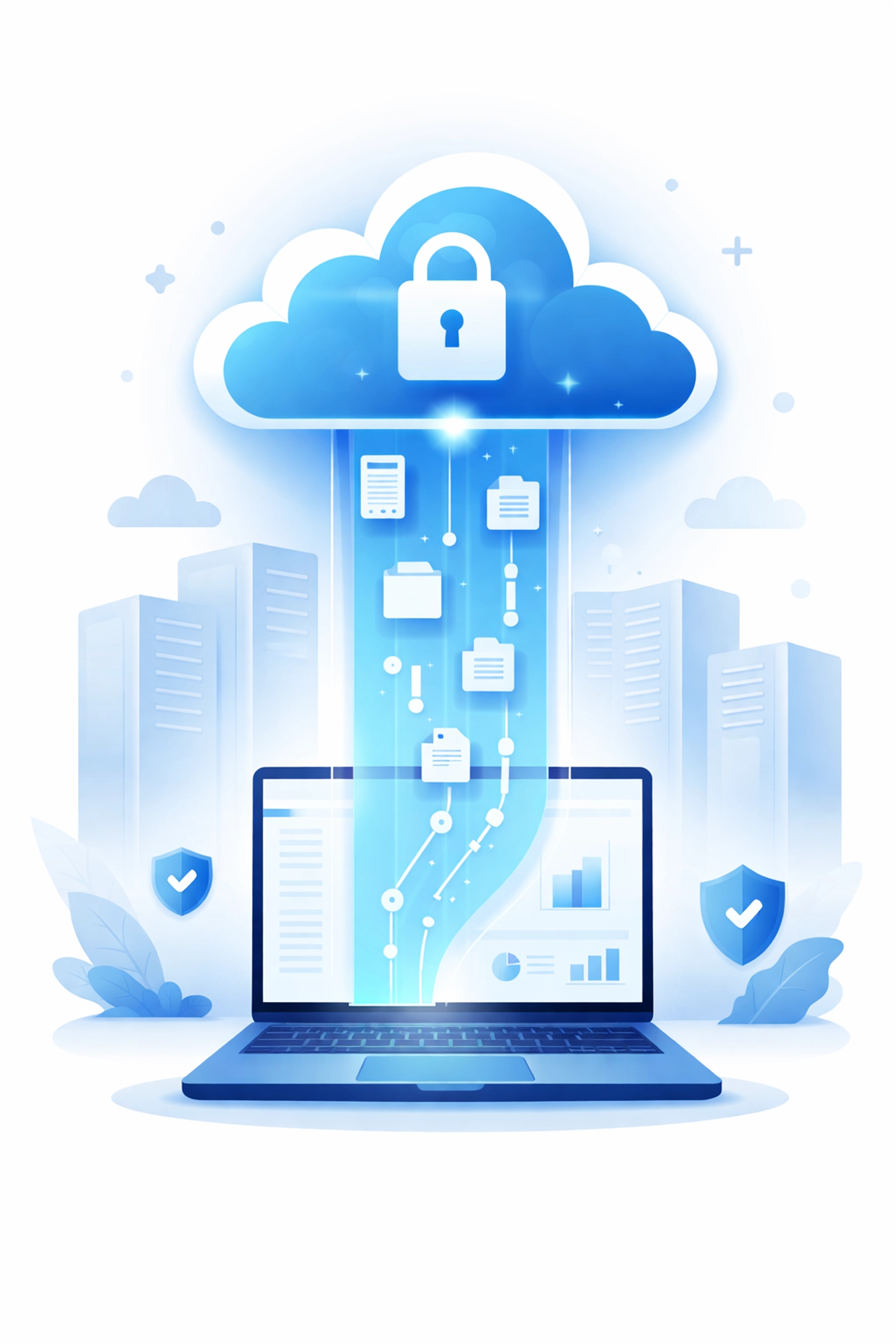
Set up automated backups that store your data in a secure offsite location. Cloud-based backup solutions work great for this. If something happens, you can restore your information without paying a ransom or starting from scratch
Don't wait until disaster strikes. WorldWise offers data backup solutions that keep your business protected around the clock
Control Who Can Access What
Not everyone in your company needs access to everything. The fewer people who can reach sensitive data, the lower your risk
Implement access controls:
- Give employees access only to what they need for their specific role
- Restrict administrative privileges to trusted IT staff and key personnel
- Remove access immediately when someone leaves the company
This isn't about trust. It's about limiting exposure. Even well-meaning employees can accidentally cause problems if they have access to systems they don't understand
Enable Multi-Factor Authentication
Passwords alone aren't enough anymore. Multi-factor authentication (MFA) adds a second layer of security
Here's how it works: after entering a password, you verify your identity another way. Usually through a code sent to your phone or an authenticator app
Even if someone steals a password, they can't get in without that second factor. It's a small step that makes a big difference
Most major platforms support MFA now. Turn it on for email, banking, cloud storage, and any other critical accounts
Encrypt Sensitive Information
If your business handles credit card numbers, bank account details, or personal customer data, encryption is essential
Encryption converts readable data into scrambled code. Without the decryption key, it's useless: even if hackers manage to steal it
Many modern tools and platforms include encryption features. Make sure they're enabled. For extra-sensitive information, consider additional encryption layers
Why Regular Audits Matter
Good habits are a strong foundation. But how do you know if they're actually working?
That's where network audits come in
A cybersecurity audit reviews your systems, identifies vulnerabilities, and shows you exactly where you're exposed. Think of it as a checkup for your digital infrastructure
Regular audits help you:
- Catch problems before they become breaches
- Stay compliant with industry regulations
- Understand where to invest your security budget
- Keep up with evolving threats
You can run basic internal checks, but bringing in professionals gives you a more thorough picture. WorldWise provides cybersecurity services that include network audits tailored to your business needs
Create a Cybersecurity Policy
All these habits work better when they're written down. A cybersecurity policy gives your team clear guidelines to follow
Your policy should cover:
- Password requirements and rotation schedules
- Acceptable use of company devices and networks
- How to handle sensitive data
- Steps to report suspicious activity
- Consequences for policy violations
Keep it simple and easy to understand. A 50-page document nobody reads won't help. A one-page guide everyone follows will
Review and update your policy at least once a year. Threats evolve, and your defenses should too
Start Small, Stay Consistent
You don't have to overhaul everything overnight. Pick one or two habits from this list and implement them this week. Then add more over time
Cybersecurity isn't a one-time project. It's an ongoing practice. The businesses that stay safe are the ones that build security into their daily routines
Quick recap of what to focus on:
- Train employees to recognize threats
- Use strong, unique passwords
- Secure your network and use VPNs for remote work
- Keep all software updated
- Back up data automatically
- Limit access to sensitive information
- Enable multi-factor authentication
- Encrypt critical data
- Run regular security audits
- Document everything in a clear policy
Need Help Getting Started?
Protecting your business data doesn't have to be overwhelming. Sometimes you just need a partner who gets it
WorldWise offers computer support and cybersecurity services designed for businesses like yours. From network audits to data backup solutions, we help you build a security foundation that actually works
Have questions? Get in touch and let's talk about keeping your business safe