

Small businesses are prime targets for cyberattacks. Hackers know you probably don't have a dedicated security team or massive IT budget. That makes you an easy mark
The good news? You don't need enterprise-level resources to protect your business. A few smart, straightforward steps can dramatically reduce your risk. Let's break it down
Why Small Businesses Are Vulnerable
Here's the deal. Cybercriminals aren't just going after big corporations anymore. They've figured out that small businesses often have weaker defenses and valuable data worth stealing
Think about it. You've got customer information, payment details, employee records, and business financials. All of that is gold to the right hacker
Many small business owners assume they're too small to be noticed. That assumption is exactly what makes them vulnerable
Train Your Team First
Your employees are your first line of defense. They're also your biggest vulnerability
The leading cause of data breaches in small businesses? Human error. Someone clicks a bad link. Someone downloads a suspicious attachment. Someone gives out sensitive info to a convincing scammer
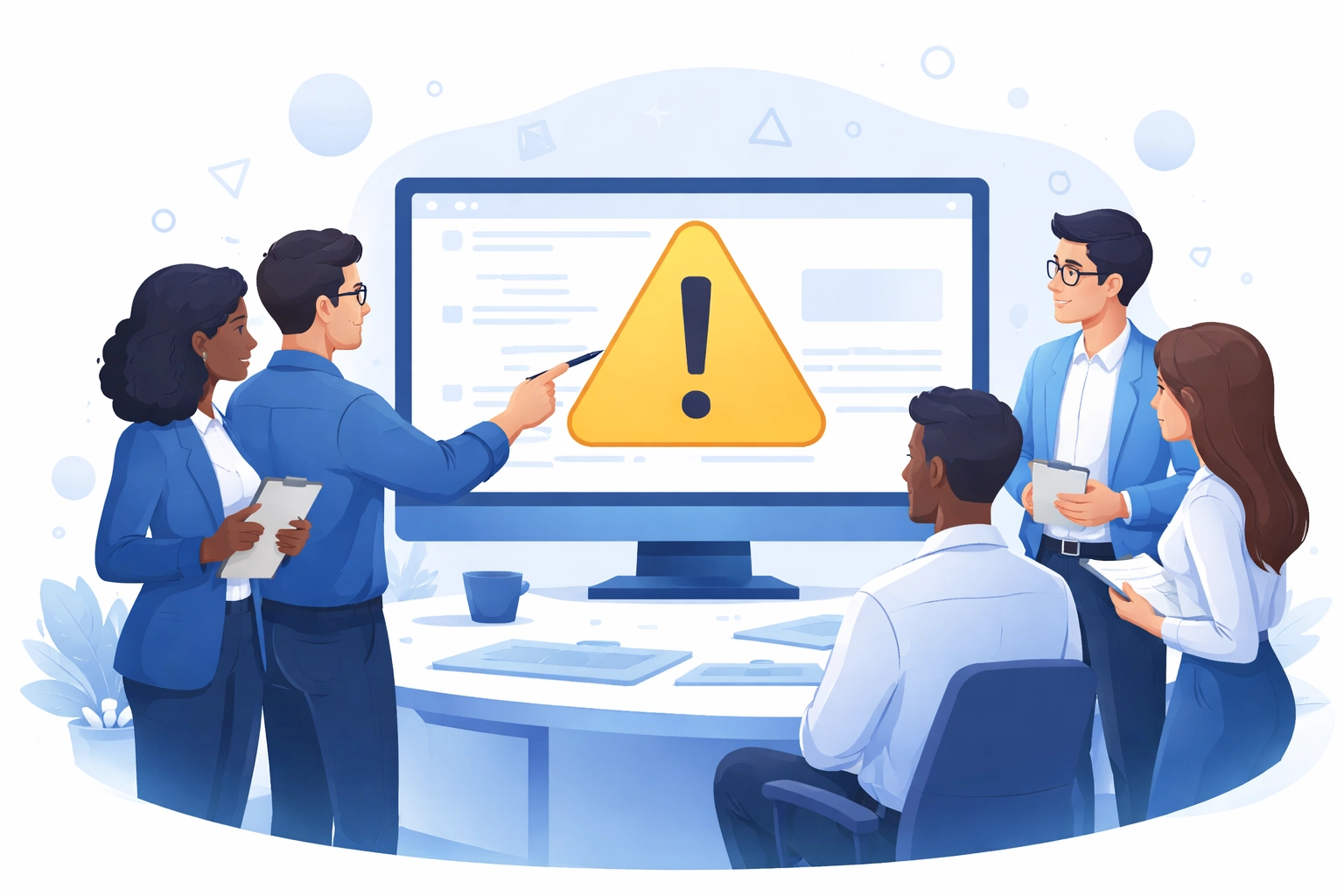
Training doesn't have to be complicated. Focus on the basics:
- Spotting phishing emails – Teach your team to look for red flags like misspelled domains, urgent language, and requests for sensitive information
- Safe browsing habits – No downloading random software or visiting sketchy websites on work devices
- Handling suspicious requests – When in doubt, verify through a separate channel before sharing any information
- Understanding their role – Everyone needs to know they're responsible for keeping data safe
Run quick refresher sessions every few months. Threats evolve fast and your team needs to stay sharp
Lock Down Your Passwords
Weak passwords are basically an open invitation for hackers. And reusing the same password across multiple accounts? Even worse
Here's what strong password hygiene looks like:
- Use passwords at least 15 characters long – Mix uppercase, lowercase, numbers, and symbols
- Never reuse passwords – Each account gets its own unique password
- Use a password manager – These tools generate and store complex passwords so your team doesn't have to remember them all
But passwords alone aren't enough anymore. You need multi-factor authentication (MFA)
MFA adds an extra verification step beyond just entering a password. Usually it's a code from an authenticator app or a text message. Even if someone steals a password, they can't get in without that second factor
Enable MFA on everything. Email, cloud storage, financial accounts, admin panels. All of it
Secure Your Network
Your network is the backbone of your business operations. If it's compromised, everything is at risk
Start with your router:
- Change default credentials – Default usernames and passwords are publicly known. Change them immediately
- Use WPA3 encryption – If your router doesn't support WPA3, at least use WPA2. Never use WEP
- Turn off remote management – Unless you specifically need it, disable this feature
- Keep firmware updated – Router manufacturers release security patches regularly. Apply them
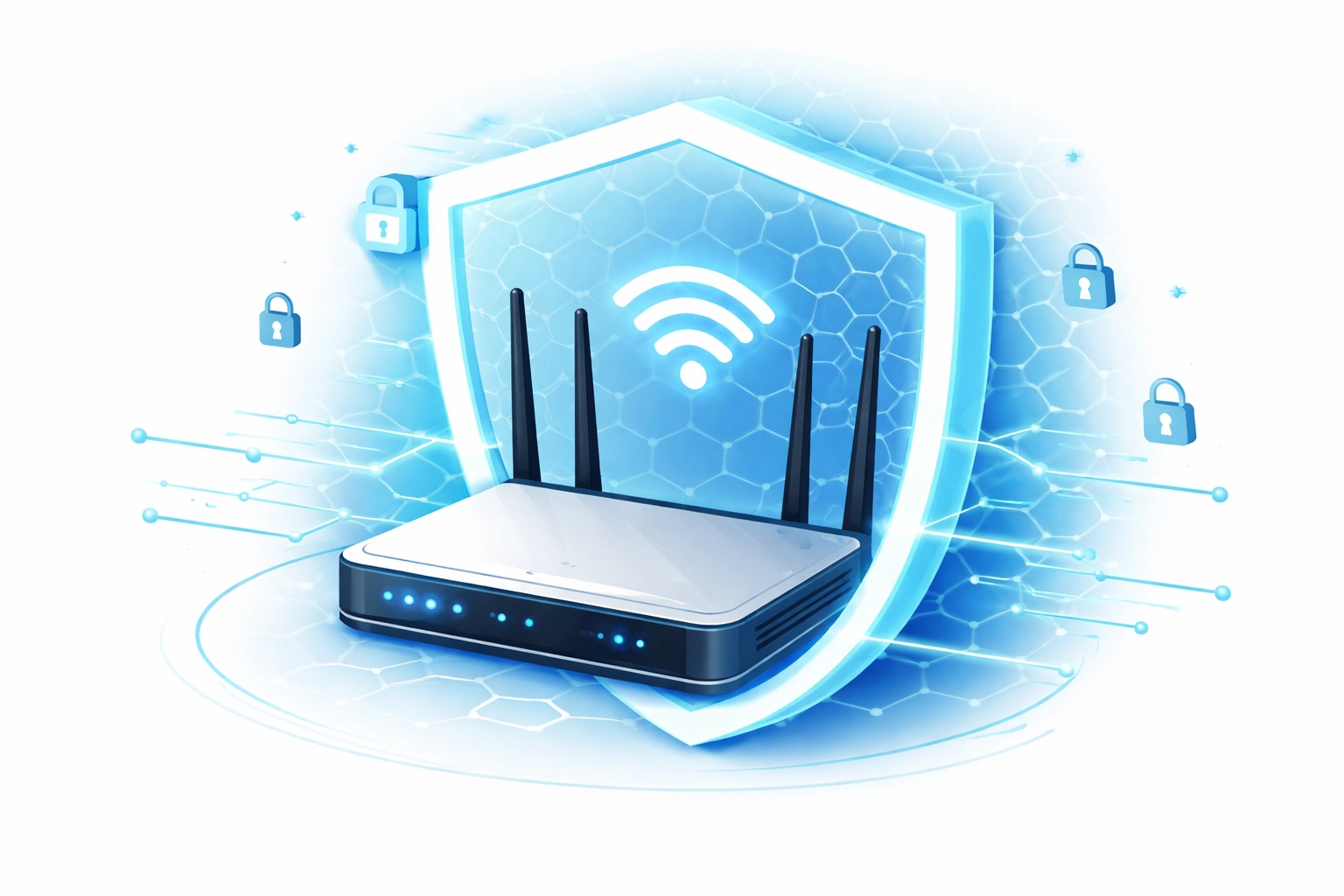
If you offer guest Wi-Fi for visitors or customers, keep it completely separate from your business network. You don't want a guest device accidentally introducing malware to your systems
For remote workers, require a Virtual Private Network (VPN) to access company resources. A VPN encrypts the connection and keeps data safe even on public Wi-Fi
Need help setting this up? Our computer support team can get your network locked down properly
Keep Everything Updated
Outdated software is full of security holes. Hackers know exactly which vulnerabilities exist in old versions and they exploit them constantly
Updates fix those vulnerabilities. It's that simple
Make sure you're updating:
- Operating systems – Windows, macOS, Linux. Whatever you're running
- Web browsers – Chrome, Firefox, Edge, Safari
- Business applications – Accounting software, CRM tools, project management apps
- Router firmware – Often overlooked but critically important
- Antivirus software – Should be set to update automatically
Enable automatic updates wherever possible. Don't rely on people remembering to click "update later" when prompted
Install Proper Security Software
Every device that touches your business network needs antivirus protection. Laptops, desktops, even mobile devices if they access company data
Modern antivirus software does more than just scan for viruses. It blocks malicious websites, detects suspicious behavior, and prevents unauthorized access
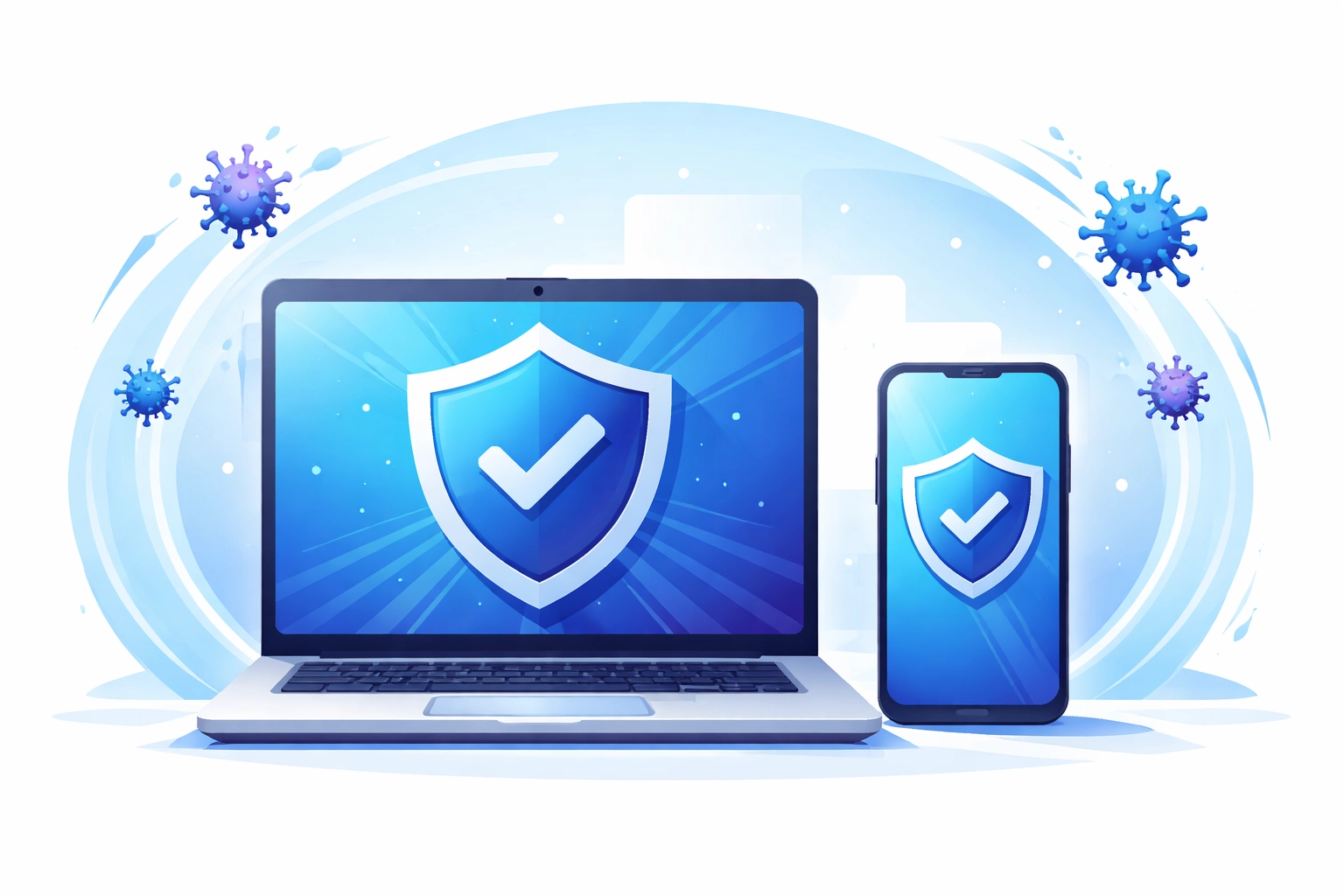
Configure your security software to:
- Update automatically – New threats emerge daily
- Run scheduled scans – Weekly at minimum
- Alert you to issues – You need to know when something's wrong
Free antivirus tools are better than nothing but paid solutions typically offer stronger protection and better support. It's worth the investment
Back Up Your Data
Ransomware attacks encrypt your files and demand payment for the decryption key. Without backups, you're stuck paying or losing everything
Regular backups are your insurance policy
Follow the 3-2-1 rule:
- 3 copies of your data
- 2 different storage types (like local drive and cloud)
- 1 copy stored offsite or in the cloud
Test your backups periodically. A backup that doesn't actually restore is useless
For laptops and mobile devices that travel outside the office, enable full-disk encryption. If a device gets lost or stolen, encryption keeps the data inaccessible to whoever finds it
Control Who Has Access
Not everyone in your organization needs access to everything. Limit permissions based on what people actually need to do their jobs
Some access control basics:
- Each employee gets their own account – No shared logins
- Restrict administrative privileges – Only trusted IT staff should have admin access
- Remove access promptly – When someone leaves the company, disable their accounts immediately
- Only allow business devices on the network – Personal devices are harder to secure and monitor
Physical security matters too. Lock unattended laptops. Secure server rooms. Don't leave sensitive documents sitting out in the open
Create a Response Plan
Even with solid defenses, breaches can happen. Having a plan in place means you can respond quickly and minimize damage
Your incident response plan should cover:
- Who to contact – Internal team members and external resources like your IT provider
- How to contain the breach – Steps to isolate affected systems
- Communication protocols – Who needs to be notified and when
- Recovery procedures – How to restore systems and data from backups
Practice your plan at least once a year. You don't want the first real test to be an actual emergency
Get Professional Help
Cybersecurity is complex and always changing. What works today might not work tomorrow
If managing all of this feels overwhelming, you're not alone. Most small businesses don't have the bandwidth to handle cybersecurity on top of everything else
That's where managed IT support comes in. Having experts monitor your systems, apply updates, and respond to threats takes the burden off your team
At WorldWise, we help small businesses stay protected without the complexity. Whether you need a security audit, network setup, or ongoing support, we've got you covered
Start Today
You don't have to implement everything at once. Start with the biggest gaps:
- Enable MFA on your most critical accounts
- Train your team on phishing awareness
- Update any outdated software
- Set up automated backups
Small steps add up to serious protection
Ready to strengthen your cybersecurity? Get in touch and let's talk about what your business needs