

Let's be honest here. Nobody wakes up excited to think about data backup. It's not glamorous. It's not fun. And it definitely doesn't feel urgent: until it is
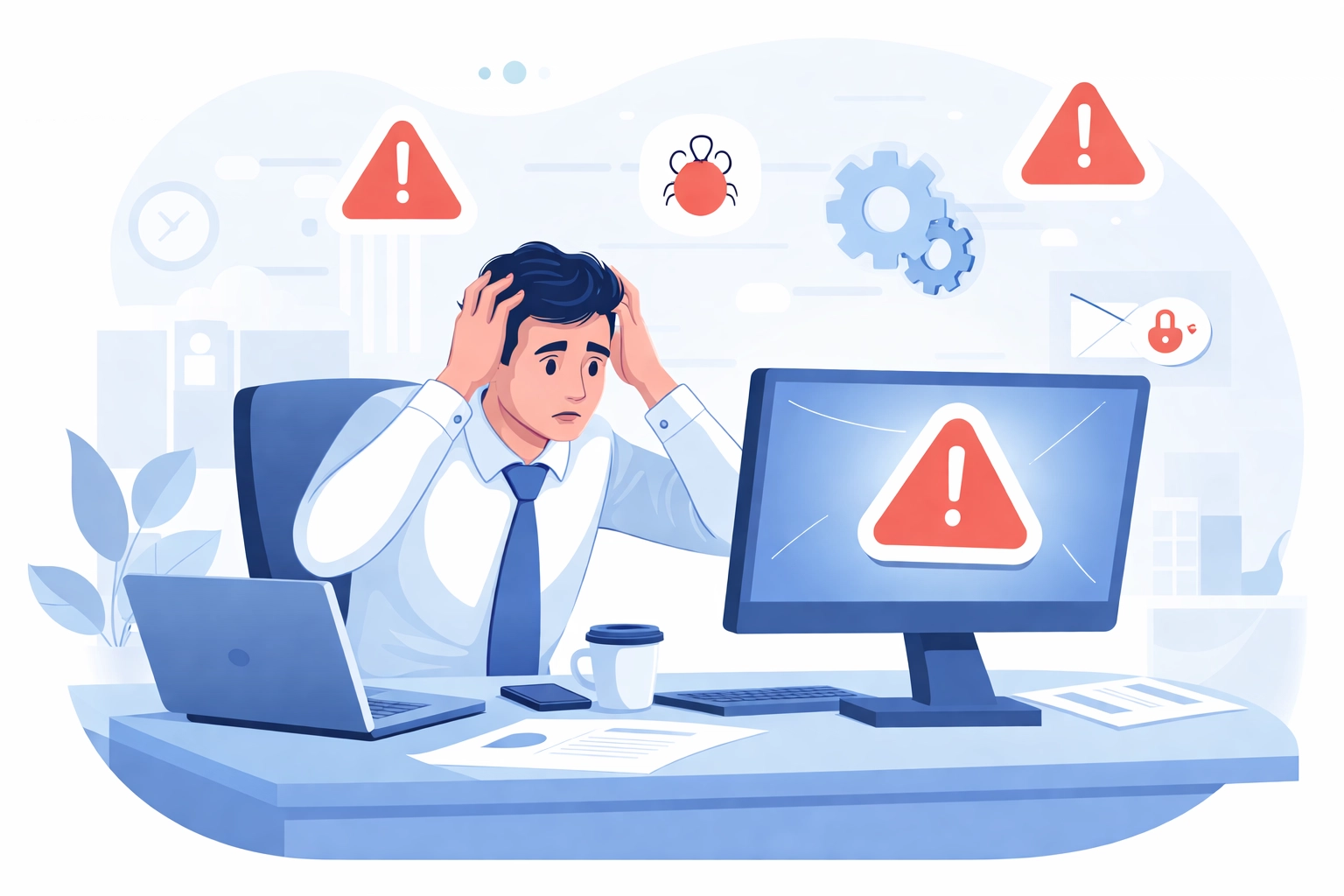
That's the problem. By the time you realize you need a solid backup system, you're already knee-deep in a crisis. Your server crashed. An employee accidentally deleted the entire client folder. Ransomware locked you out of everything. Now you're scrambling, stressed, and wondering how you're going to explain this to your customers
The truth is simple: data loss isn't a matter of if: it's a matter of when. And the businesses that survive these moments are the ones who prepared ahead of time
Why Businesses Ignore Backups (Until It's Too Late)
Most business owners know backups are important. So why do so many skip them?
A few reasons:
- It feels like an expense with no immediate payoff. You're paying for something you hope you never need
- It seems complicated. Between cloud options, onsite solutions, and all the tech jargon, it's easy to feel overwhelmed
- There's always something more pressing. When you're running a business, backup systems get pushed to the bottom of the to-do list
Here's the reality check: every minute you operate without a backup strategy, you're gambling with your business. And when that gamble doesn't pay off, the costs are brutal
The Real Threats to Your Data
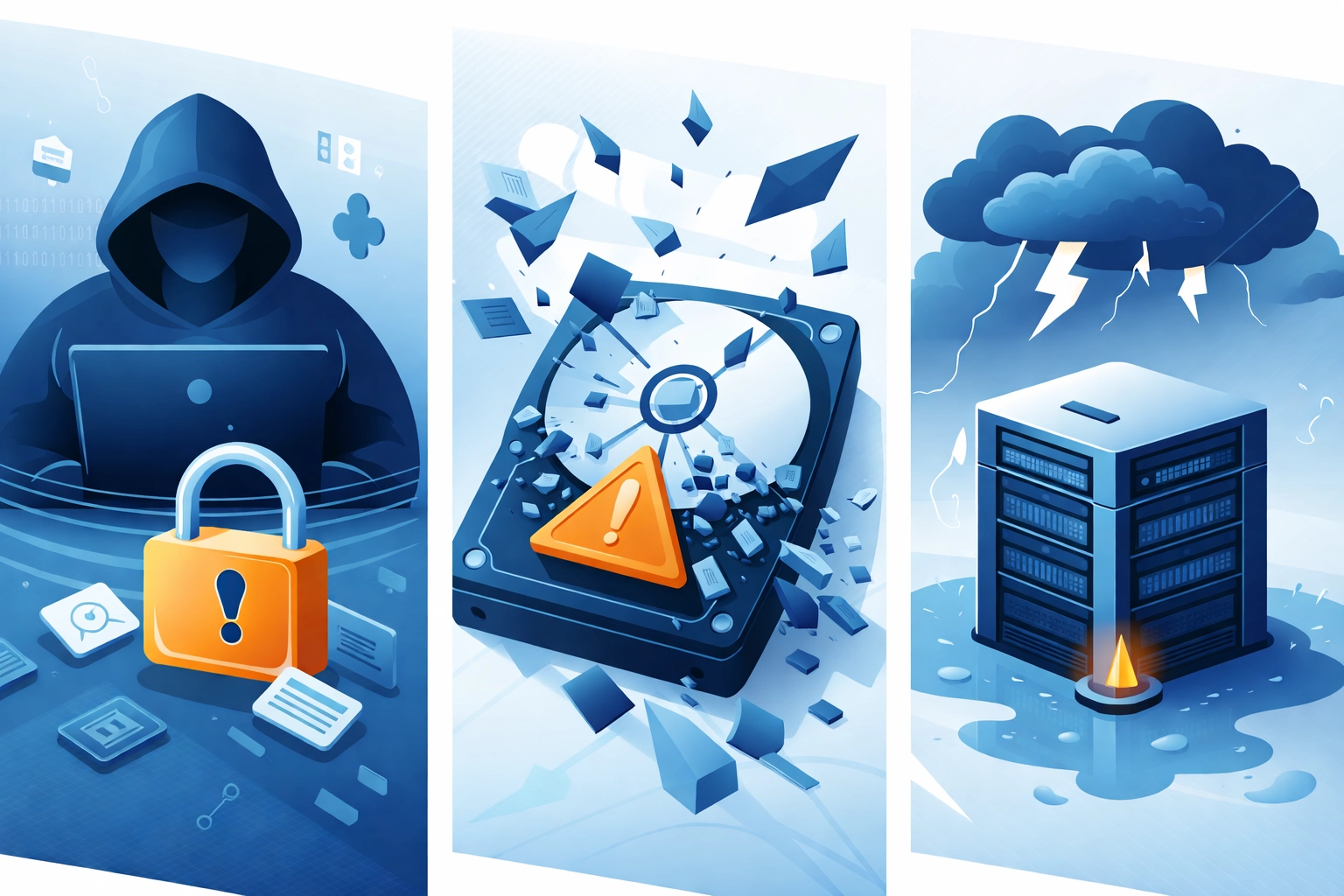
Your data faces more dangers than you might realize. It's not just about hard drive failures (though those happen more often than you'd think). Here's what you're up against:
Ransomware and Cyber Attacks
Cybercriminals are getting smarter. Ransomware attacks lock you out of your own systems and demand payment to restore access. Without backups, you're stuck choosing between paying criminals or losing everything. With secure backups already in place, you can restore your data and tell the hackers to take a hike
Hardware Failures
Hard drives die. Servers crash. Laptops get dropped. Even brand-new equipment can fail without warning. If your only copy of critical data lives on that failed device, it's gone
Human Error
Accidents happen. Someone drags a folder to the wrong place. An employee clicks "delete" instead of "save." A system admin runs the wrong command. These mistakes can wipe out files in seconds
Natural Disasters
Floods, fires, power surges, storms: any of these can destroy physical equipment and the data stored on it. Years of work can vanish in minutes
Software Corruption
Updates don't always go smoothly. Sometimes software glitches corrupt files or databases. Without a clean backup to restore from, you're looking at a long, painful recovery process
The Cost of Not Having Backups
Let's talk numbers. When your systems go down and your data is gone, here's what you're facing:
Lost productivity. Your team can't work. Projects stall. Deadlines get missed
Lost revenue. If you can't access customer orders, invoices, or inventory data, money stops flowing
Recovery costs. Professional data recovery services are expensive: and they don't always succeed. You could spend thousands and still come up empty
Compliance penalties. Depending on your industry, losing customer data could trigger fines, lawsuits, or regulatory action
Reputation damage. Telling your clients you lost their information is a conversation nobody wants to have. Trust takes years to build and seconds to destroy
Onsite vs. Cloud Backups: What's the Difference?
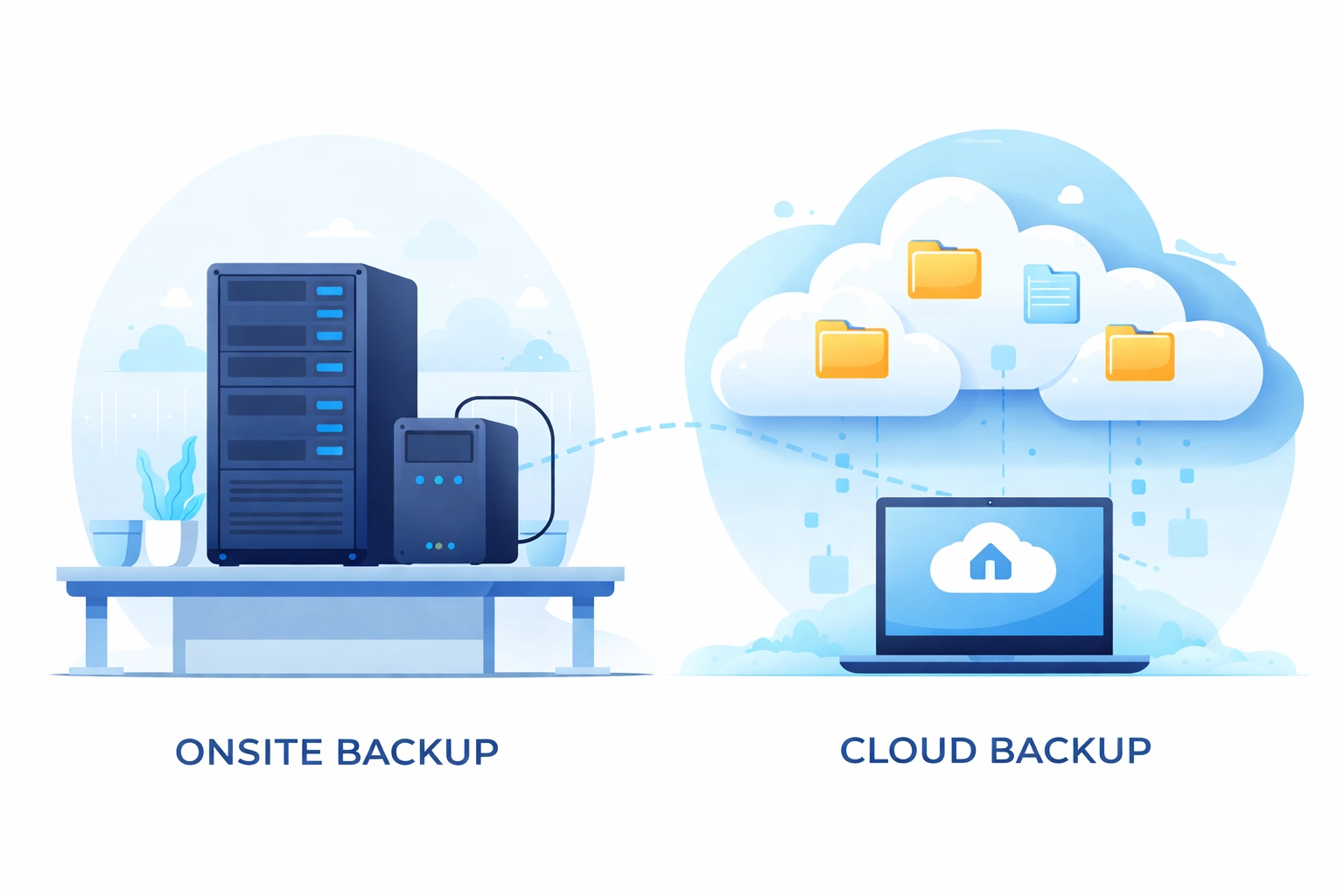
When it comes to backup solutions, you've got two main options: and honestly, the best approach usually combines both
Onsite Backups
Onsite backups store your data locally, typically on external hard drives, network-attached storage (NAS) devices, or dedicated backup servers at your location
Pros:
- Fast backup and recovery speeds since everything is on your local network
- You maintain physical control over your data
- No monthly subscription fees for storage
Cons:
- Vulnerable to the same disasters that could hit your primary systems (fire, flood, theft)
- Requires hardware maintenance and eventual replacement
- Limited scalability without additional equipment purchases
Cloud Backups
Cloud backups store your data on remote servers managed by a third-party provider. Your data gets encrypted and uploaded over the internet to secure data centers
Pros:
- Protected from local disasters: your data exists offsite
- Easily scalable as your storage needs grow
- Accessible from anywhere with an internet connection
- Automatic updates and maintenance handled by the provider
Cons:
- Dependent on internet connectivity for backup and recovery
- Ongoing subscription costs
- Recovery of large datasets can take time depending on your bandwidth
The Smart Play: Use Both
A solid backup strategy uses both onsite and cloud solutions. This is sometimes called the 3-2-1 rule:
- Keep 3 copies of your data
- Store them on 2 different types of media
- Keep 1 copy offsite (cloud)
This way, you're covered no matter what happens. Local backup handles quick recoveries for everyday issues. Cloud backup protects you from catastrophic events
How Often Should You Back Up?
Backup frequency depends on how much data you can afford to lose. Ask yourself: if my systems went down right now, how much work would we lose?
- Daily backups work for most businesses with active data changes
- Real-time or continuous backups make sense for businesses where every transaction matters
- Weekly backups might be enough for static files that rarely change
Automated backups are your friend here. Set it and forget it. The less you rely on someone remembering to run backups manually, the safer your data is
Test Your Backups (Seriously, Do This)
Here's something a lot of businesses skip: testing their backups
Having backup files doesn't mean much if you can't actually restore them. Corrupted backups, incomplete files, misconfigured settings: these problems only show up when you try to recover your data. And discovering your backups don't work during an actual emergency is a nightmare scenario
Schedule regular test restores. Verify your data is complete and accessible. Make sure your recovery process actually works before you need it for real
Let Someone Else Handle It
Look, managing backups properly takes time, expertise, and consistent attention. Most business owners have enough on their plates without adding "backup administrator" to their job description
That's where managed IT support comes in. At WorldWise, we handle data backup as part of our comprehensive IT support services. We set up the right combination of onsite and cloud backup solutions for your business, monitor everything to make sure backups run correctly, and test recovery processes so you know your data is actually protected
You focus on running your business. We make sure your data stays safe
Take Action Now (Not After the Disaster)
Here's the bottom line: you can deal with data backup on your terms now, or you can deal with data loss on disaster's terms later
One of those options is way less stressful
If you don't have a backup strategy in place: or if you're not confident in the one you have: now is the time to fix that. Don't wait for the hard drive failure. Don't wait for the ransomware attack. Don't wait for the accidental deletion that takes out your most important files
Get protected now. Your future self will thank you
Ready to get your backup situation sorted? Reach out to WorldWise and let's make sure your data is protected before something goes wrong