

Let me answer that question right now: Yes, you absolutely need data backup. And if you think your business is too small to be a target, you're wrong about that too.
Here's the harsh reality: 93% of ransomware victims say their attack was unavoidable. That means even businesses with solid security measures still get hit. The question isn't if you'll face a cyberattack: it's when, and whether you'll survive it.
What A Ransomware Attack Actually Costs
Most business owners think about ransomware in terms of the ransom payment itself. That's a mistake.
The ransom is just the beginning. Here's what you're really looking at:
Business downtime - Your entire operation grinds to a halt. Every hour your systems are down costs money. Employees can't work. Customers can't buy. Revenue stops, but your expenses don't.
Data loss - Customer information, financial records, years of work: gone. Even if you pay the ransom, there's no guarantee you'll get everything back. Cybercriminals aren't exactly known for their customer service.
Reputation damage - Word gets out that you got hacked. Customers lose trust. Some won't come back. If you handle sensitive data, you might face legal consequences too.
Recovery costs - You'll need to hire IT specialists, possibly legal counsel, and invest in new security measures. These costs add up fast.
The average small business hit by ransomware loses between $120,000 and $1.2 million when you factor in all these costs. Many businesses never recover at all: 60% of small companies close within six months of a cyberattack.
Why Most Businesses Think They're Safe (Spoiler: They're Not)
You might be thinking "we've got antivirus software" or "we use strong passwords." That's good. It's not enough.
Hackers have gotten smarter. They use social engineering, phishing emails that look legitimate, and sophisticated malware that bypasses traditional security. Your employees are human: one wrong click is all it takes.
Even major corporations with million-dollar security budgets get breached regularly. What makes you think your small business is immune?
The reality is that modern cyber threats evolve faster than most businesses can keep up with. New vulnerabilities are discovered daily. By the time you patch one security hole, three more have opened up.
That's why comprehensive cybersecurity isn't optional anymore: it's survival.
The Backup Problem: Why Having Backups Isn't Enough
Here's where it gets tricky. You might already have backups. Great start. But here's what most people don't know: 93% of ransomware attacks actively target your backups.
Think about it from the hacker's perspective. If they encrypt your data but you can just restore from backup, you won't pay the ransom. So they've adapted. Modern ransomware specifically hunts for backup files and destroys them before encrypting your main systems.
If your backups are connected to your network, accessible through the same credentials, or stored on the same systems: they're vulnerable. Hackers will find them and destroy them.
I've seen businesses that thought they were protected discover their backups were useless when they actually needed them. That's a brutal way to learn this lesson.
What Proper Backup Actually Looks Like
Effective backup isn't just copying files to an external drive once a month. It's a comprehensive strategy that makes your data genuinely recoverable.
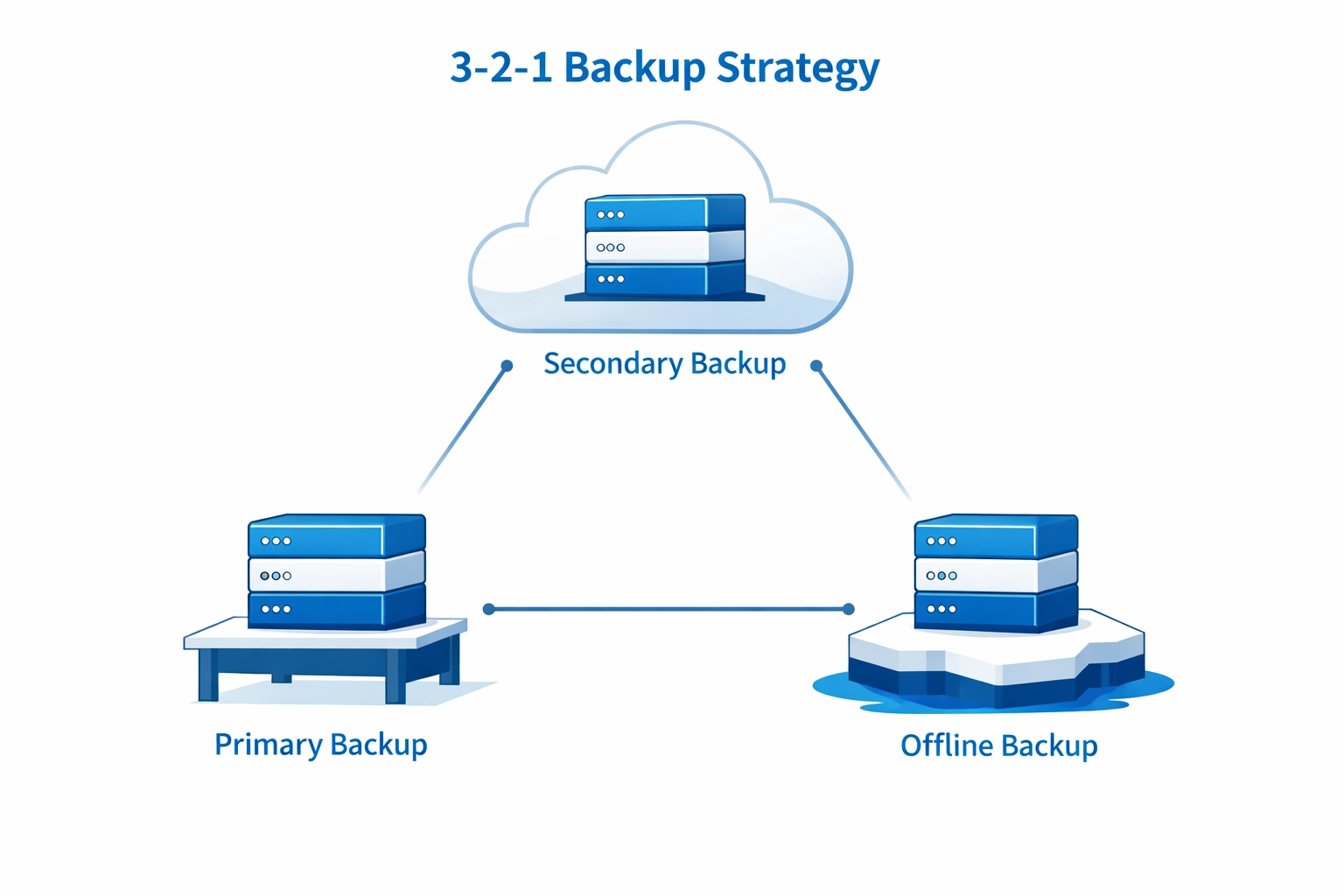
The 3-2-1 Rule
This is your foundation:
- 3 copies of your data
- 2 different storage formats
- 1 copy kept completely offline (offsite or air-gapped)
That offline copy is crucial. If it's not connected to your network, ransomware can't reach it.
Immutable Backups
These are backups that can't be altered or deleted once created. Even if hackers gain access to your backup system, they can't modify immutable backups. They're write-protected and time-locked.
Regular Testing
Here's something most businesses skip: actually testing their backups. You need to verify quarterly that your backups work and you can actually restore from them. A backup you can't restore from is worthless.
I can't tell you how many times businesses discover their backup process was broken only when they desperately needed it. Don't be that business.
Encryption and MFA
Your backups should be encrypted so even if someone accesses them, the data is unreadable. Multi-factor authentication adds another security layer: making it much harder for unauthorized users to access or modify backups.
Why This Matters More Than You Think
Let me paint a picture. It's Monday morning. An employee opens what looks like an invoice email from a regular vendor. Within minutes, ransomware spreads through your network. By lunchtime, every file is encrypted. Your customer database, financial records, project files: all locked.
Without proper backups, you have two options:
- Pay the ransom (no guarantee you'll get your data back)
- Start over from scratch
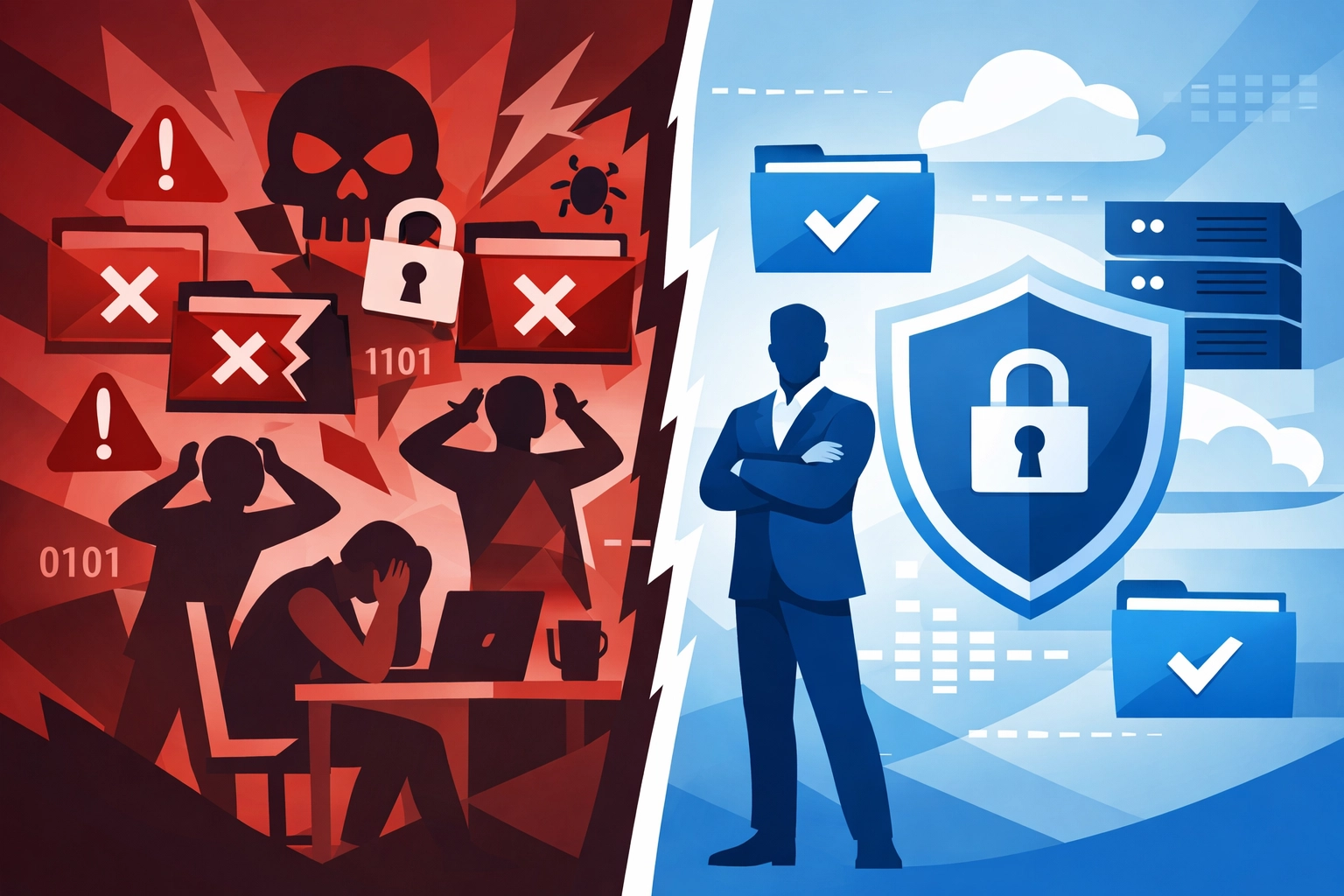
With proper backups, you have a third option: restore your systems and keep operating. You'll have downtime, sure, but you'll survive.
That's the difference between closing your doors permanently and weathering the storm.
What You Need To Do Right Now
Stop reading for a second and ask yourself: If ransomware hit your business today, could you recover?
If you hesitated even slightly, you need to act.
Immediate Actions:
First, audit your current backup situation. Where are your backups stored? When were they last tested? Are they vulnerable to the same attack that would hit your main systems?
Second, implement the 3-2-1 rule if you haven't already. Get at least one backup copy completely offline and offsite.
Third, schedule regular backup testing. Put it on the calendar quarterly. Make it non-negotiable.
Fourth, consider professional managed IT support to handle this properly. Most small business owners don't have the expertise or time to stay current with evolving threats.
The Bottom Line
Data backup isn't a luxury or something you'll "get around to eventually." It's business insurance that actually pays out when disaster strikes.
The cost of implementing proper backup systems is a fraction of what you'll lose in a ransomware attack. We're talking hundreds or a few thousand dollars to protect against losses that could reach six or seven figures.
And here's the thing: your competitors are probably cutting corners on this. The businesses that survive the next wave of cyberattacks will be the ones that took backup seriously.
Don't learn this lesson the hard way. Every business that got destroyed by ransomware thought it wouldn't happen to them too.
Need help setting up bulletproof backup systems that actually work when you need them? Let's talk about protecting your business before it's too late.
Your data is your business. Back it up like your survival depends on it( because it does.)