

Data is the most valuable asset your business owns in 2026. You rely on it for customer relationships, financial records, and daily operations. Many business owners believe that moving to the cloud solves all backup problems. This is a mistake. Relying on a single cloud provider for both live data and backups creates a single point of failure. You need offsite backups to ensure business continuity when the primary system fails
The difference between cloud storage and offsite backup
Many people use these terms interchangeably but they are different tools. Cloud storage services like OneDrive or Google Drive sync your files in real time. If a file is deleted or infected by ransomware on your computer the change syncs to the cloud immediately. The corrupted version replaces the clean version. This is not a backup
An offsite backup is a distinct copy of your data stored in a separate physical or logical location. It is not constantly syncing. It captures a snapshot of your data at a specific point in time. If your primary cloud environment is compromised the offsite backup remains safe because it is disconnected from the main network. We suggest you review your strategy.php to ensure these definitions are clear in your internal policies
Ransomware has evolved in 2026
Cybercriminals have changed their tactics. In previous years ransomware simply encrypted your local hard drive. Now modern attacks target your backups first. Hackers gain access to your network and stay quiet for weeks. They look for your backup credentials. Once they find them they delete your cloud backups before encrypting your live data. This leaves you with no choice but to pay the ransom
Offsite backups provide a "gap" between your network and your data. If you use immutable offsite backups the data cannot be changed or deleted for a set period. Even if a hacker gains admin access to your main system they cannot destroy the offsite copy. This is the only way to guarantee recovery after a targeted attack
The 3-2-1 backup rule is still the standard
The 3-2-1 rule is the foundation of data security. You should maintain 3 copies of your data. These should be stored on 2 different types of media. At least 1 copy must be kept offsite. In 2026 some experts suggest a 3-2-1-1-0 rule. This adds one offline or immutable copy and ensures there are zero errors in the backup restoration process
We found many businesses stop at the first step. they have the live data and maybe a local external drive. If a fire or flood happens in your office both copies are destroyed. If your server room experiences a power surge both are gone. Moving that third copy to an offsite location protects you from physical disasters that local hardware cannot survive
Dealing with cloud provider outages
Even the largest cloud providers experience downtime. It happens every year. Major outages can take down entire regions for hours or days. If your business depends entirely on one provider you are stuck until they fix the problem. You cannot access your files. You cannot serve your customers. Your revenue stops
Having an offsite backup with a different provider or on private hardware allows you to keep working. You can restore your data to a temporary environment and continue operations. This independence is essential for maintaining your reputation and avoiding financial loss. You can see how we handle these technical challenges at computer-support.php
Compliance and legal requirements
Regulatory bodies have increased their demands for data redundancy. If you work in healthcare finance or government contracting you likely have a legal obligation to maintain offsite backups. The 2026 FTC guidelines and other industry standards require proof of a disaster recovery plan. Failure to provide this proof during an audit leads to heavy fines
Offsite backups show regulators that you have a mature strategy for protecting sensitive consumer information. It proves you are not just hoping for the best but are actively preparing for the worst. Check your current status against our Capabilities-Statement.pdf to see if you meet these standards
Protecting against accidental deletion
Human error is the most common cause of data loss. An employee might accidentally delete a critical folder. An intern might overwrite a master database. If you only have real-time syncing these mistakes are permanent. Offsite backups allow you to go back in time. You can select a version of the data from yesterday or last week and restore it quickly
This saves hours of manual work trying to recreate lost files. It also reduces the stress on your team. When they know a safety net exists they can work more confidently. We provide tools to manage this at support
The cost of downtime vs the cost of backup
Some businesses hesitate to pay for offsite backups because of the monthly storage fees. This is a short-sighted view. You must calculate the cost of being offline for three days. Calculate the wages you pay employees who cannot work. Calculate the lost sales. Calculate the cost of notifying customers that their data is gone
The cost of offsite backup is a small insurance premium. It is much cheaper than the alternative. In 2026 storage prices have dropped while the cost of a data breach has reached record highs. Investing in offsite infrastructure is a logical financial decision for any business size
Vendor lock-in risks
If all your data is with one vendor you are locked into their pricing and terms. If they raise their prices by 50% you have to pay because moving terabytes of data quickly is difficult. If they change their service terms you have no leverage
An offsite backup gives you freedom. It means you own your data. You can move it to a different platform whenever you want. It prevents a single company from having total control over your business operations. This flexibility is a key part of modern digital marketing.php and business management
How to implement offsite backups correctly
Do not just buy an external drive and take it home. That is better than nothing but it is not a professional solution. You need an automated system. Manual backups fail because people forget to do them. You need a system that runs on a schedule and sends you a report every morning
Follow these steps to set up a professional offsite backup:
- Identify your most critical data
- Choose a secondary location or provider that is geographically distant from your main office
- Enable encryption so your data is private even if the backup provider is breached
- Set up automated schedules for daily or hourly backups
- Test the restore process every month to ensure the data is actually usable
Testing your backups is mandatory
A backup that hasn't been tested is not a backup. It is just a file that might work. We have seen many companies realize their backups were corrupted only when they tried to restore them during an emergency. You must perform "fire drills" for your data
Pick a random file once a month and try to restore it from your offsite location. If it takes too long or the file is broken you need to fix your system now. Do not wait for a real disaster to find out your system is failing. Our team can help you set up these testing protocols at contact.php
The role of hybrid cloud strategies
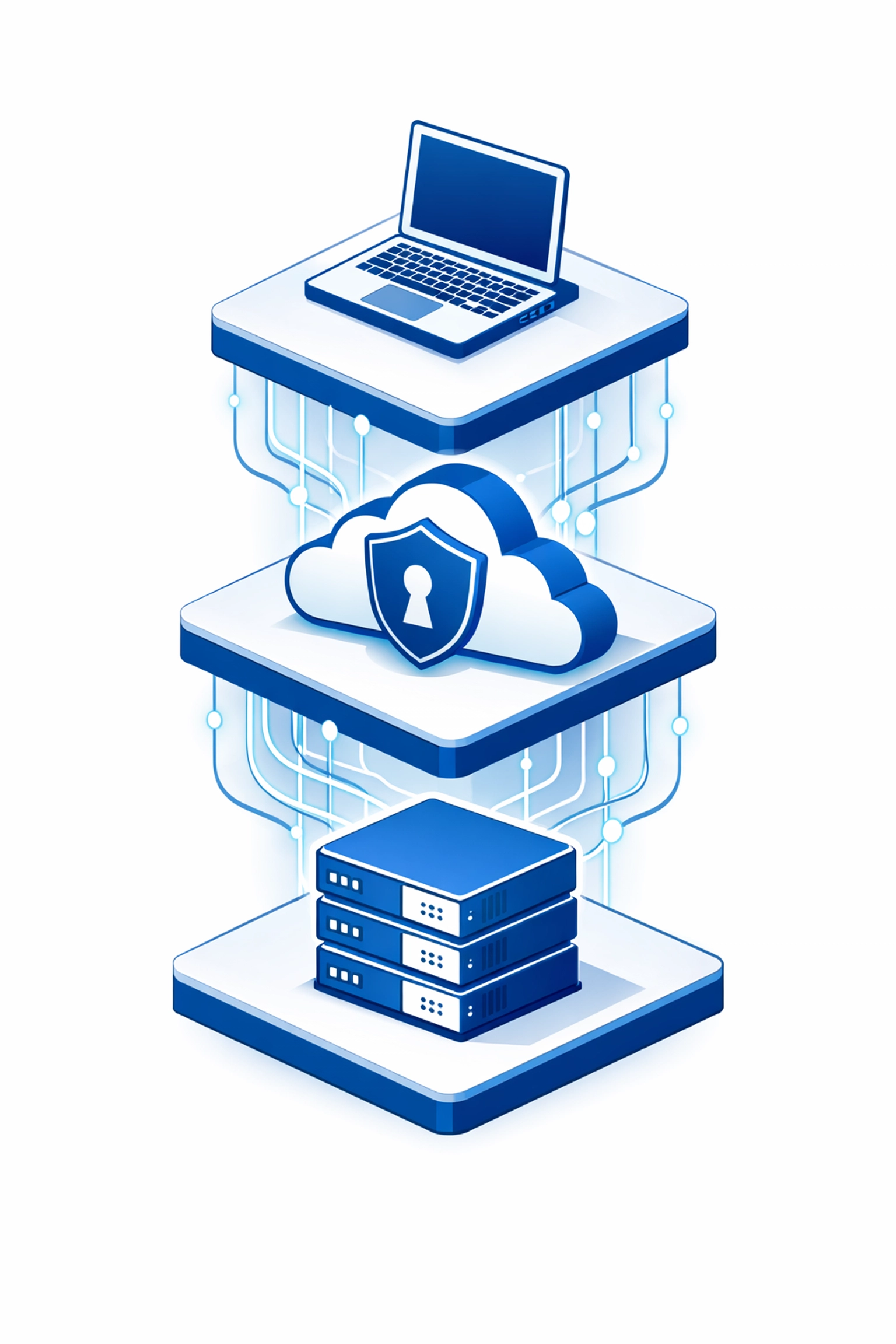
The best approach for 2026 is a hybrid strategy. You keep your live data in the cloud for performance and collaboration. You keep a local backup for fast restores of small files. You keep an offsite immutable backup for disaster recovery and ransomware protection
This layered approach covers all bases. It handles small accidents and major catastrophes with equal efficiency. It is the most robust way to protect your business in a dangerous digital environment
Final steps for your business
Check your backup settings today. If you do not have a copy of your data stored in a separate location you are at risk. The question is not if you will experience a data issue but when. Being prepared makes the difference between a minor inconvenience and a permanent business closure
We suggest you start by auditing your current data locations. Identify where your files live and who has access to them. Then implement an offsite solution that fits your budget and technical needs. If you need help building this system visit get-started-min.php to talk with our experts