

You've probably heard the horror stories. A business gets hit with ransomware, loses customer data, or spends weeks recovering from a cyberattack. The damage isn't just technical, it's financial, reputational, and often permanent.
Here's the thing: most breaches happen because businesses skip the basics. You don't need a massive IT budget or a dedicated security team to protect yourself. You just need to cover the fundamentals.
Let's break down five cybersecurity essentials that every business should implement today. No jargon, no scare tactics, just practical steps you can take right now.
1. Multi-Factor Authentication: Your First Line of Defense
Passwords alone don't cut it anymore. Even complex ones get stolen, guessed, or leaked in data breaches. That's where multi-factor authentication (MFA) comes in.
MFA requires two or more verification methods before granting access to your accounts. Think of it like needing both a key and a security code to open your front door. Even if someone steals your password, they still can't get in without that second factor.

What to protect with MFA:
- Email systems
- Cloud storage and services
- VPN access
- Any platform with sensitive customer or financial data
- Administrative accounts
Best practices for MFA:
Use authenticator apps or security keys instead of SMS codes when possible. SMS-based codes can be intercepted through SIM swapping attacks. Apps like Google Authenticator or Microsoft Authenticator are more secure and just as convenient.
Security keys using FIDO2 standards offer the strongest protection against phishing attempts. These physical devices plug into your computer or connect via Bluetooth and are nearly impossible to hack remotely.
The setup takes minutes. The protection lasts forever. If you're looking for help implementing MFA across your organization, cybersecurity services can get you set up properly.
2. Encrypt Everything (Yes, Everything)
Encryption transforms your data into unreadable code that only authorized users can decipher. It's like putting your information in a locked safe instead of leaving it on your desk.
You need encryption in two places: data in transit and data at rest.
Data in transit means information moving between points: like when you send an email or access a file from the cloud. Use HTTPS for all web traffic (that little padlock in your browser bar) and secure VPN connections for remote access.
Data at rest refers to information stored on devices or servers. Enable full disk encryption on all laptops, mobile devices, and tablets. Encrypt sensitive data on your servers and in cloud storage.

Why does this matter? If someone steals a laptop or intercepts network traffic, they get nothing but gibberish without the decryption key. Your customer data, financial records, and business secrets stay protected.
Most modern operating systems include built-in encryption tools: BitLocker for Windows, FileVault for Mac. Turn them on. It's that simple.
3. Back Up Your Data (And Actually Test Those Backups)
Ransomware attacks have become a billion-dollar industry. Attackers encrypt your files and demand payment to unlock them. Even if you pay, there's no guarantee you'll get your data back.
The solution? Regular, tested backups.
Automate daily backups of all critical business data:
- Customer information
- Financial records
- Intellectual property
- Email archives
- Project files
But here's what most businesses miss: backing up isn't enough. You need to test your backups regularly to make sure they actually work when you need them.
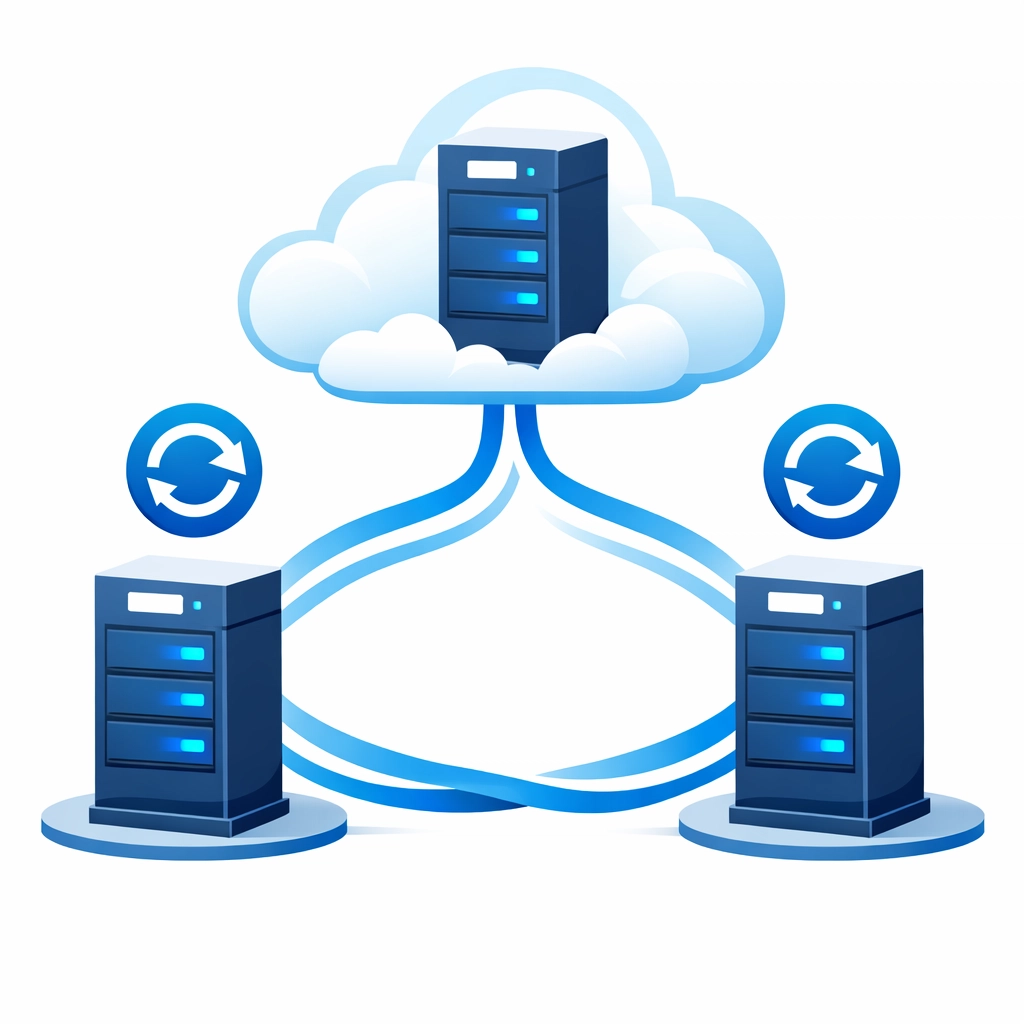
Consider immutable backup solutions. These create copies that cannot be altered or deleted for a specified period: even by ransomware. You always have clean recovery points available, no matter what happens to your primary systems.
Store backups in multiple locations. The 3-2-1 rule works well: three copies of your data, on two different types of media, with one copy stored offsite (cloud storage counts).
If you're running a lean operation and don't have time to manage backups yourself, managed IT support can handle this for you automatically.
4. Deploy Modern Endpoint Protection
Remember old-school antivirus software that just scanned for known viruses? That's not enough anymore.
Modern threats are sophisticated. They morph, hide, and exploit vulnerabilities faster than signature-based detection can keep up. You need next-generation protection.
Next-gen antivirus solutions use behavioral analysis and machine learning to detect threats that have never been seen before. Instead of just looking for known bad stuff, they watch for suspicious behavior patterns.
Endpoint Detection and Response (EDR) tools take it further. They provide visibility into everything happening on your devices and can respond to threats automatically. When something fishy starts happening, EDR can isolate the affected device, kill malicious processes, and alert your team.

Make sure every business device is protected:
- Desktop computers
- Laptops
- Mobile phones
- Tablets
- Servers
Manage everything through a unified console so you can see your entire security posture at a glance. Centralized management means you can push updates, monitor threats, and respond to incidents from one place.
Don't let endpoint protection become another thing you forget to update. Automated patch management keeps your security tools current without requiring manual intervention.
5. Have an Incident Response Plan
Here's an uncomfortable truth: no security is perfect. Even with all the right tools in place, breaches can still happen. What separates resilient businesses from ones that fold? Preparation.
An incident response plan is your roadmap for what to do when things go wrong. It minimizes damage, speeds up recovery, and helps you learn from the incident.
Your plan should cover:
Detection and identification - How will you know something's wrong? Who monitors alerts? What triggers an incident response?
Containment - How do you stop the threat from spreading? Which systems get isolated? Who has authority to make that call?
Protection of critical data - What are your most valuable assets? How do you ensure they stay safe during an incident?
Elimination - How do you remove the threat completely? Who handles forensics to understand what happened?
Recovery - What's the process for restoring systems from clean backups? In what order do systems come back online?
Post-incident review - After you've recovered, how do you analyze what happened and improve your defenses?
Assign specific roles and responsibilities. Your marketing manager shouldn't be making technical security decisions during a crisis. Your IT person shouldn't be handling customer communications.
Document everything. Keep contact information for key personnel, vendors, legal counsel, and cybersecurity experts. Include step-by-step procedures that someone can follow even under stress.
Most importantly: practice your plan. Run tabletop exercises where your team walks through different scenarios. You'll discover gaps in your procedures and build muscle memory for responding effectively.
The Bottom Line
Cybersecurity doesn't have to be overwhelming. These five basics: multi-factor authentication, encryption, backups, endpoint protection, and incident response planning: form a solid foundation that protects most businesses from most threats.
You don't need to implement everything overnight. Start with MFA today. It's quick, free or cheap, and dramatically reduces your risk. Then tackle the others one at a time.
The cost of prevention is always lower than the cost of recovery. Implementing these basics now protects your business, your customers, and your reputation.
Need help getting started? Get in touch and we'll show you exactly what your business needs to stay secure. Because waiting for a breach to take security seriously is a mistake you can't afford to make.