


A slow website costs you visitors. Studies show that most people expect a page to load in under three seconds. Go over that and they're gone
The good news is you don't need to be a developer to make your site faster. Most speed improvements are straightforward and can be done in an afternoon. Let's break down exactly what you can do right now to get your website running smoother
Why Website Speed Actually Matters
Before diving into fixes, here's why this matters for your business
Slow sites hurt your search rankings. Google uses page speed as a ranking factor. If your competitor's site loads faster, they're more likely to show up above you in search results
Slow sites also kill conversions. Every extra second of load time increases bounce rates. People don't wait around anymore. They hit the back button and find someone else
And slow sites make your business look unprofessional. Fair or not, visitors judge your credibility by how your website performs. A sluggish site feels outdated and unreliable
Quick Wins You Can Do Today
These require minimal technical knowledge and deliver immediate results
Compress Your Images
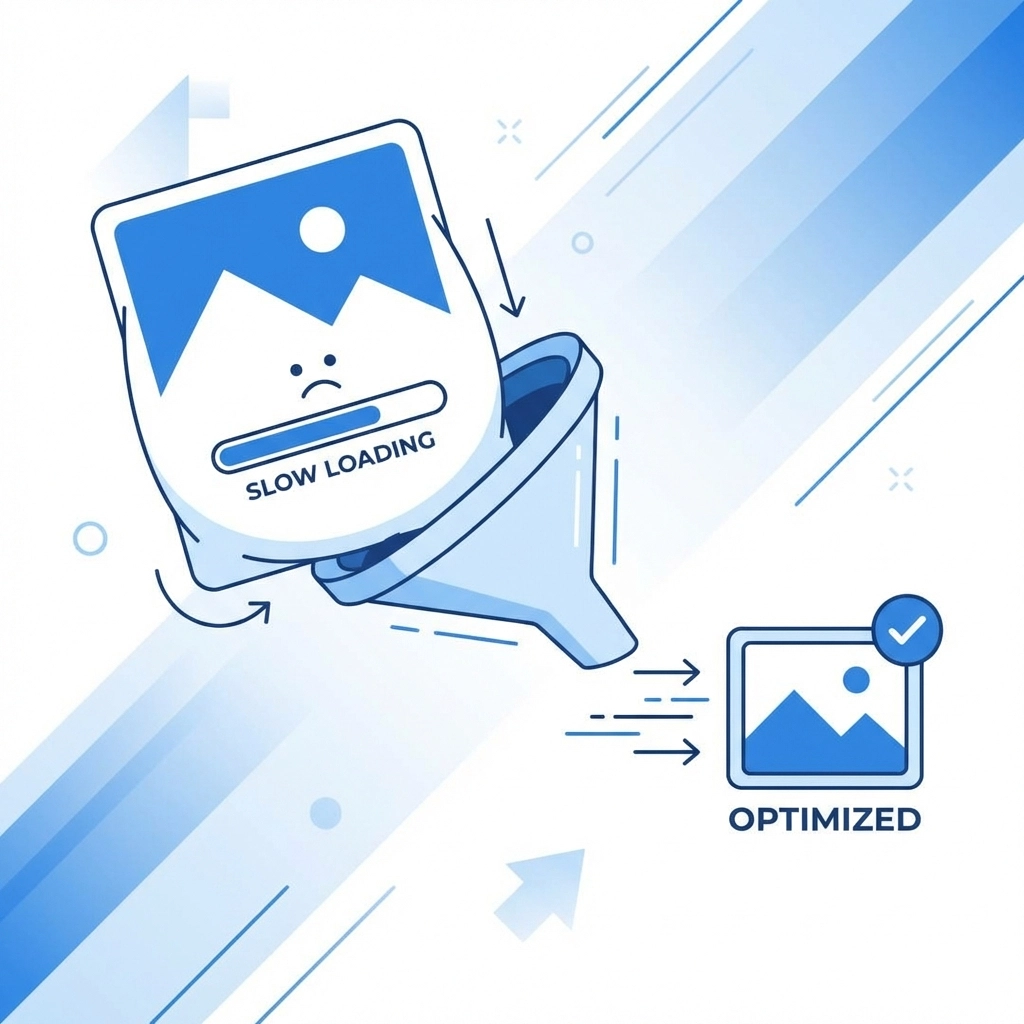
Images are usually the biggest culprits behind slow websites. A single unoptimized photo can be several megabytes, which is massive for web use
Here's what to do:
- Convert images to WebP or AVIF formats. These reduce file sizes by 25-35% compared to JPEG or PNG without any noticeable quality loss
- Use compression tools like TinyPNG, ImageOptim, or Squoosh before uploading anything
- Keep hero images under 200KB and standard content images under 100KB
- Enable lazy loading so images only load when users scroll near them
This single change often cuts load times in half. It's the lowest-hanging fruit available
Enable Browser Caching
When someone visits your site, their browser downloads all your files: CSS, JavaScript, images, fonts. Without caching, it downloads everything again on their next visit
Browser caching tells visitors' browsers to store these files locally. Returning visitors get a much faster experience because they're not re-downloading your entire site every time
Most hosting platforms have caching options built in. If you're on WordPress, plugins like WP Super Cache or W3 Total Cache handle this automatically
Minify Your Code
Your website's HTML, CSS, and JavaScript files contain lots of spaces, line breaks, and comments that make the code readable for humans. Browsers don't need any of that
Minification strips out unnecessary characters while keeping the code fully functional. The result is smaller file sizes and faster downloads
Free online tools can minify your files in seconds. If you're using a CMS, there are plugins that handle this automatically whenever you update your site
Defer Non-Critical JavaScript
JavaScript can block your page from rendering. When a browser encounters a script, it often stops everything to download and execute it before showing any content
Deferring non-essential scripts tells the browser to load your visible content first, then handle the JavaScript afterward. Users see your page faster even if the total load time is similar
Look for JavaScript that handles things like analytics, chat widgets, or social media buttons. These don't need to load immediately
Medium-Effort Improvements
These take a bit more time but deliver significant results
Audit and Remove Unused Code
Most websites accumulate junk code over time. Old plugins leave behind CSS. Theme updates add features you never use. Third-party scripts get forgotten
All this unused code still gets downloaded by every visitor. It's dead weight slowing your site down
Use Chrome DevTools or a tool like PurifyCSS to identify what's not being used. Then remove it. You might be surprised how much bloat you find

Set Up a Content Delivery Network
A CDN distributes copies of your website across servers worldwide. When someone visits your site, they download files from whichever server is closest to them
This dramatically reduces load times for visitors who aren't near your main server. It also reduces the load on your hosting, which helps during traffic spikes
Cloudflare offers a free tier that works well for most small business websites. Setup usually takes under an hour
Inline Critical CSS
When your browser loads a page, it needs your CSS to know how to display everything. If that CSS is in a separate file, the browser has to wait for it to download before showing anything
Inlining critical CSS means placing the essential styles directly in your HTML. The browser gets what it needs immediately and can start rendering your page while the rest of the CSS downloads in the background
This improves perceived loading speed. Users see content faster even if the total load time is the same
What About Your Hosting
Sometimes the problem isn't your website. It's your hosting
Cheap shared hosting puts your site on a server with hundreds of other websites. When those sites get traffic, your site slows down. There's only so much optimization can overcome if your server is the bottleneck
Signs your hosting is the problem:
- Slow speeds even after optimization
- Inconsistent performance throughout the day
- Timeouts during moderate traffic
Upgrading to better hosting is often the most impactful change you can make. It's not the cheapest solution but it's the foundation everything else builds on
If you're unsure about your current hosting situation, our team can help evaluate your options

How to Measure Your Progress
You need to know your starting point and track improvements. Here are the best free tools
Google PageSpeed Insights gives you a score from 0-100 for both mobile and desktop. More importantly, it provides specific recommendations for your site. Start here
Chrome DevTools has a built-in Lighthouse audit. Right-click on your page, select Inspect, then find the Lighthouse tab. Run an audit and get detailed performance metrics
WebPageTest offers more advanced testing. You can test from different locations, on different connection speeds, and get waterfall charts showing exactly what's loading and when
Test before you make changes. Test after each change. This tells you what's working and what isn't worth the effort
A Realistic Action Plan
Don't try to do everything at once. Here's a practical approach
This week:
- Compress and convert your images
- Enable browser caching
- Minify your CSS and JavaScript
Next week:
- Audit for unused code
- Set up a CDN
- Defer non-critical scripts
This month:
- Evaluate your hosting
- Inline critical CSS
- Re-test and compare to your baseline
Small consistent improvements add up. A site that loads in six seconds today can load in under two seconds within a month
When to Call in Help
Some optimization requires deeper technical work. Database optimization, server configuration, code refactoring: these aren't DIY projects for most business owners
If you've done the basics and still aren't hitting your speed targets, it might be time to get professional help. Sometimes the issue is baked into how your site was built, and no amount of plugins will fix it
We offer website optimization as part of our web development services if you'd rather hand this off to someone else
The Bottom Line
Website speed isn't a luxury anymore. It's expected. Visitors won't wait and search engines won't rank slow sites highly
The fixes aren't complicated. Compress your images. Enable caching. Remove the bloat. These straightforward changes make a real difference
Start with one improvement today. Test your results. Then tackle the next one. Your visitors will notice even if they can't articulate why your site feels better