

You've probably heard the horror stories. One click on the wrong email and suddenly your business bank account is drained, customer data is compromised, or your entire network is locked down by ransomware. It happens more often than you'd think: and it's not always easy to spot.
Phishing emails are getting better. Way better. The days of obvious spelling errors and "Nigerian prince" scams are mostly over. Today's phishing attacks are crafted to look exactly like legitimate business communications. They mimic your bank, your vendors, even your CEO.
The good news? Once you know what to look for, these emails become a lot easier to identify. Let's break down the warning signs that should make you pause before clicking anything.
The Classic Red Flags That Still Work
Even though phishing has evolved, some warning signs remain reliable indicators that something's off.
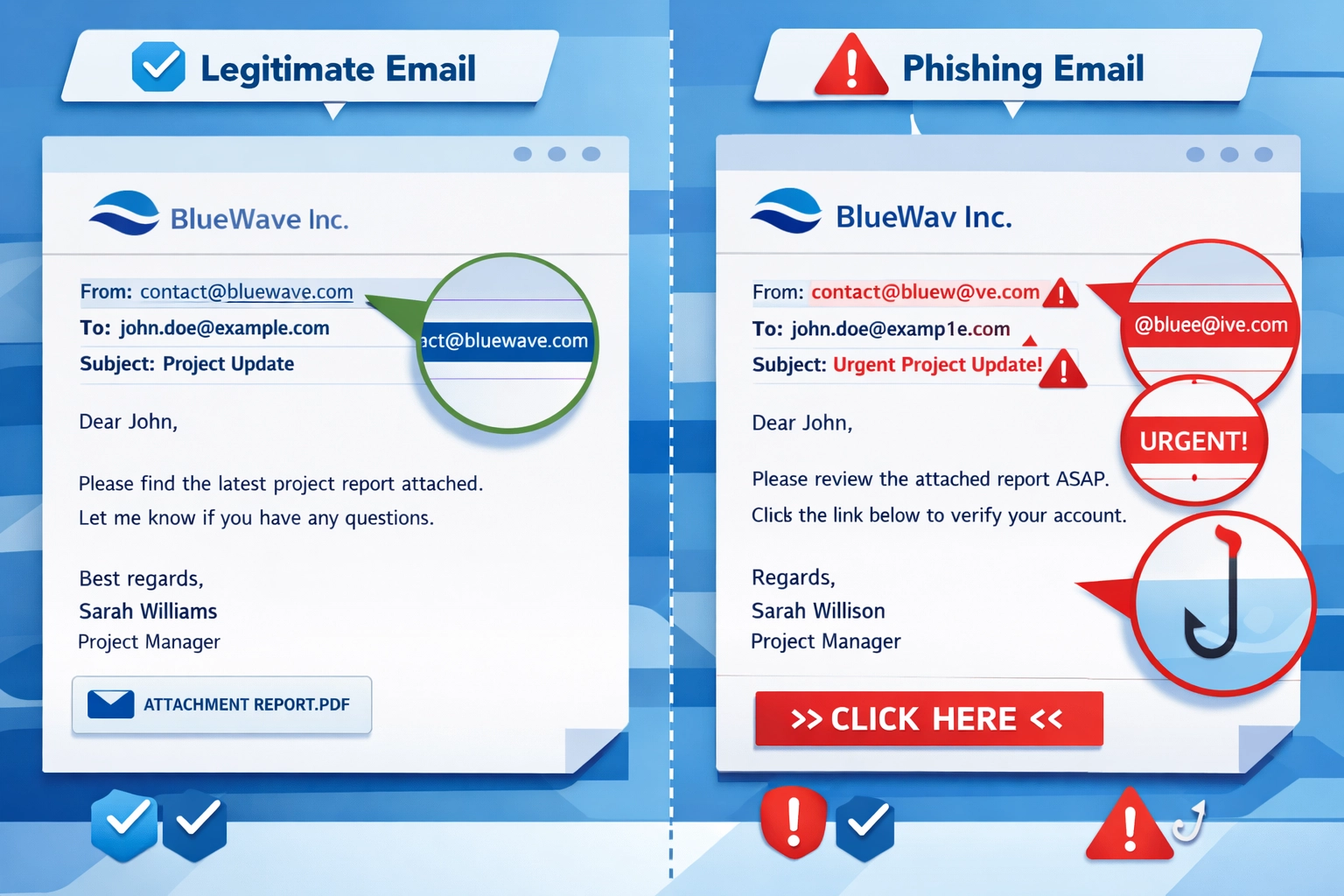
Urgent language and threats are huge tells. Phishing emails almost always try to create panic. "Your account will be closed in 24 hours!" or "Immediate action required to avoid penalties!" These messages are designed to make you act without thinking. Legitimate companies rarely threaten you via email or demand instant action.
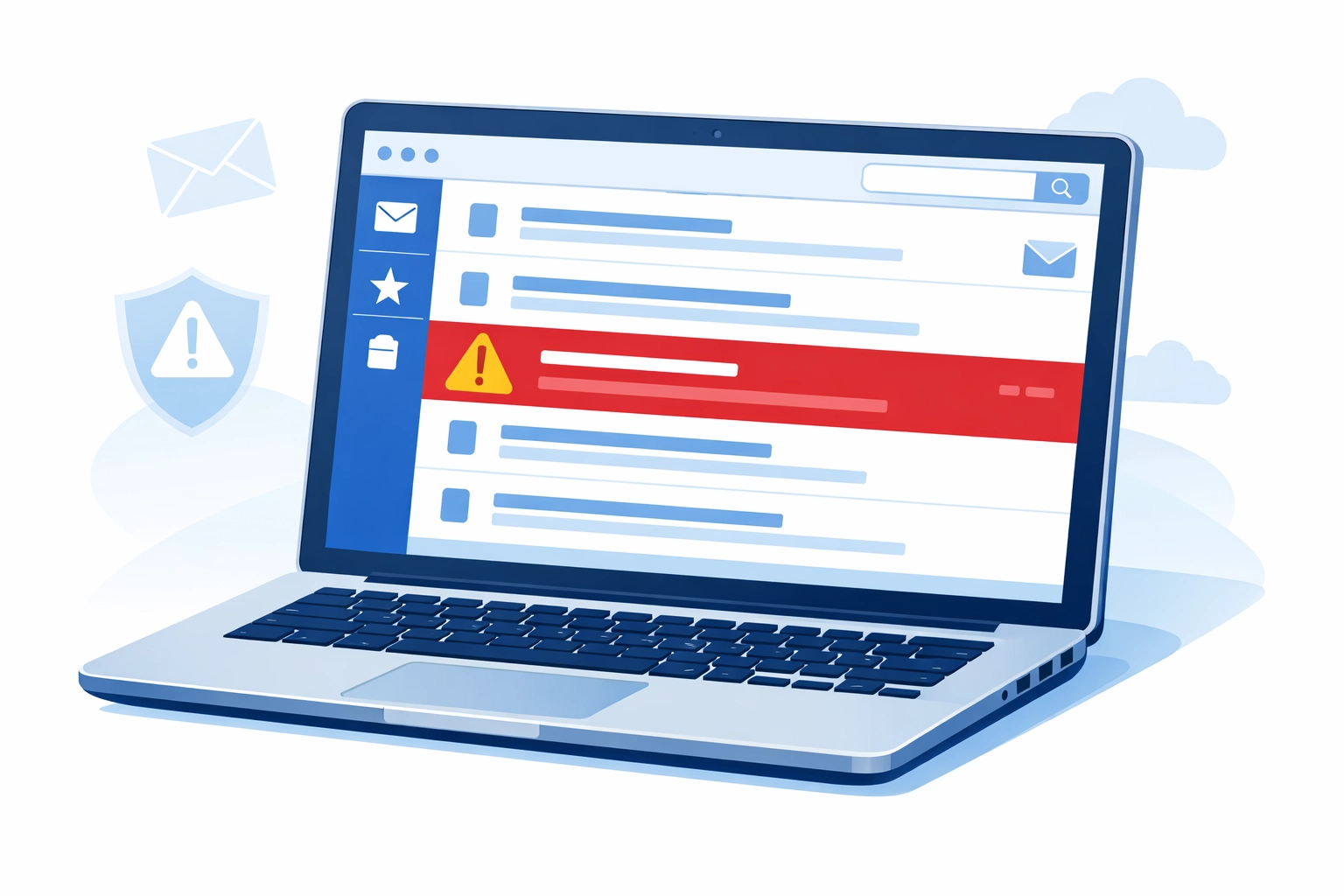
Suspicious sender addresses deserve a close look. Scammers create email addresses that look almost right but have subtle differences. Instead of "support@paypal.com," you might see "support@paypa1.com" or "no-reply@paypal-secure.com." Always check the actual email address, not just the display name.
Generic greetings are another giveaway. Real companies that have your information will use your name. If an email starts with "Dear Customer" or "Hello User," be skeptical: especially if it's supposedly from a service where you have an account.
Mismatched or suspicious links are critical to verify. Before clicking any link, hover your mouse over it. The actual URL that appears at the bottom of your browser often tells a different story than the text you see. If the email claims to be from Microsoft but the link goes to "microsoft-security-check.xyz," you've found your phishing attempt.
Modern Phishing Is Uncomfortably Good
Here's where things get tricky. AI and sophisticated tools have made phishing emails nearly indistinguishable from legitimate ones.
Perfect grammar and spelling used to be a sign an email was legit. Not anymore. Attackers now use AI language models to write flawless, professional emails that sound exactly like corporate communications. They're personalized, well-formatted, and completely convincing.
Some phishing emails now reference real information about you: your job title, recent LinkedIn posts, colleagues' names, or projects you're working on. This is called spear phishing, and it's designed to build trust by showing the sender "knows" you.
Legitimate-looking design elements make modern phishing even harder to spot. Scammers copy real company logos, use official color schemes, and even pull CSS code from legitimate websites. The email might include working links to real pages alongside the malicious one, making everything seem authentic.
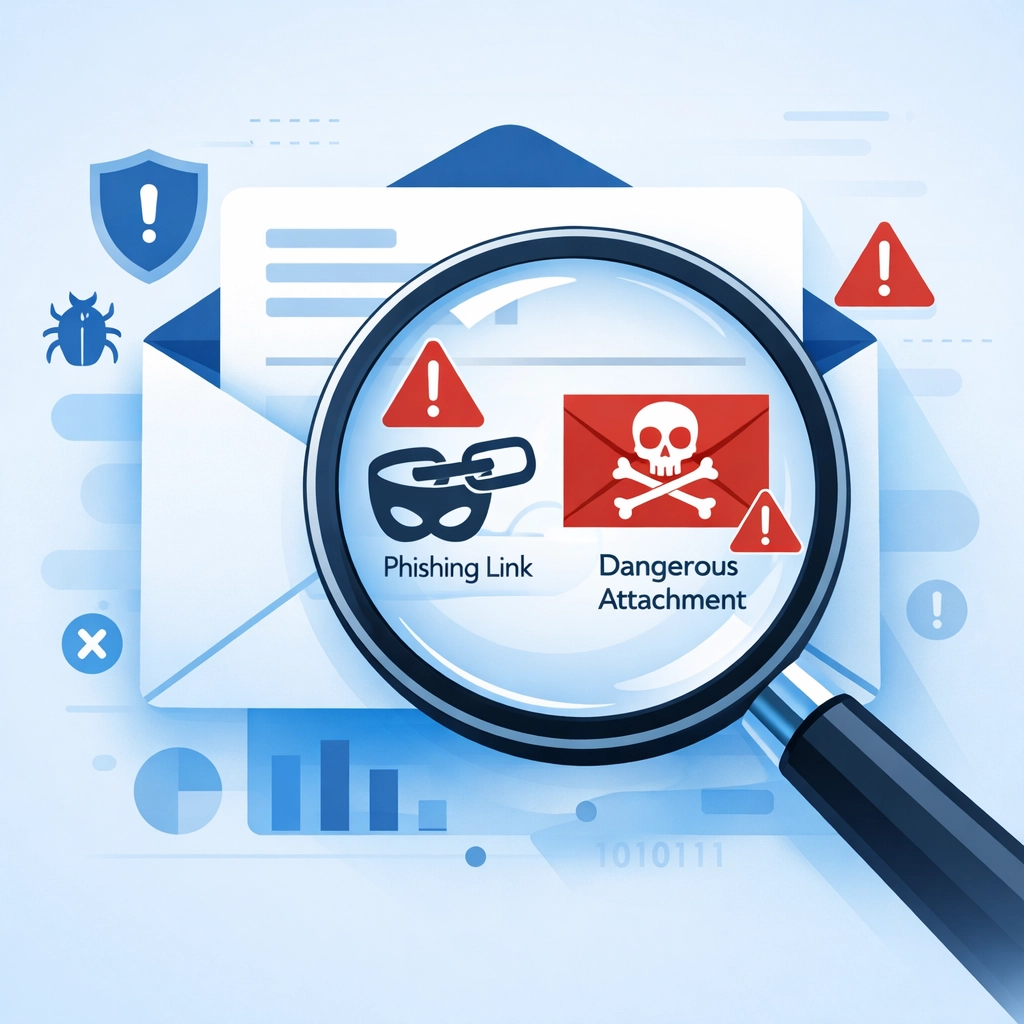
URL shorteners and disguised links hide where you're actually going. A link might display as "View Your Invoice" but actually redirect through multiple sites before landing on a fake login page designed to steal your credentials.
What to Look for in the Email Body
Beyond the obvious red flags, there are subtler signs that something's wrong.
Requests for sensitive information should always raise alarms. No legitimate company will ask you to confirm your password, social security number, or credit card details via email. If an email requests this information: even if it looks official: it's likely phishing.
Unexpected attachments are dangerous territory. If you weren't expecting a file, don't open it. Attachments can contain malware that installs the moment you click. Even familiar file types like PDFs or Word documents can be weaponized.
Poor quality images or formatting issues might indicate something was copied or hastily assembled. Logos that look pixelated, buttons that don't line up properly, or inconsistent fonts can all be signs of a fake email.
Unusual requests from known contacts deserve verification. If your boss suddenly emails asking you to buy gift cards or wire money, call them directly to confirm. Attackers often compromise one email account and use it to target others in the organization.
What to Do When You Spot a Phishing Email
Don't click anything. Don't reply. Don't forward it with a friendly "FYI this is fake" message: that can sometimes trigger embedded tracking pixels.
Report it immediately through your company's designated channel. Most organizations have a way to flag suspicious emails, whether that's an IT help desk, a "Report Phishing" button in your email client, or a specific address to forward threats to.
Delete it once reported. Don't leave it sitting in your inbox where you might accidentally click it later.
If you think you might have already clicked a malicious link or downloaded an attachment, disconnect from your network immediately and contact IT support. Quick action can prevent malware from spreading or limit the damage from compromised credentials.
Consider implementing cybersecurity measures that can catch threats before they reach employee inboxes.
Building a Defense System
Individual awareness is important, but your business needs systemic protections too.
Employee training should be ongoing: not just a once-a-year checkbox. Regular phishing simulations help people stay sharp and learn to recognize new tactics. When someone clicks a test phishing email, use it as a teaching moment rather than a punishment.
Two-factor authentication (2FA) is non-negotiable. Even if someone's password gets stolen through phishing, 2FA prevents attackers from accessing accounts. This single step blocks the vast majority of credential-based attacks.
Email authentication technologies like DMARC, SPF, and DKIM prevent attackers from spoofing your company's domain. This protects both your employees from fake internal emails and your customers from scammers pretending to be you.
AI-powered email security tools can detect suspicious patterns that humans miss. These systems analyze sender behavior, content patterns, and link destinations to flag potential threats automatically. Solutions like Microsoft Defender for Office 365 or similar platforms add a critical layer of protection.
Managed IT support can handle the technical side of email security so you don't have to. From configuring proper authentication to monitoring threats and managing security updates, having professional IT management means someone's always watching for emerging threats.
The Bottom Line
Phishing isn't going away: it's getting more sophisticated every year. But with the right knowledge and systems in place, you can protect your business from becoming another statistic.
Train your team to question everything. Verify suspicious requests through alternate channels. Implement technical safeguards that catch threats automatically. And most importantly, create a culture where reporting potential phishing is easy and encouraged.
One caught phishing email could save your business thousands of dollars and countless hours of recovery work. That's worth taking a few extra seconds to verify before you click.
Need help securing your business against cyber threats? Get in touch to discuss comprehensive protection strategies that fit your needs.