


You spend hours crafting the perfect content. You nail your keywords. You build backlinks. But your rankings still aren't budging
Here's the thing, Google cares about more than just keywords these days. The search engine giant wants to send users to websites that actually deliver a good experience. And if your site frustrates visitors, your SEO efforts are going to suffer
Let's break down exactly how user experience affects your search rankings and what you can do about it
What Does UX Have to Do with SEO?
User experience isn't a direct ranking factor in the traditional sense. Google doesn't have a "UX score" that they plug into their algorithm. But UX influences a bunch of signals that Google absolutely does pay attention to
When someone lands on your website and immediately hits the back button, that tells Google something. When visitors stick around, click through multiple pages, and engage with your content, that tells Google something too
Think of UX as the bridge between getting people to your site and keeping them there. And Google is watching how people interact with your pages to determine if you deserve those top spots in search results

The Metrics That Matter
Bounce Rate
Bounce rate measures how many people leave your site after viewing just one page. A high bounce rate often signals that visitors didn't find what they were looking for, or that your site was so frustrating they gave up
Poor navigation, confusing layouts, slow load times, and irrelevant content all contribute to high bounce rates. And when users consistently bounce from your pages, Google takes notice
The fix? Make sure your web design prioritizes clarity and ease of use. Users should immediately understand where they are and how to find what they need
Dwell Time
Dwell time is how long someone stays on your page before returning to the search results. Longer dwell times generally indicate that your content is valuable and engaging
If users spend 5 minutes reading your blog post, that's a strong signal to Google that you delivered on your promise. If they leave after 10 seconds, well, not so much
Creating scannable content with clear headings, short paragraphs, and visual breaks helps keep people engaged. Nobody wants to face a wall of text
Page Speed
This one's huge. Site speed is a confirmed ranking factor, and it makes total sense when you think about it
Bounce rates increase by 32% when page load time goes from 1 second to 3 seconds. That's a massive jump. People are impatient, and slow websites drive them away
Your web hosting setup plays a big role here. So does image optimization, code efficiency, and caching. If your site takes forever to load, you're losing visitors and rankings

Core Web Vitals: Google's UX Report Card
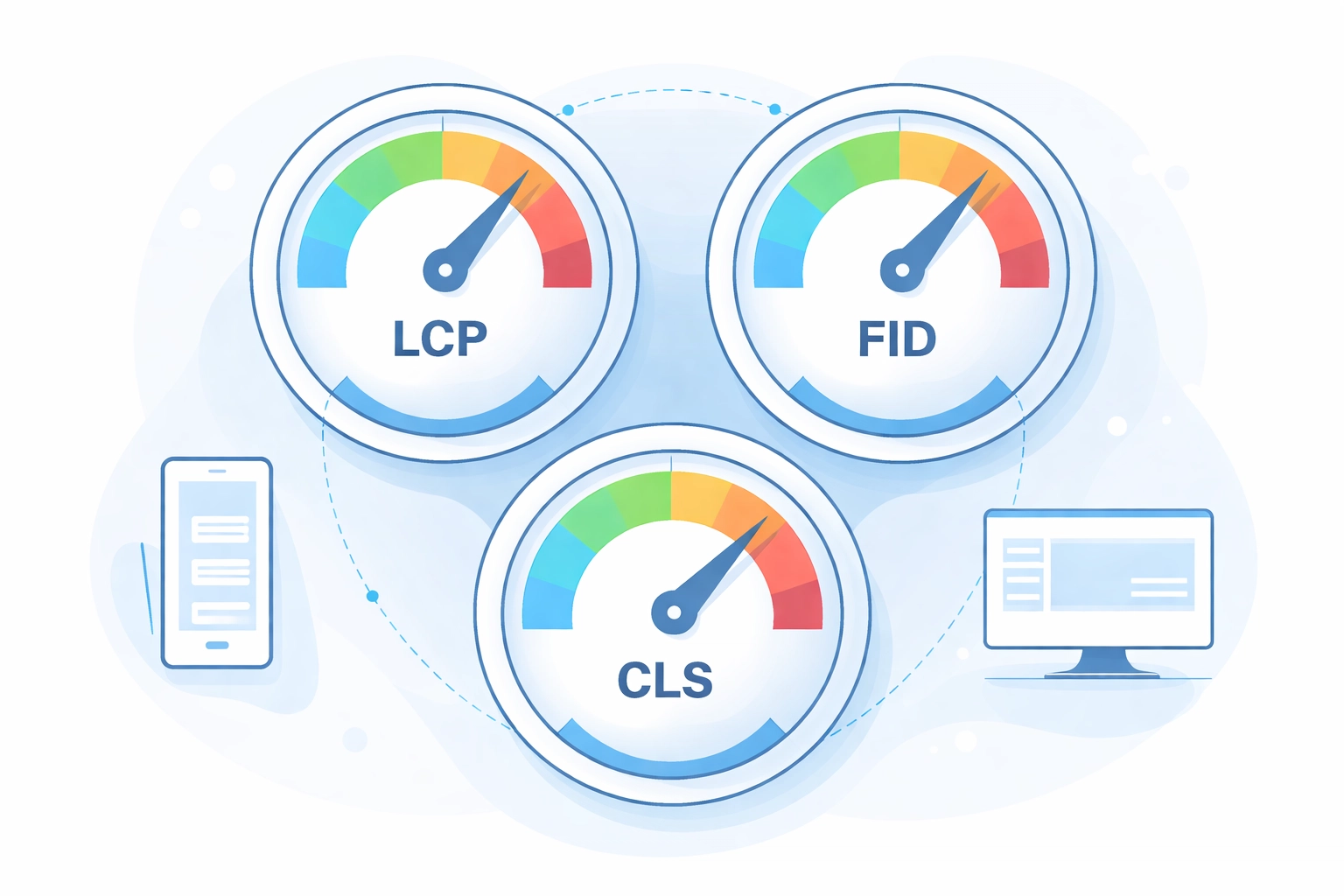
In 2021, Google rolled out Core Web Vitals as official ranking factors. These three metrics give you concrete benchmarks for measuring your site's user experience
Largest Contentful Paint (LCP)
LCP measures how long it takes for the main content on your page to load. Google wants this under 2.5 seconds
If your hero image or main content block takes forever to appear, users get frustrated. They might leave before they even see what you have to offer
Interaction to Next Paint (INP)
INP replaced First Input Delay and measures how quickly your site responds when users interact with it. Clicking a button, tapping a link, typing in a form, these actions should feel instant
Google's target is under 200 milliseconds. Anything slower feels laggy and creates a poor experience
Cumulative Layout Shift (CLS)
Ever tried to click something on a website, only to have the page shift and make you click the wrong thing? That's layout shift, and it's incredibly annoying
CLS should stay under 0.1. Ads that load late, images without defined dimensions, and dynamic content injection all cause layout shift problems
Sites that fail these Core Web Vitals benchmarks tend to rank lower. It's that simple
Mobile Experience Is Non-Negotiable
Since late 2023, Google has used mobile-first indexing for all websites. That means Google primarily looks at the mobile version of your site when determining rankings
If your mobile experience is subpar, your rankings will suffer, even if your desktop site is perfect
This goes beyond just having a responsive design. Your mobile site needs to:
- Load quickly on cellular connections
- Have tap targets that are easy to hit
- Display all the same content as your desktop version
- Include the same structured data and metadata
A solid mobile development strategy ensures your site performs well across all devices. Skimping on mobile optimization is one of the biggest SEO mistakes you can make in 2026
Search Intent and User Satisfaction
Here's where UX and SEO really converge, search intent
Google's primary goal is to match users with content that answers their questions. When your page delivers exactly what someone is searching for, good things happen:
- They stay on your page longer
- They engage with your content
- They might convert into customers
- They don't bounce back to try another result
Aligning your content with search intent isn't just about keywords. It's about understanding what users actually want and structuring your page to deliver it quickly and clearly
If someone searches "how to fix a leaky faucet," they want step-by-step instructions, not a 500-word intro about the history of plumbing. Give users what they came for, and give it to them fast
Practical Steps to Improve UX for Better Rankings
Ready to make some changes? Here's where to start
Audit your site speed. Use Google's PageSpeed Insights to see where you stand. Address the biggest issues first, usually image optimization and server response time
Check your Core Web Vitals. Google Search Console has a dedicated report for this. Fix any pages flagged as "poor" or "needs improvement"
Simplify your navigation. Users should find what they need in three clicks or less. Confusing menus and buried content hurt both UX and SEO
Make content scannable. Use headers, bullet points, short paragraphs, and images to break up text. People scan before they read
Test on mobile. Actually use your site on a phone. Tap the buttons. Fill out the forms. If anything feels awkward, fix it
Reduce friction. Every extra step between a user and their goal is an opportunity for them to leave. Streamline everything

The Bottom Line
UX and SEO aren't separate disciplines anymore. They're deeply connected, and you can't succeed at one without paying attention to the other
Google wants to rank sites that users love. If your site is slow, confusing, or frustrating, it doesn't matter how good your keyword strategy is. You'll struggle to compete
The good news? Improving UX benefits everyone. Your visitors get a better experience. Your conversion rates go up. And yes, your rankings improve too
If your website isn't performing the way you want it to, it might be time to take a hard look at the user experience. A comprehensive digital marketing strategy considers both technical SEO and UX as equal priorities
Need help getting your site up to speed? Get in touch and let's talk about what's holding your rankings back