

Let's be real for a second. You probably think your data is safe. You've got files saved somewhere, maybe on your computer, maybe on an external hard drive sitting on your desk. That counts as a backup, right?
Not exactly
Here's the thing, most businesses don't realize how vulnerable their data actually is until something goes wrong. And by then, it's often too late. So let's talk about why offsite backup isn't just a nice-to-have. It's a must
The Numbers Don't Lie
Data loss isn't just an inconvenience. For many businesses, it's a death sentence
Consider this: 60% of small companies that experience a major data breach close their doors within six months. Even scarier, 93% of companies that lose their data for 10 days or more end up filing for bankruptcy within a year
Those aren't just statistics. Those are real businesses with real employees who thought their data was safe

Why Your Current Backup Might Not Cut It
Here's where things get uncomfortable. Even if you have some kind of backup system in place, there's a good chance it's not doing what you think it's doing
- 60% of backups are incomplete
- 50% of data restores actually fail when you need them
- 30% of IT managers admit they're not confident their backup systems can protect critical data
- 20% of companies haven't even tested their disaster recovery plans
That last one really gets me. You wouldn't buy a fire extinguisher and never check if it works, right? Same logic applies here
What "Offsite Backup" Actually Means
Let's break this down simply
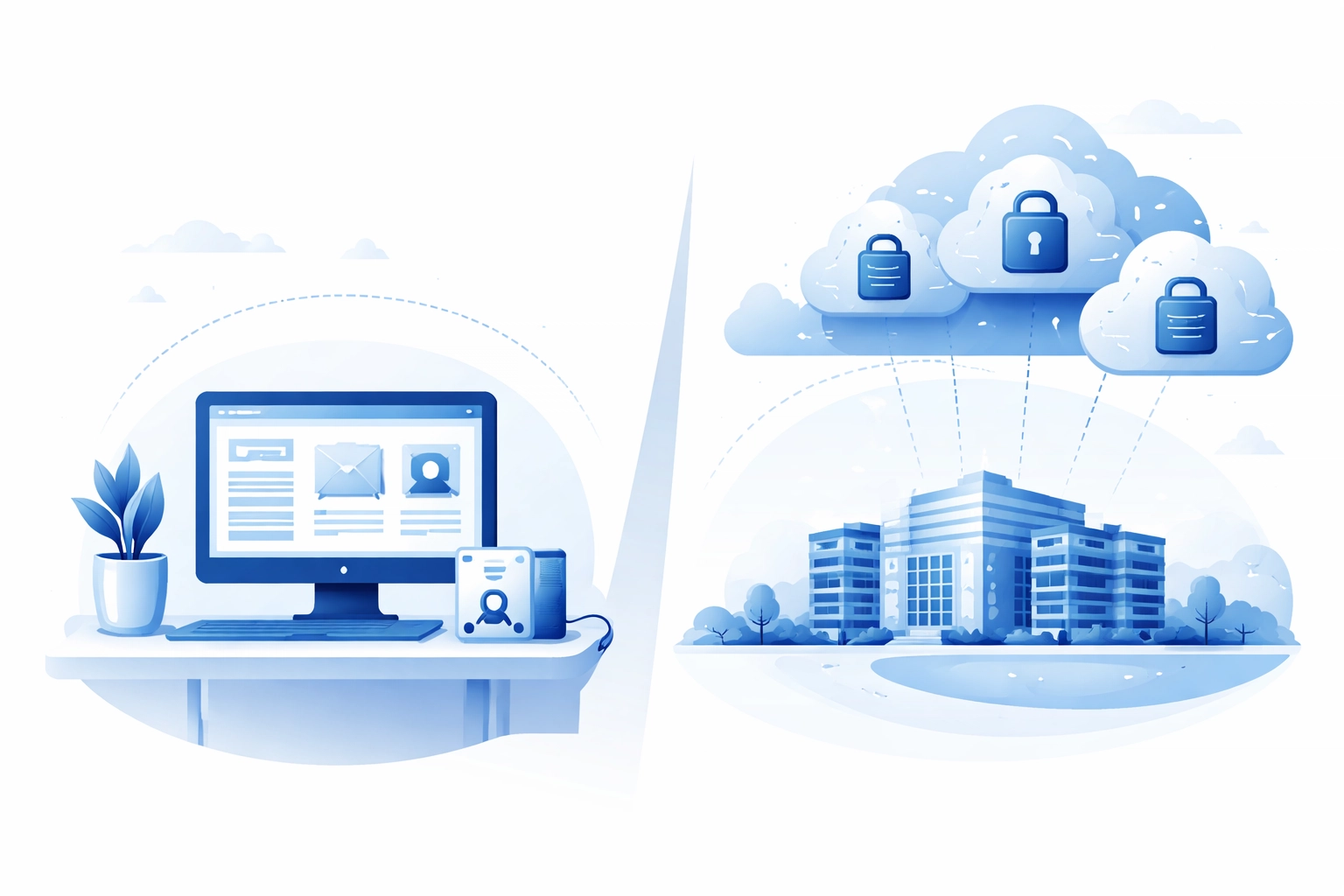
An offsite backup means your data is stored in a completely separate physical location from your main systems. This could be a secure data center, a cloud-based solution, or both
The key difference from keeping an external hard drive in your office? If something happens to your building, fire, flood, theft, power surge, your backup isn't sitting right there getting destroyed alongside everything else
The Problem With Relying on One Location
Think about all the ways your data could disappear:
- Hardware failure (hard drives die all the time)
- Ransomware attacks
- Accidental deletion
- Natural disasters
- Theft
- Power surges
- Coffee spills (hey, it happens)
If your only backup is in the same location as your primary data, you're essentially putting all your eggs in one very fragile basket
Offsite backup creates geographic redundancy. Your data exists in multiple places. If one location gets compromised, you've still got a clean copy somewhere else
Ransomware Is Coming for Your Backups
This is the part that keeps IT professionals up at night
Ransomware attacks have gotten smarter. They don't just encrypt your main files anymore. They specifically target your backups first
The stats are pretty alarming:
- 96% of ransomware attacks now target backup locations
- 45% of all data breaches are cloud-based
- 57% of organizations rely on just a single layer of security for their cloud backups
Attackers know that if they can lock you out of both your primary data AND your backups, you're way more likely to pay up. That's why having a properly secured offsite backup strategy is more important than ever

Common Mistakes Businesses Make
Let's run through some of the biggest backup blunders we see:
Mistake #1: Set it and forget it
You set up a backup system once and never check on it again. Months later you discover it stopped working three weeks ago and nobody noticed
Mistake #2: No encryption
Your backup contains sensitive customer data, financial records, and business secrets. If it's not encrypted, anyone who gains access can read everything
Mistake #3: No testing
You assume your backups work because no error messages popped up. Then when you actually need to restore something, you find out the files are corrupted or incomplete
Mistake #4: Single point of failure
All your backups go to one cloud provider with one account. If that account gets compromised or the provider has an outage, you're stuck
Mistake #5: No access controls
Everyone in your company can access the backup system. That's a lot of potential entry points for bad actors
What a Solid Backup Strategy Looks Like
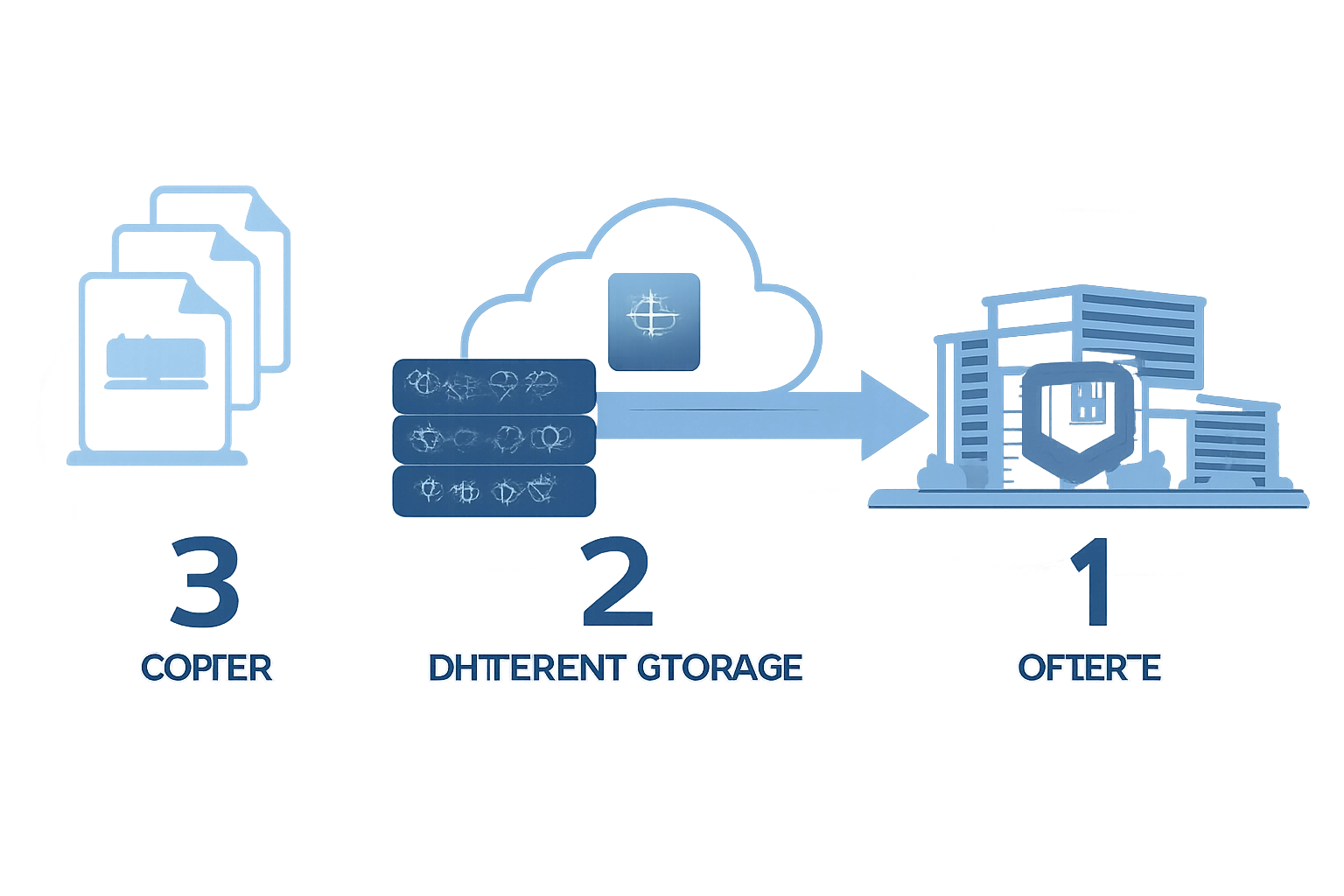
The gold standard is something called the 3-2-1 rule:
- 3 copies of your data
- 2 different storage types
- 1 copy offsite
So you might have your primary data on your work computers, a local backup on a network drive, and an offsite backup in a secure cloud environment
But that's just the foundation. You also want:
- Encryption for data at rest and in transit
- Immutable backups that can't be altered or deleted (even by ransomware)
- Multi-factor authentication on all backup accounts
- Regular testing to make sure restores actually work
- Automated monitoring so you know immediately if something fails
The Peace of Mind Factor
Here's something that doesn't show up in the statistics
When you know your data is properly backed up and protected, you sleep better. You don't have that nagging worry in the back of your mind every time there's a storm or a weird computer glitch
You can focus on actually running your business instead of wondering what would happen if everything disappeared tomorrow
That peace of mind is worth a lot
Getting Started With Offsite Backup
If you're reading this and realizing your backup situation needs some work, don't panic. Here's a simple starting point:
- Audit what you have - Figure out what data is critical to your business and where it currently lives
- Identify the gaps - Where are the single points of failure? What's not being backed up at all?
- Choose the right solution - This depends on your data volume, budget, and compliance requirements
- Set up monitoring - Make sure you'll know immediately if something fails
- Test regularly - Schedule quarterly restore tests at minimum
- Document everything - Your team needs to know how to recover data if you're not around
This might sound like a lot, but you don't have to figure it out alone. Our computer support team helps businesses set up reliable backup systems and IT infrastructure every day
It's Not If, It's When
Here's the honest truth. At some point, something will go wrong with your data. Hardware fails. People make mistakes. Bad actors find vulnerabilities
The question isn't whether you'll face a data crisis. The question is whether you'll be prepared when it happens
Offsite backup is your safety net. It's the difference between a minor inconvenience and a business-ending catastrophe
Ready to Lock Down Your Data?
If you're not 100% confident in your current backup situation, it's time to fix that. Whether you need help setting up a proper backup system, improving your web hosting security, or just want someone to take a look at your current setup, we're here to help
Get in touch with the WorldWise team and let's make sure your data is actually safe( not just "probably fine")