
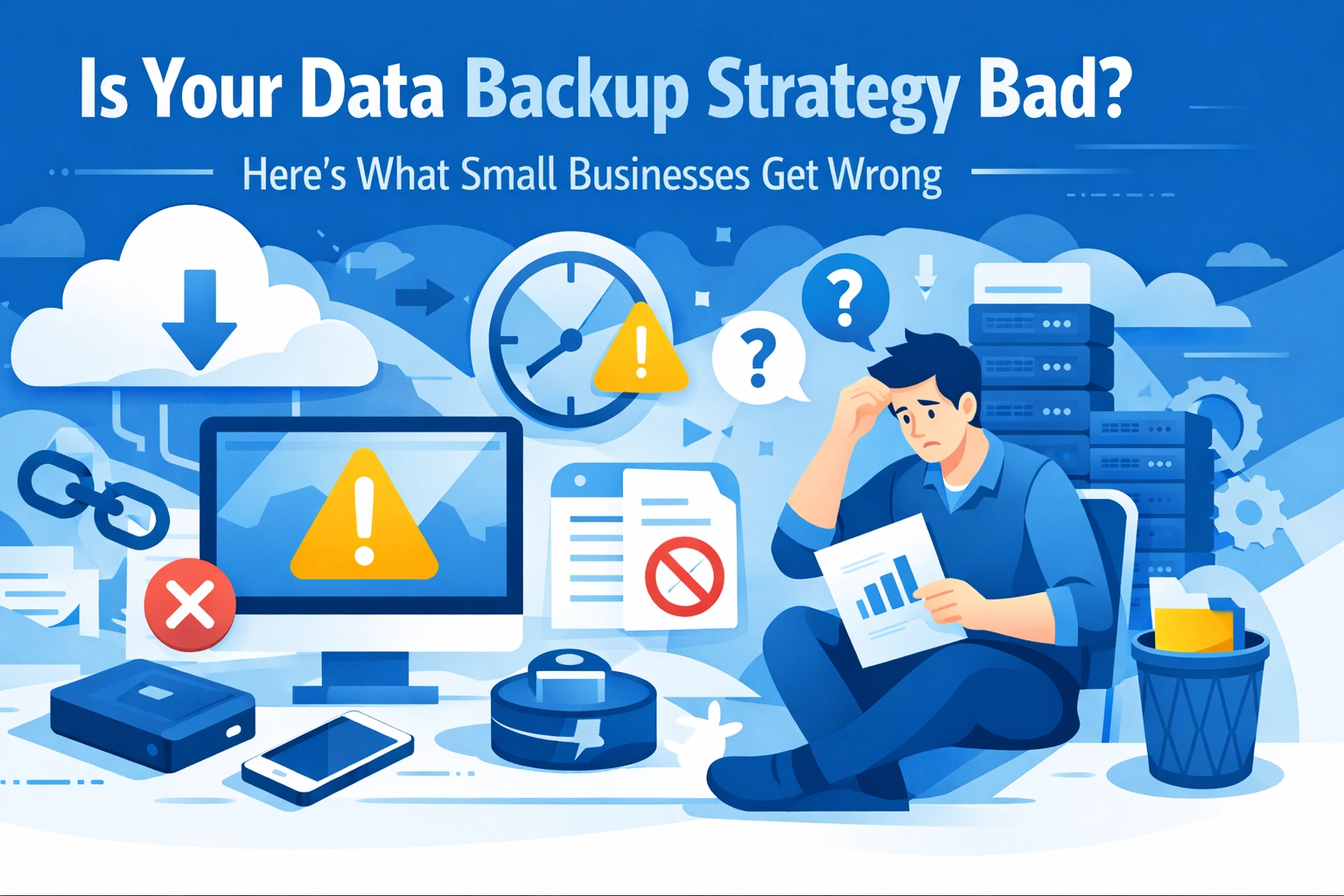

You've got backups running. That's good. But here's the thing: most small businesses think they're covered until something goes wrong. Then they find out their backup strategy has holes big enough to lose everything.
Let's talk about what you're probably getting wrong and how to fix it before disaster strikes.
The 3-2-1 Rule (And Why You're Not Following It)
Most businesses keep one copy of their data in one place. Maybe it's on an external hard drive sitting next to your server. Maybe it's all in the cloud. Either way, that's not enough.
The 3-2-1 rule is simple: Keep three copies of your data, on two different types of storage media, with one copy stored off-site.
Here's what that actually looks like:
- Your original data (that's copy one)
- A local backup on a physical device (copy two)
- A cloud backup stored somewhere else (copy three)
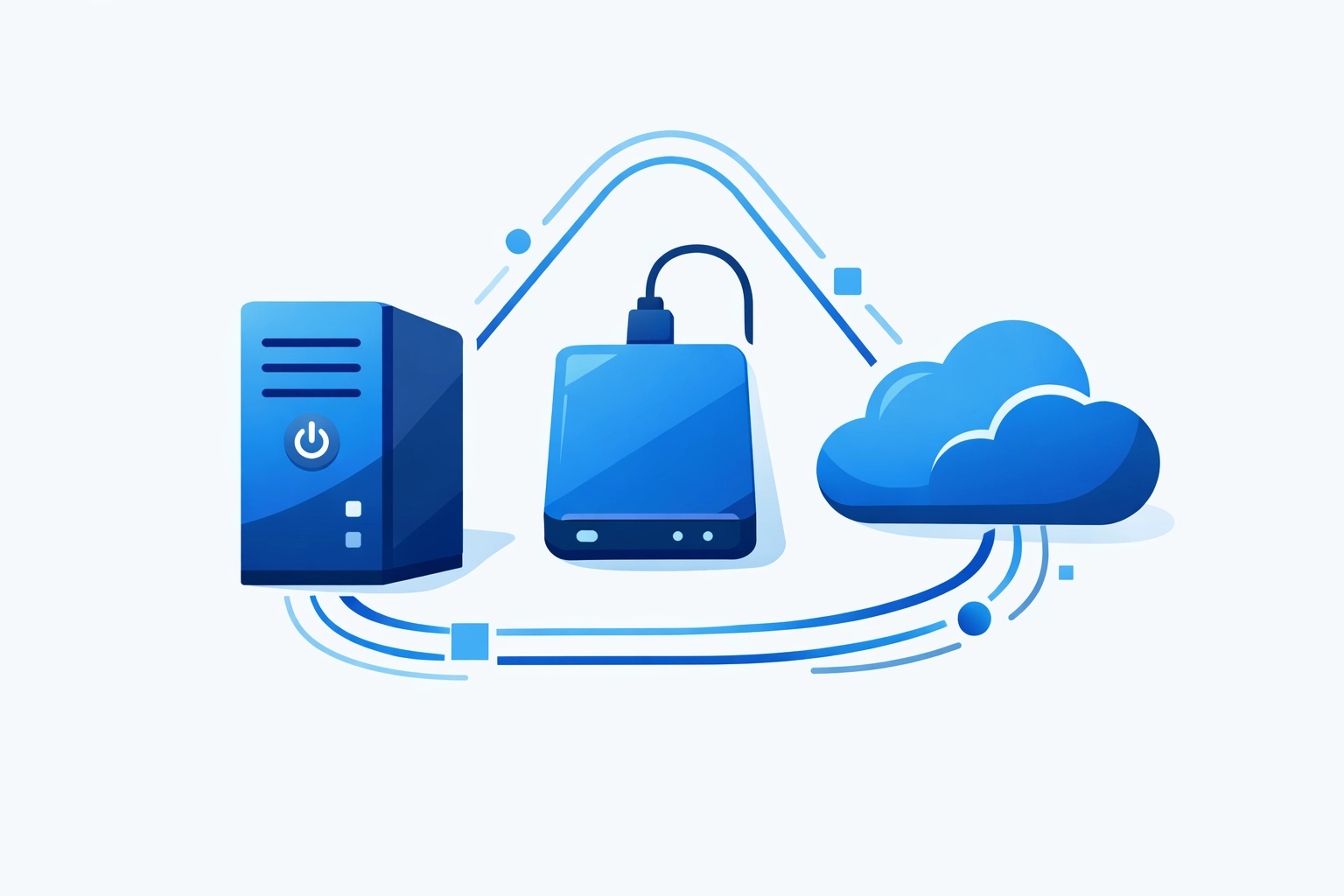
Why this matters: If your office floods, your local backup drowns with your server. If your cloud provider has an outage, you've still got your local copy. The redundancy protects you from different types of failures.
Most small businesses skip this because it feels like overkill. It's not. When you need your data back, you need options.
You're Picking One Backup Type and Calling It Done
Cloud-only or local-only backups are incomplete strategies. Each method has strengths and weaknesses.
Local backups are fast. You can restore data quickly because it's right there. But they're vulnerable to physical damage, theft, and local disasters.
Cloud backups protect against physical threats. Your data survives even if your building doesn't. But recovery takes longer because you're downloading everything over your internet connection.
Smart businesses use both. Keep recent backups local for quick restores. Keep everything in the cloud for disaster scenarios. This is where managed IT support makes a difference - having a team that sets this up correctly from the start saves you from learning the hard way.
Your Manual Backup Process Isn't Working
Be honest: when was the last time you actually ran that manual backup? Last week? Last month?
Manual backups fail because they depend on someone remembering to do them. People get busy. People forget. People assume someone else did it.
Automated backups run whether you think about them or not. They happen on schedule, every time, without requiring anyone to lift a finger.
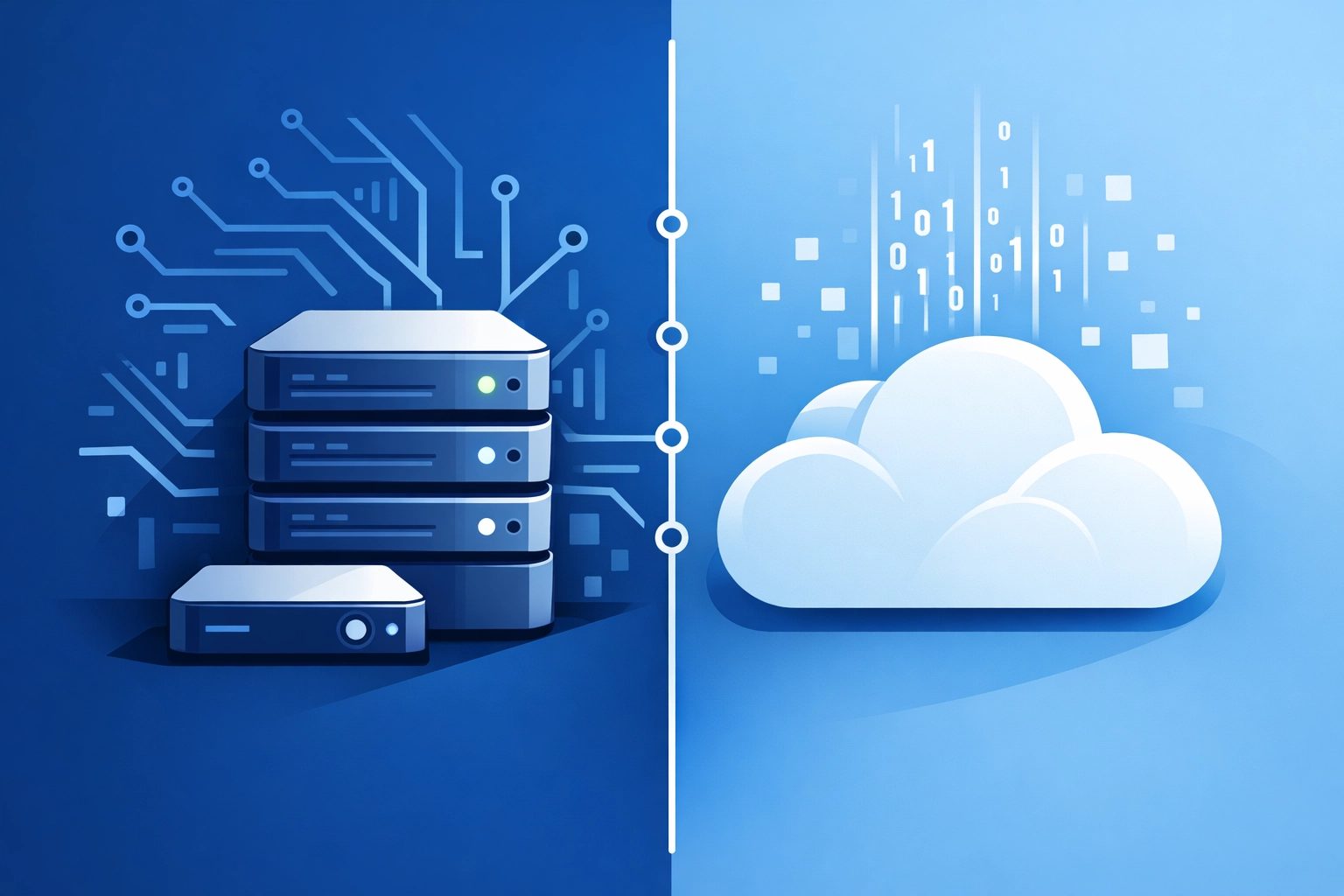
Set it up once, then verify it's working. That's the whole system. Your backup runs nightly at 2 AM. Your data stays protected without becoming another task on your to-do list.
If you're still running manual backups, stop. Switch to automated systems today. This single change eliminates most backup failures.
Nobody's Testing If Your Backups Actually Work
Here's a scary question: can you actually restore from your backups?
Most businesses don't know. They've never tried. They assume it works because the backup software says it's completing successfully.
Then ransomware hits. Or a hard drive dies. They try to restore their data and discover the backups are corrupted, incomplete, or unusable.
Test your backups regularly. Once a quarter minimum, pick a few files and restore them. Make sure you can actually get your data back when you need it.
Better yet, do a full disaster recovery test once a year. Pretend your server died. See if you can rebuild everything from your backups. Find the problems now, not during a real emergency.
Your Backups Aren't Encrypted
Backing up your data creates another copy that someone could access. If your backup drive gets stolen or your cloud account gets compromised, your sensitive data is exposed.
Encryption protects backup data the same way it protects your live systems. Even if someone gets physical access to your backup drive, they can't read it without the encryption key.
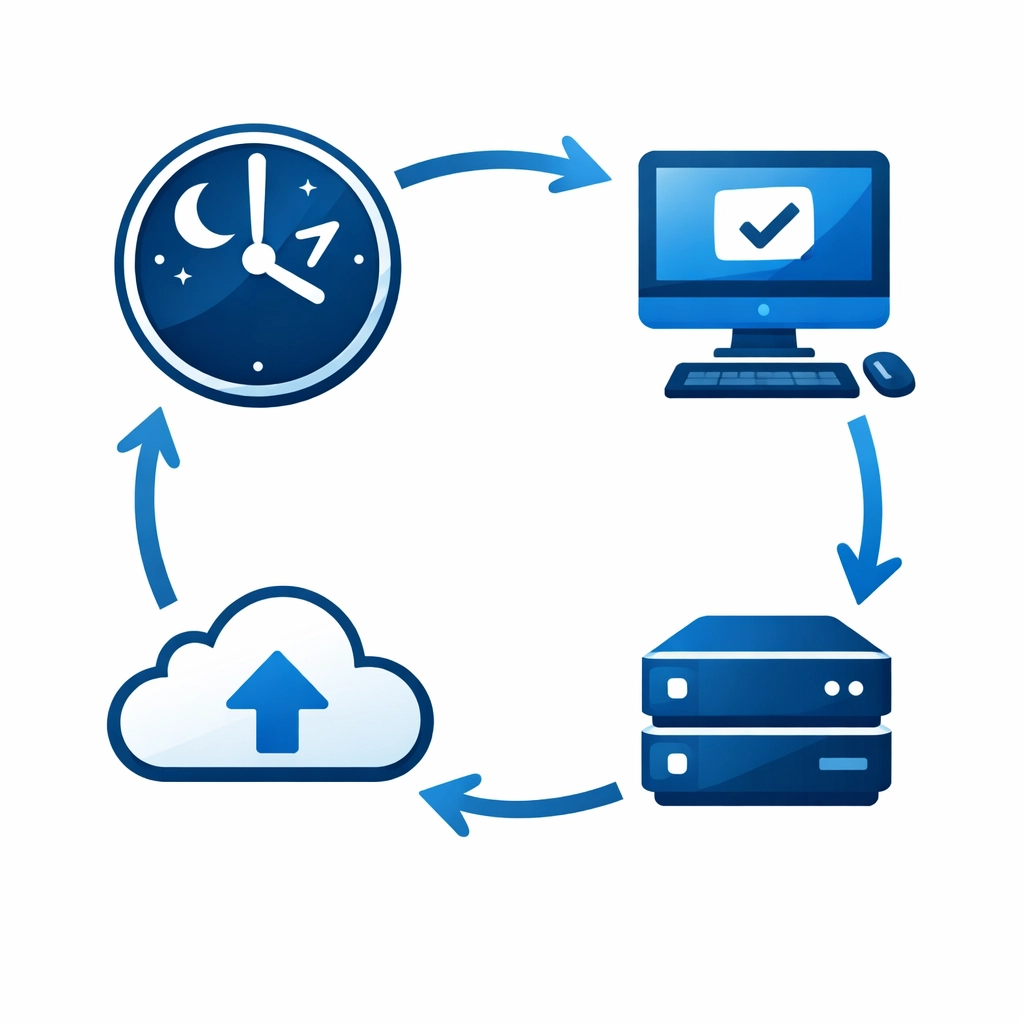
This matters more if you handle customer data, financial records, or anything regulated. But honestly, every business should encrypt their backups. It's basic cybersecurity hygiene.
Enable encryption in your backup software. It's usually one checkbox. The small performance hit is worth the protection.
You're Running Out of Storage Space
Backups need room to grow. But many businesses don't monitor their backup storage capacity until it's full and backups start failing.
Your backup storage should have 20-30% free space as a buffer. This gives you room for unexpected data growth and keeps backup operations running smoothly.
Check your storage usage monthly. When you hit 70% capacity, it's time to add more space or start archiving old backups.
Cloud storage scales easily - you just pay for more. Local storage requires buying bigger drives or additional devices. Plan ahead so you're not scrambling when backups fail because you ran out of room.
Your Backup Solution Is Too Complicated
The perfect backup system you don't use is worse than a simple system you actually maintain.
Some businesses choose enterprise-grade backup solutions designed for IT departments with dedicated staff. Then they realize it requires constant management, complex configuration, and specialized knowledge to keep running.
The backup system that works is the one you'll stick with. Choose something appropriate for your technical skill level and available time.
For most small businesses, this means finding that balance between capable and manageable. You need automated backups, cloud and local copies, and encryption. But you don't need features designed for 500-person companies.

If your current backup solution feels overwhelming, simplify. Better to have reliable basic backups than sophisticated backups that stop working because nobody understands how to maintain them.
Backups Without a Recovery Plan Are Incomplete
Having backups is step one. Knowing what to do with them during a disaster is step two.
Your disaster recovery plan should answer:
- Who handles the recovery process?
- What gets restored first?
- How long will it take?
- What do you tell customers while you're down?
Document the recovery steps while everything's working. When disaster strikes, you won't have time to figure it out. You'll need clear instructions you can follow under pressure.
Test this plan during your annual disaster recovery drill. See how long recovery actually takes. Find the gaps in your documentation. Update the plan based on what you learned.
This connects to broader data backup strategy - backups only matter if you can execute recovery successfully.
Getting Your Backup Strategy Right
Fix these common mistakes and you'll be ahead of most small businesses:
- Follow the 3-2-1 rule with proper redundancy
- Use both local and cloud backups
- Automate everything so it runs consistently
- Test your backups regularly to verify they work
- Encrypt your backup data
- Monitor storage capacity and plan for growth
- Keep your solution simple enough to maintain
- Document your recovery process and test it

Start with the biggest weakness in your current setup. If you're doing manual backups, automate them. If you only have one copy, add a second location. If you've never tested a restore, do it this week.
Your data is your business. Everything else - your website, your customer relationships, your operations - depends on having your data available. Protect it properly.
Need help setting up a solid backup strategy? Get in touch and we'll make sure your data stays safe.