
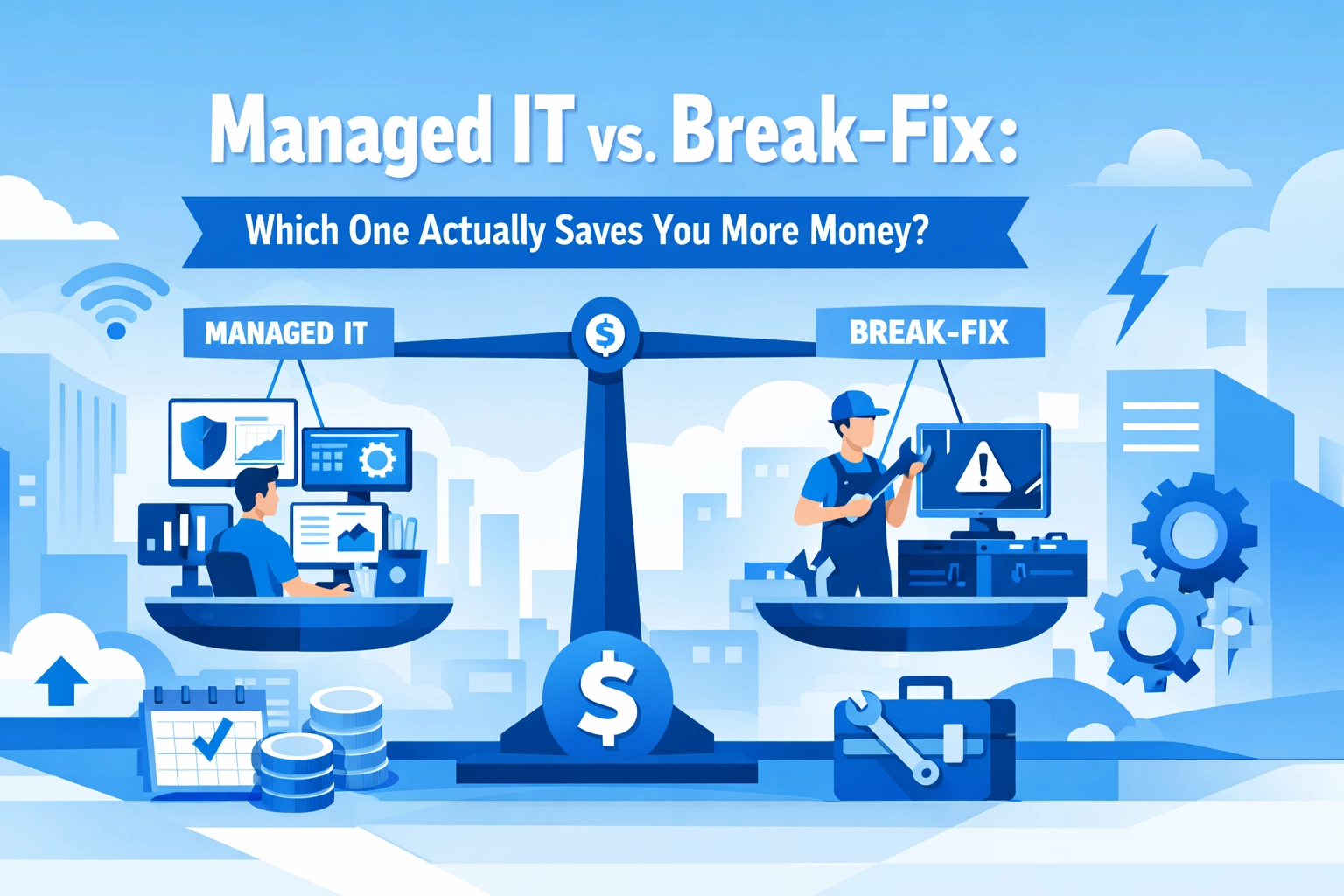

Your computer crashes. Your server goes down. Your email stops working right before a big client meeting. What do you do?
If you're like most small business owners, you call someone to fix it. You pay the bill. You move on with your life until the next disaster hits
This is called the break-fix model. And while it seems like the budget-friendly choice, it might actually be costing you way more than you realize
Let's break down both options so you can make a smarter decision for your business
What Is Break-Fix IT Support?
Break-fix is exactly what it sounds like. Something breaks, you call a technician, they fix it, you pay for their time
There's no ongoing relationship. No monthly fee. No proactive monitoring. You only pay when something goes wrong
Typical break-fix costs:
- $125–$225 per hour
- Two-hour minimum per visit
- Additional charges for parts, software, or after-hours emergencies
On paper, this looks appealing. Why pay for IT support when nothing's broken? You're saving money by only paying for what you need, right?
Not exactly

The Hidden Costs of Break-Fix
Here's where break-fix gets expensive fast
Downtime is a business killer. The average IT downtime for a small business costs between $8,000 and $25,000 per hour in lost revenue and productivity. A single server crash could easily run you over $2,000 in repair costs alone, and that's before you factor in the business you lost while everything was down
Small problems become big problems. Without regular monitoring, minor issues go unnoticed. A tiny software glitch today becomes a full system failure next month. What could've been a 15-minute fix turns into hours of emergency remediation
No prevention means constant reaction. You're always putting out fires instead of preventing them. That's stressful for you and expensive for your bottom line
One professional firm learned this the hard way. During their break-fix days, a server crash and two malware infections cost them approximately $67,000 in repair bills and lost business, in a single year
What Is Managed IT Support?
Managed IT flips the script. Instead of waiting for things to break, a managed service provider (MSP) monitors your systems 24/7, handles updates and security patches, and fixes small issues before they become catastrophic
You pay a predictable monthly fee that typically covers:
- Server monitoring and maintenance
- Desktop and device support
- Security monitoring and threat detection
- Software updates and patches
- Help desk support
- Backup management
Typical managed IT costs:
- $150–$500 per server per month
- $50–$150 per desktop per month
- Around $20 per mobile device per month
Yes, you're paying whether something breaks or not. But that's actually the point

Why Managed IT Saves You More Money
Let's look at the numbers
Research shows businesses can save 25–45% with managed IT compared to break-fix approaches. Nearly 50% of businesses working with managed service providers have cut their annual IT costs by at least 24%. Another third saved between 25–49%
Remember that professional firm from earlier? After switching to managed IT at $4,000 per month, they experienced zero major outages in a full year. Compare that to their $67,000 disaster year on break-fix
That's $48,000 annually for managed IT versus $67,000 in emergency repairs. The math speaks for itself
Predictable Budgeting
With managed IT, you know exactly what you're spending each month. No surprise invoices. No emergency charges at 2 AM. You can actually plan your IT budget instead of hoping nothing breaks
Prevention Over Reaction
A managed provider might catch a minor server issue and resolve it in 15 minutes: at no extra cost to you. Under break-fix, that same issue could snowball into a multi-hour emergency repair with a hefty bill attached
Built-In Security
Managed IT typically includes security monitoring, which means threats get caught before they cause damage. In a break-fix model, you're paying extra for security: if you even have it set up at all

When Break-Fix Might Make Sense
Let's be fair. Break-fix isn't always the wrong choice
If you're a very small operation with minimal IT needs: maybe just a laptop and a cloud-based email: managed IT might be overkill. If your systems are simple and you have a high tolerance for occasional downtime, break-fix could work
But here's the thing: most businesses underestimate their IT dependencies. You might think you can survive a day without email until you actually have to
Questions to Ask Yourself
Not sure which model fits your business? Consider these questions:
- How much would one hour of downtime cost you? Think about lost sales, missed deadlines, and frustrated customers
- Do you have sensitive customer data? If a breach happens, break-fix won't help you prevent it
- How often do you experience IT issues? If it's more than once a quarter, you're probably spending more on break-fix than you would on managed services
- Can you afford a surprise $5,000 IT bill this month? If not, predictable monthly costs might be worth the peace of mind
Making the Switch
Switching from break-fix to managed IT doesn't have to be complicated. A good MSP will assess your current setup, identify vulnerabilities, and create a plan that fits your budget and needs
At WorldWise, we offer managed IT support designed for small and mid-sized businesses. We handle the tech so you can focus on running your business. No jargon, no surprises, just reliable support when you need it

The Bottom Line
Break-fix feels cheaper because you're not paying until something goes wrong. But when something does go wrong: and it will: the costs add up fast
Managed IT costs more upfront but saves you money over time through prevention, predictability, and peace of mind. You're not just paying for support. You're paying to avoid disasters
For most businesses, managed IT is the smarter long-term investment. The question isn't whether you can afford managed IT. It's whether you can afford not to have it
Ready to stop putting out fires and start preventing them? Get in touch with WorldWise to see how managed IT can work for your business