
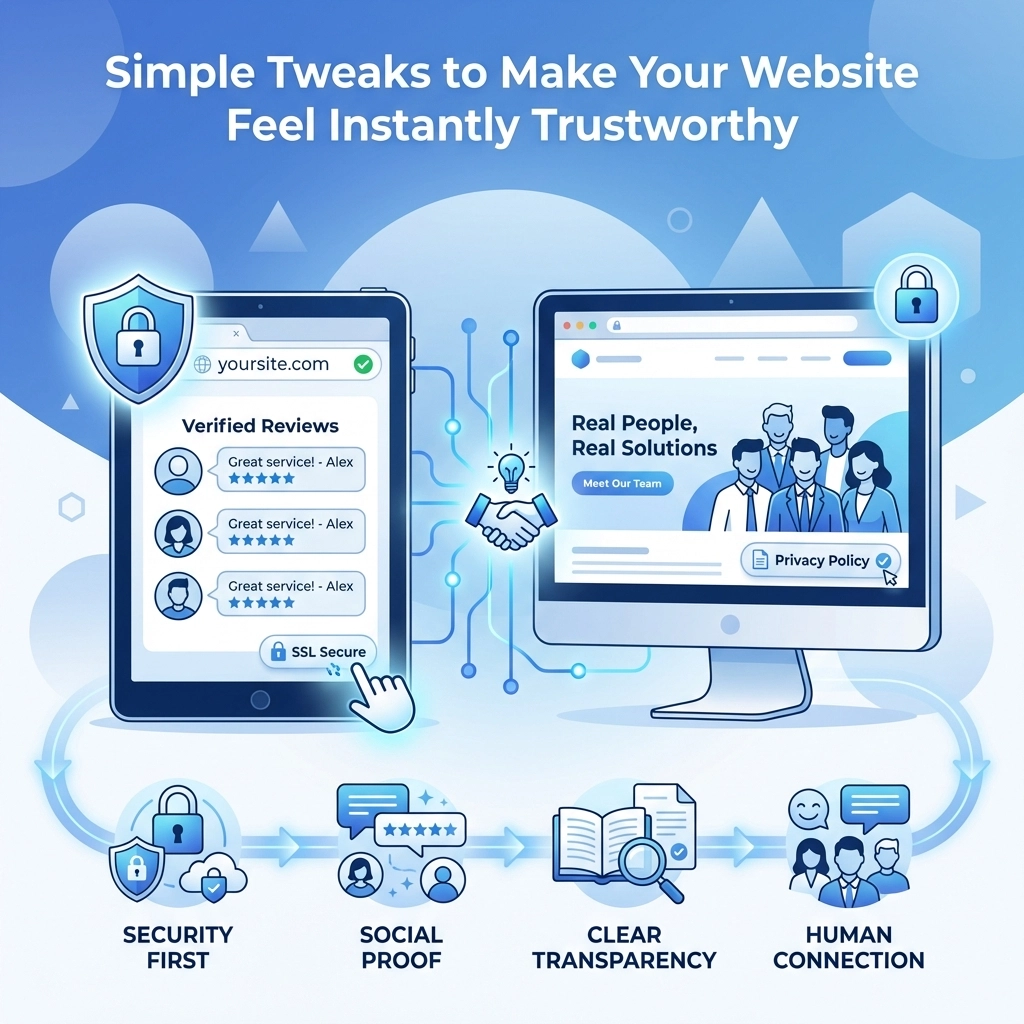

Your website has about 3 seconds to make a first impression. That's it. Visitors land on your page and their brain immediately starts asking questions: Is this legit? Can I trust these people? Should I stay or bounce?
The good news is you don't need a complete redesign to build that trust. A few strategic tweaks can transform how visitors perceive your site almost overnight. Let's break down the simple changes that make a big difference
Start With the Basics: SSL and Security Signals
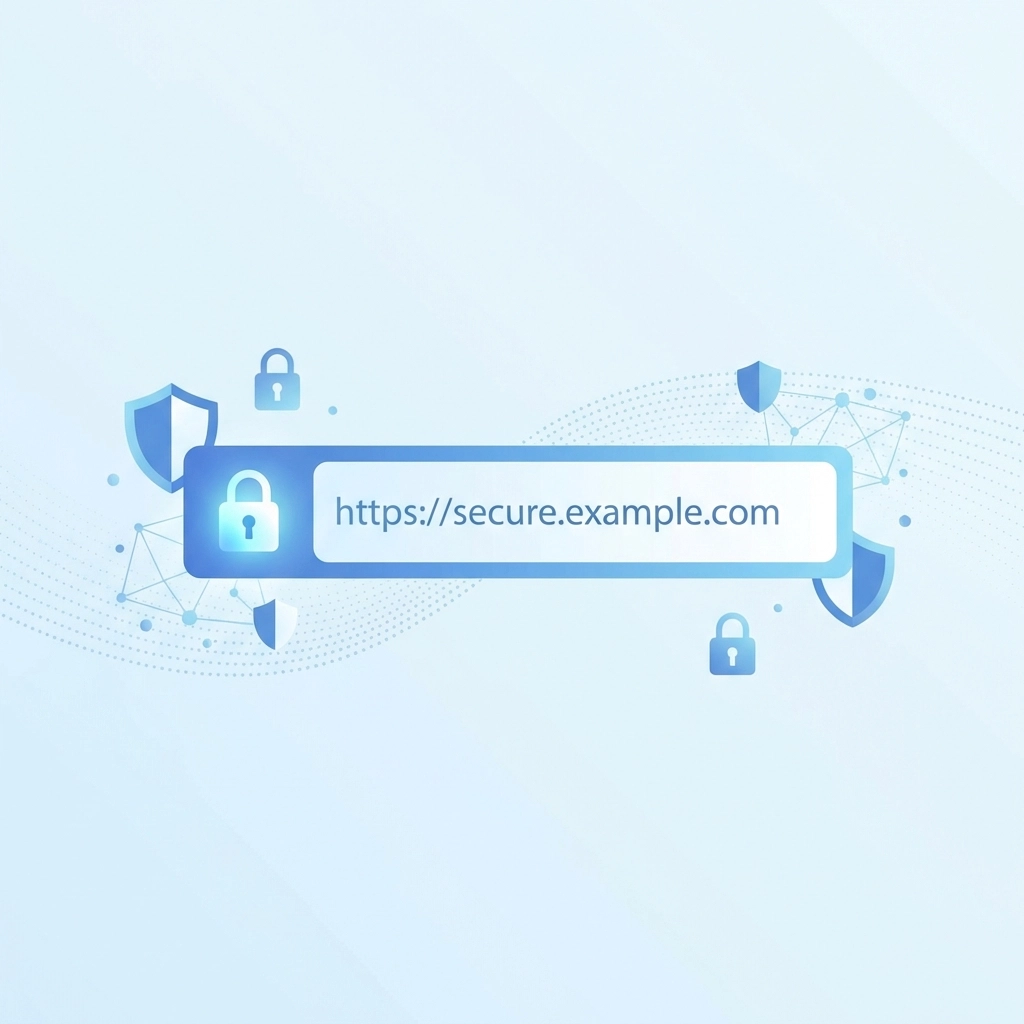
Nothing kills trust faster than a browser warning. If your site doesn't have an SSL certificate, visitors see a "Not Secure" warning right in the address bar. That's basically a giant red flag telling people to leave
Getting SSL sorted gives you that little padlock icon next to your URL. It tells visitors their data is encrypted and protected. For most people, that padlock is shorthand for "this site is safe"
If you're selling anything online, take it a step further. Display trusted payment gateway logos near your checkout buttons. Phrases like "Secure Checkout" or "256-bit Encryption" might seem technical but they reassure customers that their credit card info isn't going anywhere sketchy
Clean Up Your Design
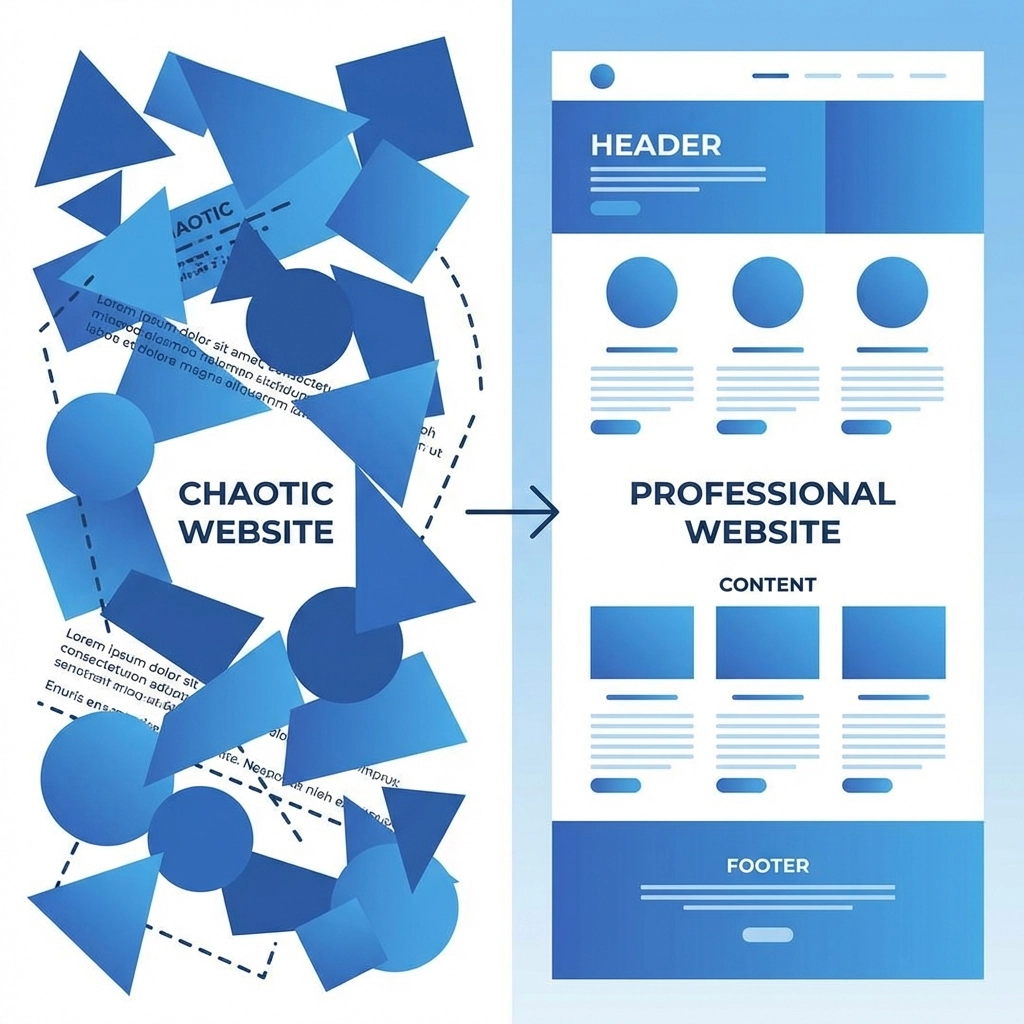
Here's the thing about messy websites: they feel untrustworthy even when they're totally legitimate. Cluttered layouts, mismatched colors, and random font choices all send the same message, this business doesn't have its act together
A clean design does the opposite. It signals professionalism and attention to detail. And you don't need to be a designer to pull it off
Start with these basics:
- Stick to 2-3 colors max , Pick a primary brand color, a secondary accent, and a neutral. That's it
- Choose one or two fonts , One for headlines, one for body text. Consistency is key
- Embrace white space , Let your content breathe. Cramped layouts feel chaotic
- Keep your logo placement consistent , Same spot on every page, typically top left
Your homepage especially needs to look polished. That's where most visitors land first. If it looks professional, people assume the rest of your business is too
Make Contact Info Impossible to Miss
Want to know what shady websites have in common? They hide their contact information. Or they don't have any at all
Legitimate businesses make it easy to get in touch. Your phone number, email address, and physical address (if you have one) should be visible without hunting. Put them in your header, footer, or both. Add a dedicated contact page that's easy to find in your navigation
This simple move tells visitors you're a real business with real people behind it. You're not hiding. You're not going to disappear after taking their money. That transparency builds trust fast
Build Out Your About Page
Your About page might be one of the most underrated trust builders on your entire site. People want to know who they're dealing with before they hand over their email or credit card
A good About page answers the basic questions:
- Who are you?
- What do you do?
- Why should anyone care?
- How long have you been doing this?
Include photos of real team members if you can. Stock photos of generic smiling businesspeople don't cut it anymore, visitors can spot them a mile away. Authentic images of your actual team make your business feel human and approachable
Share a bit of your story too. You don't need a novel but a paragraph or two about how you got started and what you believe in goes a long way
Simplify Your Navigation
Ever landed on a website with 47 menu items and felt immediately overwhelmed? That confusion erodes trust. If visitors can't figure out where to go, they assume the rest of their experience will be just as frustrating
Keep your main navigation simple. Aim for 5-7 top-level menu items max. Group related pages under dropdown menus if needed but don't go overboard with subcategories
Your navigation should answer one question: Can I find what I'm looking for quickly? If yes, visitors feel confident. If no, they leave
Make sure your search function actually works too. Nothing's more annoying than a search bar that returns irrelevant results or nothing at all

Add Social Proof Everywhere It Makes Sense
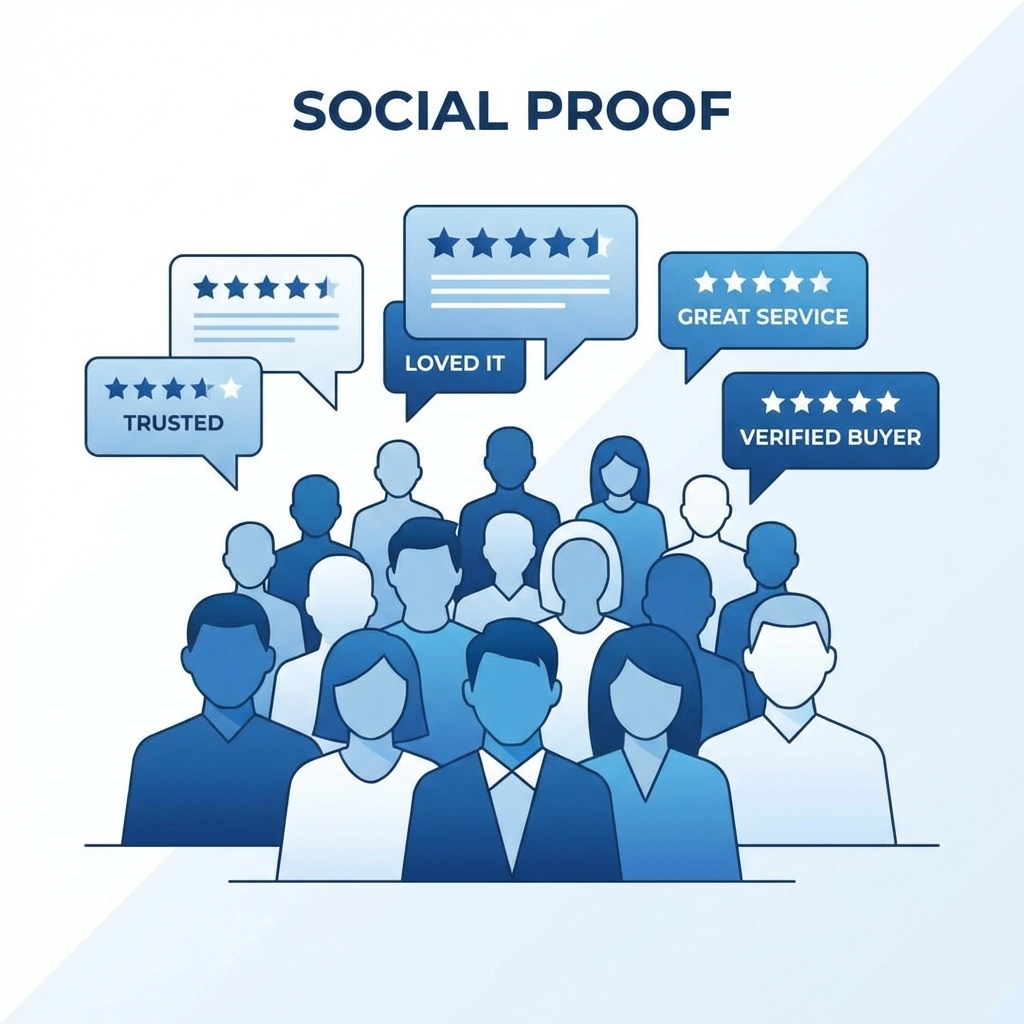
People trust other people more than they trust businesses. That's just human nature. So let your happy customers do some of the heavy lifting
Testimonials are gold. Scatter them throughout your site, on your homepage, service pages, and especially near any call-to-action buttons. A quote from a satisfied customer right next to a "Get Started" button can nudge hesitant visitors over the edge
Case studies work great too if you have them. They show potential customers exactly what you've done for others and what kind of results they can expect. Check out our portfolio for examples of how we showcase client work
Reviews from third-party platforms add extra credibility since you can't fake those as easily. If you've got good ratings on Google, industry directories, or review sites, find ways to highlight them
Use Professional Imagery
Low-quality images make your whole site look cheap. Blurry photos, pixelated graphics, and stretched logos all undermine the professional vibe you're going for
You don't need a huge budget to fix this. Quality stock photos are affordable and widely available. Just avoid the obviously staged ones, nobody believes your team actually high-fives in a conference room like that
Better yet, invest in some original photography. Real photos of your products, workspace, or team members feel more authentic than anything you'll find in a stock library
Make sure all images are properly sized and optimized too. Photos that take forever to load hurt your credibility and your search rankings
Keep Your Content Fresh and Error-Free
Nothing says "abandoned website" like a copyright notice from 2019 or a blog that hasn't been updated in two years. Outdated content makes visitors wonder if you're even still in business
Update your copyright year automatically. Review your site content quarterly to make sure everything's still accurate. Keep your blog active with regular posts
And please, proofread everything. Typos and grammatical errors might seem minor but they chip away at your credibility. If you can't be bothered to spell-check your website, what does that say about the care you'll put into your actual work?
Speed Matters More Than You Think
Slow websites feel untrustworthy. It's not logical but it's true. When pages take forever to load, visitors start questioning whether your site is broken, insecure, or just poorly maintained
A fast-loading site feels professional and reliable. It signals that you've invested in quality web hosting and actually care about user experience
Some quick wins for speed:
- Compress your images before uploading
- Minimize unnecessary plugins and scripts
- Enable browser caching
- Consider a content delivery network for larger sites
Run your site through a speed test tool to see where you stand. Anything over 3 seconds is too slow
The Bottom Line
Building website trust isn't about one big dramatic overhaul. It's about getting the fundamentals right and paying attention to details that visitors notice subconsciously
SSL certificates, clean design, visible contact info, social proof, professional imagery: none of these are complicated. But together they create an experience that feels credible and professional from the first click
Start with whatever's easiest to fix on your site right now. Then work through the rest over time. Every improvement compounds
Need help implementing these changes? Our web design team specializes in building sites that convert visitors into customers. Get in touch and let's talk about making your website work harder for your business