

If your website isn't loading fast, you're losing visitors: and sales. Site speed isn’t just a tech detail: it’s core to your bottom line. Every second counts when customers are clicking around, and slow pages send them straight to your competitors. Here’s what you need to know, and a no-nonsense guide to fixing common speed issues.
Why Website Speed Directly Impacts Your Sales
Users want things now. If your site takes more than a couple of seconds to load, most people just leave. Studies show website conversions drop by an average of 4% for every extra second of load time. That means if your store or landing page is slow, you’re giving up potential revenue every single day.
Search engines know this, too. Google factors speed into your site’s rank, so a slow site can drop you down in search results where fewer people will ever find you.
Bottom line: Fast websites make more money, get better search rankings, and keep customers happy.
The Quick Wins: Easy Fixes With Big Impact
You don’t need to be a developer to make real improvements. Start with these actions: they work for nearly any business site.
1. Compress Your Images
Large images are the number one culprit for slow websites. The fix is simple: reduce image file sizes.
- Use free tools like TinyPNG or ImageOptim
- Save images at the right size for your site (no huge photos that get shrunk down in the browser)
- Pick modern file formats like WebP
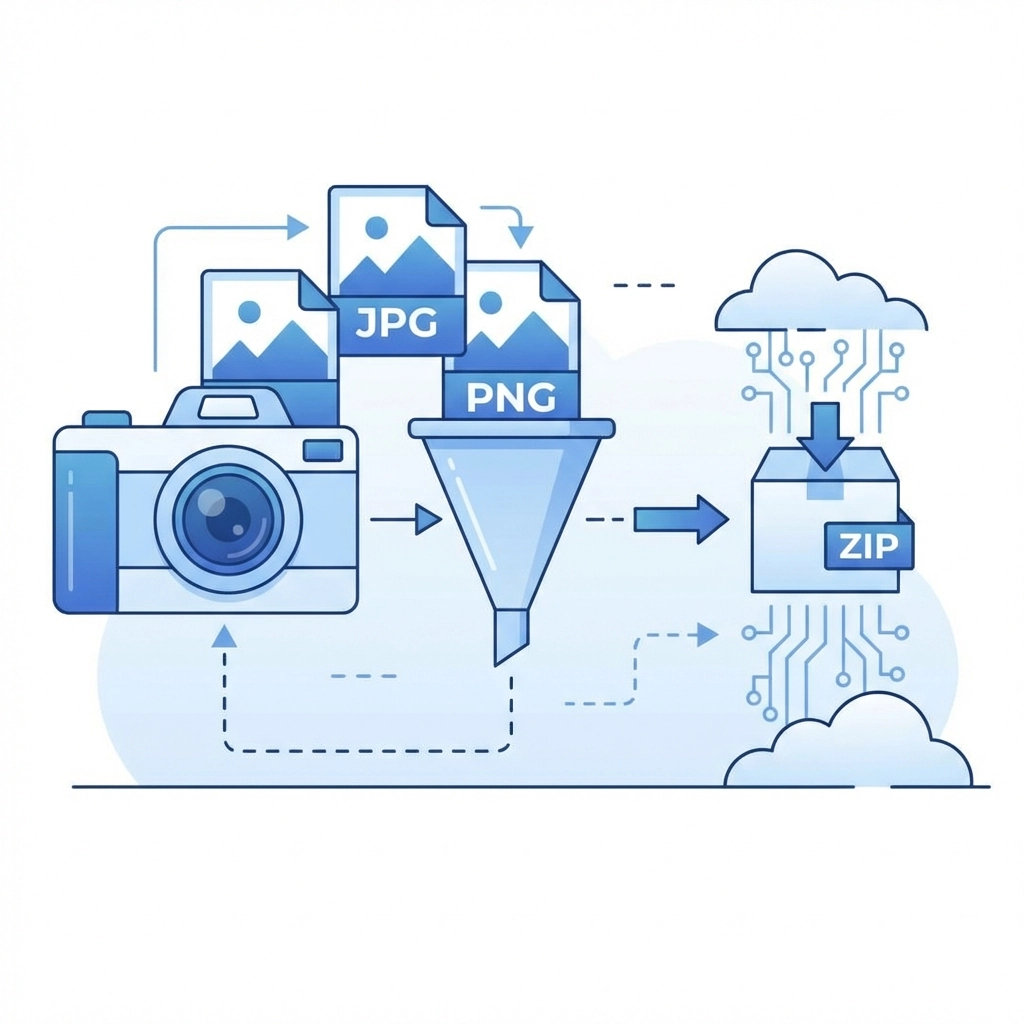
You’ll usually cut your image file sizes by 50% or more without losing visible quality.
2. Enable Gzip Compression
Gzip compresses text files like HTML, CSS, and JavaScript before sending them to a browser. That means less data to send and much faster loads.
- Most hosting control panels have a one-click option for this
- If you use WordPress, strong caching plugins will handle this automatically
- For other sites, ask your web host or dev agency to turn Gzip on as standard
3. Minify CSS and JavaScript
Web code often has extra spaces, line breaks, and comments meant for developers, not browsers. Removing this “bloat” is called minification.
- Use online tools or plugins to “minify” your CSS and JS
- If you’re on a platform like WordPress, plugins like Autoptimize or WP Rocket can handle this for you
Small files load faster. Fast loading keeps customers moving through your site.
4. Reduce HTTP Requests
Every file on your site (images, scripts, style sheets) needs a separate request to the server. Fewer requests equal faster loads.
- Combine CSS files into one stylesheet
- Merge JavaScript files where possible
- Use CSS sprites to group small icons into one image
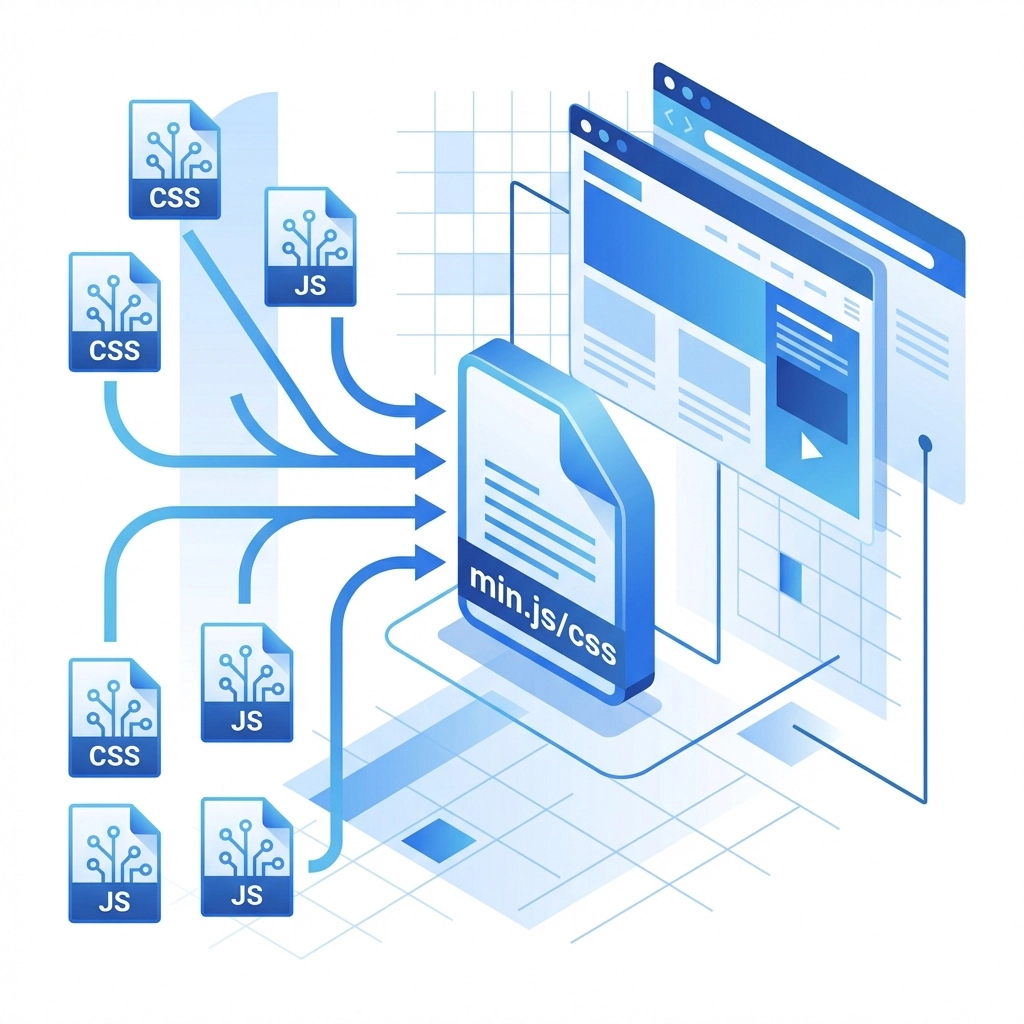
A clean site structure with fewer moving parts always loads quicker.
5. Implement Lazy Loading for Images
With lazy loading, images only load when they’re actually needed (when users scroll down to them). That way, the top of your site appears almost instantly.
- For most WordPress or Shopify sites, there are plugins to enable this
- For custom sites, ask your developer to add a “lazy load” library
This is one of the simplest and most effective speed tweaks for image-heavy websites.
6. Set Up Browser Caching
When visitors return to your site, they shouldn’t have to wait for the same files to load again. Browser caching tells visitors’ browsers to store files locally for the next visit.
- Set cache expiration rules for images, scripts, and style sheets
- Most cache plugins (like W3 Total Cache) take care of this
- If you manage your own server, add simple rules to your .htaccess file
Browser caching can cut repeat visitor load times by up to 90%.
Advanced Tips (Still Simple)
Once you’ve nailed the basics, there are a few more high-impact actions that don’t require major technical know-how.
7. Use a Content Delivery Network (CDN)
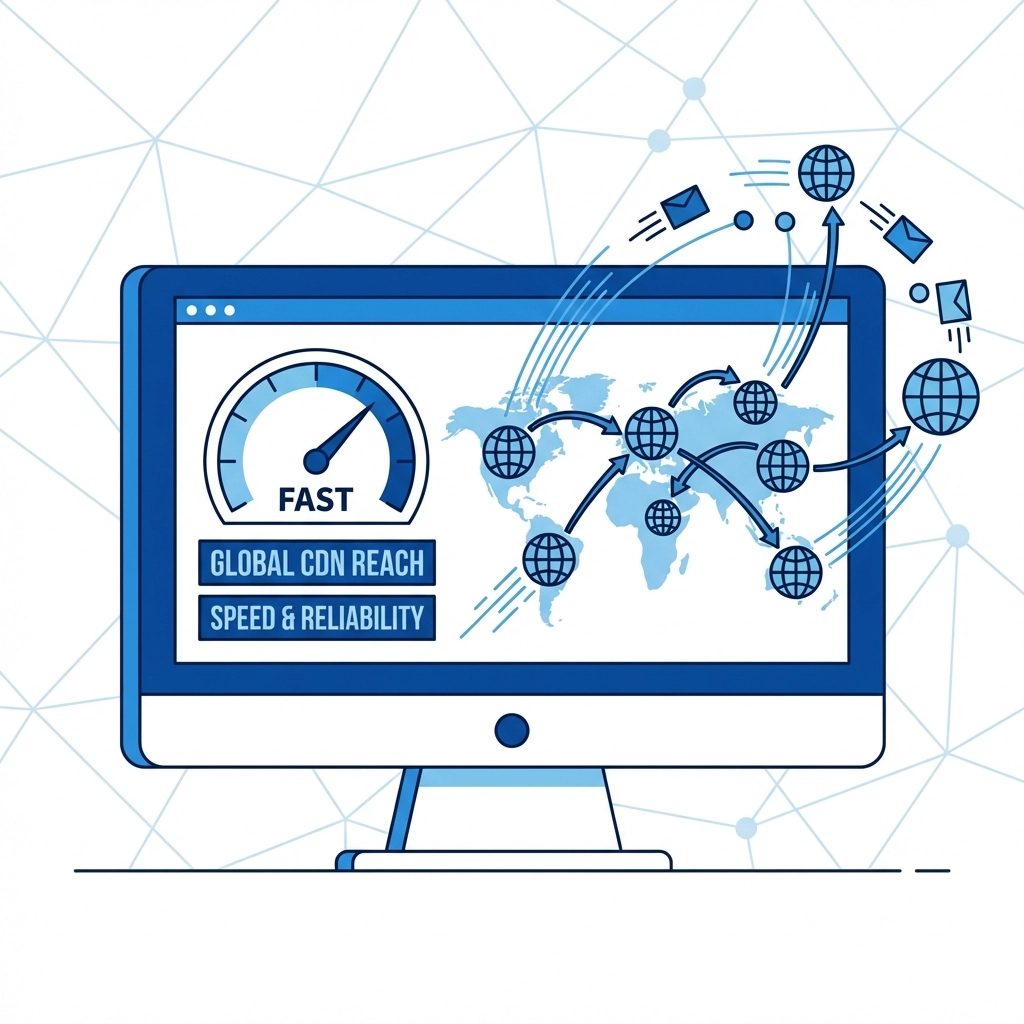
A CDN lets your site serve content from servers worldwide, so visitors always get files from the nearest server. This reduces wait times and is crucial for global audiences.
- Many hosts bundle CDN features, or you can use providers like Cloudflare or KeyCDN
- Set up usually takes minutes: just follow the provider’s instructions
Expect load times to drop by 40–60% after a CDN is in place.
8. Remove Unnecessary Plugins
Plugins and add-ons introduce extra code that can slow everything down. Streamline your setup by:
- Deleting old or inactive plugins
- Replacing multiple plugins with all-in-one solutions if possible
- Reviewing your site every few months for tools you no longer need
Trimming your plugin stack often delivers an immediate speed boost.
How Improved Speed Translates into Sales
Everything above helps your site load faster. Here’s how that impacts your bottom line:
- Lower Bounce Rates: Fast sites keep visitors around longer, increasing the chance they’ll become leads or buyers
- More Completed Purchases: Customers are more likely to follow through with a checkout process that doesn’t keep them waiting
- Higher Search Ranking: Speed is a Google ranking factor, so faster sites rise in organic search results, getting more free traffic
- Better User Experience: People just like speedy websites. Positive experiences mean repeat visits and more word-of-mouth
Think of your site speed as your first impression. Nobody waits for slow loading in 2026.
Tools to Help You Test and Monitor Speed
Not sure how your site is doing? Here’s what you can use right now:
- Google PageSpeed Insights (pagespeed.web.dev)
- GTmetrix (gtmetrix.com)
- Pingdom Website Speed Test (tools.pingdom.com)
Test your home page and shopping/product pages. Look for “load time” numbers under 3 seconds for best results.
When to Call In the Pros
Some fixes (like a CDN or code optimization) can run into technical snags if not done right. If you’re unsure, or if your results don’t improve after following these steps:
- Reach out to your web developer or agency
- Or contact the WorldWise support team at worldwise.net/support for help
We can run a full audit, make optimizations, and suggest hosting upgrades if your site has outgrown your current platform.
Ready to Go Faster?
Website speed is crucial. Every tweak you make adds up, and a faster site puts you ahead of your competitors. Take action on the list above, track your progress, and watch for the difference: in both visitor engagement and sales.
Want more hands-on help? Check out our Web Design & Digital Marketing services or Contact Us to get started
Remember: online, fast always wins