
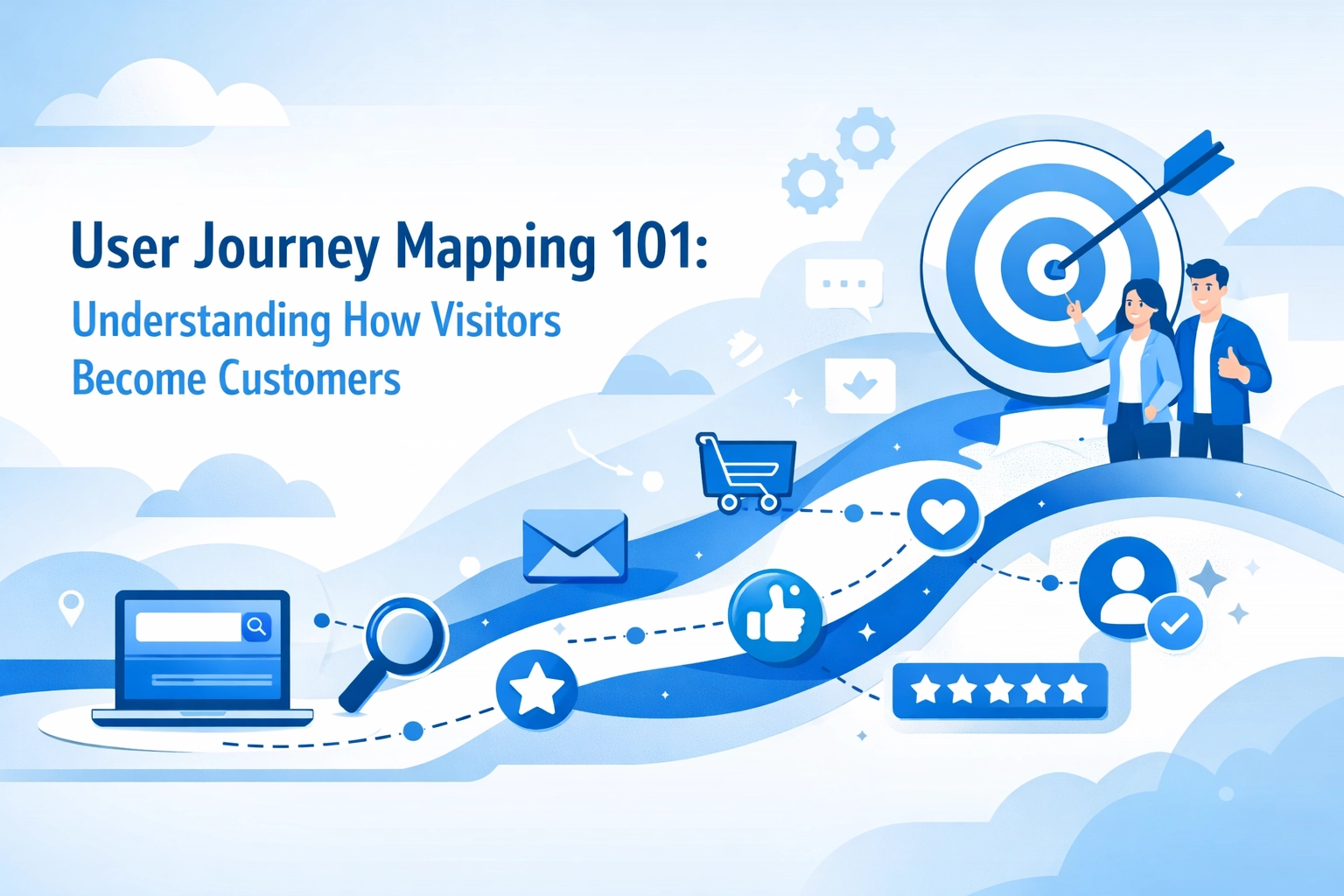

Your website gets traffic. That's great. But how many of those visitors actually become customers? And more importantly, why aren't more of them converting?
The answer usually isn't buried in your analytics dashboard. It's in understanding the actual human experience of navigating your site. That's where user journey mapping comes in.
What Is User Journey Mapping (And Why Should You Care)?
A user journey map is a visual representation of every step someone takes when interacting with your business. It shows what they do, what they think, how they feel, and where they get stuck.
Think of it like watching someone walk through your store. You'd notice if they couldn't find the checkout counter or got frustrated trying to open the door. The same things happen on your website: you just can't see them as easily.
Journey mapping helps you spot those moments. It moves beyond "User clicked here" to "User clicked here because they were confused and trying to find pricing information." That's the difference between data and understanding.
The Real Value: Converting More Visitors Into Customers
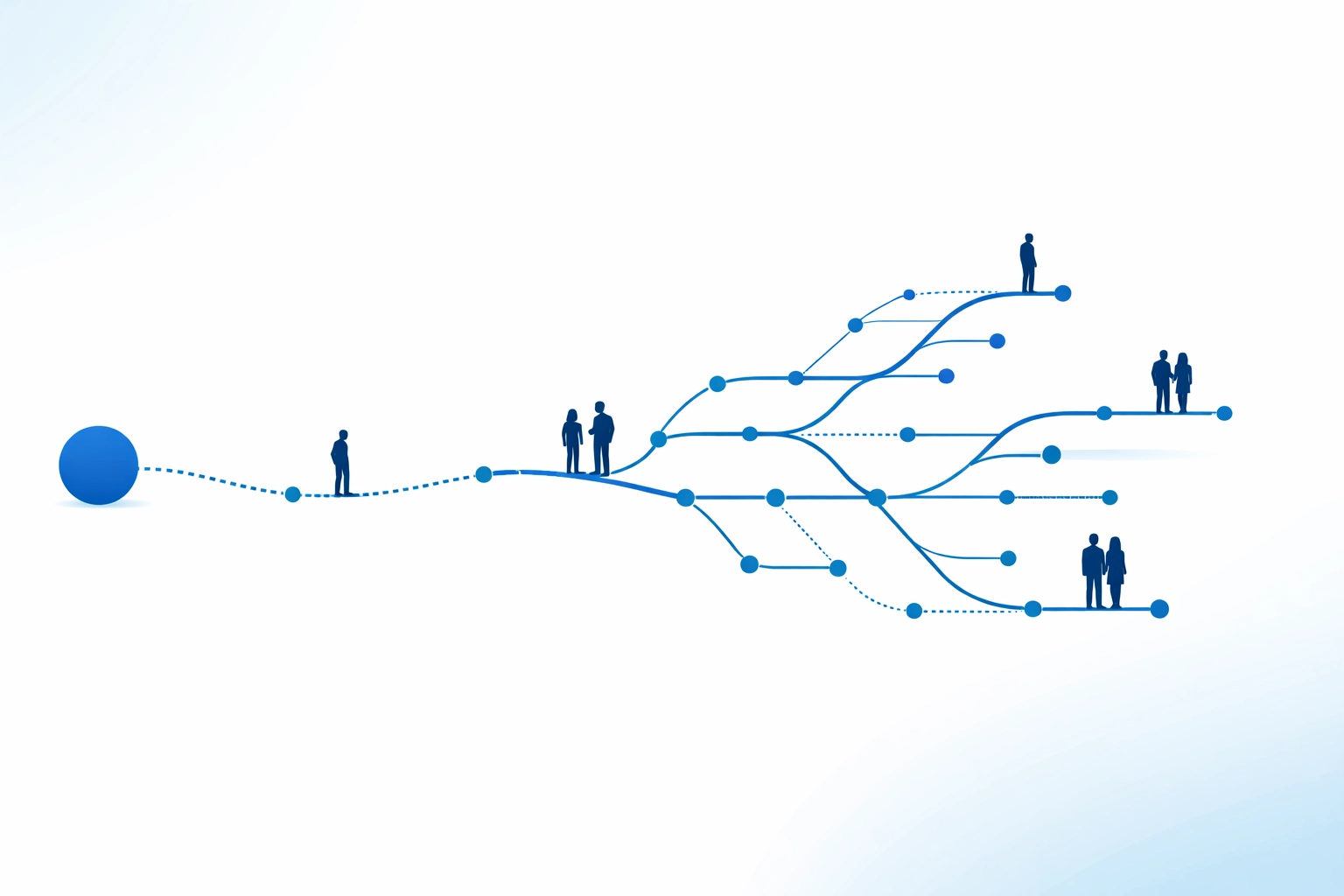
Here's the thing about most websites: they're designed from the business perspective, not the visitor perspective. You know your products inside and out. You know where everything is. Your visitors don't.
User journey mapping flips that script. It forces you to see your site through fresh eyes and identify exactly where you're losing people. Maybe your contact form asks for too much information. Maybe your service descriptions use jargon that confuses first-time visitors. Maybe your call-to-action button is buried at the bottom of a long page.
When you understand the journey, you can fix the roadblocks. And when you fix the roadblocks, more visitors convert into customers.
The Building Blocks of a Journey Map
A solid journey map includes several key components:
User personas are simplified representations of your target audience. You don't need ten different personas. Start with one or two that represent your main customer types.
The scenario is the specific goal your visitor wants to accomplish. Are they trying to find pricing info? Schedule a consultation? Learn if your service fits their needs?
Journey phases are the high-level stages someone moves through: awareness (they found you), consideration (they're evaluating you), decision (they're ready to buy), and post-purchase (they're using your product or service).
Touchpoints are every place someone interacts with your business. Your homepage. Your contact page. That email you sent. Your checkout process. Each one matters.
Actions, thoughts, and emotions capture what visitors actually do at each step, what's going through their mind, and how they feel about it. This is where the empathy happens.
Pain points and opportunities are the insights you gather. Where are people getting frustrated? Where could the experience be smoother?
The Visitor-to-Customer Journey (Broken Down)
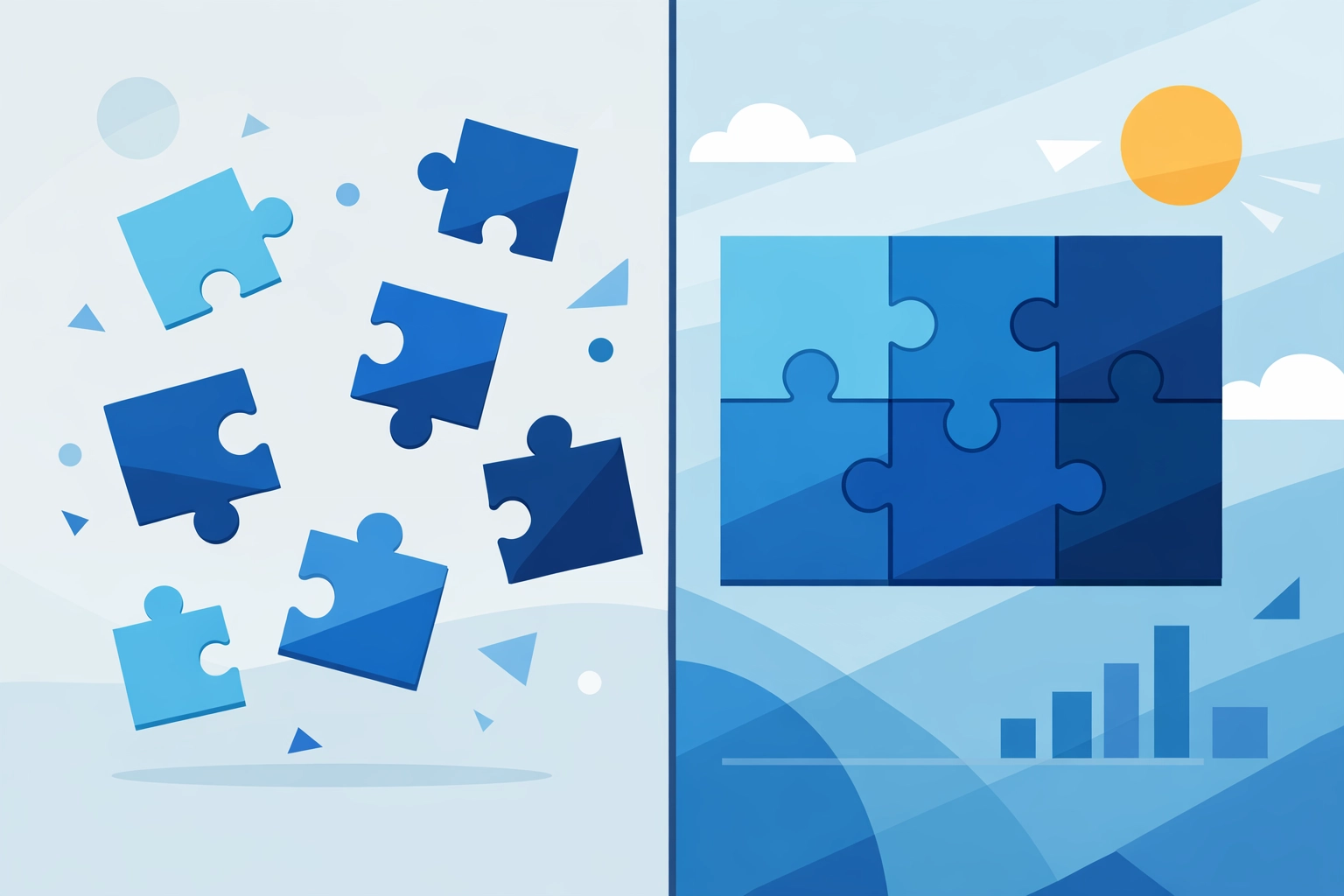
Most journeys follow a predictable pattern. Understanding these phases helps you optimize each one.
Awareness is when someone first discovers you exist. Maybe they found you through search. Maybe a friend recommended you. At this stage, they're just figuring out who you are and whether you're worth their time.
Consideration is the evaluation phase. They're comparing you to competitors. They're reading your about page. They're looking for proof that you can actually help them. This is where clear, jargon-free explanations matter.
Decision is when they're ready to pull the trigger. Your checkout process needs to be simple. Your contact form needs to be short. Any friction here kills conversions.
Onboarding happens after purchase. How easy is it for new customers to get started? Do they know what to do next? A smooth onboarding experience sets the tone for everything that follows.
Retention is about keeping customers engaged and coming back. Are you delivering value consistently? Are you staying in touch without being annoying?
Advocacy is the holy grail. Happy customers tell their friends. They leave positive reviews. They become your marketing department.
Most businesses obsess over the decision phase and ignore everything else. That's a mistake. Every phase matters.
Current-State vs. Future-State Mapping
There are two types of journey maps you can create.
Current-state maps show what's happening right now. You're documenting the existing experience with all its warts. This is where you identify problems.
Future-state maps show what could be happening. You're designing the ideal experience. This is where you brainstorm solutions and get your team aligned on where you're headed.
Start with a current-state map. You need to understand the problems before you can fix them. Once you know where the friction is, then you can map out improvements.
How to Actually Create a Journey Map
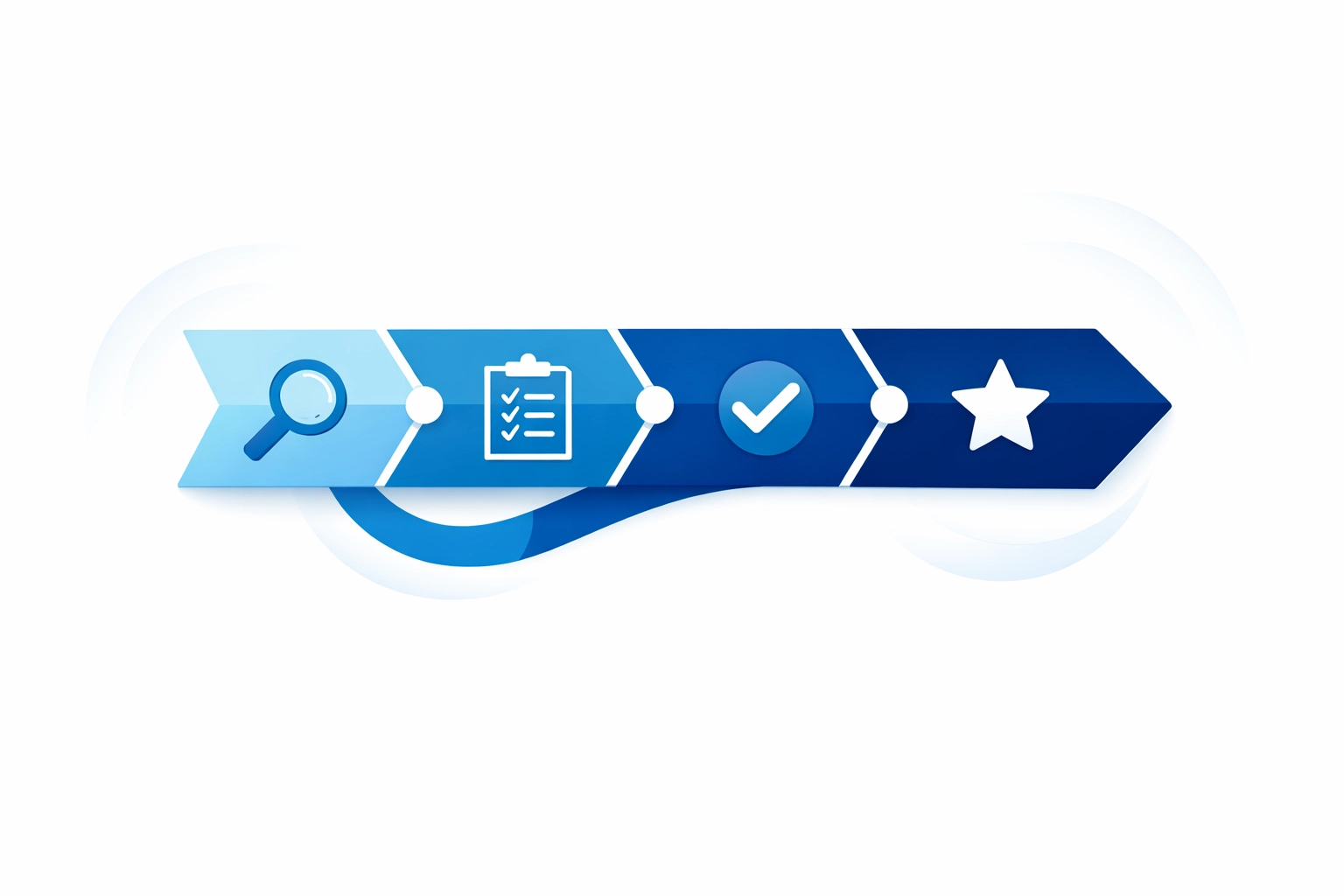
Stop overthinking this. Journey mapping doesn't require expensive software or a PhD in user experience. Here's the simple version:
Start with research. Talk to actual customers. Look at support tickets. Watch session recordings if you have them. The goal is understanding real behavior, not guessing.
Pick one specific scenario. Don't try to map every possible journey. Pick the most important one. For most businesses, that's the path from "discovered our website" to "became a paying customer."
List out the phases. Write down the major steps someone takes. Keep it high-level for now.
Document touchpoints. What pages do they visit? What emails do they receive? What happens at each interaction?
Add the human element. For each touchpoint, note what people are thinking, feeling, and trying to accomplish. This is where sticky notes or a simple spreadsheet work great.
Identify friction. Where do people get confused? Where do they bounce? Where are you losing them?
Prioritize improvements. You can't fix everything at once. Focus on the biggest pain points first.
The actual format doesn't matter much. Use a spreadsheet. Draw it on a whiteboard. Use fancy design software if that makes you happy. What matters is the insight you gain.
Common Journey Mapping Mistakes (And How to Avoid Them)
Making it too complicated. Your first journey map should be simple. You can add complexity later.
Basing it on assumptions instead of data. Talk to real users. Look at real behavior. Your assumptions are probably wrong.
Creating it once and forgetting about it. User behavior changes. Your business changes. Update your journey maps regularly.
Doing it alone. Get input from your whole team. Sales knows things marketing doesn't. Support knows things sales doesn't. Combine that knowledge.
Focusing only on the happy path. Map what happens when things go wrong too. How do you handle confused visitors? What if someone can't find what they need?
Connecting Journey Mapping to Better Web Design
This isn't just a theoretical exercise. Journey mapping directly improves your web design decisions.
When you understand where visitors get stuck, you know what to fix. Maybe your navigation is confusing. Maybe your forms are too long. Maybe your value proposition isn't clear enough.
Good design isn't about making things pretty. It's about making the journey from visitor to customer as smooth as possible. Journey mapping shows you exactly where to focus your efforts.
Tying It All Together With Strategy
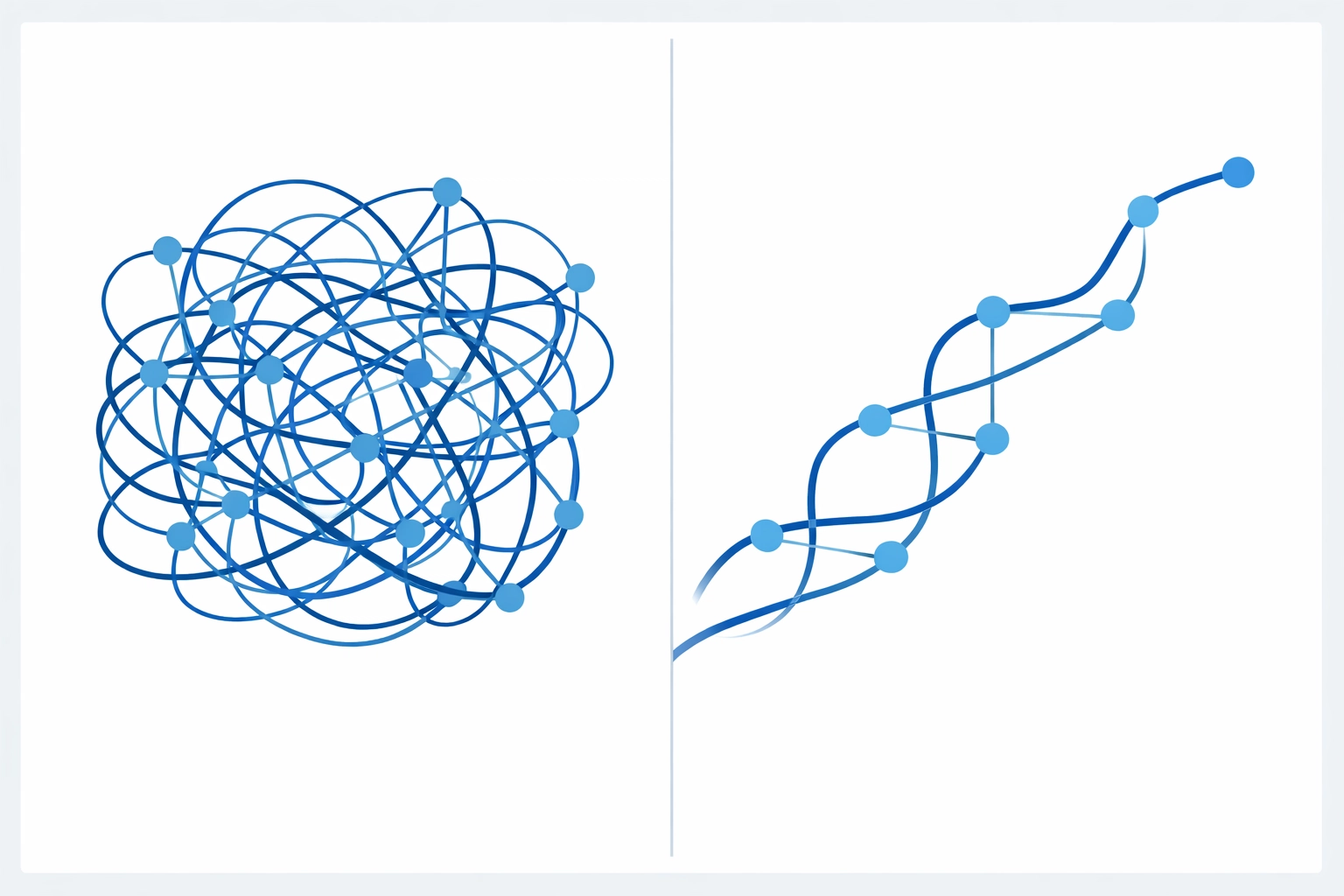
Journey mapping works best when it's part of a bigger strategy. You're not just fixing individual problems. You're creating a cohesive experience that guides people toward conversion.
Think about how each touchpoint connects to the next. How does your homepage prepare people for your services page? How does your services page prepare them for your contact form? Each step should flow naturally into the next.
Start Small, Think Big
You don't need to map out your entire business ecosystem tomorrow. Start with one journey. Pick the most important path to conversion and map that first.
Document what's happening now. Find the biggest problems. Fix those. Then move on to the next journey.
The businesses that convert more visitors into customers aren't necessarily the ones with the biggest budgets or the fanciest websites. They're the ones that understand the human experience and remove friction from the journey.
Your visitors are already telling you what's working and what isn't. Journey mapping just helps you listen.