
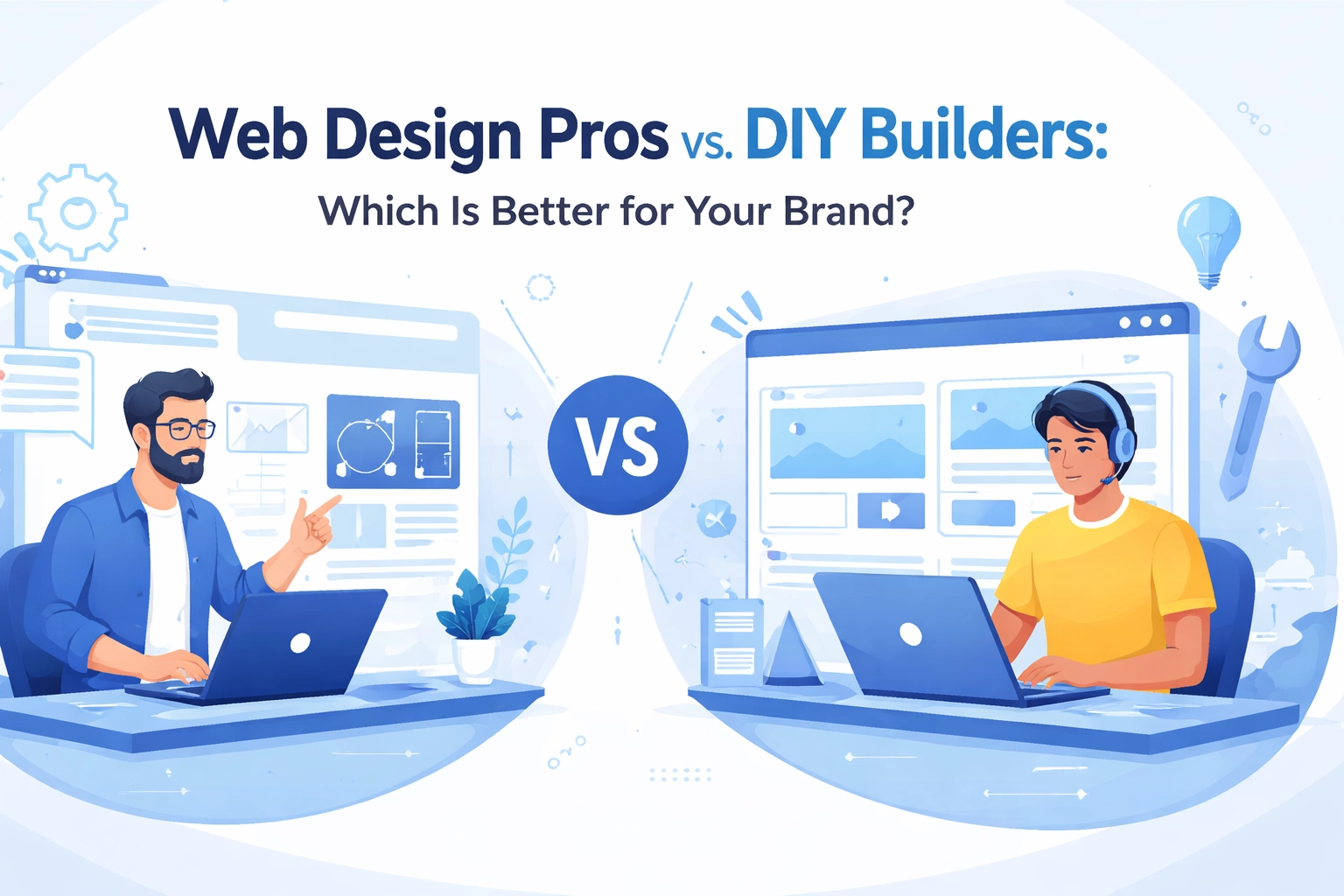

So you need a website. Maybe you're starting fresh or your current site looks like it's stuck in 2015. Either way, you're facing the big question: should you hire a professional web design team or just DIY it with a website builder?
It's a fair question. Website builders like Wix, Squarespace, and WordPress.com make it stupidly easy to get something online. Drag, drop, publish. Done. But is "easy" the same as "effective"? Not always
Let's break down both options so you can figure out what actually makes sense for your brand.
The DIY Website Builder Approach
DIY builders have come a long way. They're affordable, quick, and you don't need to know a single line of code. Pick a template, customize the colors, add your content, and boom, you've got a website.
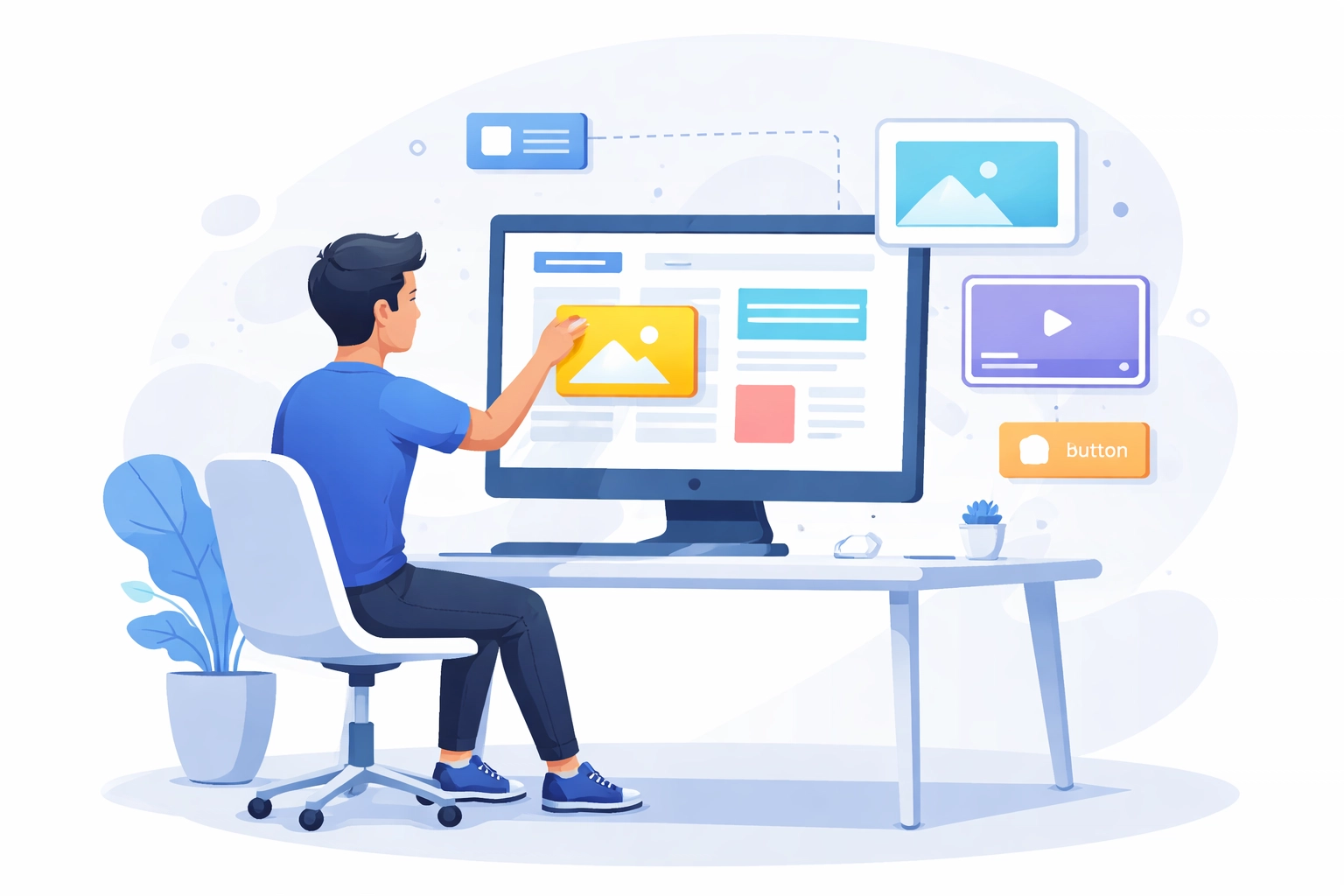
The Pros of Going DIY
Cost savings upfront. Most builders run between $12-40 per month. Compare that to professional design which can run into the thousands. If you're bootstrapping, that difference matters
Speed. You can literally have a website live in a few hours. No waiting weeks for a designer to finish mockups or a developer to code everything
Control. Want to change something at 2am? Go for it. No emails, no waiting, no extra charges
Simplicity. The learning curve is minimal. If you can use PowerPoint, you can probably figure out a website builder
The Cons of DIY
Generic looks. Templates are used by thousands of other businesses. Your site might look eerily similar to your competitor's
Limited functionality. Need custom features like advanced booking systems, membership portals, or complex e-commerce? Good luck. Builders have limits
SEO ceiling. Basic SEO tools are included, but they pale in comparison to what a professional can implement. This affects how easily customers find you
Mobile issues. Some templates don't translate well to mobile devices. And with most web traffic coming from phones, that's a problem
Time drain. Sure, you save money. But you spend hours (or days) wrestling with layouts, troubleshooting issues, and watching YouTube tutorials. Your time has value too
The Professional Web Design Route
Hiring a professional team means getting a custom website built specifically for your brand. No templates. No limitations. Just a site designed around your goals.
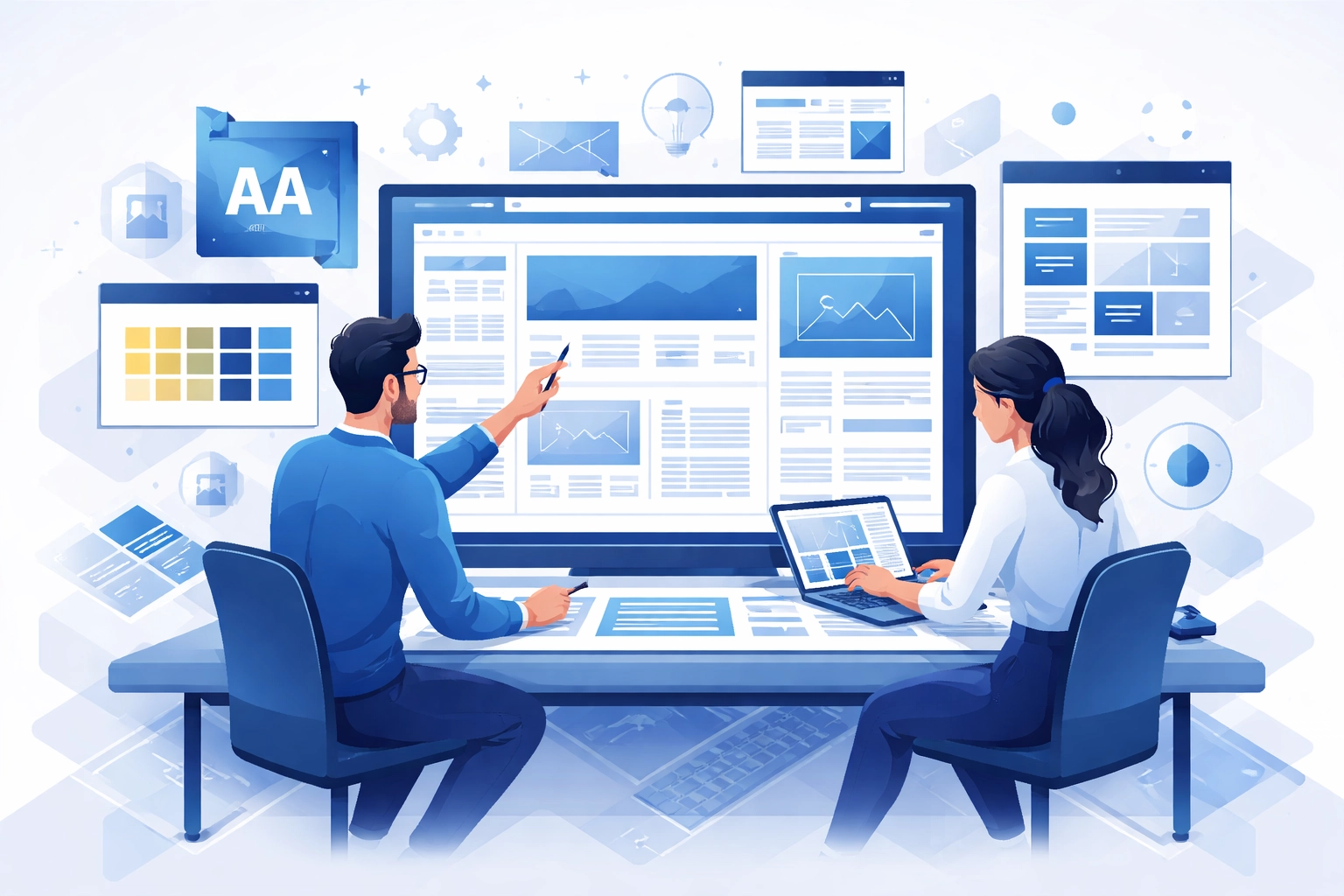
The Pros of Professional Design
Custom branding. A professional web design team creates something unique to your business. Your website won't look like anyone else's
Better user experience. Pros understand how visitors navigate websites. They design with conversion in mind: not just aesthetics
Advanced SEO. Professional sites are built with search engines in mind from the ground up. Proper site structure, fast load times, clean code, strategic keyword placement. All the stuff that helps you rank
Scalability. As your business grows, your website can grow with it. Need to add new features or pages? A professionally built site handles expansion better
Mobile optimization. Custom sites are designed to work flawlessly on every device. No awkward layouts or broken elements on phones
Ongoing support. Most professional teams offer maintenance and support so you're not left figuring things out alone when something breaks
The Cons of Professional Design
Higher upfront cost. Quality custom design isn't cheap. Expect to invest hundreds to several thousand dollars depending on complexity
Longer timeline. A proper website takes time. Weeks, sometimes months, depending on the scope. If you need something yesterday, this might be frustrating
Less immediate control. Want to make a quick change? You might need to contact your designer or learn the content management system they built for you
Which Option Is Right for Your Brand?
Here's the honest truth: it depends on where you are and where you're going
DIY Makes Sense When:
- You're testing a business idea and need something basic fast
- Your budget is extremely tight and you can't afford professional services yet
- You only need a simple informational site (a few pages about your services, contact info, nothing fancy)
- You're comfortable spending your own time learning and troubleshooting
Professional Design Makes Sense When:
- Your website is a primary driver of business (leads, sales, bookings)
- You need to stand out from competitors in a crowded market
- You require complex features like e-commerce, custom forms, client portals, or third-party integrations
- SEO and search visibility are important to your marketing strategy
- You want a long-term asset that grows with your business
- Your time is better spent running your business than building a website
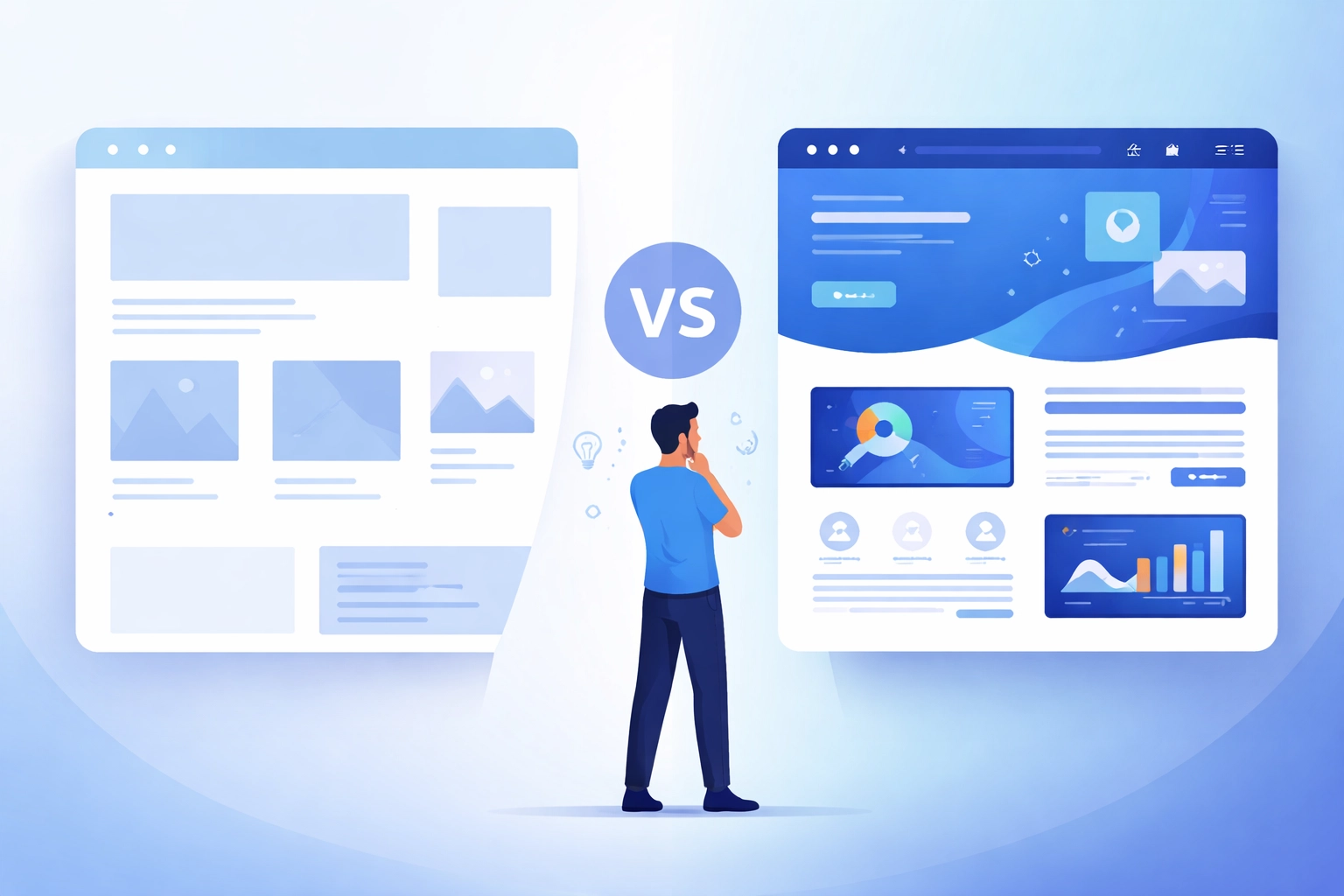
The Hidden Cost of "Cheap"
Let's talk ROI for a second
A DIY site might cost you $300/year. A professional site might cost you $5,000 upfront. On paper, DIY wins by a landslide
But what if that professional site converts 2% more visitors into customers? What if it ranks higher on Google and brings in 50% more traffic? What if it loads faster and doesn't send visitors bouncing back to the search results?
Suddenly that $5,000 investment pays for itself multiple times over
The cheapest option isn't always the most cost-effective option. A website that doesn't perform is just an expense. A website that drives business is an investment
Can You Start DIY and Upgrade Later?
Absolutely. Plenty of businesses start with a basic builder site to get something online quickly, then upgrade to professional design once they've validated their model and have more budget
The caveat: you'll essentially be starting from scratch. DIY sites don't usually migrate well to custom builds. Plan for that transition cost if you go this route
Some businesses also take a hybrid approach. They hire professionals for the initial strategy and design, then manage day-to-day updates themselves through a user-friendly content management system
What to Look for in a Professional Web Design Partner
If you decide professional design is the right call, here's what matters:
Portfolio. Look at their previous work. Does it align with your style? Check out real examples to see the range of what they've done
Full-service capabilities. The best partners handle design, development, and even hosting. One team, one point of contact, fewer headaches
Strategy focus. A good team asks about your business goals before jumping into design. They should care about what you're trying to achieve, not just what looks cool
Ongoing support. Websites need maintenance. Security updates, backups, occasional fixes. Make sure support is part of the package
Clear communication. You should understand what you're getting, how long it takes, and what it costs. No mysteries
The Bottom Line
DIY builders are great tools for the right situation. But they're tools: not solutions
If your website is central to how you attract and convert customers, professional design typically delivers better results. Better branding, better performance, better SEO, better user experience
Think about what your website needs to do for your business. Then choose the path that actually gets you there
Ready to explore what a custom website could do for your brand? Get started with a conversation and see what's possible