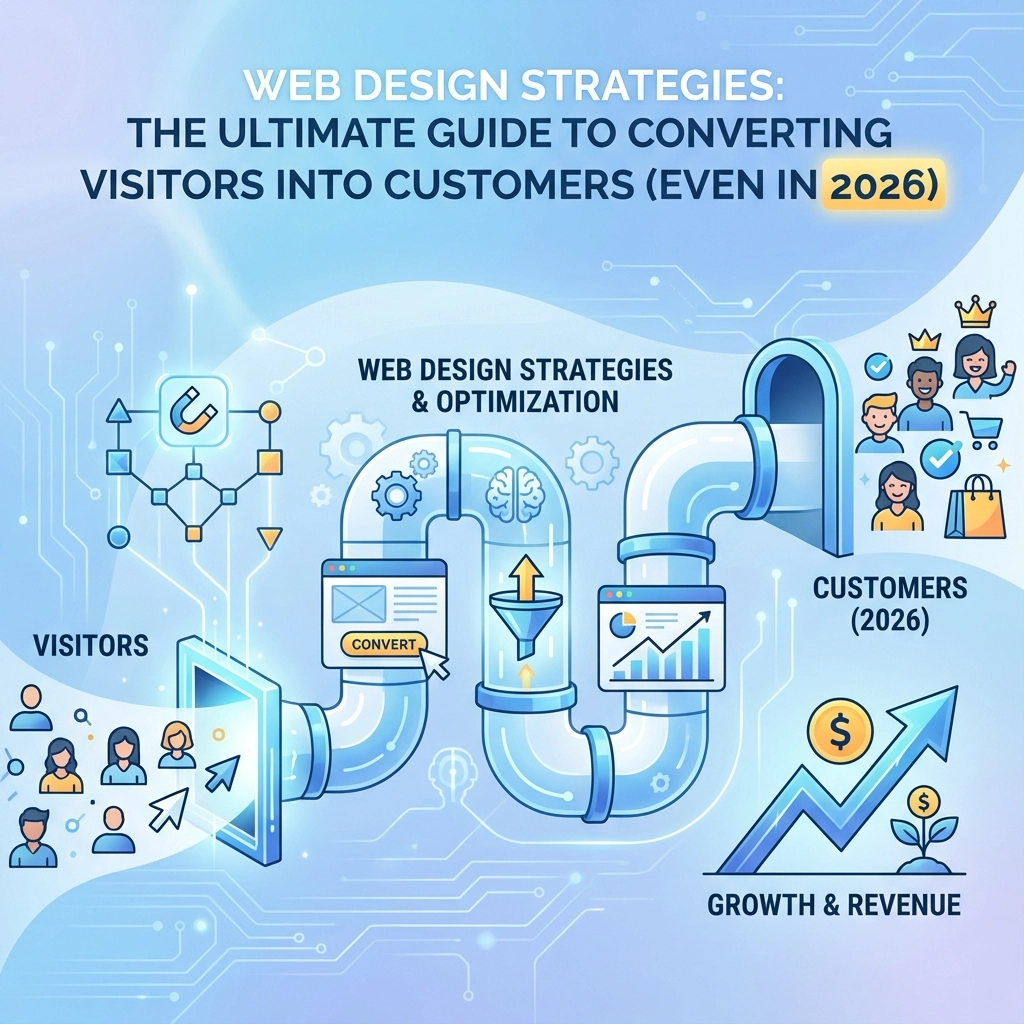

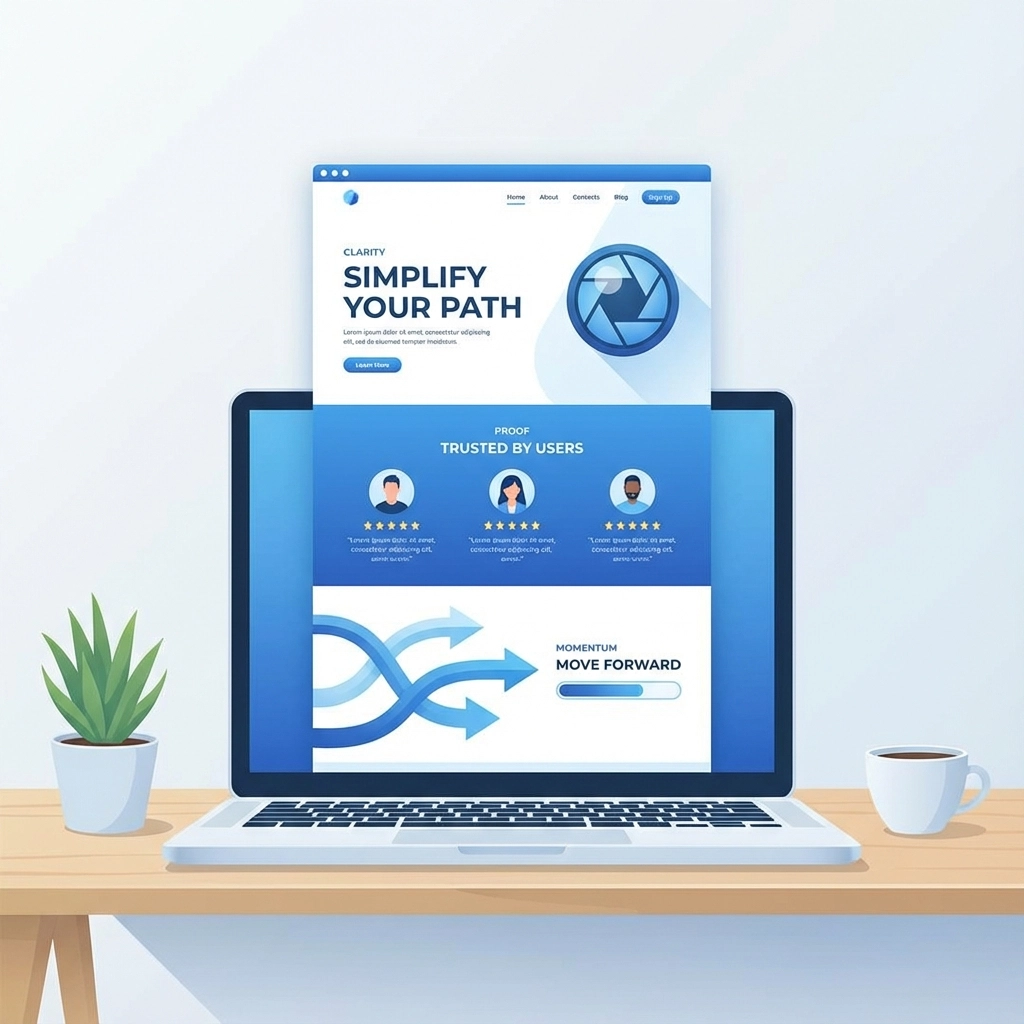
Your website gets traffic, but visitors aren't converting into customers. The problem isn't your product or service: it's your web design strategy. In 2026, high-converting websites focus on three core elements: clarity, proof, and momentum.
The days of pretty websites that don't perform are over. Modern web design is about creating conversion engines, not digital brochures. Every design choice should serve a measurable business outcome.
Core Conversion Principles
Clarity Comes First
Visitors decide whether to stay or leave within 3 seconds of landing on your page. Your value proposition needs to be crystal clear from the moment they arrive. Skip the clever taglines and focus on answering one simple question: "What problem do you solve?"
Structure your messaging around their pain points, not your features. When someone understands exactly how you help them, they're more likely to take the next step.
Show Proof, Don't Just Tell
Generic marketing copy doesn't convert: proof does. Replace persuasive language with real metrics, customer results, and actual screenshots of your product or service in action. When visitors see concrete evidence that you deliver results, trust builds automatically.
Use specific numbers, real customer names (with permission), and detailed case studies above the fold. Proof trumps promises every time.
Create Forward Momentum
Design should guide visitors toward conversion naturally. Each page element should answer their questions in logical order and make the next step obvious. Remove friction, eliminate confusion, and create a clear path to purchase.
Design Strategies That Convert
Product-First Visuals
Stop hiding behind stock photos and generic illustrations. Potential customers want to see your actual product or service in action. This means:
- Real interface screenshots
- Behind-the-scenes photos of your team working
- Actual before/after results
- Video demonstrations of your process
Interactive demos perform especially well. Give visitors a taste of what working with you feels like without requiring a commitment.
Conversion-Focused Layouts
Beautiful layouts don't convert: functional ones do. Organize your content around how users actually move through your site, not what looks symmetrical.
High-performing layouts share these traits:
- Value statements near the top of every page
- Logical content flow that answers questions in sequence
- Trust signals positioned where doubt typically occurs
- Clear calls-to-action placed where users expect them
Your web design strategy should support your sales process, not work against it.
Strategic Call-to-Action Placement
Effective CTAs don't just look good: they work hard. Pair strong call-to-action buttons with high-quality content to increase conversions by more than 20%.
Make your CTAs:
- Sticky when users scroll past key conversion points
- Conversational rather than pushy
- Specific about what happens next
- Visible without being overwhelming
Test different CTA copy, colors, and placement regularly. Small changes often produce significant results.

Technical Optimization for Conversions
Speed Matters More Than Ever
Page speed directly impacts conversion rates. Every second of delay costs you customers. Optimize by:
- Compressing images without sacrificing quality
- Cleaning up bloated code
- Using reliable web hosting
- Implementing content delivery networks for faster global loading
Your site should load completely in under 3 seconds on mobile devices.
Mobile-First Design
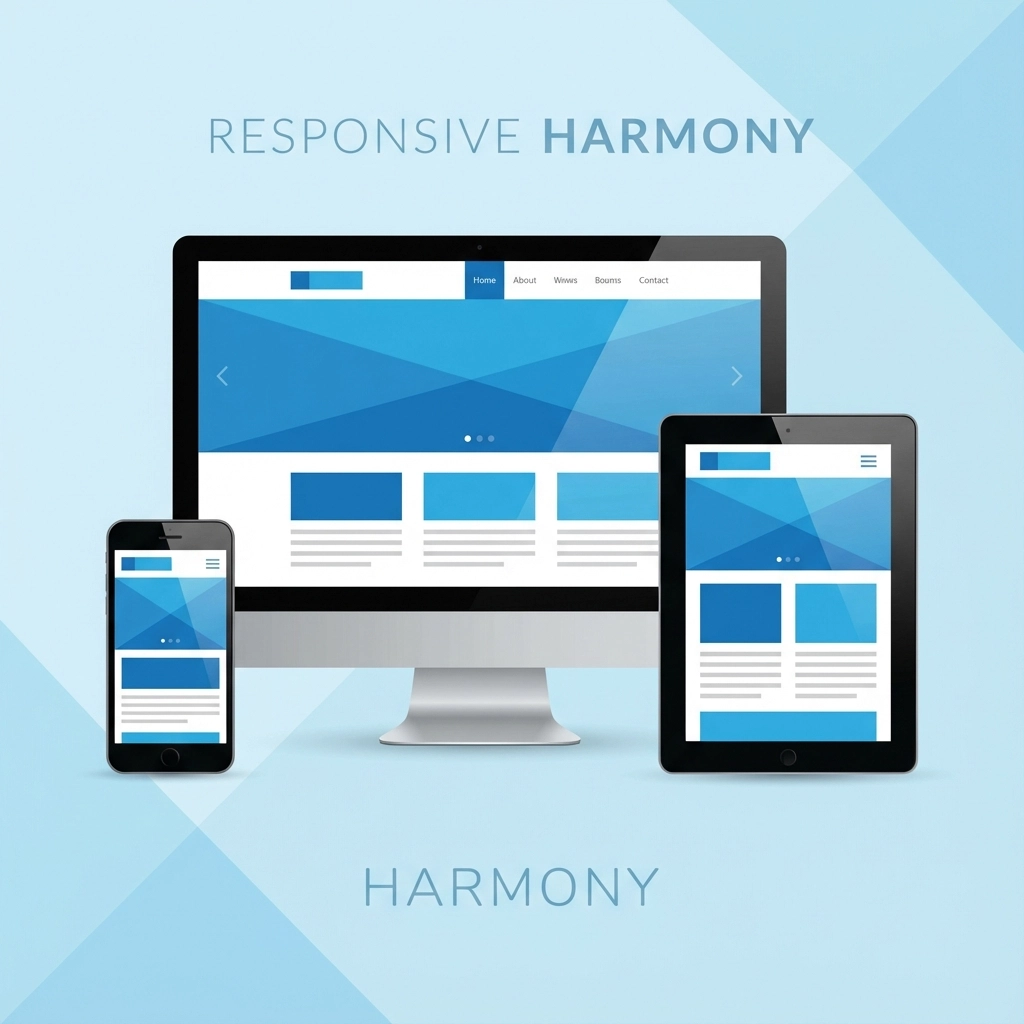
Most of your visitors use smartphones. If your site doesn't work perfectly on mobile devices, you're losing money every day.
Mobile optimization means:
- Thumb-friendly button sizes
- Easy-to-read fonts without zooming
- Fast loading on cellular connections
- Simple navigation that makes sense on small screens
Test your site on multiple devices and browsers regularly. What works on your laptop might fail on an iPhone.
Cross-Browser Compatibility
Your site must work flawlessly across Chrome, Safari, Firefox, and Edge. Broken functionality on any major browser costs you customers immediately.
Regular testing across browsers prevents embarrassing technical issues that destroy trust with potential customers.
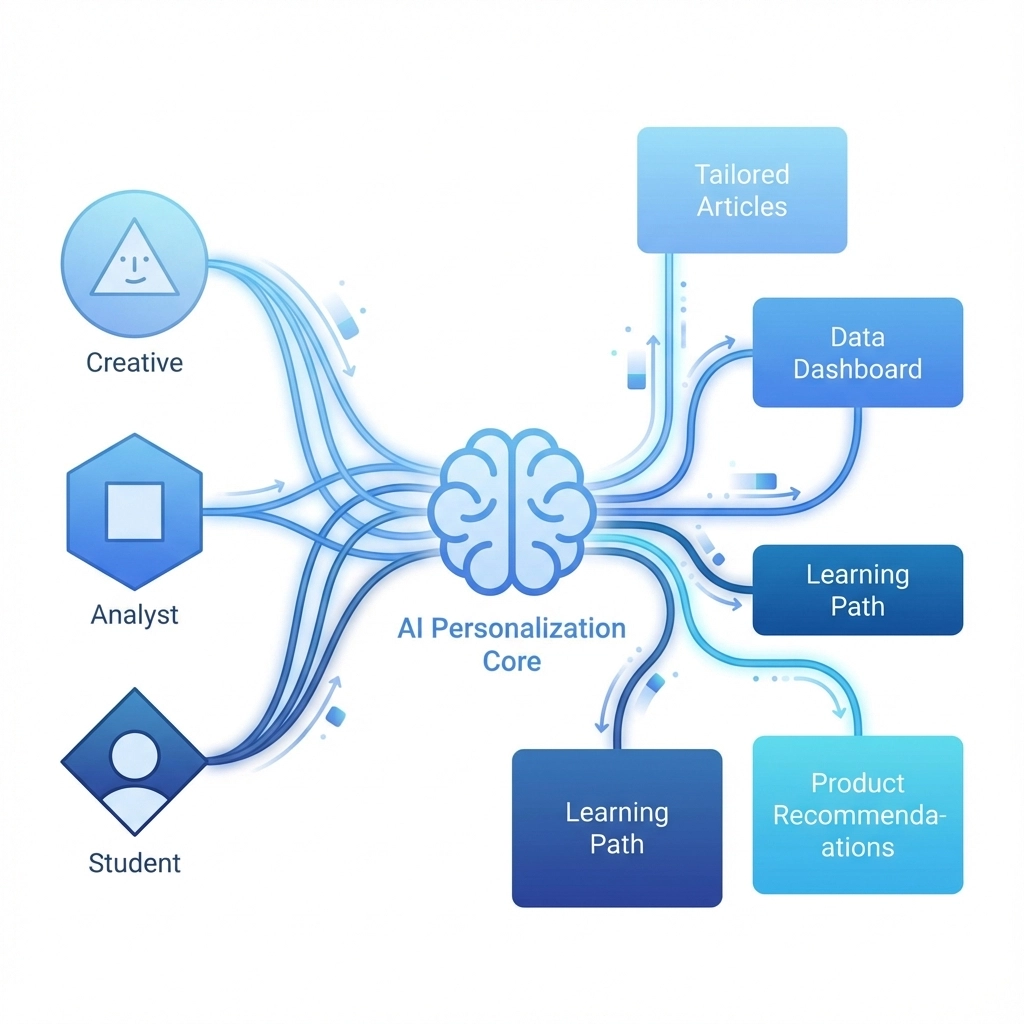
AI-Powered Personalization
Static websites are becoming obsolete. Visitors expect interfaces that adapt to their specific needs based on their industry, role, and behavior on your site.
Dynamic Content Delivery
Implement personalization that changes based on:
- Where visitors came from (social media, search, referral)
- Pages they've viewed previously
- Content they've downloaded
- Time spent on specific sections
Dynamic personalization can increase conversions by 20-40% by showing relevant content to each visitor.
Smart User Experience
Use AI to create experiences that feel custom-built for each visitor:
- Predictive search with intelligent autocomplete
- Chatbots that guide users through decision-making
- Recommended content based on browsing behavior
- Forms that adapt questions based on previous answers
When your site feels personalized, visitors engage longer and convert more often.
Building Trust and Social Proof
Authentic Testimonials
Use real customer testimonials with names, photos, and specific results. Generic reviews don't build trust: detailed success stories do.
Position testimonials strategically:
- Near pricing information
- Before contact forms
- On service-specific pages
- Alongside case studies
Make testimonials scannable with bold results and clear outcomes.
Professional Credibility
Display credentials, certifications, and partnerships prominently. Include:
- Industry certifications
- Years in business
- Number of customers served
- Awards and recognition
- Media mentions
Professional credibility reduces risk perception and increases conversion rates.
Testing and Continuous Improvement
Systematic A/B Testing
Test variations of key elements systematically:
- Headlines (emotional vs. factual approaches)
- CTA button colors, sizes, and copy
- Content length and structure
- Images and videos
Small differences can produce significant conversion improvements when you test consistently.
Data-Driven Decisions
Use analytics to understand:
- Where visitors spend the most time
- Which pages have highest bounce rates
- What content leads to conversions
- How different traffic sources behave
Make design decisions based on real user behavior, not assumptions.
Regular Performance Reviews
Schedule monthly reviews of your site's conversion performance. Look for:
- Pages with declining performance
- New opportunities for optimization
- Technical issues affecting user experience
- Content that needs updating
Continuous improvement beats periodic redesigns for long-term results.
Implementation Strategy
Start with performance mapping. Identify your key conversion paths first, then design around them. It's easier to make a functional site look great than to make a beautiful site perform well.
Focus on these high-impact areas first:
- Homepage clarity and value proposition
- Primary service pages
- Contact and conversion forms
- Mobile user experience
When you fix clarity, proof, and friction, everything improves: engagement rises, support tickets decrease, and revenue grows.
Remember: your website is a tool, not a trophy. Every element should contribute to turning visitors into customers. If it doesn't serve that purpose, it shouldn't be there.
Ready to transform your website into a conversion machine? Start with a comprehensive strategy review to identify your biggest opportunities for improvement.