

The workplace isn't a building anymore. It is a collection of laptops, smartphones, and tablets spread across home offices and coffee shops. Every one of these devices is an "endpoint" and every endpoint is a door into your business data. If you haven't secured these doors yet you are essentially leaving your office wide open while you sleep
Hackers don't always go for the front gate. They look for the easiest way in. Usually that is a laptop with an outdated browser or a phone without a passcode. Once they are inside one device they can move through your network until they find your client lists or bank details
This guide helps you lock those doors before the next big hack happens
What exactly is endpoint security
In simple terms endpoint security is the process of protecting the devices that connect to your network. This includes desktop computers, laptops, smartphones, tablets, and even printers. In the old days you just had a firewall around your office. Now that the office is everywhere the security has to live on the devices themselves
Traditional antivirus is no longer enough. Modern threats are smarter. You need a system that watches for weird behavior and blocks it in real time

Step 1 Start with a full device inventory
You cannot protect what you do not know about. Most business owners are surprised by how many devices actually touch their network. We suggest you sit down and list everything out
Create a spreadsheet or use an inventory tool. You need to document:
- Every laptop and desktop used by employees
- Personal phones used for work email
- Tablets used for presentations
- Virtual machines or remote servers
Verify you have enough licenses for your security software to cover every single one. If you have ten employees but only eight licenses two people are left wide open to attack. This is a gap hackers love to find
Step 2 Setup your security account and licenses
Once you know what you have you need a central place to manage it. You should establish an account with a professional endpoint security provider. This gives you a single dashboard where you can see the health of every device in your company
Activate your licenses immediately. Do not wait for a "convenient time" to roll this out. Security is always more convenient than a data breach
Step 3 Configure your pre-deployment settings
Before you install software on employee devices you need to decide on your rules. These are called security policies. If you don't set these up the software won't know what to block
We suggest you focus on these key settings:
- Block unauthorized scripts and programs from running
- Enable full-disk encryption so data is unreadable if a laptop is stolen
- Set up automated vulnerability assessments
- Define strict mobile device policies for personal phones
If this sounds complicated we can help. Our team at WorldWise handles the technical heavy lifting through our computer support services so you don't have to guess if your settings are right
Step 4 Deploy the protective agents
An "agent" is just a small piece of software that lives on the device. It acts like a digital security guard that never sleeps. Once your settings are configured you need to push this software out to every device on your inventory list
Most modern systems allow you to do this remotely. You don't need to physically touch every laptop. You can send an installation link or use a management console to deploy it across your entire team at once. Check your management dashboard to confirm that every device shows a "protected" status
Step 5 Prioritize Multi-Factor Authentication (MFA)
Passwords are weak. People reuse them and they are easy to steal. Multi-Factor Authentication is your best defense against stolen credentials. It requires a second form of ID: like a code on a phone: before letting someone in
If an employee's laptop is compromised MFA can still stop the hacker from getting into your main systems. It is the cheapest and most effective security step you can take today
The remote work challenge
When employees work from home they are using home WiFi. These networks are rarely as secure as a corporate office. They might be using the same router that their "smart" toaster or unpatched gaming console uses. This creates a bridge for hackers to cross
You need to treat every remote connection as a potential risk. This is why endpoint security is better than just a firewall. It travels with the employee. Whether they are at home or at an airport the protection stays active

Don't forget about mobile devices
Mobile phones are often the weakest link. People use them to check work email but rarely think of them as "work computers." If a phone doesn't have a screen lock or is running an old version of Android it is a massive risk
Your endpoint strategy must include mobile device management. This allows you to remotely wipe a phone if it is lost or stolen. It ensures that business data stays separate from personal apps
Why you need a cybersecurity network audit
Most business owners think they are secure until they get a professional look at their systems. Security isn't a "one and done" task. It requires constant checking. We recommend a full network audit to find the holes you might have missed
A network audit looks at:
- Outdated software that needs patching
- Weak points in your WiFi configuration
- Hidden devices on your network
- Permissions that give employees more access than they need
You can learn more about how we structure these audits on our strategy page
The importance of backup solutions
Even with the best security things can go wrong. A new type of virus might get through or an employee might accidentally delete a critical file. This is why backups are non-negotiable
You need a backup solution that is:
- Automatic so you don't forget to do it
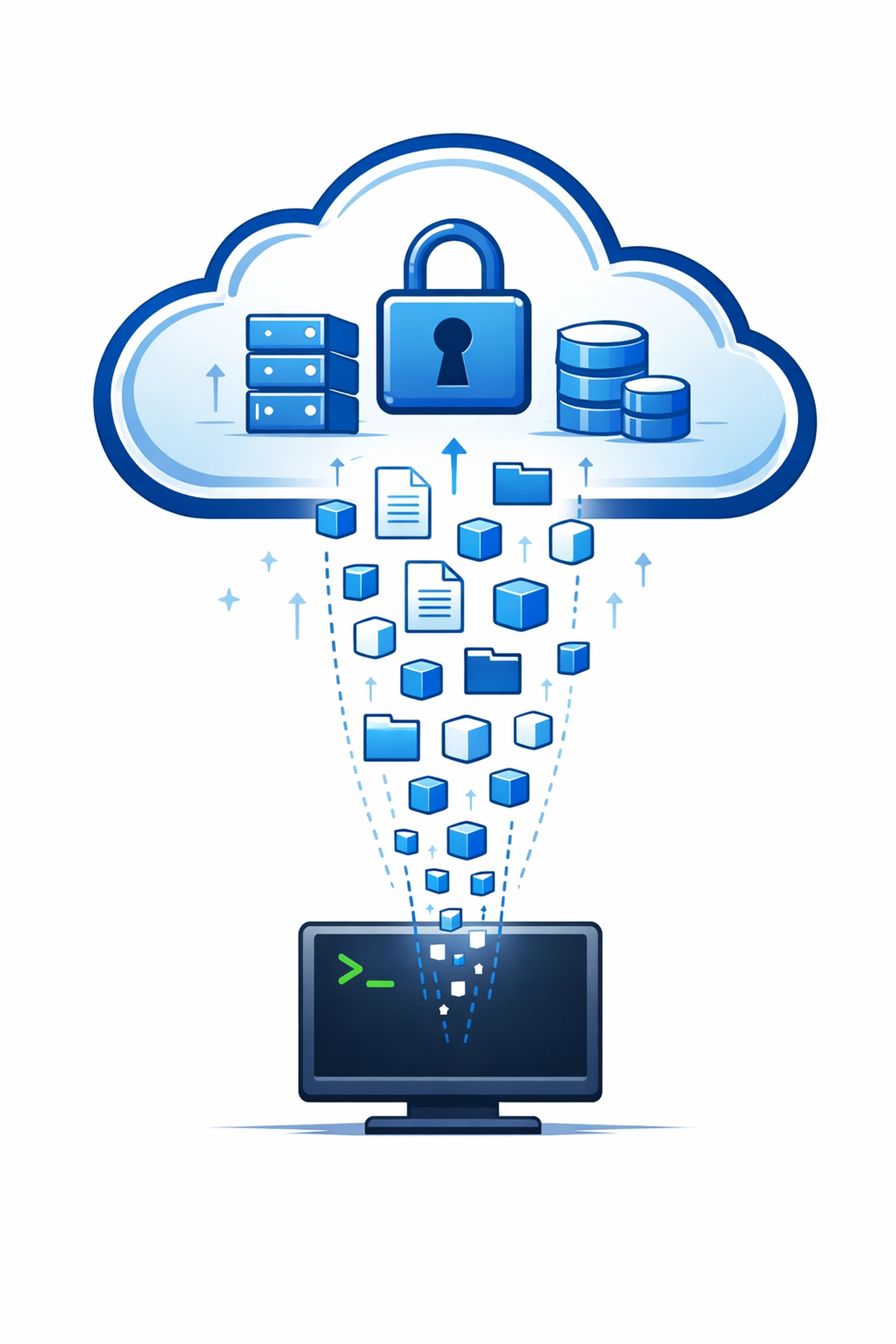
- Off-site so a fire or local hack doesn't destroy the backup too
- Tested regularly to make sure the files actually work
We provide comprehensive support and backup solutions to ensure your business keeps running even after a technical failure. Security prevents the crash but backups help you survive it
Your Quick-Start Checklist
If you want to move fast do these things in this order:
- Inventory: List every laptop and phone used for work
- Update: Run all pending Windows or macOS updates on every machine
- MFA: Turn on Multi-Factor Authentication for email and bank accounts
- Install: Deploy endpoint security agents to all devices
- Audit: Schedule a professional review of your network
Why proactive beats reactive every time
Recovering from a hack is expensive. You have to pay for technical repairs, potentially legal fees, and you lose the trust of your clients. It is much cheaper to spend a little time now setting up endpoint security than it is to deal with a ransom demand later
Hackers are looking for the path of least resistance. When you secure your endpoints you make your business a "hard target." Most attackers will simply move on to a company that didn't take these steps
Get started today
You don't have to be a tech expert to protect your business. You just need to take the first step. If you are worried about your current setup or don't know where to start with your inventory we are here to help
Take a look at our portfolio to see how we help businesses stay ahead of the curve or reach out to us directly through our contact page
The next big hack is already being planned. Make sure your business isn't on the list of victims