
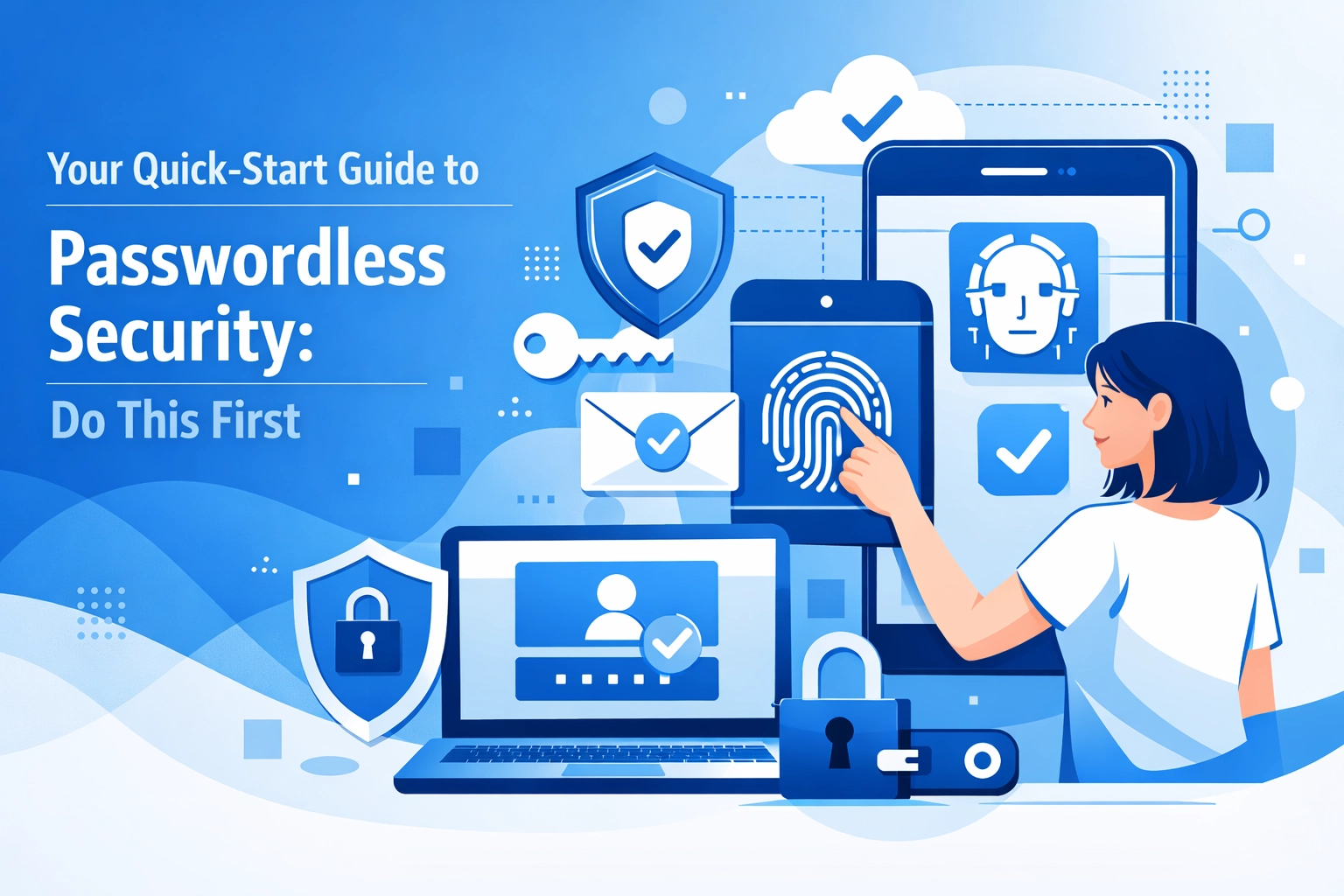

Passwords are a major problem for your business security. They are hard for employees to remember and easy for hackers to steal. Most cyber attacks start with a compromised password. People use the same simple phrases across multiple sites. They write them on sticky notes. They forget them and lock themselves out of their accounts. This creates a massive amount of work for your IT team and leaves your data vulnerable.
The solution is to move toward passwordless authentication. This technology replaces the traditional "something you know" factor with "something you have" or "something you are" factor. It is more secure and easier for your team to use. If you want to improve your security posture quickly you should start here
Why You Should Ditch the Password
Traditional passwords rely on human memory. This is a flaw. Hackers use phishing and brute-force attacks to get these credentials. Once they have a password they can often access your entire network. Passwordless systems use stronger methods like biometrics or hardware tokens. These are much harder to fake or steal.
Switching to a passwordless system also improves productivity. Your employees do not have to spend time resetting forgotten passwords. Your IT department can focus on high-level tasks instead of unlocking accounts all day. This change saves money and keeps your operations running smoothly.
Step 1: Conduct a Thorough Audit
You cannot fix what you do not measure. Before you buy any new software you must understand your current environment. This is the first thing you should do found
Start by making an inventory of every application your business uses. Include your email provider and your project management tools. Do not forget the old legacy software that runs on a server in the back room. You need a complete list to understand where the gaps are.
Next you should look at your helpdesk data. How many tickets are about password resets? How many lockouts happen every week? This data shows you exactly how much time and money you are losing to the old way of doing things. You should also check your history for any phishing incidents. If your team has been targeted before your current security is not enough.
Check your current Multi-Factor Authentication (MFA) rates. If only half of your team is using MFA you have a serious problem. Knowing these numbers helps you set a baseline for success.

Step 2: Define Your Deployment Scope
You should not try to switch your entire company to passwordless security overnight. This approach usually leads to confusion and technical errors. You need to define where you will start.
We suggest starting with your most used applications. For many businesses this is the email system or the primary workstation login. If your employees use laptops choose a solution that works with the built-in hardware of those devices.
Identify which of your applications support modern standards. Look for terms like SAML or OIDC in your software settings. These standards make it much easier to integrate passwordless tools. If you have legacy applications that do not support these standards you may need a different strategy for those specific tools. You can view our strategy page for more ideas on how to plan this transition.
Step 3: Select Your Passwordless Method
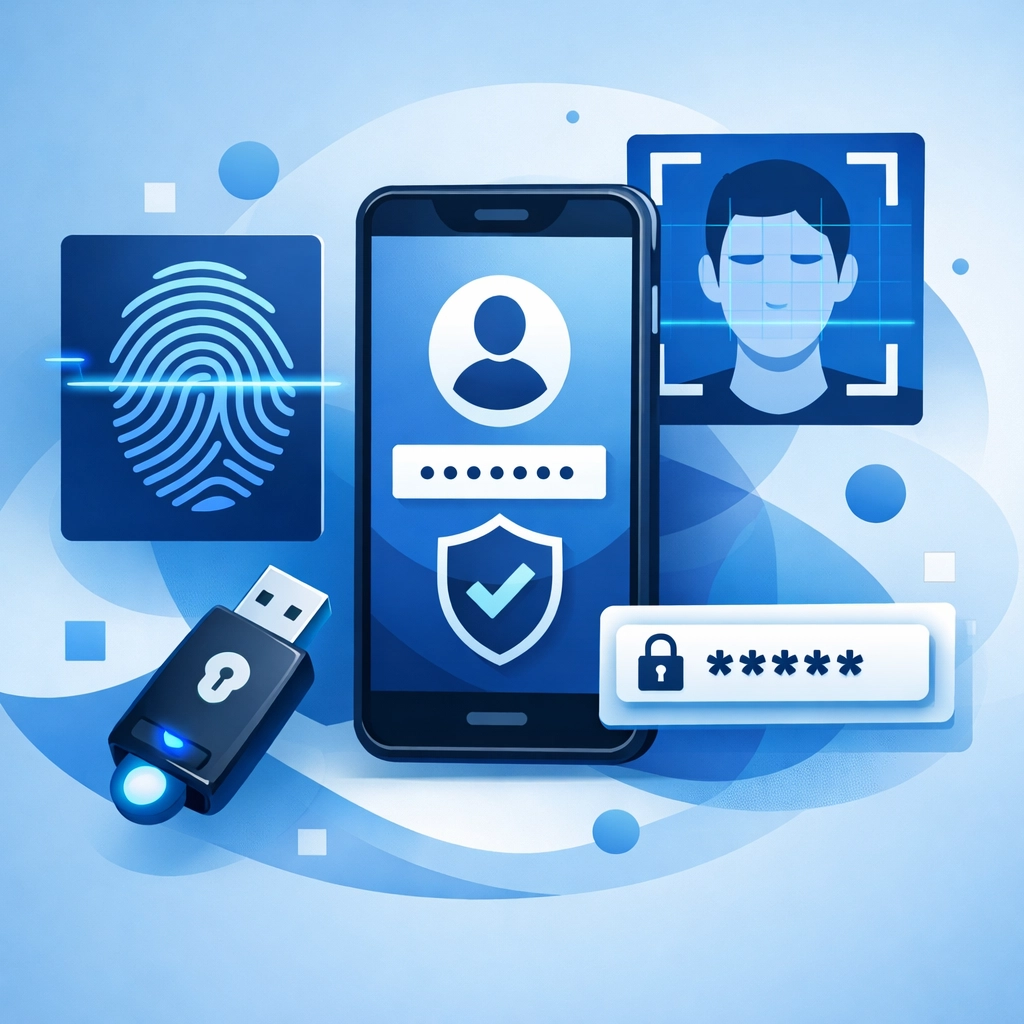
There are several ways to go passwordless. The right choice depends on your hardware and your budget.
Biometrics
This uses fingerprints or facial recognition. Most modern smartphones and laptops have this built in. It is very fast and users already know how to use it. Examples include Windows Hello for Business or Apple Face ID. This is often the easiest path for small teams.
Hardware Tokens
These are physical USB keys that a user plugs into their computer. They are incredibly secure because the secret key never leaves the device. If a hacker does not have the physical key they cannot get in. These are great for high-security roles.
Mobile Push Notifications
Your employee gets a notification on their phone. They tap "Approve" to log in. This is simple and does not require new hardware if everyone has a company phone.
Passkeys
This is a newer technology that stores a digital key on a device. It syncs across platforms and is very resistant to phishing. We recommend looking into passkeys if you want a future-proof solution.
Step 4: Identify and Recruit a Pilot Group
Once you have picked a method do not give it to everyone at once. You need a pilot group. This should be a small team of representative users. Do not just pick the IT experts. Pick people from sales and accounting and operations.
This group will help you find the friction points. They will tell you if the instructions are confusing or if the hardware is hard to use. Use their feedback to create better training materials for the rest of the company. If you need help setting up these initial tests our computer support team can assist with the technical details.
During this phase you should run the passwordless system in parallel with the old system. This ensures that no one gets locked out of their work while you are still testing. Once the pilot group is comfortable you can start the wider rollout.
Step 5: Establish Key Performance Indicators
You need to know if the project is working. Define your success metrics early. We suggest tracking these four areas:
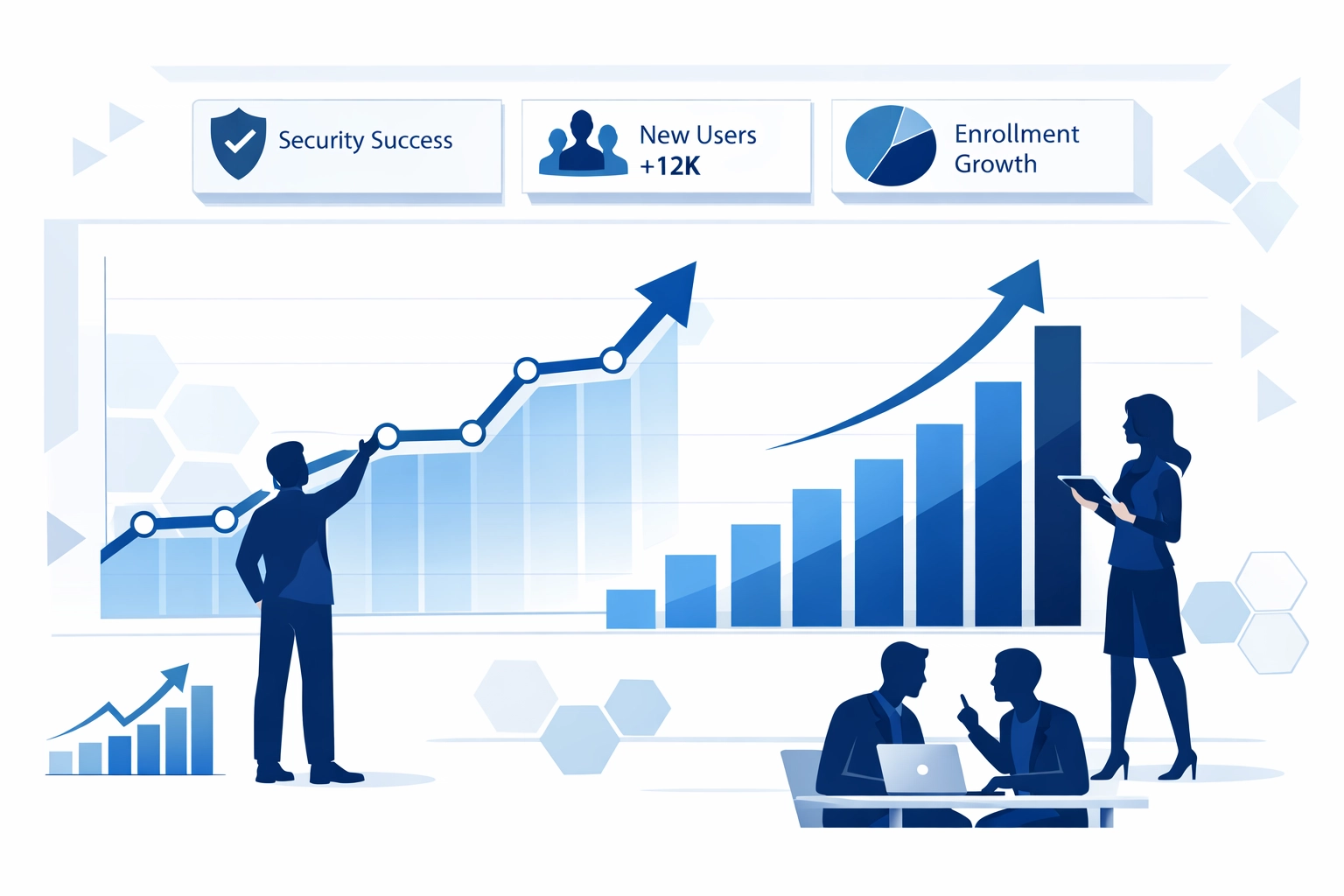
- Enrollment Rates: How many people have successfully set up their new login method?
- Support Tickets: Has the number of password-related helpdesk calls gone down?
- Authentication Success: Are people able to log in on the first try?
- User Satisfaction: Do your employees like the new system better than the old one?
If these numbers are moving in the right direction you know your investment is paying off. High user satisfaction is a great sign that the transition is working.
The Role of Web Standards
Moving to a passwordless environment often requires your website and web applications to be updated. If your current site is old it might not support the necessary security protocols. This is where modern web design becomes a security feature. A modern site can integrate with FIDO2 and other passwordless standards to keep your customer data safe.
If you run an e-commerce platform passwordless login can actually increase your sales. Customers hate remembering passwords. If they can log in with a thumbprint they are more likely to finish their purchase. Security and user experience go hand in hand.
Common Obstacles to Expect
No major tech shift is perfect. You will likely face some pushback. Some employees might be worried about privacy when it comes to biometrics. You should explain that the system does not store their actual fingerprint image. It only stores a mathematical representation of it.
You might also find that some of your hardware is too old. If a laptop does not have a camera for facial recognition or a fingerprint reader you will need to provide a hardware token. Budgeting for these hardware updates is a necessary part of the process.
Training Your Team
The technology is only half of the battle. You must train your people. Simple documentation is best. Use screenshots and short videos to show them exactly what to do. Explain why the change is happening. When people understand that this change protects their personal data and makes their job easier they are more likely to support it.
Make sure your support team is ready for the launch. They should have clear scripts for helping people who lose their hardware tokens or get a new phone. A smooth support experience during the first week is critical for long-term adoption.
Taking the Next Step
Passwordless security is no longer just for giant corporations. Small and medium businesses can implement these tools today. It is the single most effective way to stop credential-based attacks.
If you are ready to start your audit or need help choosing the right technology for your team we can help. You can get started by reaching out to our team for a consultation. We can review your current setup and build a roadmap that fits your business needs.
Do not wait for a data breach to happen before you take action. Start your audit today and move your business toward a safer and more efficient future. You can also check our capabilities statement to see how we handle large-scale technical projects for our clients.

Summary of Actions
- List all your apps and current security tools
- Count how many password resets happen each month
- Pick one department to start with
- Choose between biometrics or hardware keys
- Run a two-week test with your pilot group
- Roll out to the rest of the company once bugs are fixed
This process is straightforward if you take it one step at a time. Stop relying on weak passwords and start using modern security tools found
If you have questions about how this fits into your overall digital presence you can visit our about page to learn more about our approach to technology and marketing. Protecting your business is our priority.