
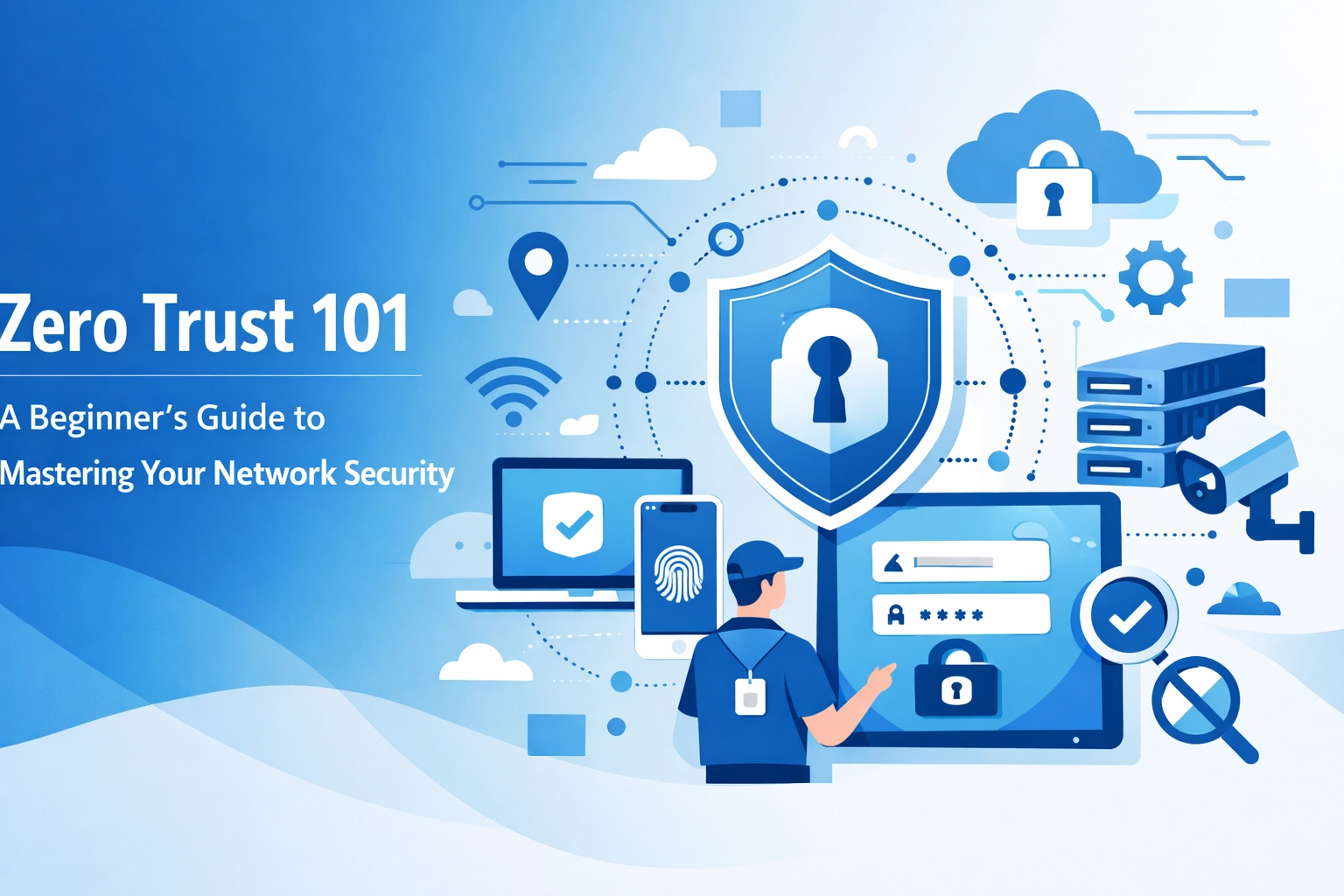

The old way of securing a business network is dead. For years company owners relied on the "Castle and Moat" strategy. You built a strong perimeter with a firewall and assumed everyone inside the walls was safe. Once a user was on the network they had access to almost everything. This approach does not work in 2026. Hackers are smarter and the way we work has changed. Employees use home Wi-Fi and personal phones to access sensitive data. This makes the traditional perimeter useless
Zero Trust is the new standard for network security. It is a framework that operates on one simple rule: never trust, always verify. It does not matter if a login request comes from inside the office or from a coffee shop across the world. The system treats every request as a potential threat. You must prove who you are and that your device is secure before you get access to anything
The Problem with Traditional Security
Traditional security models create a false sense of safety. They focus entirely on keeping people out. The problem starts when an attacker finds a way in. If a hacker steals a password from your marketing assistant they can often move through the entire network. They can reach your payroll data or your client list because the system trusts anyone who has already passed the front gate
This is called lateral movement. Attackers spend weeks or months moving quietly through a network to find the most valuable data. By the time you notice them the damage is already done. You need a system that stops people from moving around once they are inside

Core Principles of Zero Trust
Zero Trust is built on three main ideas. You should apply these to every part of your digital infrastructure. This includes your web hosting and your internal office servers
Continuous Verification
You cannot verify a user just once. In a Zero Trust model the system checks identity and security levels constantly. It looks at the user identity and the device they are using. It also looks at the location and the time of day. If an employee usually logs in at 9 AM and suddenly tries to access files at 3 AM the system should flag it. The goal is to make sure the right person is accessing the right data for the right reasons
Least Privilege Access
This is about giving employees only what they need to do their jobs. Most businesses give users too much access. Your graphic designer does not need to see the company tax returns. Your sales team does not need access to the website source code. When you limit access you limit the "blast radius" of a potential attack. If one account is compromised the hacker only gets access to a small slice of the business
Assume Breach
You should operate as if a hacker is already in your network. This mindset changes how you build your defenses. You stop focusing only on prevention and start focusing on detection and response. You monitor all traffic and log every action. If you assume a breach has happened you will be much faster at catching unusual activity
How Micro-segmentation Works
Micro-segmentation is a key technical part of Zero Trust. Think of it like a submarine. A submarine is divided into many different compartments. If one compartment leaks the crew can seal the door to stop the water from sinking the whole ship. Most business networks are one giant room. If there is a leak everything goes under
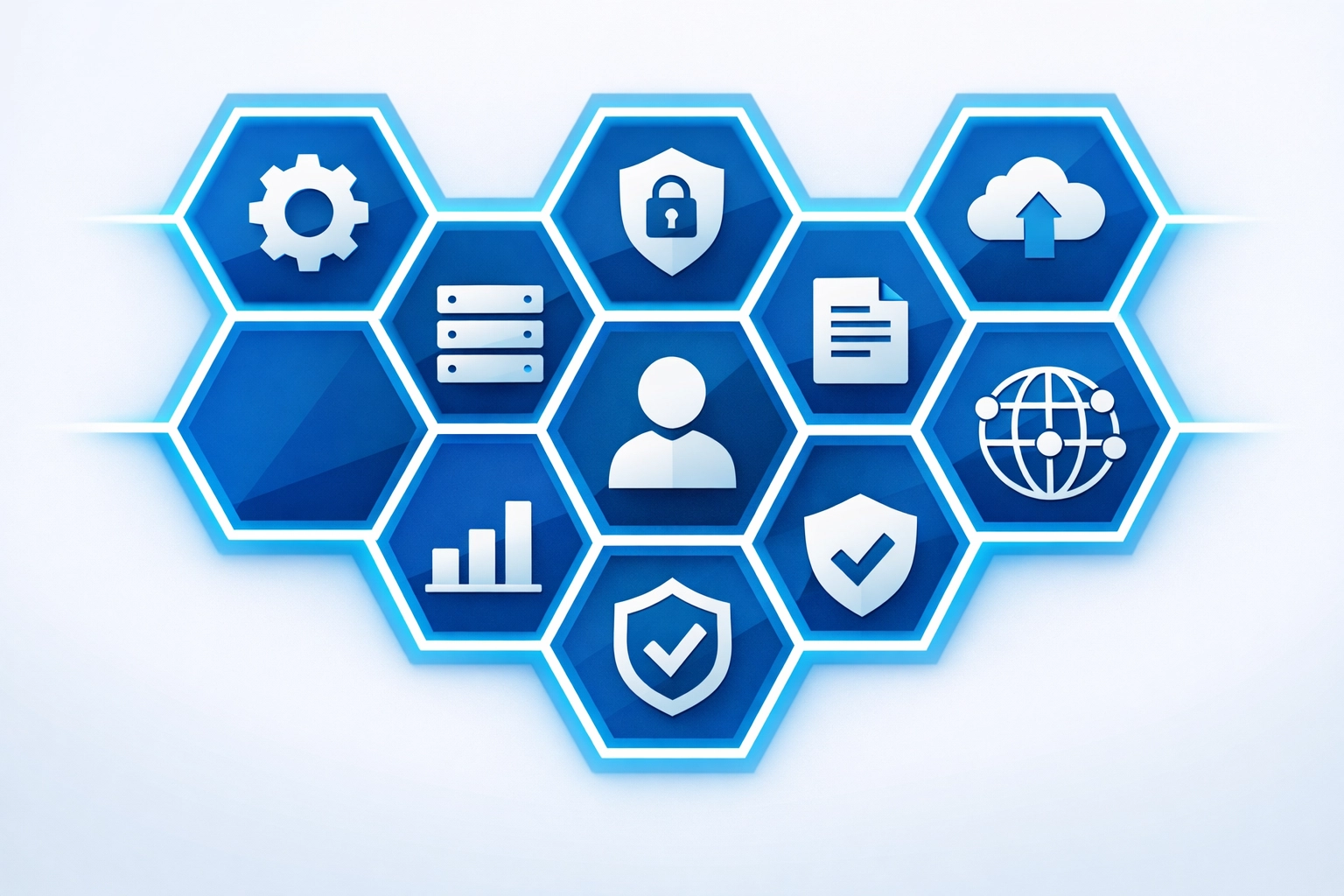
When you use micro-segmentation you break your network into small zones. You create separate areas for your web mobile development team and your accounting team. Each zone has its own security rules. Even if a hacker gets into one zone they cannot jump to another without passing a new security check. This makes it much harder for attackers to find and steal your most important assets
Identity and Device Health
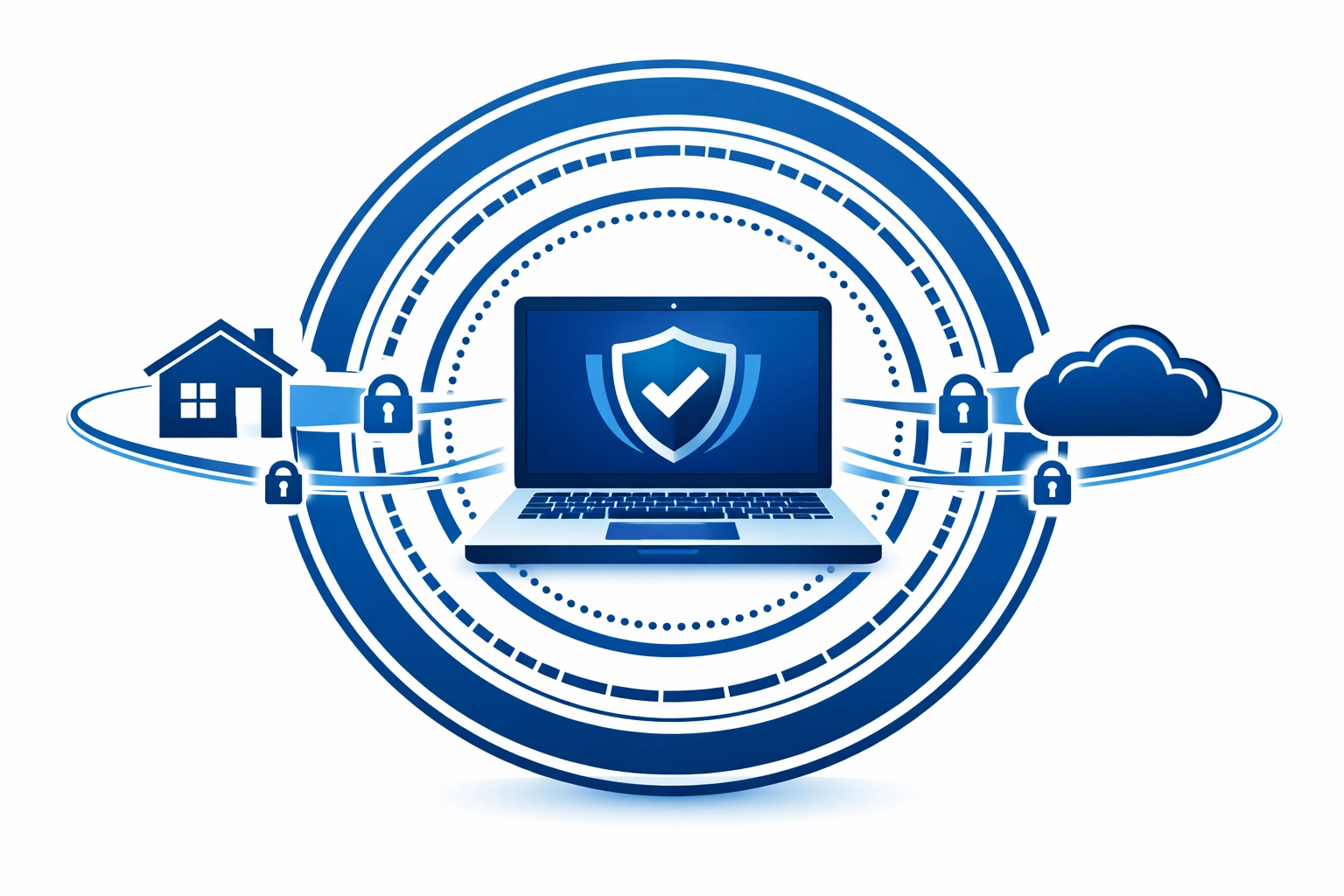
In a Zero Trust world the device is just as important as the person. You might have a valid username and password but if you are using an infected laptop you are a threat. A Zero Trust system checks the health of the device before granting access. It checks if the operating system is up to date and if antivirus software is running
You must also use Multi-Factor Authentication (MFA). This is no longer optional. A password alone is not enough to prove identity. You should require a second form of verification like a code sent to a mobile app. This simple step stops the majority of automated attacks
Why Small Businesses Should Care
Many small business owners think they are too small to be a target. This is wrong. Hackers love small businesses because they often have weak security. You handle valuable data like credit card numbers and personal addresses. A single data breach can lead to massive fines and a ruined reputation
Implementing Zero Trust protects your business from modern threats like AI-powered phishing. It also makes it easier to manage a remote workforce. You can let employees work from anywhere without worrying about the security of their home router. The security follows the user and the data rather than staying at the office
Steps to Implement Zero Trust
You cannot flip a switch and have Zero Trust overnight. It is a journey that takes time and planning. You can start by following these steps
- Identify your most sensitive data. You need to know what you are protecting before you can secure it
- Map how that data moves. Who accesses it and where does it go?
- Set up Multi-Factor Authentication for every single login. This is the fastest way to improve your security
- Start segmenting your network. Group your users and your data into logical zones
- Create strict access policies. Only give people the permissions they need for their specific roles
- Monitor everything. Use tools that log network activity and alert you to strange behavior
If you need help building a plan you can check our strategy page for more information on how we structure digital projects
Moving Forward with WorldWise
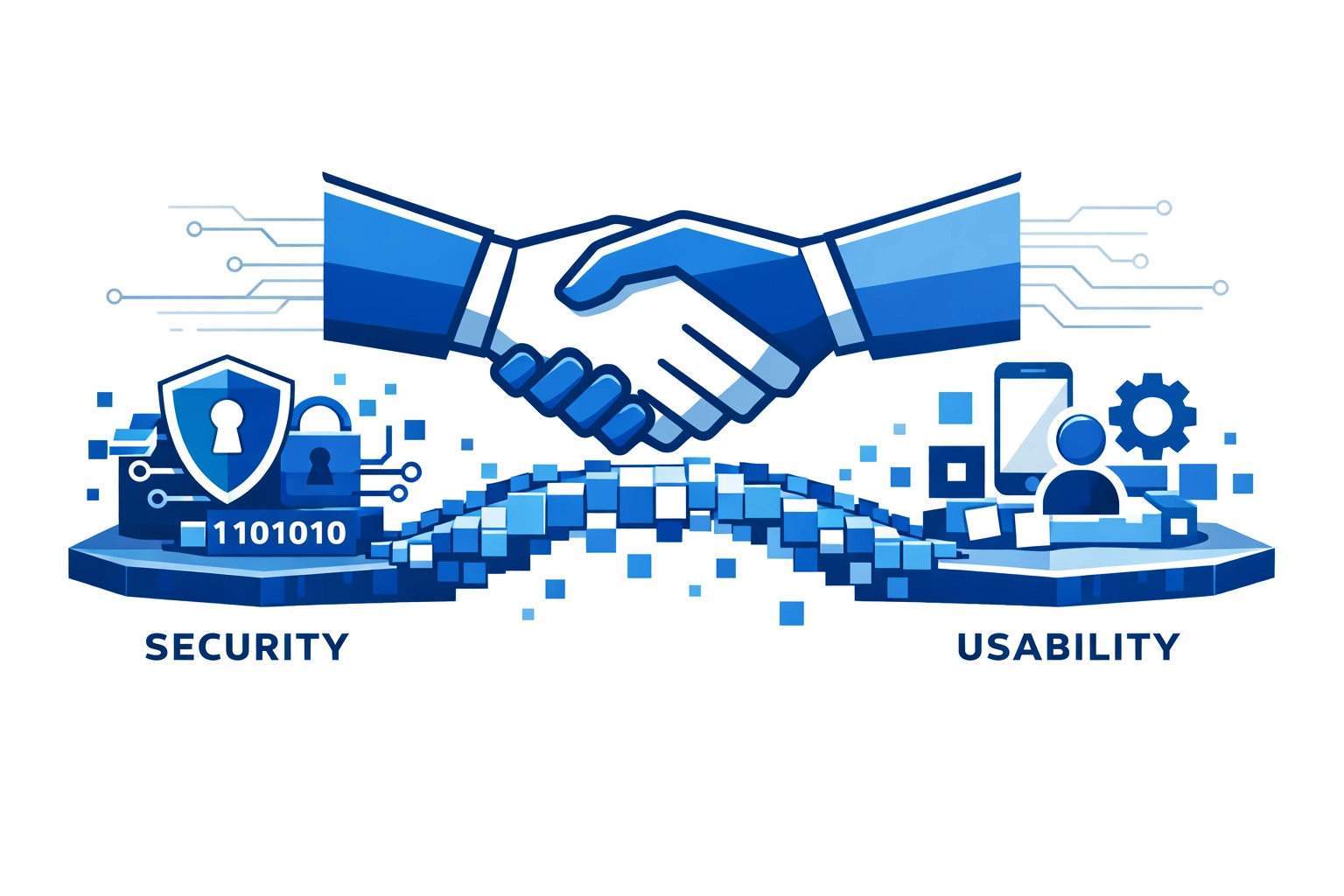
Building a secure network is a complex task. You have to balance security with usability. If you make things too difficult for your employees they will find ways to bypass your security rules. The goal is to make the secure way the easy way
At WorldWise we help businesses navigate these technical challenges. Whether you are looking for computer support or help with web design we prioritize security in everything we do. We understand how to implement Zero Trust principles without slowing down your business operations
You do not have to do this alone. If you want to talk about how to protect your network we are ready to help. You can visit our support page to get in touch with our team. We can look at your current setup and find the gaps in your security
Summary of Action Items
Stop relying on your firewall alone. It is not enough to protect your data in 2026. Start moving toward a Zero Trust model by verifying every user and every device. Implement MFA immediately if you haven't already. Limit access permissions so that your employees only see what they need to see. These steps will make your business a much harder target for hackers
The cost of preventing a breach is much lower than the cost of fixing one. You should invest in your network security now to avoid a disaster later. If you are ready to get started you can fill out our get started form and we will reach out to discuss your needs
Security is an ongoing process. You must stay alert and keep your systems updated. Technology changes fast and the threats change even faster. A Zero Trust approach gives you the flexibility and the protection you need to grow your business safely in the digital age