

You spent time and money building a custom website. It looks beautiful. The branding is on point. Yet, when you look at your analytics, the conversion rate is flat. This is a common frustration for business owners who assume that "custom" automatically equals "effective"
A custom site gives you a unique identity, but it doesn't guarantee a ROI. If your site isn't turning visitors into leads or customers, there is a breakdown in the user experience or the psychological flow of the page. You need to move beyond aesthetics and look at how people actually interact with your site
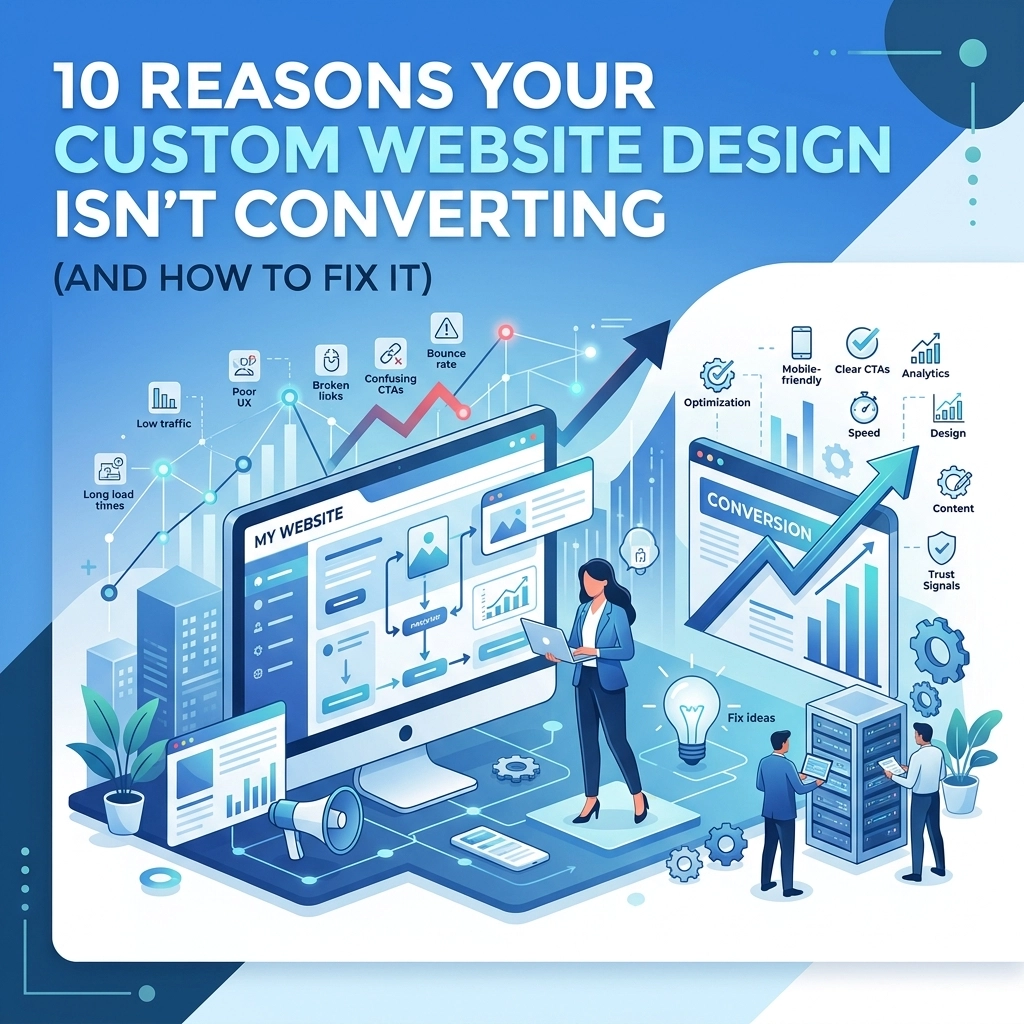
Here are 10 reasons your custom website design isn’t converting and exactly what you can do to fix it
1. Your Navigation is a Maze
The Problem: Many custom designs try to be too clever with navigation. Hidden menus, "hamburger" icons on desktop, or non-standard layouts confuse visitors. If people have to hunt for your services or contact page, they will leave within seconds
The Fix: Stick to standard navigation patterns. Use clear, descriptive labels like "Services" and "Contact Us" instead of vague creative terms. Keep your primary menu visible at the top of the page. If you have a complex site, implement a "sticky" header so the menu follows the user as they scroll
2. The Value Proposition is Invisible
The Problem: A visitor lands on your site and sees a beautiful hero image but has no idea what you actually do. If your headline is a vague "We provide excellence," you are losing money. People need to know what you offer, who it is for, and why they should care: all within five seconds
The Fix: Write a clear, benefit-driven headline for your home page. Focus on the transformation you provide for the client. State clearly how you solve their specific problem. You can learn more about how we handle this on our strategy page

3. Weak or Non-Existent Calls to Action (CTAs)
The Problem: Your "Contact" button is hidden in the footer, or it’s the same color as the background. Sometimes, there are too many CTAs, and the user experiences "choice paralysis." If you don't tell the visitor exactly what to do next, they won't do anything
The Fix: Use high-contrast colors for your CTA buttons. Ensure you have one primary goal per page. Use action-oriented language like "Get My Free Quote" or "Book a Consultation" instead of "Submit." Place your main CTA in the top right of the header and again at the end of every major section
4. It Loads Too Slowly
The Problem: Custom designs often come with heavy high-resolution images, complex animations, and third-party scripts. Every second of delay in page load time drops your conversion rate significantly. Users expect instant results, especially on mobile
The Fix: Optimize your images by using WebP formats. Minify your CSS and JavaScript files. Consider a high-quality web hosting service to ensure your server response times are fast. Aim for a load time of under 2.5 seconds to keep users engaged
5. You Ignored the "Mobile-First" Rule
The Problem: Your site looks great on your 27-inch office monitor but is a disaster on a smartphone. Over 50% of web traffic is mobile. If your buttons are too small to tap or your text requires horizontal scrolling, your mobile conversion rate will be zero
The Fix: Use responsive design that prioritizes the mobile experience. Test every form and button on an actual mobile device, not just a browser emulator. Simplify the mobile layout by removing non-essential visual elements that clutter the small screen

6. Lack of Social Proof and Trust Signals
The Problem: You claim to be the best, but nobody else is saying it. Without reviews, case studies, or trust badges, visitors feel a sense of "buyer's risk." They don't know if you are a legitimate business or a scam
The Fix: Feature client testimonials prominently on your home page and service pages. Include logos of companies you have worked with. If you have certifications or awards, display them in the footer or the hero section. Linking to your portfolio can also show potential clients what you are capable of achieving
7. Form Friction
The Problem: Your "Get Started" form has 15 fields, including a mandatory phone number and home address. Every extra field you add to a form reduces the likelihood of someone completing it. People are protective of their data and short on time
The Fix: Reduce your forms to the absolute essentials. Usually, a name, email, and a short message box are enough to start a conversation. You can always gather more details later during the discovery call. Make sure the form is easy to use on mobile devices
8. Designing for the Business Owner, Not the User
The Problem: The design reflects your personal style and preferences rather than the needs of your target audience. Just because you like a specific color or a certain animation doesn't mean your customers do. Ego-driven design is the enemy of conversion
The Fix: Use data to drive design decisions. Think about the pain points of your customers. What information are they looking for? What questions do they have? Tailor the web design to answer those questions and guide them toward a solution

9. Poor Visual Hierarchy
The Problem: Everything on the page is trying to grab the user's attention at once. There is no clear path for the eye to follow. Large blocks of text and a lack of white space make the site feel overwhelming and difficult to scan
The Fix: Use white space to let your content breathe. Use larger fonts and bold headers to highlight important information. The most important elements: like your value proposition and CTA: should be the most visually prominent. Use images to support the text, not distract from it
10. No Ongoing Optimization
The Problem: You treated your website launch as a "one and done" project. Consumer behavior changes, and design trends evolve. If you haven't looked at your conversion data in six months, you are likely leaving money on the table
The Fix: Implement A/B testing for your headlines and CTA buttons. Use heatmaps to see where users are clicking and where they are getting stuck. Conversion Rate Optimization (CRO) is a continuous process of testing, learning, and refining. Our marketing team focuses on these data-driven improvements to ensure long-term success
Time for an Audit
If your site is struggling, you don't necessarily need a full redesign. Often, fixing two or three of these major issues can lead to a significant jump in leads. Start by looking at your site through the eyes of a first-time visitor. If the path to purchase isn't obvious, it’s time to make a change
If you are ready to turn your website into a high-performing sales tool, we suggest starting with a professional evaluation. You can contact us to discuss how we can optimize your custom design for real results
Fixing your conversion issues isn't just about making the site look better. It is about making the site work harder for your business. Focus on the user, simplify the process, and let the data guide your next move