
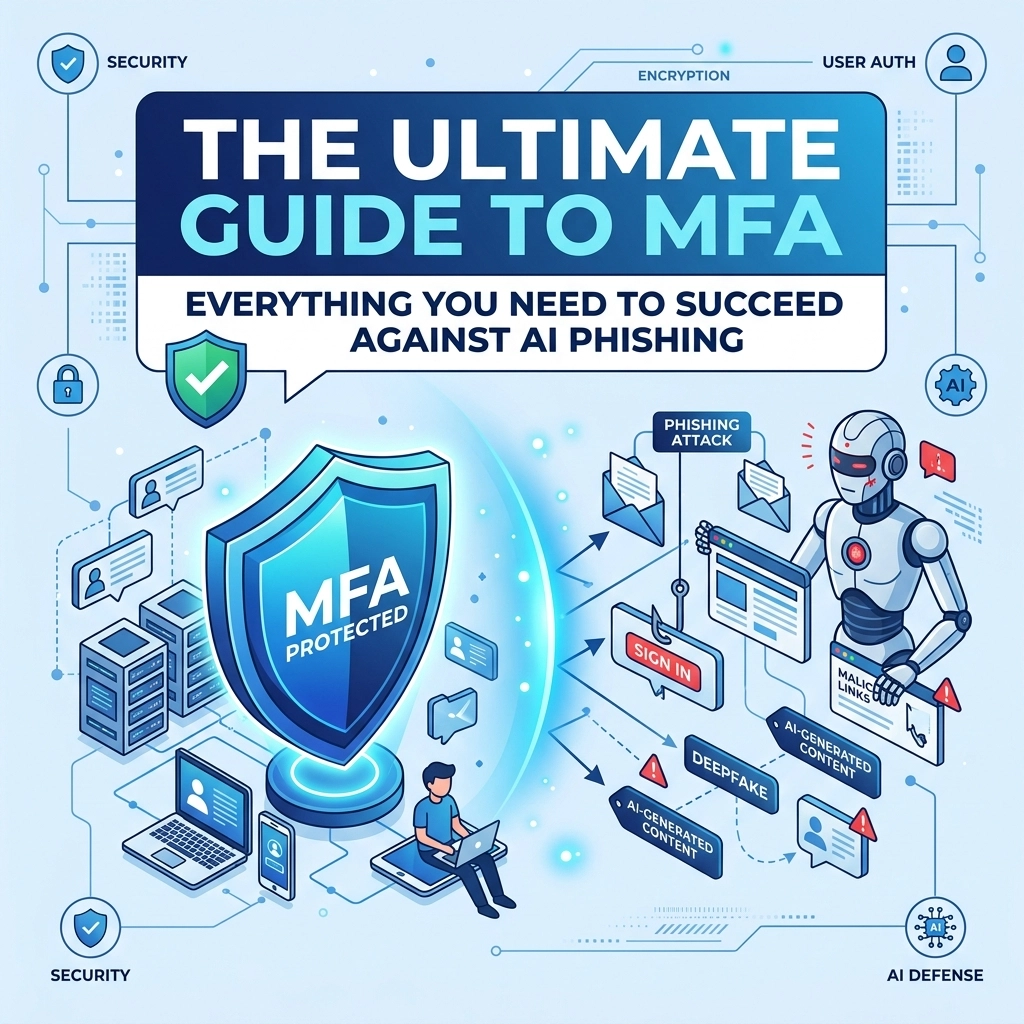

Phishing used to be easy to spot. You looked for broken English, weird formatting, or a suspicious sender address. Those days are gone. With the rise of generative AI, hackers are creating perfect emails that look exactly like they came from your boss or your bank. This shift in the digital landscape makes traditional security measures obsolete. If you are relying on a password alone, you are leaving your business wide open to an expensive breach.
Cybersecurity is no longer a "set it and forget it" task. It requires constant updates to match the sophistication of AI-driven attacks. The most effective tool in your kit right now is Multi-Factor Authentication (MFA). But not all MFA is created equal. Some versions are just as vulnerable to AI as your password is.
The Problem With Modern Phishing
AI has changed the game for hackers. Tools like large language models allow attackers to write convincing, personalized messages at scale. They can scrape your LinkedIn profile or your company website to find out who you talk to and what your projects are. Then they use that info to send a message that feels 100% legitimate.
Even worse is the rise of "Deepfake" technology. Hackers can now clone voices or even video for "vishing" (voice phishing) attacks. They might call your accounting department sounding exactly like you and request an urgent wire transfer. Because the voice sounds right, employees often skip the standard verification steps.

What Is MFA and Why Do You Need It
Multi-Factor Authentication is a security system that requires more than one method of authentication from independent categories of credentials to verify the user's identity. Think of it like a bank vault that requires both a physical key and a code. Even if a thief steals the code, they still can't get in without that physical key.
MFA usually involves three main factors:
- Something you know: A password or a PIN
- Something you have: A smartphone, a security key, or a token
- Something you are: Biometrics like a fingerprint or facial recognition
When you combine these, you create a much higher barrier for entry. Even if an AI-powered phishing email tricks you into giving away your password, the hacker still needs your physical device or your thumbprint to get into your account. For businesses looking to secure their data, we recommend starting with a computer support plan that includes a full security review.
The Weakness in Traditional MFA
Most people are used to SMS-based MFA. You log in, and the site texts you a six-digit code. While this is better than nothing, it is no longer considered secure against advanced AI threats. Hackers use "SIM swapping" or AI-driven interception to grab these codes as they travel through the mobile network.
There is also the threat of "Adversary-in-the-Middle" (AitM) attacks. In this scenario, a hacker sets up a fake login page that looks identical to the real one. When you enter your password and your MFA code into the fake site, the hacker’s AI script immediately passes those credentials to the real site in real-time. They get in, and you’re left wondering why the page didn't load.

Moving Toward Phishing-Resistant MFA
To truly succeed against AI phishing, you need phishing-resistant MFA. This technology uses the FIDO2/WebAuthn standard. Instead of a code you type in, it uses a digital handshake between your device and the server.
The most common examples include:
- Hardware Security Keys: Small USB or NFC devices like Yubikeys. You have to physically touch the device to authorize a login
- Platform Authenticators: Using the secure chip in your laptop or phone (like TouchID or Windows Hello) to verify you are physically present
The beauty of these methods is that they are tied to the specific website URL. If an AI tricks you into visiting a fake login site, your security key will recognize that the URL is wrong and refuse to provide the authentication credential. This stops the attack dead in its tracks regardless of how convincing the phishing email was.
Why a Security Audit Is Your First Move
You cannot protect what you haven't mapped out. Most business owners don't realize how many "back doors" are open in their current setup. Maybe an ex-employee still has access to a cloud drive, or perhaps your team is using the same password for five different apps.
At WorldWise, we specialize in identifying these gaps before hackers do. A professional security audit gives you a clear roadmap of your vulnerabilities. We look at your current MFA status, your employee training levels, and your technical infrastructure to ensure everything is locked down.

Implementing a Cybersecurity Culture
Technology is only half the battle. The other half is your people. AI phishing works because it preys on human emotion: urgency, fear, or the desire to be helpful. You need to train your team to recognize the signs of an AI attack.
We suggest a few simple rules for your staff:
- Slow down: AI phishing relies on making you feel rushed. If an email seems urgent, take a breath and verify it through a different channel
- Verify out-of-band: If the boss asks for a wire transfer via email, call them or send a Slack message to confirm it was really them
- Report everything: Create a "no-blame" culture where employees feel comfortable reporting if they clicked a suspicious link
If you need help building these protocols, you can check out our marketing and strategy services where we help businesses align their internal processes with their growth goals.
The Role of AI in Defense
While AI is making phishing more dangerous, it is also making defense more effective. Modern cybersecurity tools use AI to monitor network behavior. If a user normally logs in from New York at 9 am and suddenly tries to log in from a different country at 3 am, the AI can automatically block the attempt and trigger a high-level MFA requirement.
This is called "Adaptive MFA" or "Risk-Based Authentication." It keeps your business secure without annoying your employees with constant prompts. The system only asks for extra verification when things look suspicious.

Steps to Take Right Now
If you want to protect your business from the next wave of AI threats, follow these steps:
- Audit your accounts: Identify which systems hold your most sensitive data
- Enable MFA everywhere: Don't just do it for email. Secure your CRM, your banking, and your website backend
- Ditch SMS codes: Move your team toward authenticator apps or, ideally, hardware keys
- Schedule a professional review: Get an expert eye on your systems to catch what you might have missed
Protecting your digital assets is a core part of your overall business strategy. In 2026, a single breach can cost hundreds of thousands of dollars in recovery fees and lost trust.
Success Against AI Phishing
The threat landscape is changing fast but you don't have to face it alone. By implementing phishing-resistant MFA and staying proactive with your security audits, you can stay one step ahead of the hackers. AI might be getting smarter, but with the right tools and the right partner, your business can remain unshakeable.
If you are ready to lock down your business and ensure your team is protected against the latest threats, we are here to help. Our team has the expertise to guide you through the transition to modern cybersecurity standards. Reach out to us through our contact page to get started on your security audit today