
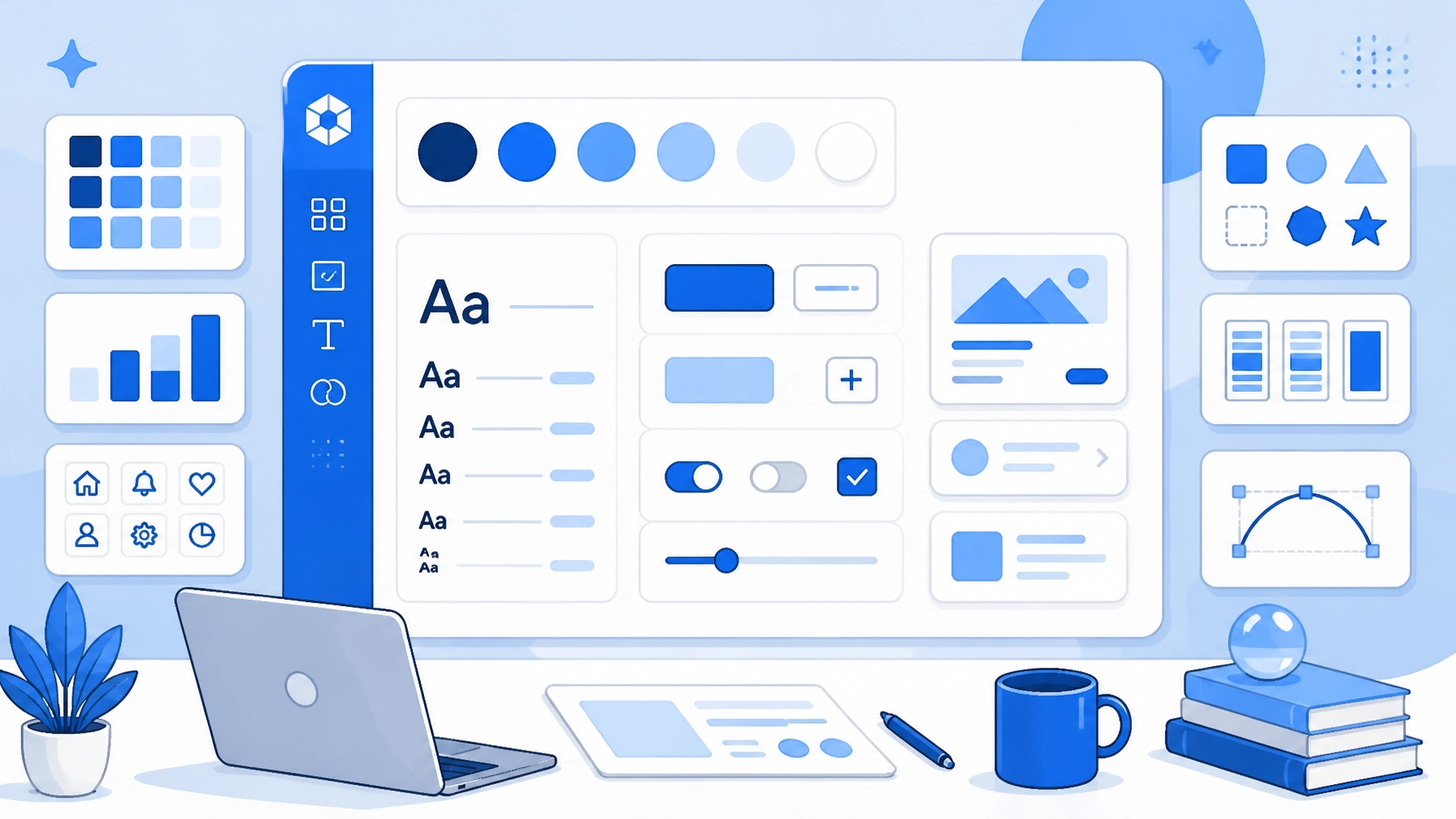

Maintaining a consistent look across a growing website is hard
You might start with one style on the homepage and end up with different buttons on the contact page
This creates a messy experience for your visitors
It also makes your brand look less professional
We suggest using a design system to solve this problem immediately
A design system is a collection of reusable components and standards
It acts as the single source of truth for your digital presence
You define your rules once and then reuse them everywhere
This guide helps you understand how to build and use one for your custom website design
What exactly is a design system
People often confuse design systems with simple style guides
A style guide usually just covers colors and fonts
A design system goes much deeper
It includes the actual code and functional pieces used to build the site
Think of it as a kit of parts like a box of building blocks
Every block fits perfectly with the others because they follow the same rules
You can see examples of cohesive work in our portfolio
When everything is documented you don't have to guess which blue to use
You simply look at the system and follow the instructions
This saves time for designers and developers alike
Why beginners need a design system
You might think design systems are only for huge tech companies
That is a common mistake
Even small websites benefit from structure early on
Consistency is the main reason to start now
When every page feels the same your users feel more comfortable
They know where to look for buttons and how to navigate
This builds trust in your brand found through your online presence
Another benefit is speed
Once the system is set up you can build new pages in half the time
You stop reinventing the wheel for every new section
You also make fewer mistakes because the components are already tested
This efficiency is a core part of our web design strategy

Defining your foundations
Every good system starts with the basics
These are called foundations or design tokens
They are the smallest atoms of your design
Start with your color palette
Choose one primary color and one secondary color
Add a few neutral shades for backgrounds and text
Then move to typography
Select two fonts that work well together
Define your heading sizes from H1 down to H6
Specify the line height and spacing for your body text
Having these rules prevents the "font soup" problem where every page looks different
Our team at WorldWise focuses on these details during our custom website design process
We ensure your foundations align with your specific brand goals
Building your component library
Components are the functional pieces of your interface
They are built using your foundations
Common components include buttons, input fields, and navigation bars
When you create a button you decide its shape and hover state once
Then you use that same button everywhere
If you need to change the button color later you change it in the system
The update then happens across the entire website automatically
This is much better than hunting through every page to find and fix mistakes
Your library should also include form elements like text boxes and checkboxes
Make sure these look consistent to improve your conversion rates
Consistent forms make it easier for customers to get started
You can check out our get started page to see a clean implementation

Documentation and standards
A design system is only useful if people follow it
This is where documentation comes in
You need to write down the rules for each component
Tell your team when to use a primary button versus a secondary button
Explain how much spacing should exist between sections
This prevents the design from drifting over time
Good documentation also covers your voice and tone
It ensures your digital marketing matches your website visuals
When everyone uses the same language the project moves forward faster
It also makes onboarding new team members much simpler
They can read the guide and start contributing immediately without a steep learning curve
Scaling your design system
Your system will grow as your business grows
You don't need to build everything on day one
Start with the most common elements like headers and footers
Add new components only when you find a recurring need
Monitor how the system performs in the real world
If a certain button style isn't getting clicks you should update it
Design systems are living documents
They require regular maintenance to stay relevant
We help businesses manage this growth through our comprehensive digital agency services
Our goal is to keep your site looking fresh while maintaining its core identity

How WorldWise handles your design
Building a design system from scratch is a big task
We have been helping businesses succeed online since 1994
We understand how to create systems that last for years
Our personalized approach means we align every component with your brand
We work closely with you to ensure the final product delivers results
One of our clients saw a 22% increase in new customers through our SEO and design services
We provide the 24/7 support you need to keep your system running smoothly
If you are ready to professionalize your web presence we can help
Contact us today to discuss your next project